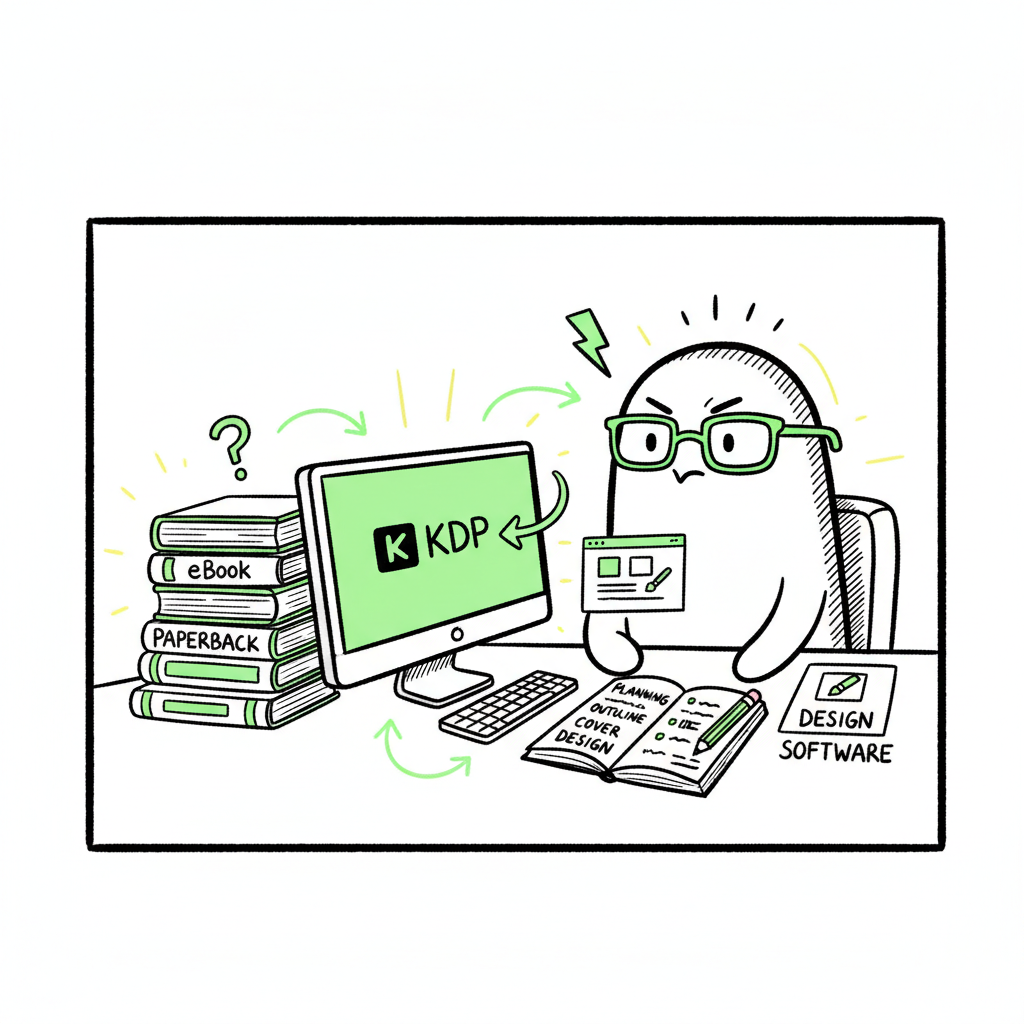
Beginner KDP Author Practical Guide to Your First Book
Beginner KDP Author: A Practical Guide to Your First eBook and Paperback
Estimated reading time: 14 minutes
Key takeaways
- Publishing your first title on KDP is a sequence of concrete steps: account setup, book details, manuscript + cover upload, preview, and pricing.
- Formatting and assets matter: a clean EPUB or print-ready PDF, a correct cover, and matched metadata reduce rejections and increase discoverability.
- Once you publish multiple books, automation and multi-platform distribution make wide reach practical—BookUploadPro scales that work with CSV batch uploads, platform-specific checks, and big time savings.
Table of Contents
- Quick start for the beginner kdp author
- Formatting, assets, and complying with KDP rules
- Scaling beyond KDP: multi-platform distribution and automation
- FAQ
- Sources
Quick start for the beginner kdp author
If you’re a beginner kdp author, your first week of publishing is mostly about learning the sequence and avoiding small, common mistakes that slow you down. The KDP workflow is predictable: set up your account, create a new title, enter the book metadata, upload your manuscript and cover, preview, set rights and pricing, and publish. For many authors the uncertainty isn’t whether it works—it’s how to avoid re-uploads, lost time, and painful formatting fixes.
Start with the account and dashboard. Use an existing Amazon login or create a new one, then go to the KDP dashboard and click “Create” to choose eBook, paperback, or hardcover. Record the account details you’ll need later: tax information, payout preferences, and the email tied to your Amazon account. These are routine but necessary; missed payment fields or mismatched tax info can delay royalty payments.
Cover the metadata thoroughly. Title, subtitle, author name, book description, and keywords are not just fields to fill—some are hard to change after publish, and they affect discoverability. Spend a focused hour writing a clear description and choosing keywords that reflect your book’s primary topics. If you want a short, structured walkthrough of KDP’s interface and field requirements, see Amazon KDP for Authors — it’s useful after you’ve read this practical guide and are ready to act.
Upload in the right order. For an eBook: upload a clean EPUB or properly formatted manuscript, upload a cover (either a finished image or use KDP’s Cover Creator), and use the preview tool to scan on-device layouts. For print: confirm trim size, margins, bleed, and upload a print-ready PDF for interior and a separate cover PDF that matches your chosen size and spine width. Preview both interior pages and the cover wrap. Use the previewer until no issues appear; the fewer changes you make after publish, the fewer surprises.
Price with purpose. Royalty and distribution choices come last. Decide whether you’ll enroll in KDP Select (exclusive for eBooks) and choose royalty options (35% vs 70% for eBooks under certain pricing rules). For print, set list price and choose distribution channels. Remember: price can be adjusted after publishing, but certain metadata edits are limited. That’s why clean uploads and correct title/author spelling matter.
Practical checklist for your first book
- Create or confirm your Amazon/KDP account and payment details.
- Prepare manuscript file and a cover image.
- Draft the book description and pick keywords.
- Choose book formats (eBook, paperback, or both).
- Upload, preview, and publish.
Formatting, assets, and complying with KDP rules
Formatting is where most new authors lose time. KDP has clear requirements—page size, margins, fonts, embedded images, and file formats—and failing to meet them causes rejections or poor reading experiences. Focus on three assets: the manuscript, the cover, and the metadata.
Manuscript: pick the right file and check structure
- For eBooks, upload a valid EPUB. If you’re working from Word, export carefully; manually check chapter breaks, image placement, and a functional table of contents. EPUBs handle reflow, so avoid hard returns and fixed layouts unless you have a picture book.
- For print, create a print-ready PDF that matches your trim size and includes correct margins and bleed. Page numbers, headers, and footers should be consistent. Reserve the first pages for copyright and front matter, and ensure image resolutions are 300 dpi.
If you need a reliable EPUB conversion that avoids common reflow and table-of-contents issues, consider dedicated conversion services like the EPUB converter — it streamlines the conversion from Word or HTML to a validated EPUB.
Cover: keep it simple and compliant
- For eBooks a full-bleed JPEG or TIFF at recommended pixel dimensions is standard. For print you need a wrap cover PDF sized to trim and spine width (which depends on page count and paper type).
- Use clear typography and an image that reads at thumbnail size. Avoid cluttered text or tiny fonts.
If you don’t have a finished cover, there are automated tools that help generate compliant covers quickly; a cover generator can create a KDP-ready image and save hours compared with starting from scratch.
Metadata: match and prioritize
- Your title and author name should match exactly across the manuscript, cover, and KDP fields. Mismatches can break edition linking and confuse readers.
- The book description should be concise, include key search terms naturally, and lead with what the reader will get. Use the keyword fields to target variations and avoid stuffing.
Paperback and hardcover specifics
- Paperbacks require attention to ISBNs (KDP can provide a free ISBN or you can use your own). Low-content books and certain categories have specific rules—check KDP help when in doubt.
- For hardcovers confirm the cover thickness and bleed requirements with the chosen printer. Test proofs are worth the cost for your first print run.
Preview and proof
- Use KDP’s online previewer for both eBook and print, but order a physical proof if you choose print. Screens catch reflow issues; a physical copy reveals trimming problems, image quality, and paper feel.
- Fix issues before wide distribution: every re-upload resets processing time and delays sales.
Design and build at scale
- If you plan to publish multiple titles or repeat series formatting, create templates for interior files and covers. Consistent setup avoids repeated errors and speeds up the publish process.
- Automated tools that batch-apply templates can cut editing time dramatically when you publish at scale.
Scaling beyond KDP: multi-platform distribution and automation
Selling one book on KDP is a technical process. Selling dozens across KDP, Apple Books, Kobo, Ingram, and Draft2Digital is a workflow problem. That’s where multi-platform publishing and automation matter.
Why multi-platform distribution
- Different stores reach different readers. Apple Books is strong with iOS users, Kobo has international reach, and Ingram enables wide print distribution beyond Amazon. Relying on a single platform limits discovery.
- Platform quirks matter: file types, metadata fields, and cover sizing rules differ. Doing the same manual upload five times multiplies the chance of error and wastes time.
Where automation helps
- Batch uploads via CSV cut repetitive entry. A single CSV that maps title, author, ISBN, pricing, territories, and file paths lets you create dozens of listings in a single operation.
- Platform-specific intelligence prevents common rejections: file checks, preview validations, and automated conversion notes reduce back-and-forth.
- Error logs and per-platform status tracking keep you from juggling multiple dashboards.
BookUploadPro was built for this stage of publishing. It automates repetitive uploads across Amazon KDP, Kobo, Apple Books, Draft2Digital, and Ingram with CSV batch uploads, platform-specific validations, and big time savings—authors report about ~90% time reduction compared with manual uploads. The system flags issues before upload, applies templates consistently, and reduces costly re-uploads and metadata mismatches. Once you publish seriously, it’s an obvious upgrade: automate the upload. Own the distribution.
Practical steps to scale
- Standardize titles, series names, and author metadata in a single master spreadsheet.
- Convert master files to validated EPUBs and print PDFs once, then reference them in your batch upload.
- Use a tool or service that checks each platform’s file rules and returns clear error messages.
- Schedule releases and price changes centrally so you don’t miss promotional windows.
Rights, territories, and pricing at scale
- Keep a matrix for rights and territories per title. Some distributors let you toggle worldwide rights easily; others require per-territory settings.
- For pricing, start with a target royalty and back-calculate list price per platform. Different royalty schemes require different price points for the same net income.
How to measure success
- Track units and revenue by platform. If a book performs well on Kobo but not Amazon, consider localized marketing and different price testing.
- Measure time per upload. If your process takes more than 30 minutes per title across platforms, you will benefit quickly from automation.
Practical automation realities
- Automation is not a black box. Validate first uploads manually, then scale.
- Maintain a small group of cleansed master files (manuscripts, covers, metadata) and update them centrally.
- Expect learning: the first automated batch will surface edge cases (special characters, long subtitles, or image color profiles). Capture those as rules in your template.
FAQ
Q: How long does it take for a KDP book to appear on Amazon?
A: Once you publish, eBook status often updates within 24–72 hours; print copies can take several days. Delays happen when files need reprocessing or if there are metadata conflicts.
Q: Should I use a free KDP ISBN or buy my own?
A: Using KDP’s free ISBN ties that specific paperback edition to KDP as the designated publisher. Buying your own lets you list your own imprint and move between printers more easily. For many beginners, the free ISBN is fine; for long-term control, purchase your own.
Q: What file format should I submit for an eBook?
A: A validated EPUB is the best practice for reflowable eBooks. If you only have a Word file, convert to EPUB and confirm the TOC and image placement before upload. Use the EPUB converter if you want a reliable conversion process.
Q: Can I change book details after publishing?
A: You can update many fields, but some—like certain identifiers and editions—are restricted. Metadata changes will reprocess and can take time to appear on store pages.
Q: How do I avoid common first-time mistakes?
A: Preview carefully, match metadata across all files, check image resolutions for print, and ensure your price and royalty choices are correct. Use templates and proofs to minimize reuploads.
Final thoughts
Becoming a productive self-publisher is about two things: learning the platform rules and designing a repeatable process. For the beginner kdp author, the first book is mostly education. The fifth and tenth books are where process and automation pay off. Invest time in clean files and templates. When you’re ready to scale, move beyond single-dashboard uploads: use batch CSVs, platform-aware validations, and a centralized distribution workflow.
Remember the practical wins:
- Clean source files prevent most rejections.
- Exact metadata avoids edition or linking issues.
- Proof copies catch print surprises early.
- Automation converts repetitive work into predictable steps, freeing you to write more.
If you want to speed up the cover design and file prep steps, a reliable book cover generator helps produce KDP-ready images quickly, and the EPUB converter can save hours in formatting. For authors creating print and ebooks regularly, book creation tools streamline the repetitive parts of the build.
Visit BookUploadPro and try the free trial to see how multi-platform publishing automation fits into your process. Try the free trial.
Sources
Sources
- https://www.publishing.com/blog/amazon-kdp-for-beginners
- https://kdp.amazon.com/help/topic/G202172740
- https://damyantiwrites.com/kindle-direct-publishing/
- https://kdp.amazon.com/help/topic/GHKDSCW2KQ3K4UU4
- https://kdp.amazon.com/en_US/help/topic/G202187740
- https://kdp.amazon.com/help/topic/G200645680
Beginner KDP Author: A Practical Guide to Your First eBook and Paperback Estimated reading time: 14 minutes Key takeaways Publishing your first title on KDP is a sequence of concrete steps: account setup, book details, manuscript + cover upload, preview, and pricing. Formatting and assets matter: a clean EPUB or print-ready PDF, a correct cover,…