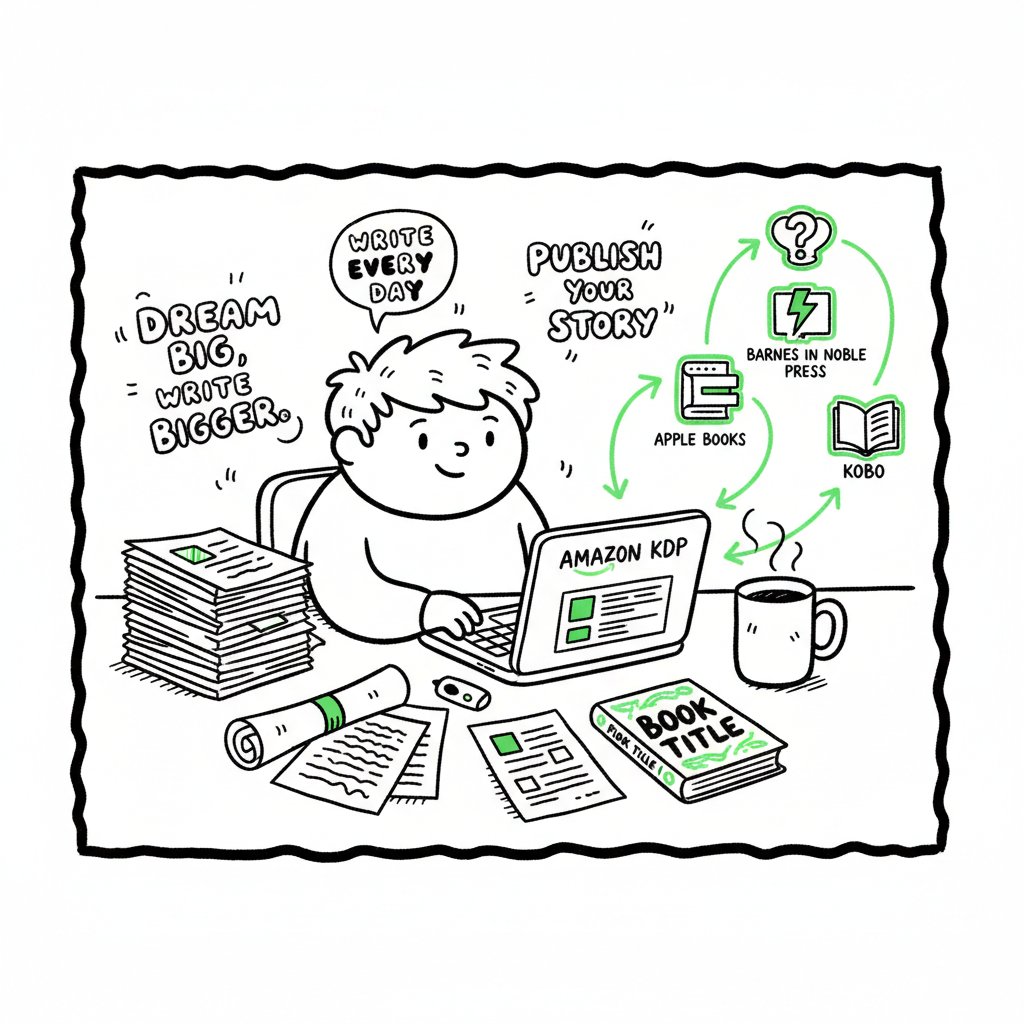
Beginner KDP Author Guide to First Book and Distribution
Beginner KDP Author: A Practical Guide to Your First Book and Multi-Platform Publishing
Estimated reading time: 18 minutes
Key takeaways
- Publishing on Amazon KDP is straightforward, but small metadata or formatting mistakes slow you down.
- Prepare your files (manuscript, cover, EPUB) to platform specs once; reuse them across stores with automation.
- When you move beyond one title, multi-platform tools like BookUploadPro save time, reduce errors, and make wide distribution practical.
Table of Contents
- What KDP is and where to start
- Your first KDP book: steps that matter
- Files, covers, and converting to EPUB
- Distribution and scaling: why broader distribution matters
- Frequently asked questions
- Sources
- Final thoughts
What KDP is and where to start
If you’re reading this as a beginner kdp author, you probably have a finished manuscript and a goal: get it in front of readers. Kindle Direct Publishing (KDP) is Amazon’s self-publishing platform for eBooks, paperbacks, and hardcovers. It’s free to use, and you can publish quickly—often within a day—if your files and metadata are clean.
Start by creating an account at kdp.amazon.com and exploring the dashboard. The basic flow is predictable: create a new book, enter book details (title, author, language), upload your manuscript and cover, preview the file, and choose pricing and distribution. If you want a step-by-step walkthrough focused on Amazon’s system, see Amazon KDP for Authors — it walks through the dashboard and the fields you’ll face during your first upload.
For a broader overview, see Amazon KDP for Authors.
Two practical points to note from the start:
- Some book details (like the exact title) can be hard to change after publishing. Enter metadata carefully.
- KDP links editions automatically when title and author match. This makes later edits and series handling simpler.
Your first KDP book: steps that matter
This section walks through the parts of the upload that most commonly trip up new authors. Focus on these, and your first title will go live with fewer revisions.
-
Account and tax setup
Before publishing you’ll need a KDP account with tax and payment information. Complete these early; Amazon won’t pay royalties until the tax profile is approved. -
Book details (metadata)
Metadata is discoverability. Fill these fields carefully:- Title and subtitle: Use the final, exact text. Small mismatches between title on the interior and on KDP cause delays.
- Author/publisher: Decide how you want author names to display. Consistency matters across platforms.
- Series and edition: If applicable, add series information now; it helps with discoverability and Amazon’s linking.
- Keywords and categories: Think like a reader. Choose keywords and up to two categories that match search intent and genre.
-
Manuscript upload
Upload a clean manuscript file. For eBooks, KDP accepts DOCX and EPUB; for print, PDF is common. Check these items:- Page size and margins match the chosen trim size for print.
- Fonts and images embed correctly in PDFs.
- No orphan headings or inconsistent numbering.
Use the previewer on KDP to catch layout problems before publishing.
-
Cover upload
KDP offers a Cover Creator, but many authors upload a prepared cover file. Your cover must match the file spec for the chosen format. If you’re still designing covers, consider automated tools that speed production and meet spec precisely; they remove a lot of guesswork. -
Pricing and territories
Choose royalty options and territories. Remember: pricing affects royalties (35% vs 70% tiers) and perceived value. You can change price later, but start with a plan. -
Publish and monitor
After you click publish, Amazon typically processes eBooks quickly, sometimes within hours; print copies and expanded distribution may take longer. Monitor the title for formatting or metadata issues and fix them from the Bookshelf.
Files, covers, and converting to EPUB
Good file hygiene saves time. Once you standardize how you prepare a manuscript and cover, uploads become routine.
Manuscript formats and tips
For print: export a print-ready PDF at the chosen trim size with embedded fonts, correct margins, and fixed images. Check bleed settings for images that run to the page edge.
For eBook: create a reflowable EPUB file or upload a clean DOCX and let KDP convert it. EPUB is the long-term standard for eReaders and stores beyond Amazon.
If you need a reliable conversion path, use a tested EPUB converter rather than relying on manual fixes each time. A professional-grade EPUB converter helps you catch structural issues, set the table of contents, and embed cover images correctly. If you don’t have that in your toolchain yet, consider an EPUB converter to reduce back-and-forth in the previewer.
Covers: design and spec
A cover is both marketing and technical deliverable. For eBooks it’s a single image; for print you’ll often upload a full-wrap (front, spine, back) PDF. Common problems:
- Incorrect spine width (depends on page count and paper type).
- Low-resolution or non-embedded images.
- Text too close to the trim line.
If you want a quicker path for covers that meet platform specs, use a book cover generator processing that processes layouts to industry standards. These generators keep you from rebuilding a cover each time you change trim or page count.
Low-content books (journals or workbooks)
These often use flexible ISBN and cover options, but they still require proper interior and spine settings. Low-content titles can be fast to scale, yet mistakes compound if you don’t template your process.
Distribution file sets
Once you have a clean EPUB and a print-ready PDF, you’ll reuse them across stores. For non-Amazon retailers, EPUB is the preferred ebook format. Keep a folder with:
- Final EPUB
- Print-ready PDF (for each trim size if needed)
- High-res flat cover (for some stores)
This single-source approach saves time and errors when publishing on multiple platforms.
Distribution and scaling: why broader distribution matters
Publishing one title by hand is fine. Publishing ten, fifty, or a hundred is not. A scalable publishing approach reduces repetitive work, cuts errors, and makes wide distribution realistic.
Different readers buy on different stores: Amazon, Apple Books, Kobo, and others. Distribution through services like Draft2Digital or Ingram opens retail and library channels. If you want your book available wherever readers look, plan distribution beyond KDP.
The cost of manual uploads means repeating metadata entry, reformatting covers and files to different specs, and managing multiple dashboards. Small mistakes—like inconsistent ISBNs or mismatched titles—cause rejections and wasted time.
For growing authors, Multi Platform Publishing becomes an obvious upgrade. It automates repetitive uploads across Amazon KDP, Kobo, Apple Books, Draft2Digital, and Ingram. Key benefits for growing authors:
- Unified multi-platform publishing from a single interface.
- CSV batch uploads for series and multiple titles.
- Platform-specific intelligence that adapts files and metadata to each store’s rules.
- Error reduction and audit trails that let you fix issues before submission.
- ~90% time savings on repetitive tasks.
For authors publishing seriously, BookUploadPro is the practical tool that turns a one-off task into a manageable pipeline.
Practical scaling process
- Prepare a master folder for each title with manuscript, EPUB, print-ready PDF, and cover assets.
- Use a consistent metadata CSV for bulk entry of titles, authors, descriptions, categories, and pricing.
- Push the CSV and files into an automation tool that maps and validates fields for each store.
- Review flagged issues, fix them in the master files, and retry if needed.
This process reduces manual dashboard clicks and keeps your metadata consistent across retailers. If you’re experimenting with formats or cover variants, the approach saves weeks of repetitive work.
Practical scaling process
- Prepare a master folder for each title with manuscript, EPUB, print-ready PDF, and cover assets.
- Use a consistent metadata CSV for bulk entry of titles, authors, descriptions, categories, and pricing.
- Push the CSV and files into a tool that maps and validates fields for each store.
- Review flagged issues, fix them in the master files, and retry if needed.
Common pitfalls when scaling
- Inconsistent metadata across stores (different author name formats or subtitle variations).
- Multiple ISBNs for the same edition without clear tracking.
- Using different files for the same title in different stores, which complicates updates.
Automation encourages a single source of truth and minimizes these problems.
Frequently asked questions
Q: Can I publish an eBook and paperback at the same time?
A: Yes. KDP supports eBook and print versions. Prepare a print-ready PDF and an EPUB (or DOCX), upload both, and KDP will link the editions if metadata matches.
Q: Do I need an ISBN?
A: For eBooks, most stores don’t require an ISBN (Amazon uses ASINs). For print, an ISBN is usually required. You can use a free KDP ISBN for Amazon print, but if you want control over publisher listing, buy your own ISBN.
Q: How long does publishing take on KDP?
A: eBooks often appear within hours; print books and wider distribution can take a few days. If you’re using multiple retailers, processing times vary by store.
Q: What common formatting issues get books rejected?
A: Margins too small, non-embedded fonts, images with insufficient resolution, incorrect spine calculations, and mismatched metadata (title/author) are the usual culprits.
Q: Should I use KDP’s Cover Creator or upload my own?
A: Cover Creator is fine for simple covers. For more control and professional results, upload a cover designed to spec. If you need many covers fast, use a book cover generator that automates sizing and bleed for multiple trim sizes.
Q: How do I convert my manuscript to EPUB reliably?
A: Use a tested converter or a dedicated EPUB tool. Manual conversions from DOCX can work, but they often require fixes to the table of contents, image handling, and CSS. A dedicated EPUB converter produces cleaner files and reduces time in the previewer.
Q: When should I consider BookUploadPro?
A: When you publish more than a few titles, when you want consistent metadata across platforms, or when uploads are consuming too much time. It’s particularly useful for series, multiple formats, and when you need CSV batch uploads to speed the process.
Q: How do I convert my manuscript to EPUB reliably?
A: Use a tested converter or a dedicated EPUB tool. Manual conversions from DOCX can work, but they often require fixes to the table of contents, image handling, and CSS. A dedicated EPUB converter produces cleaner files and reduces time in the previewer.
Q: When should I consider BookUploadPro?
A: When you publish more than a few titles, when you want consistent metadata across platforms, or when uploads are consuming too much time. It’s particularly useful for series, multiple formats, and when you need CSV batch uploads to speed the process.
Sources
- Amazon KDP for Beginners: A Step-by-Step Guide to Self-Publishing — YouTube video (May 02, 2023)
- Create a Book – Kindle Direct Publishing — kdp.amazon.com help pages
- A 101 Guide to Kindle Direct Publishing Basics: Insider Secrets — DamyantiWrites
- Amazon KDP: A Writer’s Guide to Kindle Direct Publishing — Reedsy
Final thoughts
Becoming a confident beginner kdp author is about two things: learning the platform mechanics and building repeatable processes. The first book teaches you the field; the second should teach you how to systemize it. Prepare your files to spec, lock down consistent metadata, and plan distribution beyond a single store. When you start publishing multiple titles, efficient tools reduce the grunt work, cut errors, and let you focus on writing and marketing.
If you need faster cover production, consider a book cover generator processing that handles trim and bleed automatically. If EPUB conversion is a recurring bottleneck, use a dedicated EPUB converter to produce clean, store-ready files. And when you decide to publish across stores at scale, a multi-platform uploader that supports CSV batch uploads and platform-specific intelligence is an obvious upgrade.
Visit BookUploadPro to explore multi-platform publishing options and try the free trial.
Beginner KDP Author: A Practical Guide to Your First Book and Multi-Platform Publishing Estimated reading time: 18 minutes Key takeaways Publishing on Amazon KDP is straightforward, but small metadata or formatting mistakes slow you down. Prepare your files (manuscript, cover, EPUB) to platform specs once; reuse them across stores with automation. When you move beyond…