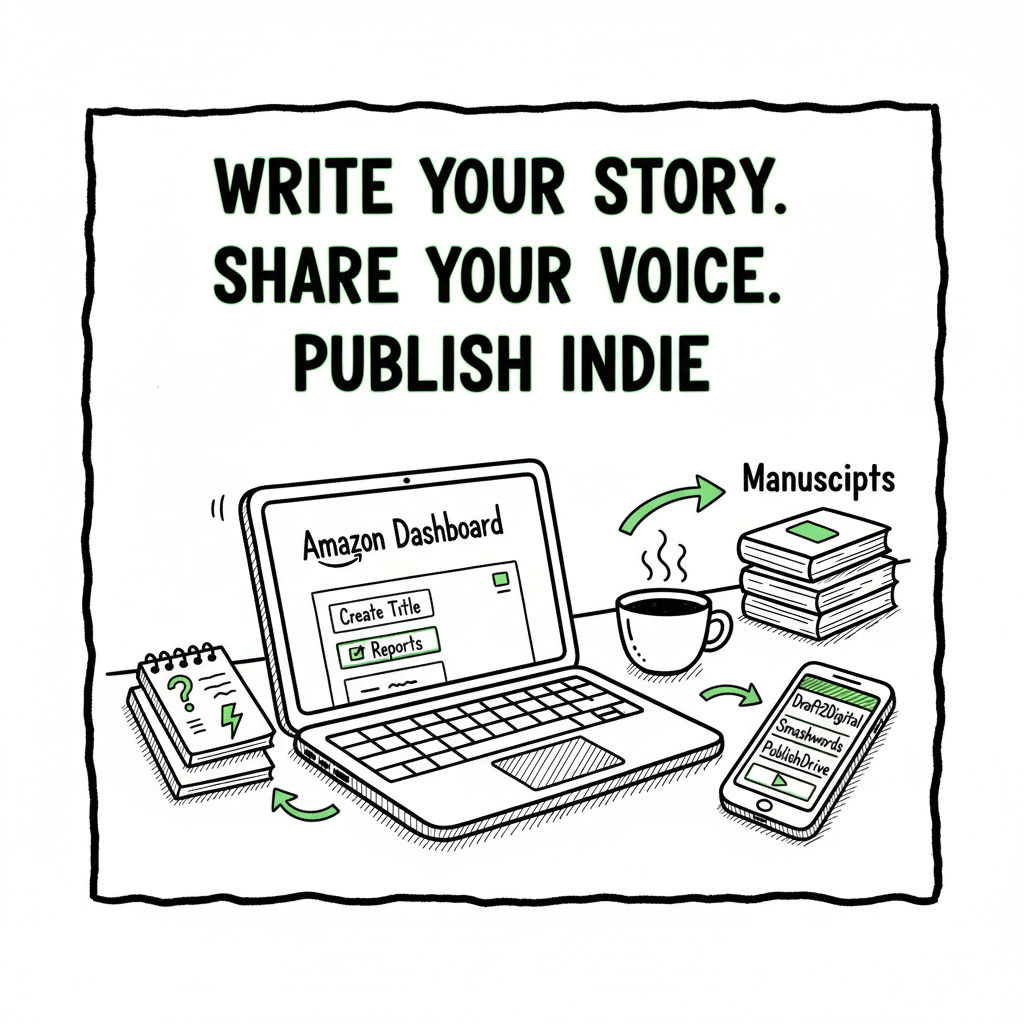
Beginner KDP Author Guide to Your First Book and Publishing
Beginner KDP Author: A Practical Guide to Your First Book and Multiplatform Publishing
Estimated reading time: 9 minutes
Key takeaways
- This guide walks a beginner KDP author through the essential steps from manuscript to multiple stores, with clear, practical advice.
- Focus on clean formatting, correct metadata, and platform rules; then use automation to scale distribution and save time.
- When you’re ready to publish at scale, tools that batch-upload and handle platform-specific requirements make wide distribution practical.
Table of Contents
- Getting started as a beginner KDP author
- Formatting, covers, and platform requirements
- Distribution, pricing, and rights across platforms
- Scaling multi-platform publishing with automation
- FAQ
- Final thoughts and next steps
- Sources
Getting started as a beginner KDP author
If you’re a beginner KDP author, the first day you decide to publish can feel both exciting and confusing. The basics boil down to three things: a clean manuscript, a compliant cover, and clear metadata. Start by treating publishing like a small operational project—step-by-step, repeatable, and measurable.
For a compact orientation on how Amazon organizes its author pages, resources like Amazon KDP for Authors provide a compact overview that answers many early questions and reduces guesswork.
Set up your accounts
Open an Amazon KDP account and complete tax and payment information. You can publish without an ISBN on KDP for ebooks; paperbacks normally use KDP’s free ISBN or you can supply your own. If you want a quick orientation on how Amazon organizes its author and book pages, resources like Amazon KDP for Authors provide a compact overview that answers many early questions and reduces guesswork.
Plan your first release
Decide whether your first book will be ebook-only, paperback, or both. Many first-time authors publish the ebook first to validate content and pricing, then add a paperback. Outline the steps: finalize manuscript, format for ebook and print, create or commission a cover, set metadata, choose keywords and categories, and upload.
Mindset for a first KDP book
Treat the first release as a learning project. Expect small errors and use them to improve the next release. Track the time you spend on each task so you can spot where automation later saves you the most hours.
Formatting, covers, and platform requirements
Formatting and covers are where most beginner KDP authors spend the bulk of their time. Do these well up front to avoid re-uploads and listing delays.
Manuscript formatting basics
Start with a clean source file. Many authors write in Word or Google Docs. Keep formatting minimal: paragraph styles, consistent fonts, and no odd section breaks. For ebooks, convert to EPUB or a compatible file. If you need a direct tool to convert your manuscript to EPUB, an EPUB converter can speed up the process and reduce errors.
Key tips:
- Use paragraph and chapter styles; avoid manual tabs.
- Keep images optimized (72–300 dpi depending on use).
- For print, export a PDF with proper page size and bleed settings.
Print layout essentials
Paperback formatting adds constraints: trim size, margins, gutters, and bleed. Use a template for your chosen trim size (6×9 is common). Generate a print-ready PDF from your layout tool and preview every page in the KDP previewer.
Cover design and spine calculations
Covers must meet specific size and bleed requirements for print books. If you need a fast, compliant cover, a book cover generator can create print-ready images and help with spine dimensions. A solid cover reduces returns and increases perceived quality.
File checks before upload
Before you upload:
– Validate the EPUB or PDF in a preview tool.
– Check for orphan lines, widows, and overlong chapter titles.
– Confirm your front matter (title, subtitle, author) matches metadata exactly.
Metadata: the invisible sales engine
Metadata is how readers and algorithms find your book. As a beginner KDP author, spend time on a clear title, a focused subtitle, a succinct description, and a few strong keywords. Avoid keyword stuffing—choose phrases a real reader would search.
Categories and keywords
Pick two relevant categories on KDP and use backend keyword fields to add phrases that don’t fit naturally into your title or description. Think like a reader and use multi-word phrases that indicate intent.
Distribution, pricing, and rights across platforms
Once your files are clean, think about where to sell. You can keep exclusivity with KDP Select or distribute widely. Each choice has trade-offs.
KDP Select vs. wide distribution
KDP Select gives promotional tools on Amazon in exchange for 90-day exclusivity on ebooks. It can boost visibility on Amazon, but it limits your ability to sell the ebook elsewhere. For authors planning many books or a series, running wide makes sense as it opens Kobo, Apple Books, Draft2Digital, and Ingram.
Pricing strategy
Price strategically. For a first ebook, many authors test prices between $0.99 and $4.99. Use data from similar titles. For paperbacks, factor in printing costs and aim for reasonable royalties. Revisit pricing after promotions or new reviews.
ISBNs and rights management
Decide whether to use KDP’s free ISBN for print or buy your own. Owning your ISBN keeps your imprint consistent. Keep a record of rights and territories you sell into—KDP, Kobo, Apple, and Ingram have slightly different territory rules.
Multi-format considerations
If you plan to sell paperback, ebook, and audiobook, prepare each format to platform specifications. Audiobooks often require separate distribution channels and additional production steps.
Scaling multi-platform publishing with automation
When you move from a single book to multiple titles, the repetitive parts of publishing become the bottleneck. That’s where automation and batch tools matter.
Why automation matters for serial publishing
Publishing a single book manually is doable. Publishing dozens or hundreds manually is costly in time and errors. Automation reduces repetitive data entry, applies consistent metadata, and adapts files for different store rules—so you save time and avoid mistakes.
What automation should do
At scale, a useful automation approach includes:
– CSV batch uploads to feed title metadata and pricing to multiple platforms.
– Platform-specific intelligence that adjusts files and metadata to meet each store’s rules (for example, image sizing and category mapping).
– Error checking to flag missing fields, incorrect formats, and potential rejections.
What BookUploadPro automates
BookUploadPro automates repetitive uploads across Amazon KDP, Kobo, Apple Books, Draft2Digital, and Ingram. It saves around 90% of the manual time for batch publishing, uses CSV batch uploads for scale, and applies platform-specific intelligence to reduce formatting errors. That reliability makes wide distribution practical and affordable for serious publishers. For many authors who publish regularly, BookUploadPro becomes an obvious upgrade: Automate the upload. Own the distribution.
Practical workflow for multi-platform launches
1. Prepare master files: final manuscript (source), print-ready PDF, EPUB, and cover files.
2. Build a CSV catalog: title, subtitle, description, keywords, categories, pricing, ISBNs, rights, and territories.
3. Run a batch upload: the system adapts each record for the target stores, flags issues, and returns a summary of results.
4. Fix flagged items, re-run the batch, and confirm live listings.
Common automation pitfalls
– Assuming one file fits all platforms. Automation should perform platform-specific conversions (for example, EPUB versus vendor-specific EPUB variations).
– Skipping a manual preview step. Always verify one live listing before pushing a large batch.
– Over-relying on defaults. Automation speeds uploads, but you still choose keywords, categories, and pricing.
Reducing errors and reclaiming time
Batch uploads and validation reduce misformatted files and rejected submissions. For a small publisher or author team, saving hours per title scales into weeks saved per year—time you can use to write, market, or expand formats.
When to move to automation
If you plan to publish more than a few titles a year, or if you manage multiple imprints, automation becomes cost-effective quickly. It’s especially helpful for authors who release series, run translations, or repurpose backlist content.
Practical examples and case notes
– An author who published five titles manually spent about three days per release on formatting and uploads. After batching with a tool that handles CSV uploads and per-platform adjustments, the time fell to a few hours to validate and approve listings.
– A small press that managed paperbacks and ebooks across five stores reduced errors by letting platform-specific intelligence create tailored EPUBs and print files, instead of hand-editing versions for each store.
How to validate a batch process
Before a full rollout:
-
Upload one title to each platform and confirm the listing looks right.
-
Check that pricing, territories, and ISBNs display correctly.
-
Confirm the preview for print and ebook files on each storefront.
Maintaining control while outsourcing tasks
Automation should not be a black box. Choose tools that give clear logs and editable records for every uploaded title. Maintain a local archive of final files and CSVs for auditing and re-uploads.
Practical tips for metadata at scale
– Use a consistent naming convention in your CSV (title_case or similar).
– Keep a master spreadsheet of ISBNs and assigned formats.
– Use templates for descriptions, then customize per title for genre-specific hooks.
FAQ
Q: How much does the first KDP upload usually cost in time?
A: For a single ebook done carefully, expect 4–10 hours—from final edits and formatting to creating a cover and filling metadata. Paperback adds several hours for layout and cover spine math.
Q: What files do I need to prepare for Amazon KDP?
A: For an ebook: a clean EPUB or a KPF (Kindle Create) file, and a cover image. For paperback: interior PDF sized to the chosen trim with correct margins and bleed, and a print-ready cover PDF that includes spine if required.
Q: Do I need to be exclusive to Amazon?
A: No. KDP Select requires ebook exclusivity for 90-day enrollments if you want Select benefits. If you prefer to sell on Kobo, Apple, and other retailers, do not enroll in Select.
Q: What’s the best way to handle ISBNs?
A: For consistent branding and distribution control, buy your own ISBNs. KDP’s free ISBN is convenient, but the publisher name will show as “Independently published” or KDP, depending on settings.
Q: How can I speed up publishing multiple titles?
A: Use CSV batch uploads, platform-specific validation, and a repeatable workflow. Tools that automate uploads and apply platform rules save the most time. BookUploadPro focuses on those tasks—CSV batch uploads, platform intelligence, and error reduction—helping authors scale publication without adding staff.
Q: How do I make covers that meet print and ebook rules?
A: Design to the largest required size, use high-resolution images, and export formats recommended by each platform. If you want a fast option, a book cover generator can produce platform-compliant covers and simplify spine calculations.
Final thoughts and next steps
Publishing your first book on KDP is a practical skill you can learn by doing. Keep each step simple: finalize your manuscript, format clean files, make a compliant cover, and fill metadata deliberately. If you plan to publish multiple titles or reach readers beyond Amazon, a consistent, automated workflow will let you scale reliably. Systems that support CSV batch uploads and platform-specific conversions turn a frustrating, repetitive process into a repeatable operation—saving time and reducing errors.
If you’d like help testing batch workflows or exploring cross-store distribution, visit BookUploadPro. Try the free trial and see how much time you can reclaim.
Call to action
Visit BookUploadPro.com and try the free trial.
Sources
- https://kdp.amazon.com
- https://blog.bookuploadpro.com/amazon-kdp-for-authors
- https://www.bookautoai.com/book-cover-generator-processing
- https://www.bookautoai.com/epub-converter
- https://www.bookautoai.com
Beginner KDP Author: A Practical Guide to Your First Book and Multiplatform Publishing Estimated reading time: 9 minutes Key takeaways This guide walks a beginner KDP author through the essential steps from manuscript to multiple stores, with clear, practical advice. Focus on clean formatting, correct metadata, and platform rules; then use automation to scale distribution…