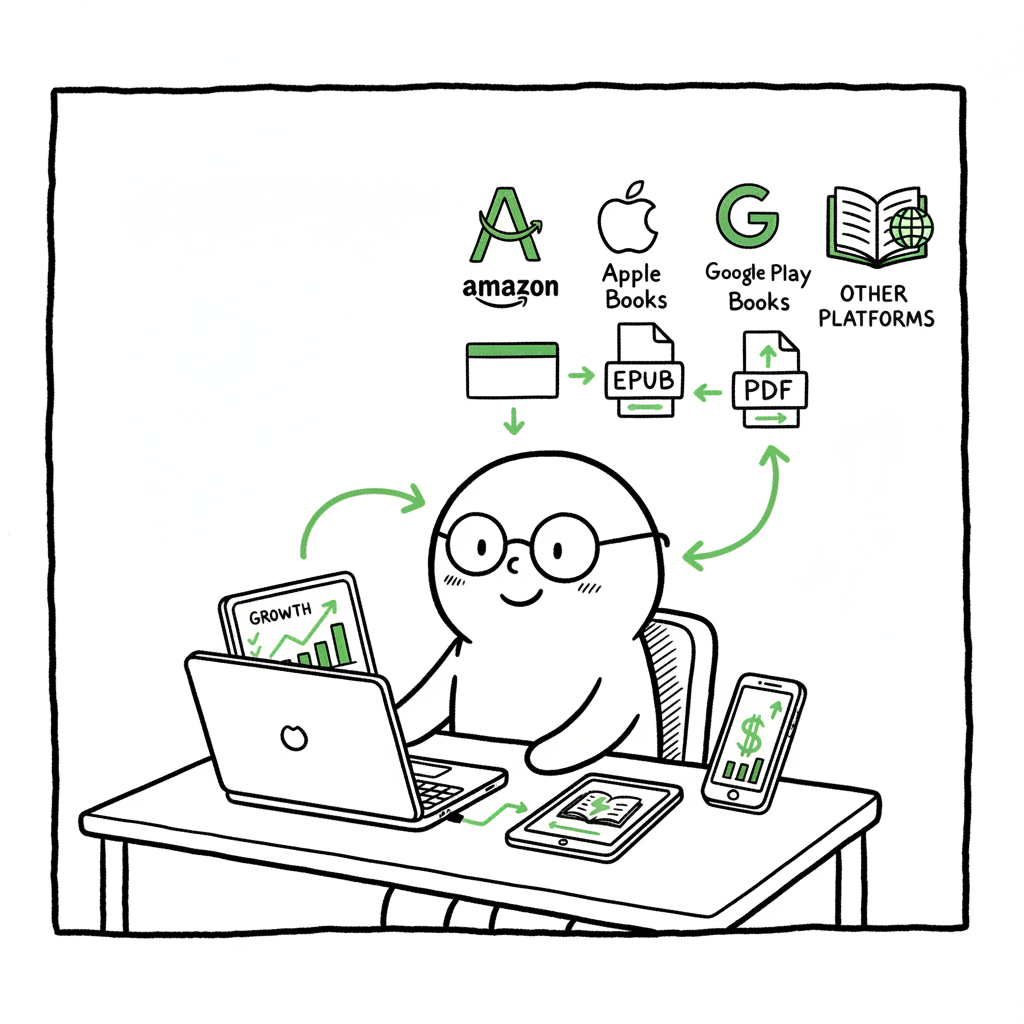
Automate Multi Platform Publishing Practical Guide
Automate Multi Platform Publishing: A Practical Guide for Self-Publishers
Estimated reading time: 18 minutes
Key takeaways
- Automate multi platform publishing to save time, reduce errors, and scale distribution across stores and formats.
- A reliable pipeline uses batch uploads (CSV), platform-specific rules, and validation to avoid rework.
- Tools that combine EPUB conversion, cover processing, and cross-store intelligence make wide distribution practical for serious authors.
Table of Contents
- Why automate multi platform publishing?
- How multi-platform automation works for books
- Setting up a scalable publishing pipeline
- FAQ
Why automate multi platform publishing?
If you publish more than one book, or more than one format, you hit the same manual work again and again. Automate multi platform publishing not only cuts that repetition; it changes what is possible. Instead of spending hours per title repeating uploads, you can publish dozens of files across Amazon KDP, Kobo, Apple Books, Draft2Digital, and Ingram with one predictable workflow. For a unified approach, see Automate Wide Publishing All Platforms.
For a solo author or a small team, that predictability matters. It means fewer missed fields, fewer rejected files, and far less time spent copying metadata between storefronts. It also means you can test pricing, run promotions, and expand into new stores without rebuilding the whole process each time. In short: automation turns wide distribution from a painful chore into a repeatable operation.
How multi-platform automation works for books
At its core, multi-platform publishing automation maps each book and format to the rules each storefront requires. That mapping happens in three layers:
- Source content and assets: your manuscript files, cover images, metadata, and ISBNs.
- Platform rules and transforms: how each store accepts files, what image sizes they require, and which metadata fields map to their system.
- Transport and validation: the batch upload system that sends files, checks the response, and reports errors back in one place.
A practical automation system does more than move files. It adapts them. That means resizing and reformatting covers to meet each store’s specs, converting manuscripts to EPUB or print-ready PDFs, and applying store-specific metadata transforms (for example, trimming overly long descriptions or converting categories). Automation also captures the server responses from each platform and surfaces only the actionable errors.
When you’re ready to Automate Wide Publishing All Platforms, BookUploadPro offers a single workflow that applies these transforms, validates uploads, and retries intelligently until each store accepts the files. That removes the need to log into five vendor dashboards and repeat the same checks.
What automation handles well
- Bulk metadata application: apply one master metadata file (CSV) to many titles.
- Format conversion: generate EPUB and print files from clean source files.
- Image processing: resize and crop covers to each store’s requirements.
- Error normalization: aggregate platform errors so you know what to fix once.
- Scheduling and version control: push live updates, then roll back if needed.
What automation does not replace
- Editorial quality control: a human should still vet the final ebook and print proofs.
- Marketing strategy: automation distributes; it doesn’t decide pricing or promotional timing.
- Creative decisions: covers, blurbs, and targeted positioning still require a human touch.
If you need a clean EPUB or a print-ready PDF, automation reduces grunt work, but you still want a final proof read. For converting manuscripts to EPUB reliably, a dedicated tool saves time and preserves formatting; many authors use a conversion utility as part of the pipeline for consistent results. If you prefer an integrated conversion step, consider a service with a reliable EPUB converter to reduce manual formatting headaches.
For EPUB production, point your pipeline at a trusted EPUB converter that integrates easily. For cover processing, an automated cover processing reduces last-minute rework and re-uploads. Also, for book creation workflows that include paperback and ebook generation, book creation workflow tools can help standardize output.
Setting up a scalable publishing pipeline
A scalable pipeline is repeatable, auditable, and fast. The practical pattern we use is simple: single source → transforms → validation → distribution. Below are the components and the order to implement them.
1) Centralize your master files
Keep one authoritative folder for each book. That folder should include:
- Final manuscript (DOCX or clean source)
- Formatted EPUB and print files (when ready)
- High-resolution cover and any print-specific files
- A metadata file (CSV row per format or title)
- ISBNs and assets mapped clearly
Why this matters: a single source prevents conflicting versions. If you name files predictably and store them the same way for every book, batch tools can find and process them without guesses.
2) Create a clean metadata CSV
A CSV is the operational unit for batch publishing. Each row should include:
- Internal title ID
- Public title and subtitle
- Author name(s)
- Primary and secondary categories (store mapping later)
- Blurb/description
- Price and currency
- Format (ebook, paperback)
- ISBN, ASIN, or internal identifiers
- Files to attach (file path names)
Use clear column headers and consistent formatting. Your batch tool will read this CSV and perform the same actions for each row. That’s where most time savings come from: changing the CSV changes every upload, without clicking.
3) Build format transforms
Not every store accepts the same files. Typical transforms include:
- DOCX → EPUB conversion with consistent styling
- Generate a print-ready PDF for paperbacks
- Create store-specific cover sizes and upload packages
You can integrate a dedicated EPUB conversion step into your pipeline so the EPUB output is consistent for every title. If you prefer a hosted option, a single reliable converter that accepts your DOCX and produces a validated EPUB reduces a lot of manual correction. Similarly, using a cover generator or a processing step ensures the image meets each platform’s pixel and bleed requirements.
4) Validate before upload
This is the safety net. Validation checks common failure points:
- EPUB conforms to standards and passes validation
- Image dimensions and color profiles are correct
- Metadata fields are within platform limits
- Prices and tax fields are set
Validation early saves hours. A single aggregated report tells you what to fix before any store sees the upload.
5) Batch upload and retry logic
A good system uploads in batches and records responses. It should:
- Send files to each store in the correct API or portal format
- Handle rate limits and backoff
- Capture success and error messages per title and per store
- Retry non-fatal errors automatically
A unified dashboard that shows per-store status for every title removes the manual checking across five dashboards.
6) Post-upload checks and reconciliation
After upload, confirm:
- Titles appear on storefronts
- Pricing and territories are correct
- Previewers and sample pages function
- KDP, Apple, or Ingram catalog entries show expected metadata
Log everything. If a store changes a field during ingest, your system should record that change so you can reconcile later.
Practical notes on format and cover work
- If you need to create paperbacks and ebooks, use a workflow that outputs both formats from the same source folder. For many operations, a single DOCX supports both conversions with minor styling directives.
- For EPUB conversion, choose a tool that preserves chapters, internal links, and images. Include a conversion step in your pipeline so you don’t reformat manually for each store. If you want a service to do conversion reliably, look for one that advertises a focused EPUB converter.
- For covers, a processing step that produces store-specific outputs saves time. Automating cover resizing and bleed calculations is far faster than manual exports.
For assistance with EPUB production, point your pipeline at a trusted EPUB converter that integrates easily. For cover processing, an automated cover generator and image-processing step reduces last-minute rework and re-uploads.
For book creation workflows that include paperback and ebook generation, use a book creation workflow tool that exports both formats from a single source.
Operational details that save time
- Use consistent naming conventions for files. The exporter relies on predictable file paths.
- Keep a changelog. When you update a blurb or price, log the change and the effective date.
- Test with one title before you batch-publish 50. Run a dry-run that validates without posting.
- Automate permissions and accounts. Store credentials in a secure vault and rotate them on schedule.
- Use platform intelligence: some tools know store-specific quirks (for example, which categories work best on Apple Books vs Kobo) and can suggest mappings automatically.
How BookUploadPro fits in
BookUploadPro ties these pieces together. It reads your CSV, applies platform transforms, and pushes uploads to Amazon KDP, Kobo, Apple Books, Draft2Digital, and Ingram. The system reports per-store results, retries common failures, and reduces the manual steps authors normally do.
Automation yields clear savings: users often see near-90% time reductions on routine uploads once the pipeline is configured. For authors publishing multiple formats and targeting many stores, that scale makes wide distribution practical without hiring a team. Automate the upload. Own the distribution.
Best practices and common pitfalls
Start small, then scale
Begin with one book and one new platform. Validate the outputs and watch how the system reports errors. Once you trust the transforms and the validation rules, move to batch uploads.
Keep the human checks that matter
Automation reduces mistakes but doesn’t eliminate the need for human review. Prioritize these manual checks:
- Read the final EPUB on typical devices (phone and tablet)
- Inspect the paperback proofs for margins and bleed
- Verify metadata in a live storefront after publishing
Mind platform differences
Stores treat metadata and images differently. For example, Apple Books has different category systems than Amazon. A cross-platform tool should let you map one master category to different store categories, and keep a record of those mappings.
Watch pricing and territories
If you publish wide, price and territory settings can diverge. Confirm pricing rules in each store and enforce a consistent pricing strategy via your CSV.
Avoid the common mistake of over-customizing early
When you start, standardize formats and metadata. Too many custom rules slow automation and add complexity. Add custom store rules only when data shows a measurable need.
Automate the routine, humanize the creative
Let automation handle the routine, repeatable tasks. Keep humans focused on the parts that benefit from judgment: cover design, blurbs, marketing copy, and editorial quality.
FAQ
Q: Will automation change the quality of my ebooks?
A: Automation preserves or improves consistency, but the initial setup matters. If your source files are clean and you use a reliable EPUB converter, the output will be consistent. Always do a human review of the final EPUB and a physical proof for print.
Q: Can a single tool really publish to all major stores?
A: Yes. A single system can push files to multiple APIs and portals. The key is platform-specific intelligence—rules and transforms that tailor metadata and files for each store. BookUploadPro bundles these rules so you don’t have to write them yourself.
Q: What about ISBNs and rights management?
A: Assign ISBNs as part of your master metadata CSV. Automations respect ISBNs and can upload titles with preexisting ISBNs or reserve ASINs where a store assigns them. Rights and territory fields are part of the metadata and should be set deliberately in the CSV.
Q: How do I handle cover requirements across platforms?
A: Use a processing step that outputs properly sized images for each platform. If you need a tool to create or process covers automatically, integrated cover processing reduces manual exports and mistakes.
Q: I have many backlist titles. Can I batch update them?
A: Yes. A CSV-driven pipeline is ideal for backlist updates. You can change price, description, or metadata in the CSV and republish in a batch. Validation and dry-run modes help ensure you don’t accidentally overwrite the wrong fields.
Q: What if a store rejects a file during upload?
A: A good system aggregates rejection messages and highlights the exact issue. Many errors are fixable (missing field, image too large, EPUB validation failure). The automation should allow you to correct the source and re-run only the failed rows, not the whole batch.
Final thoughts
Automating multi-platform publishing changes the economics of wide distribution. It turns a series of repetitive tasks into a predictable operation. Start by organizing your source files and metadata, add a reliable EPUB conversion and cover processing step, validate before upload, and then push in batches. Over time, the pipeline gives you speed, consistency, and the freedom to publish more titles without proportional increases in work.
If you want to explore an automated option that supports Amazon KDP, Kobo, Apple Books, Draft2Digital, and Ingram and uses CSV batch uploads with platform-specific intelligence, a tool designed for serious authors can help. Automate the upload. Own the distribution.
Sources
- Automate Multi-Platform Social Media Content Creation with AI (n8n workflow template)
- Top 11 Multi-Platform Social Media Posting Tools in 2025 — Influencer Marketing Hub
- 12 Top Social Media Automation Tools (2025 Pros & Cons) — Adam Connell
- Buffer: Social media management for everyone
- 13 effective social media automation tools for your brand in 2026 — Sprout Social
- Top 9 Social Media Posting Tools in 2025 — Juicer blog
- The top 30 social media automation tools — Marq blog
- Your Content Workflow in 2026: Automation That Works — Wordable
Automate Multi Platform Publishing: A Practical Guide for Self-Publishers Estimated reading time: 18 minutes Key takeaways Automate multi platform publishing to save time, reduce errors, and scale distribution across stores and formats. A reliable pipeline uses batch uploads (CSV), platform-specific rules, and validation to avoid rework. Tools that combine EPUB conversion, cover processing, and cross-store…