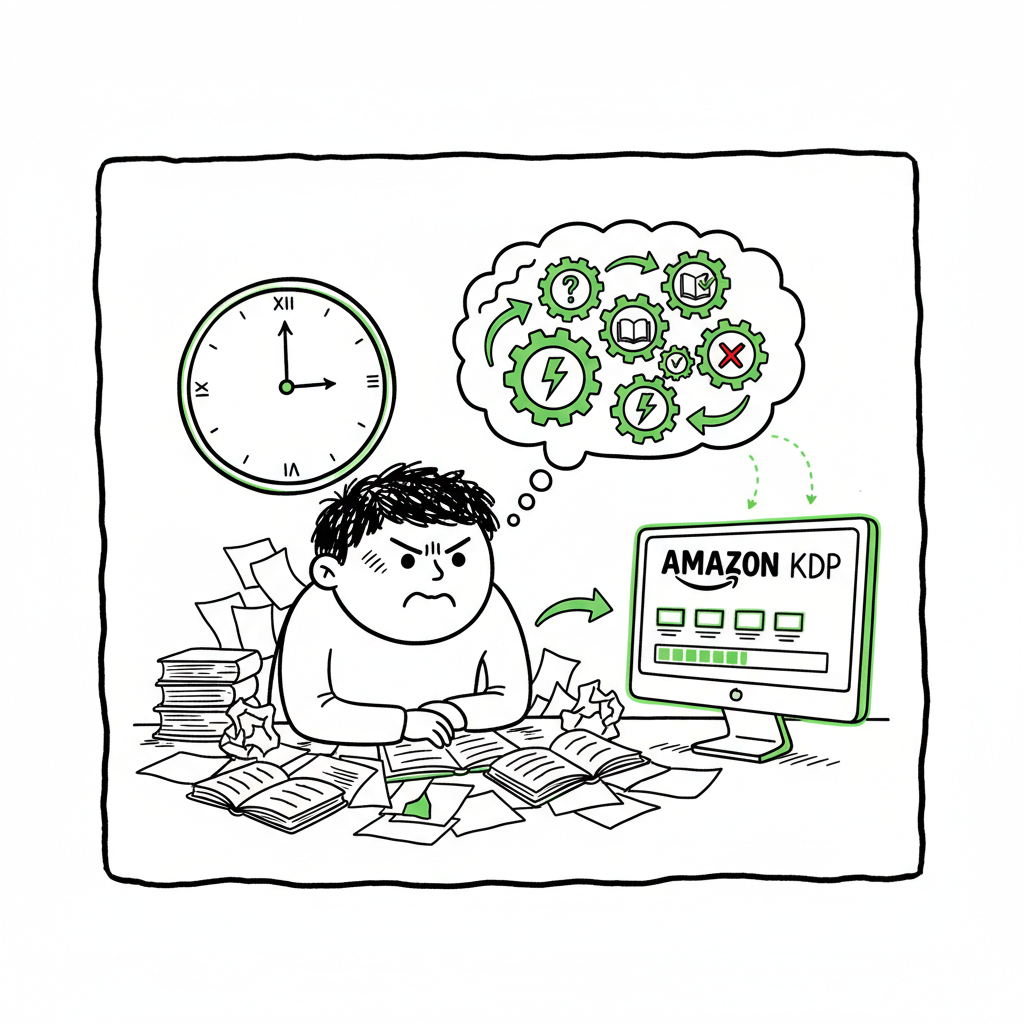
Why Amazon KDP Is Time Consuming and How to Speed Up
Amazon KDP is Time Consuming: Why It Feels Slow and How to Speed Up Publishing
Estimated reading time: 12 minutes
Key takeaways
- Amazon KDP is time consuming mostly because of a multi-step upload process, review windows, and correction cycles that restart waiting periods.
- Many delays come from formatting, cover and file checks, and marketplace propagation; batch tools and platform-specific checks cut most of that friction.
- Services like BookUploadPro streamline CSV batch uploads, platform-specific checks, and humanized content to save time and reduce errors — an obvious upgrade once you publish seriously.
Table of contents
- Why KDP feels slow
- Hidden steps that make the process time consuming
- How to publish faster at scale
- FAQ
Why KDP feels slow
Many authors say amazon kdp is time consuming, and they are right — but the reasons are layered. On paper, Amazon lists a review window of 3–10 business days for a title to go live. In practice, a single title can be ready in 24–72 hours or can sit in review for multiple days if it’s a low‑content book or if KDP flags a problem. That creates a wide perception gap: the official timeline is short, but real world cycles and the work that happens before you press Publish lengthen the process.
The timeline has two parts. First, the publisher’s work — account setup, metadata, keywords, cover and interior files, previewing, and corrections. Second, Amazon’s processing — automated checks, human review in edge cases, and marketplace propagation. Each part adds minutes or days. For high-volume creators who upload dozens of titles, those minutes multiply into weeks.
If you want a quick, plain explanation of why a submitted book can take longer than expected, read this short guide on Why Amazon KDP Publishing Takes Long. It walks through the common slow points publishers face and what triggers extra review.
Even if your files are technically correct, Amazon’s systems may queue items, especially low‑content books like journals and notebooks. Recently, KDP highlighted that low‑content titles can take up to 10 business days. That change alone has shifted expectations for many creators who used to see overnight publishing.
Hidden steps that make the process time consuming
Beyond the formal review window, several hidden steps add time. Understanding them helps you plan realistic schedules and avoid common delays.
Metadata and discovery setup
Before you upload you need the right title, subtitle, keywords, categories, and description. Getting these wrong won’t always block publication, but poor metadata means slower discoverability and more time spent later fixing listings or redoing launches. Keyword testing and description edits are iterative — each change can require a new wait for the change to propagate.
Cover creation and validation
A cover has to meet size, bleed, and DPI requirements. Many authors use cover generators or design tools, but the file still needs to be exported correctly. If KDP flags an issue, you must fix and reupload. If you create covers, a reliable generator and a preflight check save time; tools are available that automate cover production and verify KDP tolerances before upload.
If you are generating covers or automating that step in your workflow, consider a cover tool that validates output for KDP’s specs early in the process to avoid rework. For automatic cover creation and processing, see a dedicated cover generator that streamlines file checks.
Interior formatting and preview
Formatting the interior is often the slowest hands‑on task. You must format for the right trim size, margins, fonts, and EPUB or PDF settings. The KDP previewer is strict: tiny issues like incorrect margins or font embedding can throw errors. Each correction forces another upload and restarts the review clock.
If you convert manuscripts to EPUB for wide eBook distribution, automated converters that follow ebook standards reduce the number of manual fixes. An EPUB converter that handles common quirks saves time and reduces resubmits.
Multiple formats and retailers
Publishing across formats — paperback, hardcover, ebook — adds complexity. Each format has its own file and metadata needs. If you also distribute beyond Amazon to Kobo, Apple Books, Ingram, or Draft2Digital, you must adapt files and settings for each store. That multiplies the upload work and the chance of mistakes.
For creating ebooks and paperbacks, a centralized tool that supports the whole creation workflow reduces redundant effort and keeps format variants aligned.
Preview, QA cycles, and restarts
When KDP identifies an issue, you fix files locally, reupload, and wait again. Even small fixes can restart parts of the review process. For new authors, multiple iterations are common and feel like hidden time drains. Experienced publishers preflight files against KDP rules to avoid these loops.
Marketplace propagation and detail page delays
Once approved, a listing can appear on Amazon.com within hours but may take longer on other marketplaces. For paperback and hardcover, Amazon notes that the detail page can take up to 72 hours on Amazon.com and up to 5 days on other marketplaces, and low‑content books sometimes take longer. That means a book can be “live” in one store while still pending elsewhere.
Royalty payment timing
A final, often-overlooked timeline is payment. KDP pays royalties about 60 days after the close of the sales month, and Expanded Distribution can add another delay. So the full author journey — from first upload to actually receiving money — can span months. That gap contributes to the feeling that the whole KDP experience is slow.
How to publish faster at scale
If you publish occasionally, the friction may be tolerable. If you publish regularly or at scale, the time costs become real. There are practical, operator-level fixes that reduce the friction and let you publish faster without cutting corners.
Standardize and template everything
Create a set of templates: interior files per trim size, cover templates per format, metadata templates, product descriptions, and keyword lists. Standardization reduces thinking time and keeps uploads consistent. Use a single source of truth — a CSV or spreadsheet that holds metadata and track changes.
Use batch upload tools and CSV workflows
Manually clicking through the KDP interface for dozens of titles is slow and error-prone. Batch upload tools that accept CSVs let you prepare many listings offline and push them to multiple stores quickly. BookUploadPro streamlines CSV batch uploads, maps metadata to each platform’s required fields, and performs platform-specific validation before upload. That reduces repetitive work and avoids the common mistakes that cause rejections.
Automate platform-specific checks
Different stores have different rules. A change that passes on one marketplace may fail on another. Platform-specific checks reduce back-and-forth and prevent re-submission cycles caused by format or metadata mismatches.
Humanize and validate AI-generated content
AI helps create drafts fast, but raw outputs sometimes trigger quality flags or read poorly to real readers. Investing a small amount of human editing — or using a service that “humanizes” AI-generated manuscripts and listings — keeps content natural and reduces the chance of KDP raising quality concerns. That small step saves days by avoiding repeated corrections.
Preflight covers and interiors
Before you upload, run automated preflight checks for covers and interiors. That catches common issues like incorrect bleeds, wrong spine calculations, low DPI, or font embedding problems. Preflight stops problems before they reach KDP, preventing restart cycles.
If converting to EPUB for eBook distribution, use a dedicated EPUB converter that handles the common edge cases and produces a validated file ready for stores.
Manage low-content expectations
If you publish many journals, planners, or notebooks, expect longer review windows. Plan releases with that lag in mind. Batch those releases so multiple items are in review at once rather than having single titles block your schedule.
Use a unified multi-platform pipeline
Uploading to Amazon is just one part of distribution. A unified pipeline that handles Amazon KDP, Kobo, Apple Books, Draft2Digital, and Ingram saves time because you prepare assets once and push them everywhere. BookUploadPro’s platform-specific intelligence and CSV batch uploads automate those repetitive steps, reduce errors across stores, and free up time for writing and marketing.
Track status and exceptions automatically
When you manage many titles, manual status checks are costly. Use a system that tracks publish status, highlights exceptions, and logs KDP messages. That makes problem triage fast and predictable.
Where automated tools help — and where human work still matters
Automated tools shave the repetitive work: mapping fields, running validations, batch uploads, and propagating assets. Human judgment still matters for strategy: choosing categories, defining positioning, writing good descriptions, and deciding when a book is ready for launch. Combine automated tools for scale with targeted human review for quality. That mix is what speeds up serious publishing without increasing risk.
Why a publishing automation service becomes the obvious upgrade
When you publish a handful of books a year, manual work can feel acceptable. Once you cross the threshold to monthly or weekly releases, manual uploads and corrections become the bottleneck. Tools that offer ~90% time savings through CSV batch uploads, platform-specific intelligence, formatting automation, and error reduction turn publishing from a full-time admin job back into a writing and marketing operation.
BookUploadPro positions itself for authors at that scale. It streamlines repetitive uploads across Amazon KDP, Kobo, Apple Books, Draft2Digital, and Ingram. It handles formatting, humanizes AI text where needed, and runs preflight checks that prevent most review cycles. For busy creators, that’s a predictable time and cost trade-off: pay a service that removes the admin so you can produce and promote more books.
FAQ
Q: How long does Amazon KDP usually take to publish a book?
A: Amazon officially states 3–10 business days for a title to become live. Some ebooks appear faster, but paperback, hardcover, and low‑content titles can take longer. Real-world times vary based on format and whether KDP flags any issues.
Q: What are the single biggest causes of delay?
A: The biggest delays come from formatting errors, problematic covers, incorrect metadata, and iterative corrections. Each reupload can restart parts of the review process. Low‑content titles have additional review windows that may extend processing times.
Q: Can I speed up the process by paying for faster review?
A: No — paid expedited review is not offered. The practical speed gains come from more rigorous preflight checks and using batch tools that reduce human error and rework.
Q: Will automated tools reduce my royalties or control over the book?
A: No — these tools typically act on your behalf to prepare and upload files. You retain ownership and control of your content. The risk is operational: you must trust the service to follow your instructions and protect your assets.
Q: Do these tools help with marketplaces beyond Amazon?
A: Yes. Multi-platform tools prepare and adapt files for other stores like Kobo, Apple Books, Draft2Digital, and Ingram. That makes wide distribution practical and saves the repeated effort of reformatting and reuploading for each retailer.
Q: Is it safe to use third-party services that access my account or files?
A: Treat it like any other online service: review their privacy policy, understand what data they store, and use account permissions sensibly. Services focused on publishing typically offer secure transfer and clear audit logs.
Final thoughts
Publishing on KDP is a mix of short waiting windows and practical, hands-on work that accumulates into real time spent. The official review timelines tell part of the story, but the multi-step handoffs — metadata, covers, interiors, previews, and reuploads — are the main reason many authors feel that amazon kdp is time consuming. At scale, robust preflight checks and careful preparation change that equation.
If you publish regularly, a unified pipeline that handles formatting, humanized content, CSV batch uploads, and platform-specific intelligence makes wide distribution practical and predictable. Automate the upload. Own the distribution.
Sources
- https://kdp.amazon.com/help/topic/G200627450
- https://kdp.amazon.com/help/topic/G202173620
- https://www.publishing.com/blog/how-long-does-kdp-take-to-publish
- https://www.woodbridgepublishers.co.uk/blogs/how-long-does-it-take-to-publish-a-book-on-amazon/
- https://reedsy.com/blog/guide/kdp/how-to-publish-a-book-on-amazon/
- https://www.youtube.com/watch?v=ncVch0p0rKs
- https://kdp.amazon.com/en_US/help/topic/GK2MKZUL6U3SFBPZ
Amazon KDP is Time Consuming: Why It Feels Slow and How to Speed Up Publishing Estimated reading time: 12 minutes Key takeaways Amazon KDP is time consuming mostly because of a multi-step upload process, review windows, and correction cycles that restart waiting periods. Many delays come from formatting, cover and file checks, and marketplace propagation;…