Amazon KDP Delivery Fees Explained for Self-Publishing
Amazon KDP Delivery Fees Explained
Estimated reading time: 14 minutes
Key takeaways
- Delivery fees only apply to ebooks sold under KDP’s 70% royalty option and are based on the compressed delivery file size, not the uploaded file.
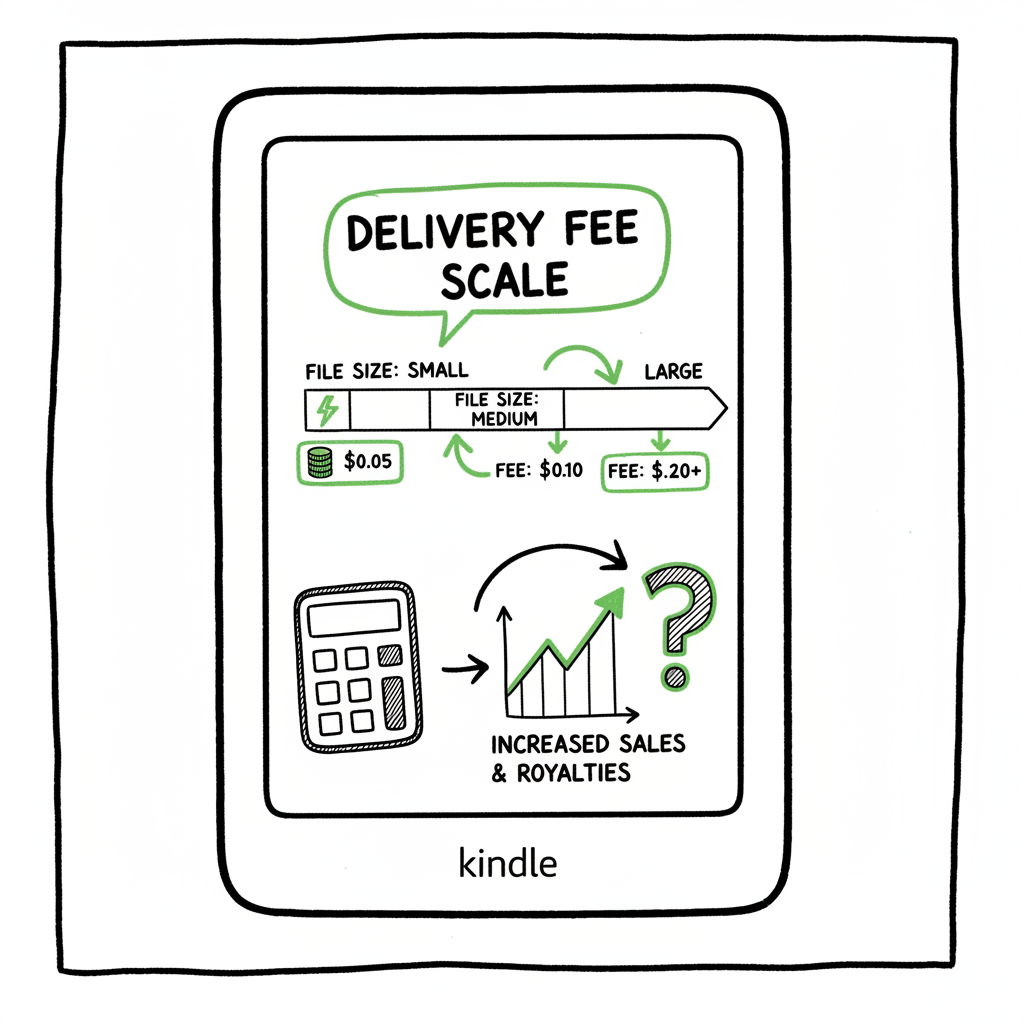
- In the US the fee is roughly $0.15 per MB (rounded to two decimals); small per-sale costs add up for image-heavy or large files.
- Optimize file size (no embedded cover, minimal images, efficient formatting) or choose 35% royalties when delivery costs make 70% unprofitable.
- If you publish at scale, automation and batch uploads make fee management and multi-platform distribution practical — an obvious upgrade once you publish seriously.
Table of Contents
- What Are Amazon KDP Delivery Fees?
- How Delivery Fees Are Calculated and Who Pays
- Practical Ways to Reduce Delivery Costs and Work at Scale
- Multi-platform publishing and why automation changes the math
- FAQ
- Sources
- Final thoughts
What Are Amazon KDP Delivery Fees?
Amazon KDP delivery fees are a per-sale deduction taken only when you choose the 70% royalty option for ebooks. The fee covers Amazon’s cost to deliver the ebook file to a buyer’s device. This topic is commonly misunderstood because the fee looks small on its own, but it affects effective royalties and pricing math when you sell many copies or when your ebook file is large.
If you’re deciding how to price and distribute, keep two simple facts up front: delivery fees don’t apply to the 35% royalty option, and they’re calculated from Amazon’s compressed delivery file, not your original uploaded file. For a clear look at the royalty math and the official formula, see Amazon KDP Royalties Pricing Profit — it explains how delivery costs fit into the 70% royalty calculation and why monitoring file size matters.
How Delivery Fees Are Calculated and Who Pays
What triggers the fee
- The delivery fee is charged when you select the 70% royalty option and price your ebook in the eligible range (typically $2.99–$9.99 in many territories).
- The 35% royalty option does not incur delivery fees.
The basic formula
Amazon’s official formula for a 70% royalty is:
Royalty = 70% × (List Price − VAT − Delivery Costs)
Delivery cost basis
- Amazon bases the delivery fee on the compressed file size they send to customers. If your uploaded file is large but Amazon compresses it more, the fee uses the compressed size.
- Fees are rounded to two decimal places and subject to country-specific per-MB rates. In the US and Canada the common reference rate is around $0.15 per MB; in the UK it’s around £0.10 per MB. There is usually a minimum charge of $0.01 per sale.
Why upload size and delivery size differ
Authors often upload formats like MOBI or complex EPUBs with large-looking files. During KDP’s internal processing the book is optimized and compressed before delivery, which means the delivery fee can be smaller than you expect — but you should still measure the post-conversion size from KDP or test devices to be sure.
Practical Ways to Reduce Delivery Costs and Work at Scale
Why this matters in real numbers
A plain-text novel that compresses to a few hundred kilobytes costs pennies, but an illustrated workbook, cookbook, or graphic novel that compresses to multiple megabytes pays more per sale. On a book that sells thousands of copies, a few extra cents per sale add up to real dollars. That’s where practical optimization and publishing strategy matter.
File and formatting strategies
- Remove embedded cover images from the interior file. Upload your cover separately where Amazon asks for it. That avoids the interior and the storefront both shipping the same pixels.
- Keep images to a minimum. If you need images, use optimized JPEGs at screen resolution (72–150 dpi) and use the lowest acceptable dimensions for legibility.
- Prefer vector or text over rasterized images when possible. Vector elements compress much better.
- Avoid unnecessary font embedding and large metadata objects. Use standard web fonts where possible.
- Keep paragraphs short and avoid heavy use of bold, as complex style markup can slightly increase size.
- Test the compressed delivery size via the KDP dashboard after upload. KDP shows the final file size it uses for delivery, and you can audit it before you finalize distribution.
File format choices
- EPUB is the modern standard for ebooks. If you’re converting from Word or another format, do a clean EPUB conversion rather than file-hopping through legacy formats that carry extra baggage.
- If you need conversion tools, use reliable converters that strip unnecessary data and produce a clean EPUB. If you prefer automated tools for production, consider services that offer robust EPUB conversion to keep file sizes low and consistent. For a focused EPUB conversion tool, try an EPUB converter that streamlines conversion and reduces file bloat.
Image-heavy projects
- Price strategy: The 70% royalty and delivery fee model may make sense if your price is on the higher side and delivery costs are small relative to price; otherwise the 35% royalty might pay more.
- Hybrid approach: Publish an image-light ebook for discovery and a higher-margin print edition or sell image-heavy PDFs through other channels.
- Consider whether the ebook needs to be image-first. For some projects, a printable PDF or fixed-layout product distributed through print-on-demand or retailer storefronts is the better route.
Batch publishing and file management
- If you publish multiple titles, manual optimization for every file is slow and error-prone. Automation and batch uploads are where you recover time and reduce mistakes:
- Use CSV batch uploads to push corrected metadata and optimized files en masse.
- Maintain a controlled folder structure and naming convention so automation tools can pick the right interior, cover, and metadata files.
- Automate checks for cover-in-interior mistakes and image resolution issues before upload.
How publishing at scale shifts the decision
If you publish one ebook, a delivery fee that eats a few cents per sale matters less than reader experience and pricing. If you publish dozens or hundreds, delivery fees compound. That’s where platform intelligence and batch processing change the economics: they let you scan file sizes, switch royalty options where needed, and push corrected files without repeating manual steps.
Built to solve that gap, modern tools for multi-platform publishing focus on:
- Unified multi-platform publishing across Amazon KDP, Kobo, Apple Books, Draft2Digital, and Ingram.
- CSV batch uploads and platform-specific intelligence to map best settings per channel.
- Automated checks that spot common errors, like an embedded interior cover.
- Significant time savings—operators report roughly 90% time savings—so you can iterate pricing and file optimization instead of re-uploading one book at a time.
We can insert the brand link here to reflect BookUploadPro’s role in scale publishing: BookUploadPro and the operational upgrade
Cover, EPUB conversion, and format notes
- Do not embed the front cover inside the interior file; upload the cover separately.
- For reliable EPUB conversion, use tools that produce clean output without leftover conversion artifacts. If you’re converting large numbers of files, a dedicated EPUB converter will reduce file size and produce consistent results.
- If you work with cover generation tools or need consistent cover processing at scale, use a cover generator and processing pipeline that outputs merchant-compliant files and keeps the interior separate from the cover file.
If you create paperbacks or ebooks as part of the same project, a service that handles both generation and distribution makes the job simpler. For cover creation, automated cover generators speed iteration; for mastering EPUBs and paperbacks, integrated tools reduce errors and keep files lean. When you publish at scale, investing in automation is not optional — it becomes routine operations. You can explore automated cover processing options with a book cover generator and processing service to keep images optimized and compliant.
Multi-platform publishing and why automation changes the math
Delivery fees and platform spread
Delivery fees are an Amazon-specific concern tied to the 70% royalty choice. Other retailers have different royalty and delivery models. That’s why a multi-platform strategy is useful: you can balance channels so no single fee structure dominates your overall revenue. Reaching readers across Apple Books, Kobo, Ingram, and Draft2Digital keeps you from over-relying on a single formula.
Why automation matters
When you publish across platforms, the manual cost of uploading, setting platform-specific options, and checking baked-in errors multiplies. Automation unlocks practical advantages:
- CSV batch uploads let you push many titles with consistent metadata and files.
- Platform-specific intelligence maps best fits: which option on each storefront minimizes fees and maximizes net royalties.
- Error reduction: automated checks catch the common problems that inflate delivery size or break formatting.
- Time saved: with automation you can test pricing and file optimizations, reprocess groups of books, and redeploy updates without manual repetition.
BookUploadPro and the operational upgrade
For authors and small presses who publish more than a handful of titles per year, BookUploadPro acts as an operational upgrade. It automates repetitive uploads to Amazon KDP, Kobo, Apple Books, Draft2Digital, and Ingram. The platform uses CSV batch uploads and platform-aware logic to reduce upload friction and errors. That makes wide distribution practical, not just aspirational.
Key automation benefits to expect
- Unified multi-platform publishing from one interface.
- Approximately 90% time savings on repetitive upload tasks.
- CSV batch uploads and platform-specific intelligence to select optimal settings.
- Fewer errors and more consistent file handling across platforms.
- Affordable pricing and a free trial so you can test the workflow on your catalog.
If you’re serious about publishing multiple titles, automation saves hours per title and lets you focus on content, marketing, and pricing decisions instead of uploads. Automate the upload. Own the distribution.
FAQ
Q: When exactly do delivery fees apply?
A: Delivery fees apply only to ebooks sold under the 70% royalty option and within the eligible price range. They do not apply to the 35% royalty rate.
Q: How much is the delivery fee per MB?
A: Fees vary by territory but are commonly around $0.15 per MB in the US (or equivalent local rates such as £0.10 per MB in the UK). Fees are calculated on the compressed delivery file size and are rounded to two decimals.
Q: Do delivery fees use my uploaded file size?
A: No. Amazon charges based on the final compressed file size it delivers to customers. KDP optimizes and compresses files during processing, so the delivery size may be smaller than your uploaded file.
Q: Can I avoid delivery fees altogether?
A: Yes. If you select the 35% royalty option for your ebook, delivery fees are not charged. You must weigh the trade-off between a higher headline royalty and the 70% option that may produce more net revenue depending on price and file size.
Q: What practical steps reduce delivery fees?
A: Remove the interior-embedded cover, minimize images and their resolution, use efficient formatting, convert to a clean EPUB, and test the delivery size using the KDP dashboard. Batch tools and automation help keep changes consistent across many titles.
Q: Do delivery fees make image-heavy ebooks unviable?
A: Not necessarily. It depends on your pricing and sales expectations. For image-heavy titles with a higher price point, the 70% royalty model can still be profitable. For low-priced, image-heavy titles, the 35% option or a different distribution strategy may be better.
Q: How can I check the compressed delivery size?
A: After you upload an ebook to KDP and the file is processed, the KDP dashboard displays the final file size used for delivery. Audit that size and recalculate expected royalties before finalizing distribution.
Q: Are there tools to help with conversion and cover processing?
A: Yes. Use reliable EPUB converters to keep files lean. For cover creation and processing, automated cover generators produce merchant-compliant art and help you avoid embedding the cover inside the interior. These tools reduce mistakes and speed production at scale.
Final thoughts
Delivery fees are straightforward in concept but can quietly change revenue math when you publish many books or serve image-heavy content. Know the rules: fees hit only the 70% royalty option, they’re based on compressed delivery size, and the per-MB rate differs by territory. The operational takeaway is simple: optimize files, use the right royalty option for each title, and adopt automation if you publish multiple books. Automation turns fee management from a manual chore into a repeatable, low-effort process.
If you need tight EPUB output, clean cover handling, or multi-format publishing at scale, use the right tools to produce optimized files before you upload. For scale-oriented authors and small presses, automation is the practical upgrade that reduces errors and saves time.
Try BookUploadPro free trial — visit BookUploadPro.com and start a free trial to see how batch uploads and platform-aware publishing simplify distribution.
Sources
- Are You Losing Money on KDP Delivery Fees?
- What’s the Cost of Publishing a Book on Amazon?
- KDP Royalty Calculator — Kindlepreneur
- Digital Book Pricing Page — Kindle Direct Publishing
- Hidden Costs of Amazon KDP Publishing — BookBaby Blog
Amazon KDP Delivery Fees Explained Estimated reading time: 14 minutes Key takeaways Delivery fees only apply to ebooks sold under KDP’s 70% royalty option and are based on the compressed delivery file size, not the uploaded file. In the US the fee is roughly $0.15 per MB (rounded to two decimals); small per-sale costs add…