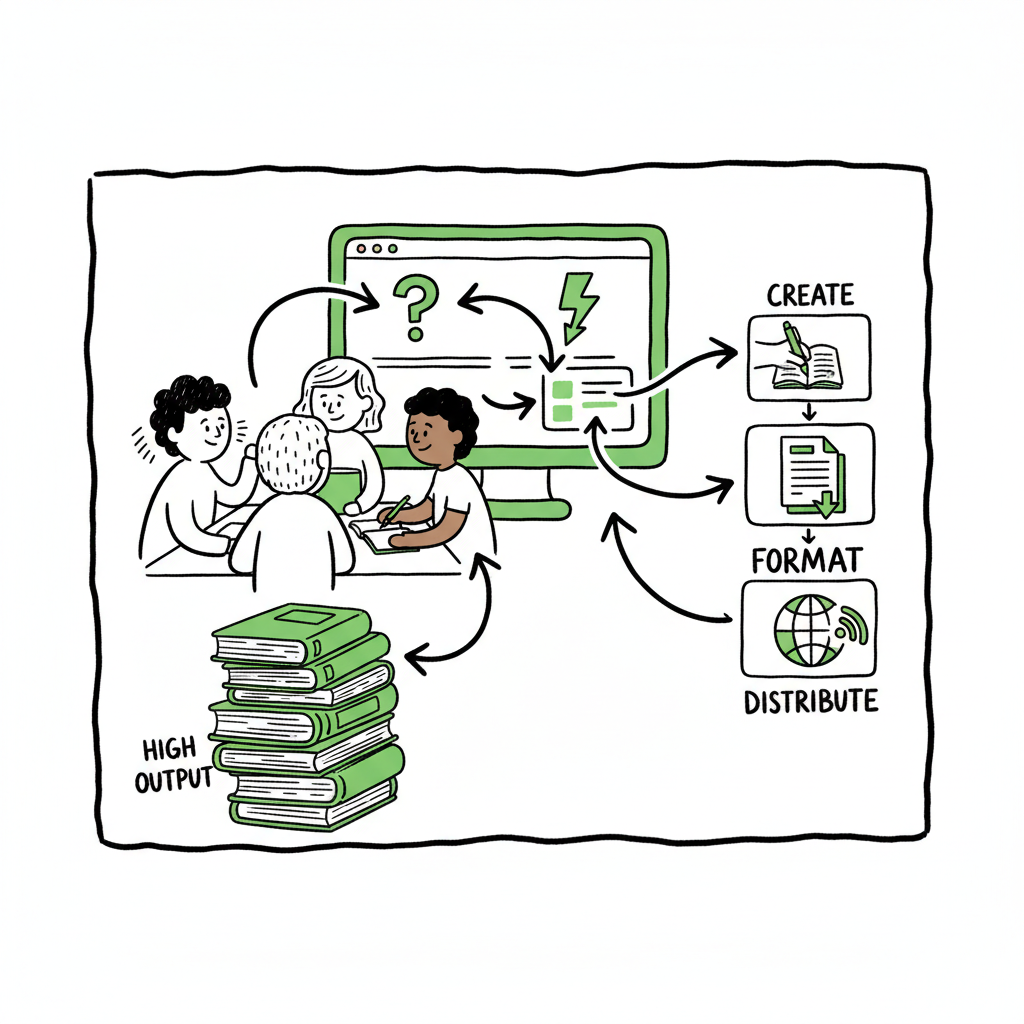
High Output Publishing Systems Explained for Authors
High output publishing systems: how to build a prolific publishing infrastructure
Estimated reading time: 14 minutes
Key takeaways
- High output publishing systems let authors and small teams produce, format, and distribute many titles with far less manual work.
- A practical system combines a single content source, automated formatting, batch upload tools, and smart checks to keep quality high as volume grows.
- BookUploadPro automates the repetitive parts of multi‑platform publishing, saving time and making wide distribution practical for serious authors.
Table of Contents
- How High Output Publishing Systems Work
- Implementing High Output Publishing Systems for Authors
- Frequently asked questions
- Sources
How High Output Publishing Systems Work
High output publishing systems are the tools and practices that let a publisher move from one or two titles a year to dozens or hundreds. The phrase says what it does: systems built to support high output. For self-publishers this means fewer manual steps, more consistency, and predictable results across Amazon KDP, Kobo, Apple Books, Draft2Digital, and Ingram.
At their core, these systems do four consistent jobs well:
1. Keep a single source of truth for each book’s assets and metadata.
2. Convert manuscripts into publication-ready files across formats.
3. Batch and push titles to stores with platform-aware settings.
4. Run checks that catch common errors before a title goes live.
Why those parts matter
When you publish several books a month, small inefficiencies multiply. Re‑entering metadata five times for each retailer wastes hours. Manually exporting EPUBs, PDF proof files, and print-ready interiors invites errors and slows you down. High output publishing systems remove repetitive typing and repeatable errors so the work scales without growing the team at the same rate.
What real production looks like
A practical, high-output setup is not one single monolith. It’s a tight stack: a central content folder or CMS, templates that define interior and cover layouts, an engine that exports EPUB and print files, and an upload layer that pushes files and metadata to marketplaces in batches.
For authors this usually looks like:
– One manuscript file (or structured source) that can be reused.
– A set of interior templates for genre and trim sizes.
– A cover template plus final export.
– CSV or spreadsheet metadata for batch uploads.
– A platform that accepts CSVs and performs platform-specific mappings.
You can get from manuscript to marketplace much faster if the exports and uploads are automated. That is what separates casual publishing from high output publishing systems.
Files, formatting, and checks
Two technical steps determine the pace: file generation and quality checks. EPUB conversion and proofing need to be reliable. If you spend hours fixing an EPUB for Apple Books or Kobo you lose the point of scale. Tools that convert to EPUB cleanly reduce rework. If you need a quick, reliable conversion step, an EPUB converter can save time and avoid format errors. Likewise, consistent cover sizing and exports remove last‑minute fixes; if you need automated cover processing, a book cover generator processing tool can make covers consistent across many titles. When you create both paperback and ebook versions, the entire production sequence becomes repeatable and trackable, which is essential when output is high; practical book creation tools make those steps predictable.
Where BookUploadPro fits
For authors ready to publish seriously, BookUploadPro acts as the upload and distribution layer in that stack. It standardizes metadata, applies templates, and handles CSV batch uploads so titles can be distributed across Amazon KDP, Kobo, Apple Books, Draft2Digital, and Ingram with minimal manual steps. The service brings platform-specific intelligence so the right fields land in the right place for each retailer. For teams publishing frequently, BookUploadPro cuts time on the upload and distribution phase by roughly 90%, reduces human error, and makes wide distribution practical. Automate the upload. Own the distribution.
A practical example
Imagine you have ten backlist titles to re-release with revised covers and updated descriptions. With a high output approach you:
– Prepare a CSV with metadata for all ten titles.
– Use a single interior template to export print PDFs and EPUBs.
– Generate or batch-process covers with a cover tool.
– Use an upload service to map each CSV row to the right marketplace fields and push files.
Rather than repeating the same form filling ten times, you update the source files once and push them in a few clicks. That is the operational difference between casual and high‑volume publishing.
Implementing High Output Publishing Systems for Authors
Start with an honest bottleneck analysis
Begin by tracking how long each publishing task takes today. Break the process into steps: manuscript clean up, interior formatting, cover creation, metadata entry, upload, and proofing. Focus on the steps that take the most time and repeat for each title. Those are the places where high output solutions deliver the largest returns.
Design a simple, repeatable pipeline
You don’t need enterprise software to publish at scale. Design a pipeline you can repeat without reinventing it for each book. A minimal, effective pipeline looks like this:
– Source: Maintain a single edited manuscript file and a folder for assets (cover PSDs, images, front matter).
– Templates: Create interior templates for each trim and fiction/nonfiction type.
– File exports: Produce EPUBs and print interiors from the templates.
– Metadata CSV: Keep a spreadsheet with title, subtitle, series, contributors, BISAC, keywords, descriptions, prices, and territorial restrictions.
– Batch upload: Use a tool that maps your CSV fields to marketplace fields and uploads files in bulk.
Automate the repeatable tasks
Focus automation on tasks that are algorithmic and error-prone:
– File conversion (DOCX → EPUB, EPUB → validated EPUB).
– Cover resizing and exporting to retailer specifications.
– Metadata mapping from your spreadsheet to each retailer’s required fields.
– Batch uploads and status tracking.
Those are exactly the steps BookUploadPro automates for authors who publish at scale. The system understands platform quirks, applies trims and interior templates, and accepts CSV batch uploads so you can push dozens of titles without repeating manual entry for each store.
Templates and quality guardrails
Templates are the one-time work that repays you every time you publish. A good interior template enforces type sizes, chapter styles, and front matter order. A good cover template ensures the title block, author name, and spine are correct for every trim. Once you have templates, your review work focuses on content, not layout.
Even with templates, add guardrails:
– Automated checks for missing images or embedded fonts.
– Metadata validators for missing ISBNs or mismatched trim sizes.
– Preflight proofs for print files and EPUB validations for digital.
These checks stop errors from scaling. When you publish dozens of titles, a single bad image or wrong trim can cause rejections across multiple retailers. A good high output publishing system flags these early.
Batch metadata and platform intelligence
Different marketplaces have different metadata fields and rules. Amazon KDP wants specific subtitle and contributor formats; Apple Books checks image resolution differently. The time-consuming part is mapping your clean metadata to each retailer. A system that stores a single metadata source and maps it automatically to each destination saves hours and reduces mistakes.
For authors managing catalogs, CSV batch uploads are the standard method. Keep a clean spreadsheet and use it as the authoritative record for titles, prices, release dates, and territories. BookUploadPro accepts CSV batch uploads and applies platform‑specific mappings so the right field lands in the right place every time.
Scaling production: people and process
High output is not only about tools. You need predictable human steps for the work that must be manual:
– Editorial review
– Final proof approval
– Cover selection or fine-tuning
– Marketing copywriting
Assign clear roles and a brief approval checklist for each title. When your process is short and well defined, you can move more titles through without adding friction. For small teams, that often means one person prepares the CSV and covers, another person reviews proofs, and the system handles the upload and distribution.
Quality at speed
Speed without quality is wasted time. Keep standards simple and measurable:
– No formatting errors on the first proof (or they must be tracked and fixed).
– Cover imagery meets minimum resolution and trim requirements.
– Metadata includes genre codes and a validated price for each territory.
Use automated validators to enforce these rules before a title is uploaded. That catches most issues and keeps the human review focused on content and voice.
Practical tools: file conversion and cover processing
The two most frequent technical blockers for authors are file conversion and cover creation. A good EPUB converter will handle common quirks and produce a validated EPUB that retailers accept. If you need batch cover processing, a cover tool that can export multiple sizes and apply templates removes a serious bottleneck. For these tasks, integrate specialized utilities: an EPUB converter for clear, validated digital files and a book cover generator processing tool to make covers consistent across formats. This fits into a broader book creation workflow.
Keep your distribution layer lean
The last mile is distribution. The upload layer needs to be tight and predictable. That means:
– Clear mapping of CSV columns to marketplace fields.
– Single-click batch uploads with status tracking.
– Error reporting that points to the exact row and field causing a problem.
When distribution is automated and predictable, you can schedule releases, update backlist in batches, and manage price changes across catalogs without manual re-entry.
When to invest
You should move to a higher-output approach when:
– You publish several titles a year and plan to publish more.
– Metadata entry and uploads consume more than an hour per title.
– You have a backlist that would benefit from a systematic re-release.
– You want consistent presentation across retailers and formats.
For most authors moving to a higher-volume model, BookUploadPro is an obvious upgrade once publishing becomes a regular business activity. It removes the repetitive manual steps and lets you focus on writing, editing, and marketing.
How to measure success
Track these metrics to see if your system pays off:
– Time per title from final manuscript to live listing.
– Number of manual corrections per title after upload.
– Percentage of titles uploaded successfully on first attempt.
– Time saved on repetitive metadata entry.
If you cut time per title by 50–90% and reduce correction time, your high output system is working.
Real-world patterns and limits
High output publishing systems scale well when content structure is consistent. They work best for series, courseware, non-fiction templates, guided journals, and any genre where formats are repeatable. The tradeoff is standardization: if you need highly bespoke design for every title, the automated route is costly to adapt. Balance the need for unique design against the efficiency of standardized templates.
Integrations you’ll want
A practical publishing stack connects a few pieces:
– Your manuscript source (document files or a simple CMS).
– An EPUB converter and proof tools.
– A cover processing tool for size and export.
– A distribution layer that accepts batch uploads and manages marketplace specifics.
When those parts are in place and integrated, you can reliably produce high volume with predictable outcomes.
Early-stage checklist for authors
If you want to move from one-off uploads to high output publishing, follow this short checklist:
– Standardize your interior templates by trim and genre.
– Keep a single, clean CSV for metadata and pricing.
– Use validated tools for EPUB conversion and cover exports.
– Choose a distribution layer that supports CSV batch uploads and platform-aware mapping.
– Add automated checks and a short human review pass.
These steps let you go from occasional publishing to an efficient, repeatable publishing practice.
A note on covers, EPUBs, and creation tools
Cover files and EPUBs are not optional extras. They are the technical heart of every title. If you need batch cover exports or systematic cover processing, consider a book cover generator processing tool to ensure consistent sizes and bleed settings. If EPUB conversion is slowing you down, an EPUB converter that handles common quirks will reduce rework. And when you create multiple formats—paperback and ebook—use tools that keep the source files linked so updates propagate cleanly. These utilities are small investments but produce outsized returns when publishing at scale. This fits into a broader book creation workflow.
Early revenue patterns
High output does not guarantee sales. It gives you the operational ability to publish and experiment quickly. With that agility you can test covers, prices, and descriptions across many titles and learn faster. That is how authors turn increased output into reliable revenue growth over time. If your goal is to make publishing a sustainable income stream, combine production speed with quick testing and measurement.
If your aim is to use scale to create recurring earnings, our guide on Automated Passive Income With Books explains how catalog size, pricing, and discoverability work together. Read it to see practical paths from publishing many titles to generating steady revenue.
Frequently asked questions
Q: What counts as a “high output” level for an individual author?
There’s no fixed threshold, but many authors consider publishing more than one title per month to be high output. The defining feature is repeatable processes that let you maintain quality while increasing frequency.
Q: Do I need to learn new software to scale up?
You’ll need tools that match your comfort level. Many authors use a small set of easy tools: a template for interiors, a cover tool, an EPUB converter, and a distribution service that supports CSV uploads. The goal is to simplify rather than add complexity.
Q: Will templates make my books look the same?
Templates standardize layout elements but still allow creativity in cover art and interior design choices. For series and genre titles, readers expect some consistency. For bespoke projects you can retain a manual design step.
Q: How much time can I expect to save?
Time savings vary, but for authors publishing multiple titles, automating uploads and file exports can reduce the time per title by 50–90% on repetitive tasks. Time saved depends on how many manual steps you remove.
Q: Can I still control metadata and publication dates?
Yes. High output systems use your CSV or source data as the authoritative control. You decide titles, descriptions, prices, release dates, and territories. The system applies them consistently across platforms.
Q: What if a retailer rejects a file?
A good system will return specific error messages tied to the CSV row and field. Fix the file and re‑upload the single title. The right tools reduce rejections and make fixes fast.
Q: How do I handle covers for multiple trim sizes?
Use cover templates and a cover tool that can export to multiple dimensions. That keeps layout consistent and avoids manual rework for each strain of trim or ISBN.
Q: Are there limits to what can be automated?
Creative choices, editorial judgment, and some marketing tasks always benefit from human attention. The goal is to automate repeatable technical tasks so humans can focus on where they add value.
Sources
- Intelligent Automated Publishing Platform – Innodata
- Automated Publishing Solutions Overview – Typefi
- XML Publishing Software – TopLeaf
- Automate your book manufacturing and print publishing – Ricoh TotalFlow BatchBuilder
- Automation enables large-scale EPD publishing – One Click LCA
- Publishing Automation Systems: 5 Key Steps to Choose the Right One
- How to Automate Your Publishing Process Management – Hurix
- 23 SaaS Automation Tools and Technology for Modern Publishers – PublishDrive
High output publishing systems: how to build a prolific publishing infrastructure Estimated reading time: 14 minutes Key takeaways High output publishing systems let authors and small teams produce, format, and distribute many titles with far less manual work. A practical system combines a single content source, automated formatting, batch upload tools, and smart checks to…