Systems Driven Publishing for Repeatable Book Production
Systems driven publishing: how to build repeatable, scalable book production
Estimated reading time: 14 minutes
Key takeaways
- Systems driven publishing is about turning book production into repeatable, measurable processes that scale without adding the same number of people.
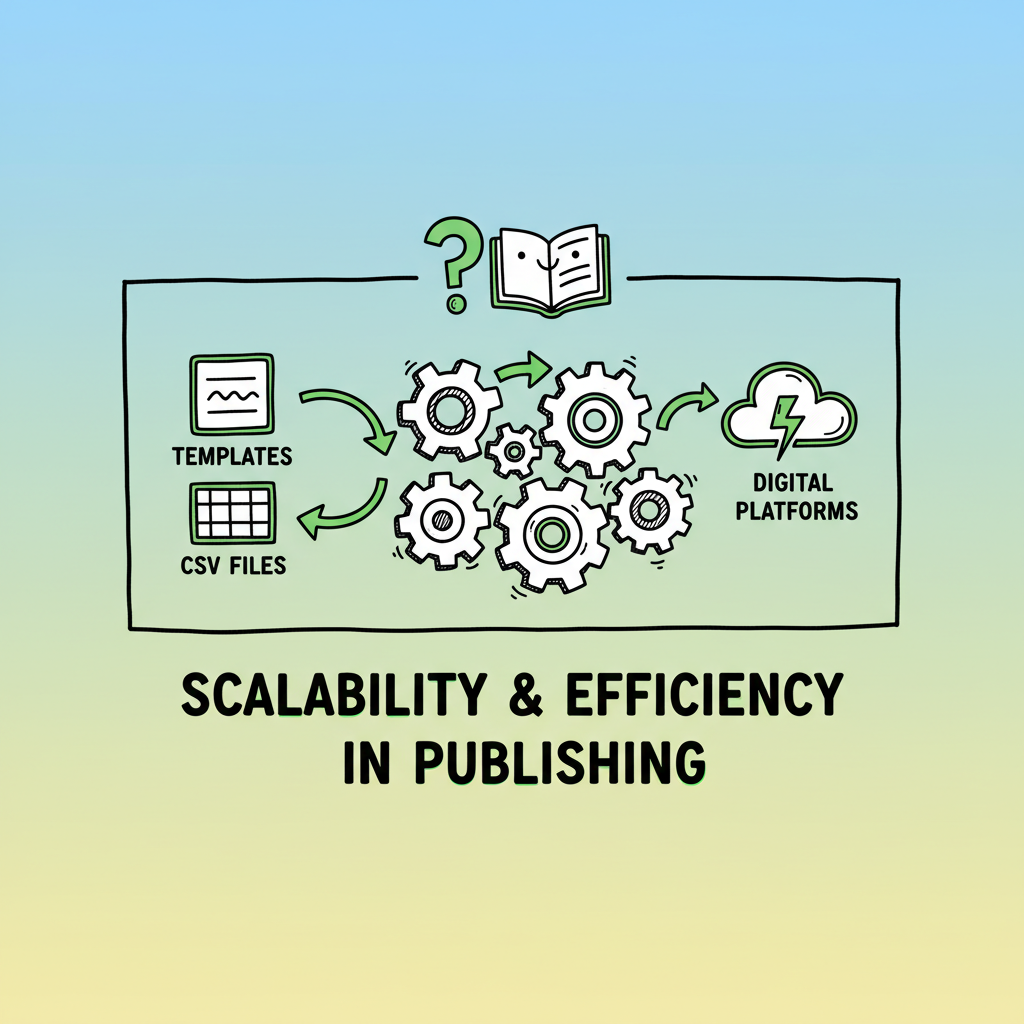
- Practical steps include standardizing stages, using templates and CSV batch uploads, and adding platform-specific rules so each title moves through the same controlled path.
- Tools like BookUploadPro make multi-platform publishing practical: unified uploads across Amazon KDP, Kobo, Apple Books, Draft2Digital, and Ingram, with big time savings and fewer errors.
Table of Contents
- What systems driven publishing means
- Designing a systematic publishing workflow
- Scaling multi-platform distribution
- FAQ
What systems driven publishing means
Systems driven publishing is an operational approach to making books. Instead of relying on ad-hoc steps, it treats each title as an instance that runs through a defined set of stages: intake, editing, design, proofing, format conversion, and distribution. The goal is not to remove editors or designers, but to remove repetitive manual work and human error from every handoff.
A clear benefit is predictability. When you standardize stages and use templates, you know roughly how long a book will take and where the bottlenecks are. That predictability matters when you publish multiple titles a year. It changes publishing from a craft performed one book at a time into a repeatable operation that scales.
Systems driven publishing also means integrating the technical tasks that used to be separate. For example, converting a manuscript to EPUB or producing print-ready files can be handled by a defined process that enforces rules: chapter breaks, front and back matter, page targets, and metadata standards. That reduces rework and keeps each title consistent.
If you want to move beyond doing everything manually, it helps to read one clear case: Automated Passive Income With Books shows how consistent, repeatable processes make multi-book publishing economically sensible. The link demonstrates how treating your catalog as a system changes the economics and frees creative time for higher-value work.
BookUploadPro’s approach shows how enforcing length and structure at the system level reduces back-and-forth between editors and designers. The system normalizes chapter lengths and applies consistent formatting so layout and conversion require less manual intervention.
BookUploadPro fits in as a practical base for teams aiming to scale without inflating headcount. It automates repetitive uploads across Amazon KDP, Kobo, Apple Books, Draft2Digital, and Ingram, with platform-aware validation and batch processing.
BookUploadPro is built for this model. It automates repetitive uploads across Amazon KDP, Kobo, Apple Books, Draft2Digital, and Ingram. Key features include:
– Unified multi-platform publishing with platform-specific intelligence
– CSV batch uploads for mass processing
– Significant error reduction and ~90% time savings on repetitive tasks
– Affordable pricing with a free trial, making systematic publishing practical for indie authors and small publishers
Why this matters for indie authors and small publishers
Many authors start with single-title thinking: write, polish, upload. That works once or twice. When you try to scale—launching a series, bundling backlist, or publishing multiple authors—ad-hoc methods fail. Systems driven publishing reduces manual steps and enforces quality gates so you can publish more without doubling staff.
Concrete benefits
- Faster time to market for each title
- Fewer errors in metadata, pricing, and file formatting
- Easier reuse of assets (covers, interior templates, front/back matter)
- Clear metrics and dashboards so you can spot delays and fix them
You don’t need enterprise budgets. The right mix of templates, CSV batch uploads, and platform-aware publishing intelligence makes operations practical for small teams. When repeated tasks are automated and standardized, human experts are freed to do what matters: editorial judgment, marketing strategy, and author relations.
Designing a systematic publishing workflow
Designing a systematic publishing workflow means mapping out every step a manuscript must pass through, then converting those steps into repeatable rules and templates. Below is a practical sequence you can apply today.
- Map stages and define acceptance criteria
List the stages a manuscript must pass through from submission to sale. For a simple operation this might be:- Intake and metadata capture
- Structural edit and length control
- Line edit and humanization of tone
- Formatting and layout
- Proof and approval
- Distribution and release scheduling
<
For each stage, define what “done” looks like. Examples:
- Intake: manuscript file received, title and ISBN assigned, metadata fields filled.
- Structural edit: chapters fit target length ranges, chapter order confirmed.
- Formatting: fonts, margins, and front/back matter match the template; TOC present.
- Distribution: retail-ready files and metadata uploaded to platforms, pricing set, pre-order or go-live date scheduled.
- Use templates and enforce limits
Templates are the backbone of repeatability. Create interior templates for paperback and ebook with fixed styles, and create metadata templates for genre, BISAC codes, and pricing tiers. Where appropriate, enforce length ranges so titles don’t balloon beyond expectations. This is an operational choice: you trade some one-off customization for consistent throughput.BookUploadPro’s approach shows how enforcing length and structure at the system level reduces back-and-forth between editors and designers. The system normalizes chapter lengths and applies consistent formatting so layout and conversion require less manual intervention.
- Convert and validate formats early
Convert to target formats early in the process and validate them before layout or upload. For example, use a dedicated EPUB converter to ensure correct navigation and reflow. If you need a reliable EPUB conversion step, there are tools dedicated to converting manuscripts to EPUB. If your project includes cover creation, keep that step templated too. Use a consistent cover process for series or genres, and generate deliverables in required sizes for print and ebook stores. Tools that generate covers programmatically can free designers to focus on higher-value creative work rather than resizing files.For cover tasks, consider a cover generator processing tool that can generate required sizes and apply bleed and safe-zone rules automatically.
- Batch operations and CSV uploads
When you publish many titles, manual form entry is the biggest time sink. CSV batch uploads let you move hundreds of titles through retail platforms with a single structured file. Capture essential columns like title, author, ISBN, description, keywords, categories, price, and file paths for interior and cover. Systems that support CSV uploads eliminate repetitive typing and reduce human error.BookUploadPro supports CSV batch uploads and platform-specific intelligence for Amazon KDP, Kobo, Apple Books, Draft2Digital, and Ingram. That combination makes wide distribution practical without hiring a larger operations team.
- Implement role-based checks and audits
Even with templates and conversions, human review is required. Build short, clear checklists for proofing that align with your acceptance criteria. Use role-based permissions so only approved reviewers can sign off on final files. Keep an audit trail for changes: who approved what and when. That traceability lowers the risk of mistakes and supports consistent quality across many titles. - Keep metadata rules platform-aware
Each retail platform has quirks—file size limits, acceptable category codes, or ISBN handling. Encode platform-specific rules into your process so uploads meet those constraints automatically. For example, set validation checks that warn if a file exceeds a platform’s limit or if category choices are invalid. This reduces rejected uploads and the need to resubmit. - Monitor performance and measure time savings
Track cycle times for each stage and look for repeatable delays. Is formatting consistently slow? Do cover approvals bottleneck? Use simple dashboards or even shared spreadsheets to measure throughput. When you measure, you can improve. Operations-driven publishing is about continuous, incremental gains—not one-time fixes. - Keep human control on creative gates
Automation and templates should not replace judgment. Preserve clear human gates for editorial tone, narrative structure, and final design choices. Treat automated changes as suggestions that require explicit accept/reject steps by the editor or author.
Practical tool choices
- Look for platforms that:
- Support CSV batch uploads
- Allow templates for interior and cover
- Provide platform-specific validation
- Offer simple dashboards and audit trails
- Integrate conversion steps (EPUB, print PDFs) with minimal manual intervention
For cover generation or batch conversions, consider dedicated tools. If you’re working with EPUB files specifically, using a dedicated EPUB converter reduces downstream issues with displays and reflow on devices. For covers, a cover processing tool helps ensure images meet required dimensions and bleed settings without repeated back-and-forth.
If your process includes creating paperback and ebook files at scale, point those steps at a tool that can produce both formats from the same source and handle the differences automatically. This reduces duplicate effort and enforces consistent branding across formats.
BookUploadPro is designed to automate the upload. Own the distribution. When your publishing steps are codified, the last mile—uploading files to stores—becomes routine. Automating uploads and using platform-aware rules means fewer mistakes and faster releases. For teams aiming to publish seriously, moving to a systems model is an obvious upgrade: you get predictable throughput, reduced error rates, and meaningful time savings.
Scaling multi-platform distribution
Scaling means two things: multiplying titles and increasing reach. You want to publish more books and make them available across as many storefronts as practical. That requires standardized production and distribution that treats multiple platforms as targets, not one-off destinations.
Why multi-platform matters
Because readers buy from different stores, wide distribution increases potential sales without extra marketing creativity per platform. But each platform has its own file and metadata requirements. Doing this manually multiplies work. The systems-driven approach makes it possible to target many platforms with minimal incremental time per title.
Key operational levers for scale
- Unified uploads: Send metadata and files from one central place to multiple platforms. This reduces repeat effort and ensures data parity across stores.
- Platform-specific intelligence: Encode store rules so files and metadata pass validation checks before uploads. That prevents errors that cause rejections.
- Batch operations: CSV uploads let you publish hundreds of titles with a single import.
- Error reduction: Standardized templates and validation checks reduce common mistakes—wrong trim size, missing TOC, or incorrect metadata fields.
Practical example
Imagine you have 50 backlist titles to migrate to three new stores. Instead of logging into each store 150 times, you prepare a CSV with validated metadata and point your system to the correct interior and cover files for each title. The system runs checks, converts files where needed, and uploads them. Errors are reported in a single audit log for quick fix and re-upload. What would have taken weeks manually can be done in days.
What to automate—and what to keep manual
- Automate repetitive, rules-based tasks: metadata normalization, file formatting, image resizing, validation checks, and uploads.
- Keep creative approvals manual: final cover sign-off, narrative edits, and marketing copy choices. The result is higher throughput without losing human judgment where it matters.
BookUploadPro is built for this model. It automates repetitive uploads across Amazon KDP, Kobo, Apple Books, Draft2Digital, and Ingram. Key features include:
– Unified multi-platform publishing with platform-specific intelligence
– CSV batch uploads for mass processing
– Significant error reduction and ~90% time savings on repetitive tasks
– Affordable pricing with a free trial, making systematic publishing practical for indie authors and small publishers
BookUploadPro treats the upload and distribution stage as a repeatable, governed operation: standardized inputs, automated checks, and a single place to manage multi-store delivery. For authors who publish seriously, it’s an obvious upgrade.
FAQ
Q: What’s the difference between a systems approach and just using software tools?
A system defines repeatable stages, acceptance criteria, and templates first. Tools execute those rules. Software without a system is just another place to do manual work. The system is the plan; the tools are the execution layer.
Q: How much time can I expect to save?
Savings vary by operation size and how manual your current process is. Teams that move to batch uploads and template-driven conversion often report time savings in the 70–90% range on repetitive tasks like metadata entry and file uploads.
Q: Do I lose creative control when I systematize publishing?
No. Systems aim to reduce repetitive tasks. Creative gates for editorial and design decisions stay manual. Systems should make creative work easier, not replace it.
Q: Which parts of publishing should I automate first?
Start with high-volume, repetitive tasks: metadata normalization, file formatting and conversion, cover resizing, and uploads. Then automate validation checks for platform-specific rules.
Q: Do these processes work for both ebooks and paperbacks?
Yes. The same principles apply—templates, conversion, validation, and batch uploads—though print requires attention to trim size, margins, and page count. Use a toolchain that supports both ebook and print outputs from the same source.
Q: Are there tools for cover generation, EPUB conversion, and batch file creation?
Yes. For cover tasks, look for a cover processing service that prepares artwork to platform specs. If you need a reliable EPUB conversion tool, choose a dedicated EPUB converter that validates navigation and reflow. For producing both paperback and ebook files from the same manuscript, use a platform that handles both formats and supports batch processing.
Sources
Sources
- How to Automate Your Publishing Workflow Management
- Intelligent Automated Publishing Platform
- Revolutionize Content Creation Workflows with Publishing Software
- How to Build a Content Publishing Workflow
- Publishing Workflow Management System | LAPS
- Essential Guide to Automating Content Publishing Workflow
- Publishing Automation Systems: 5 Key Steps to Choose the Right One
- Top 20 Content Workflow Tools That Can Maximize Team Productivity
- Automated Workflows in Publishing
Try BookUploadPro
If you’re ready to make publishing repeatable and reduce the friction of multi-store distribution, visit BookUploadPro.com and try the free trial. Automate the upload. Own the distribution.
Systems driven publishing: how to build repeatable, scalable book production Estimated reading time: 14 minutes Key takeaways Systems driven publishing is about turning book production into repeatable, measurable processes that scale without adding the same number of people. Practical steps include standardizing stages, using templates and CSV batch uploads, and adding platform-specific rules so each…