Automate Passive Income Books Practical Publishing System
Automate Passive Income Books: A Practical System for Self-Publishing Authors
Estimated reading time: 7 minutes
Key takeaways
- Automate passive income books by building repeatable systems: idea generation, templated interiors, covers, and batch uploads.
- Multi-platform publishing and CSV batch uploads turn a few hours of setup into ongoing, hands-free book profits with platform-specific intelligence.
- Use automation carefully: quality controls, niche testing, and ongoing optimizations keep revenue steady while reducing time by ~90%.
Table of Contents
- Why automate passive income books?
- Building a repeatable book automation workflow
- Multi-platform publishing and scaling
- FAQ
Why automate passive income books?
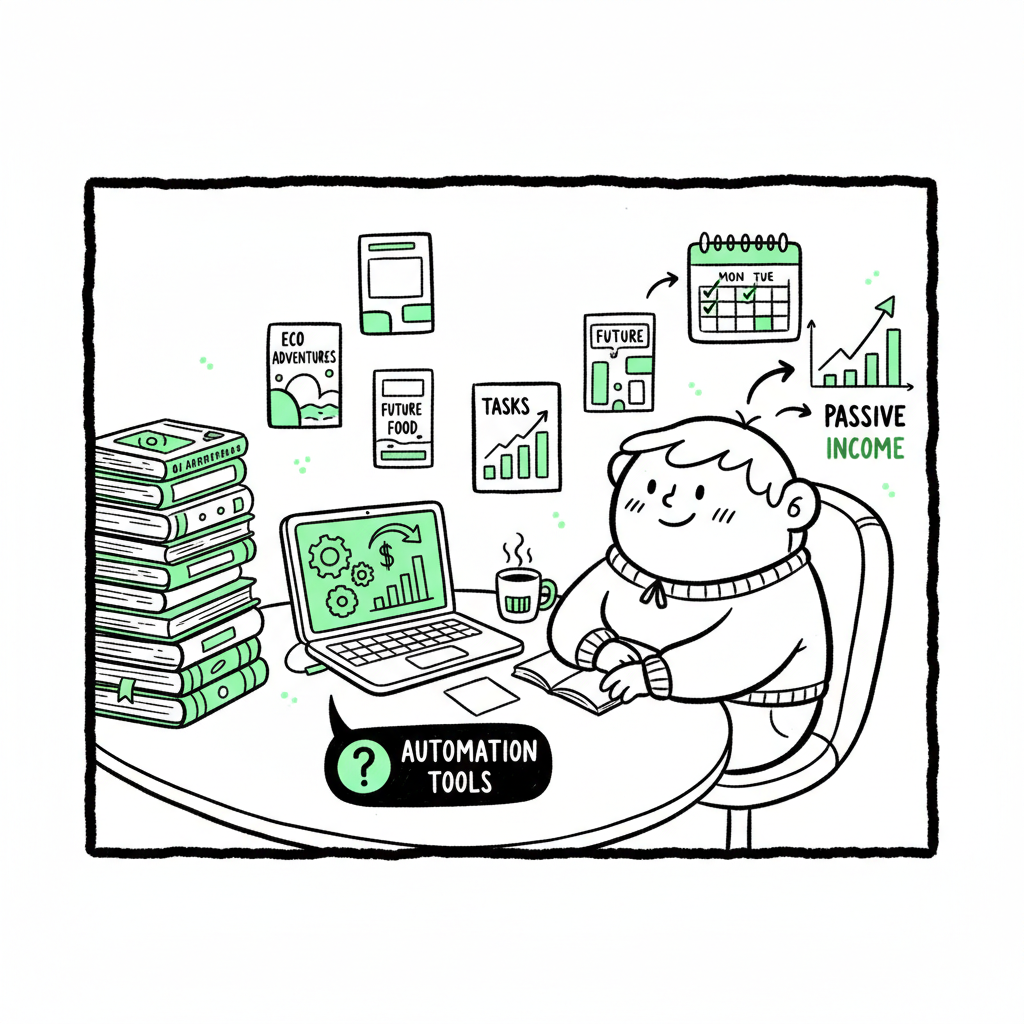
If you want predictable, semi‑hands‑free revenue from publishing, you don’t rely on one book and hope for a bestseller. You build a system that can produce many titles, learn from data, and push updates without reinventing the whole process each time. That’s what it means to automate passive income books: set up reproducible steps for research, production, formatting, and distribution so new titles require a fraction of the original time.
Automation isn’t magic. It’s repeatable work combined with tools that remove manual friction. Done right, a catalog of low- and medium‑content books—journals, guided prompts, planners, short nonfiction—compounds royalties. The early work is heavier: find niches that sell, tune metadata, and craft templates that don’t look templated. But once the system runs, the effort to add each new book drops dramatically and you start to see hands free book profits.
If you want a closer look at an actionable example and a practical walk‑through on building these systems, see Automated Passive Income With Books on our blog for step‑by‑step notes and sample templates. That post shows how to structure a catalog strategy and measure the metrics that matter.
Why this matters now
- AI and templates speed content production, but the advantage goes to authors with systems, not those chasing hacks.
- Marketplaces reward consistent catalogs. Multiple modest sellers often outperform a single runaway title.
- Automation changes the work: more planning, less repeated busywork.
For automated cover processing, see BookAutoAI’s cover processing tool and streamline batch designs without sacrificing quality.
For ebook file handling, consider BookAutoAI’s EPUB pathway: their EPUB converter can help keep navigation intact across retailers.
If you’re laying out the full publishing pipeline, BookAutoAI offers a centralized approach to book creation and delivery through its platform.
Why this matters now
– AI tools and templates speed production, but a solid system wins long‑term. – Stores reward catalogs that keep growing. – Automation shifts work toward planning and optimization rather than repetitive entry tasks.
Building a repeatable book automation workflow
A workflow is the toolset that lets you move from idea to live title with predictable quality. Below I’ll outline components that scale. You don’t need every tool on day one—start with repeatable steps and improve them.
-
1) Niche research that scales
Pick categories that support volume: low- and medium‑content books often work best because they map well to templates. -
Standardize research: keep a spreadsheet with keywords, average ranks, estimated search volume, and competing title notes.
-
Test small: publish a handful of variants and track performance for 30–90 days before scaling.
-
2) Idea to outline: templates and prompts
Create an outline template for each format (journal, workbook, short nonfiction). For journals it might be title, subtitle, interior page structure, prompts per page, and number of pages. -
Use repeatable prompts for idea generation and outlines. Treat AI as a brainstorming and formatting tool—not a finished product. Human edit to avoid robotic prose.
-
3) Interiors: reusable templates
Build reusable interiors in your preferred tool (InDesign, Affinity, or templated files). A template should allow swapping title, subtitle, and minor layout tweaks without rebuilding pages. -
For ebooks and paperbacks, standardize trim sizes and margins so you can reuse the same file with minimal changes.
-
4) Covers: batch-capable design
Covers must sell. Use templates that allow you to change background, typography, and imagery quickly while preserving a consistent visual hierarchy. If you use a cover generator or batch-processing tool, check every cover at full size. Automated systems speed production, but a poor cover kills conversions. If you use a cover tool, make a short checklist: legibility at thumbnail, uncluttered typography, and distinctive color palette. For automated cover processing, see BookAutoAI’s cover processing tool to accelerate batch work while keeping templates consistent. -
5) File conversion and validation
Ebooks must render cleanly across stores. Convert to EPUB carefully and validate the final file on multiple readers. Paperbacks require correct PDFs with bleed, spine width, and embedded fonts. Always proof a printed copy before scaling uploads. -
If you need an automated way to convert manuscript files to EPUB format, there are reliable converters that take standard source files and output clean EPUBs for broad distribution.
-
6) Metadata and launch listing
Metadata should be templated: title variations, subtitle formulas, keyword sets, categories, and pricing tiers. Use a spreadsheet that maps each title to its metadata. That spreadsheet becomes the input for batch upload. -
7) Batch uploads and automated processes
Upload tools that accept CSVs let you move from spreadsheet to live listings quickly. They remove repetitive form work and reduce errors. Configure platform-specific details once (royalty options, territories, ISBNs). Platform-specific intelligence in an upload tool reduces rejections and formatting mistakes. -
8) Monitoring and small‑cycle improvements
Track sales, returns, rank, and reviews by title. Iterate: tweak metadata, adjust prices, or swap covers based on small experiments.
Tools and integrations to reduce time
- CSV batch uploads: push dozens of titles at once instead of clicking through forms.
- Platform-specific intelligence: validation rules that catch errors before upload.
- Error reduction: a preview and validation step that prevents rejected or off-spec uploads.
- If you build a catalog, automated EPUB conversion, and batch-capable cover processing are practical ways to cut production time. For paperback and ebook generation, there are services that centralize file creation and export ready files for distribution.
Practical notes on file tools
- If your workflow includes creating many ebooks and paperbacks, a centralized book creation system simplifies the handoff between content, design, and upload tasks.
- For cover batch-processing, pick a tool that processes at scale while keeping the ability to review and adjust individual covers.
- For EPUB conversion, use a tool that keeps chapter navigation and images intact so retailers render chapters and previews correctly.
Multi-platform publishing and scaling
Single-platform publishing limits reach. A multi-platform approach spreads risk, captures different buyers, and increases the long tail. To scale without drowning in uploads, automate the distribution.
Why multi-platform matters
- Different readers prefer different stores (Apple Books, Kobo, Ingram‑distributed retail, and Amazon each have distinct audiences).
- Some platforms expose titles to library or educational distribution channels that Amazon does not.
- Pricing and promotions vary by store; having titles everywhere gives you flexibility.
What to automate across platforms
- Unified metadata: keep a master CSV that maps fields to each platform’s requirements.
- Platform-specific intelligence: the system should apply rules per store (cover resolution, EPUB quirks, price rounding).
- CSV batch uploads: push hundreds of titles across stores with minimal clicks.
How BookUploadPro fits at scale
- When authors publish seriously, uploading becomes repetitive and error-prone. Automated multi-platform publishing is an obvious upgrade.
- BookUploadPro unifies Amazon KDP, Kobo, Apple Books, Draft2Digital, and Ingram under one workflow. It applies platform-specific intelligence during uploads, which prevents common rejections and formatting errors.
- Users report significant time savings—often close to 90%—because a single CSV or batch job replaces dozens of manual listings and corrections.
- The system reduces errors, lets you focus on testing covers and metadata, and makes wide distribution practical without hiring an army of contractors.
Catalog strategy and scaling
- Start with a focused niche and a small set of templates. Validate with a dozen titles. If the niche works, scale to related niches and leverage the same templates.
- Use data to decide whether to increase volume or improve assets. For many authors, the best returns come from steadily growing a catalog and letting combined royalties compound.
- Automating uploads lets you reallocate time from clicking forms to improving the elements that move the needle: covers, blurbs, and metadata.
Quality controls to keep revenue steady
- Random audits: periodically review live listings to catch formatting regressions.
- Staging environment: preview the output files (EPUB, PDF) before they go live.
- Proof copies: order a physical proof for new paperback formats before broad distribution.
Automation does not eliminate work, but it changes the work to higher‑value activities. You trade repetitive labor for planning, testing, and incremental improvement. That’s the essence of book automation passive revenue.
FAQ
Q: Is “automate passive income books” realistic, or is it hype?
A: It’s realistic if you define “passive” correctly. Expect upfront work in research, templates, and infrastructure. After that, adding each new title becomes faster, and a growing catalog can produce largely hands‑off revenue. It’s system design, not magic.
Q: Which book types work best for automation?
A: Low- and medium‑content books (journals, planners, activity books) map well to templates. Short nonfiction with templated chapter structures also scales. Avoid forcing long-form literature into an automated volume strategy unless you have a process for high editorial quality.
Q: Will AI replace the need for editing?
A: No. AI accelerates idea generation and drafts, but human editing prevents robotic phrasing, factual errors, and poorly structured content that can trigger bad reviews.
Q: How do I manage covers when scaling?
A: Use design templates and batch tools for consistency. Always review thumbnails. Consider a batch-processing cover tool for initial versions, then refine high-performing covers manually.
Q: How do I convert manuscripts for multiple stores?
A: Convert to a validated EPUB for retailers and a print-ready PDF for paperbacks. A reliable EPUB converter helps, and validation on target devices is essential.
Q: Should I use automation for every title?
A: Not necessarily. Use automation for titles that fit templates and repeatable formats. Reserve bespoke production for books that need distinct editorial voices or design.
Final thoughts
Automating parts of a publishing business does not remove craftsmanship; it concentrates effort where it matters. A repeatable process—templates, reliable conversion, batch uploads, and platform-aware validation—lets you publish more while spending less time on manual work. That’s how authors move from occasional releases to a portfolio that generates steady income.
When authors are ready to scale beyond a handful of titles, tools that unify KDP, Kobo, Apple Books, Draft2Digital, and Ingram become essential. A CSV-driven workflow and platform-specific intelligence make wide distribution practical and affordable. Automate the upload. Own the distribution.
If you produce many titles or plan to, a system that supports CSV batch uploads, reduces upload errors, and applies platform-specific rules is an obvious upgrade once publishing becomes serious. It lets you spend time on testing covers, refining metadata, and growing a catalog instead of repeating the same form entries.
Try a practical trial and measure the time savings for one catalog cycle; the payoff becomes obvious after a few titles.
Call to action
Visit BookUploadPro.com and try the free trial.
Sources
- Automated Passive Income with AI (Jamie Lee) — https://books.google.com/books/about/Automated_Passive_Income_with_AI.html?id=hcZ9EQAAQBAJ
- AI-Powered Passive Income (Zachary Pike) — https://play.google.com/store/books/details/Zachary_Pike_AI_Powered_Passive_Income?id=ZcZ9EQAAQBAJ
- Automated Passive Income with AI (Barnes & Noble listing) — https://www.barnesandnoble.com/w/automated-passive-income-with-ai-jamie-lee/1148051087
- How To Start An Automated Book Business in 2025 (Jenny Hansen Lane, YouTube) — https://www.youtube.com/watch?v=0sumIAiazVo
- The 15 Best Books on Passive Income to Grow Your Wealth — https://selfpublishing.com/best-books-about-passive-income/
External tool references
Automate Passive Income Books: A Practical System for Self-Publishing Authors Estimated reading time: 7 minutes Key takeaways Automate passive income books by building repeatable systems: idea generation, templated interiors, covers, and batch uploads. Multi-platform publishing and CSV batch uploads turn a few hours of setup into ongoing, hands-free book profits with platform-specific intelligence. Use automation…