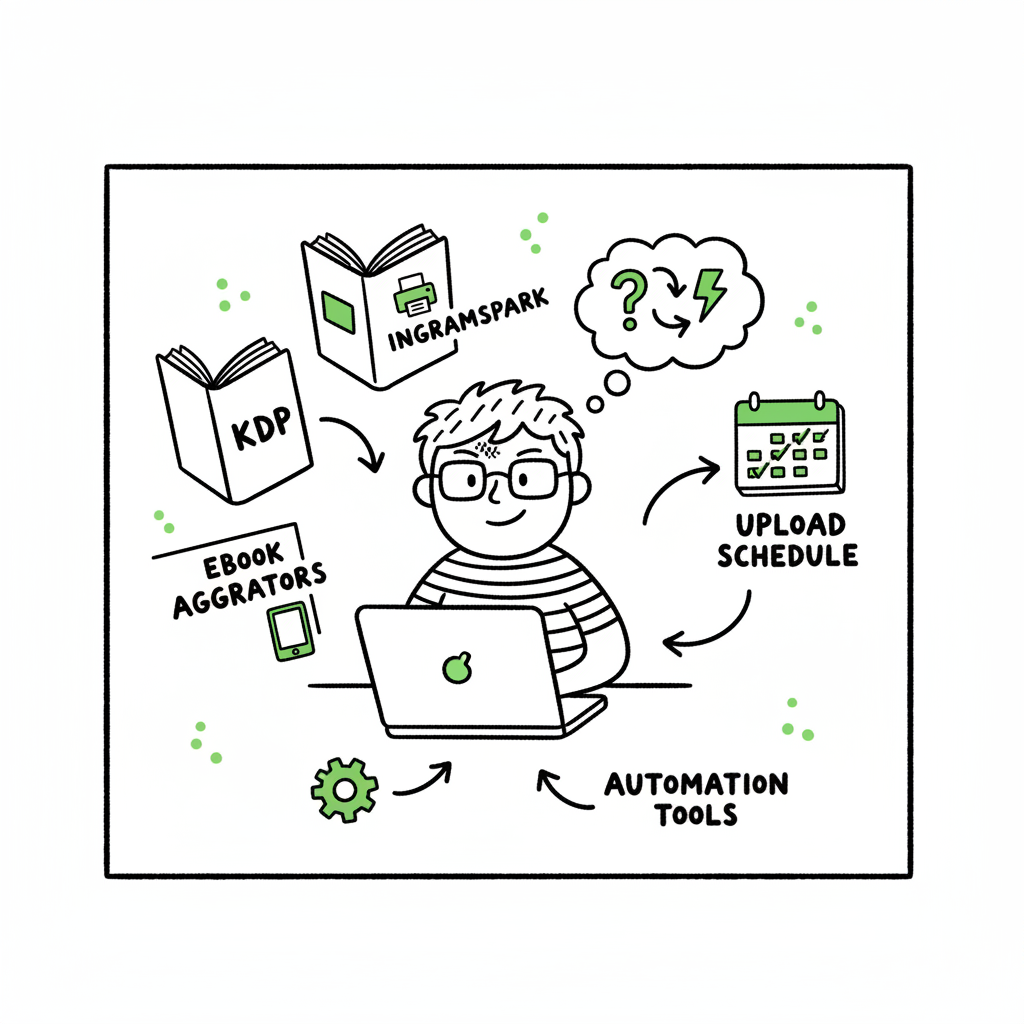
How to Self Publish on Multiple Platforms for Authors
How to self publish on multiple platforms: a practical guide for authors
Estimated reading time: 12 minutes
Key takeaways
- Self publish on multiple platforms to reach more readers and reduce reliance on any single retailer.
- A practical workflow balances direct retailer control (KDP, IngramSpark) with aggregators and platform-aware assets.
- Automation and batch uploads save time and cut errors; BookUploadPro makes multi-platform publishing practical at scale.
Table of Contents
- Why self publish on multiple platforms
- A practical multi-platform publishing workflow
- Common pitfalls and platform specifics
- Automating uploads and tools that scale
- FAQ
- Sources
Why self publish on multiple platforms
When you choose to self publish on multiple platforms, you stop relying on one store for all your sales. That matters because different readers prefer different retailers: some buy from Amazon, others from Apple Books, Kobo, or local stores supplied by Ingram. Wide publishing spreads your book across places readers already shop.
Wide publishing is not just a marketing idea. It’s an operational choice. If you want reach beyond a single marketplace, you need a workflow that handles different formats, metadata rules, territories, and delivery files. That’s where a clear publishing plan pays off: you collect the right assets once, format them for each retailer, and use systems that reduce repetitive uploads.
If you’re looking for a structured process, the Publish Wide Self Publishing Workflow can help you think in terms of outputs — one master manuscript, one cover art source, and a set of retailer-ready files. Early on, build the master files and metadata so each platform receives consistent information, and match formats to retailer requirements to avoid delays. BookUploadPro
A practical multi-platform publishing workflow
A repeatable workflow makes wide self publishing manageable. Think of the process as four stages: prepare, format, distribute, and monitor. Each stage focuses on the outputs you’ll need repeatedly.
1. Prepare: master files and metadata
- Master manuscript: keep a clean, tagged source file (Word or manuscript editor) with a predictable structure. This is your single source of truth.
- Metadata sheet: title, subtitle, series info, author name, BISAC categories, keywords, ISBNs, price, territories, and publication date. Use a CSV to store this for bulk uploads.
- Assets: a print-ready PDF for paperback, an EPUB for most ebook stores, and a high-resolution cover source (PSD or layered file). If you need fast cover iterations, a cover tool helps speed the process.
If you plan to create both ebook and paperback, prepare separate production files. For paperbacks you’ll need a print-ready interior PDF and a spine/back cover layout sized to page count and paper stock. For ebooks, a valid EPUB file is the preferred format for most retailers.
2. Format: platform-aware output
Different stores accept different files and expect different formatting. A reliable process converts your master into retailer-ready files.
- Ebook formatting: export or convert the master into a clean EPUB. Test on devices and fix navigation, image placement, and metadata inside the EPUB. If you convert manually, use a tool that preserves the table of contents and image quality.
- Print formatting: create a fixed-layout PDF that matches the publisher trim size, fonts embedded, and margins set for print. Run soft proofs before approving.
- Cover: export a wrap-around PDF for print and a 1600–3000 px JPEG/PNG for ebook stores.
If you don’t have a conversion tool built in, consider using a dedicated EPUB converter to avoid common errors and ensure compatibility. For authors who want an automated conversion step, there are services that convert manuscripts reliably into EPUB.
Note on assets: when you prepare your ebook, cover, and paperback files, also prepare platform-specific variants when needed. For example, Amazon may accept MOBI or KPF for faster previews, while Apple requires EPUB. Keep a version map so you know which file goes to which retailer.
3. Distribute: choosing direct vs aggregator
Distribution choices shape control, royalties, and workload.
- Direct upload to retailers (Amazon KDP, Apple Books, Kobo Writing Life, IngramSpark) gives you direct control and platform-specific options. For example, KDP gives you Amazon-only promotional tools and pricing flexibility.
- Aggregators (Draft2Digital, PublishDrive, others) simplify distribution by sending your EPUB and metadata to many stores at once. Aggregators often handle payouts and some formatting steps. They can save time, especially if you want 200+ stores without signing into dozens of dashboards.
A hybrid approach is common: use KDP for Amazon and an aggregator or IngramSpark for wide print and ebook distribution. That combination balances direct control on Amazon with broad market access elsewhere.
4. Monitor: live checks and updates
Once your book is live, check listing accuracy: metadata, price, cover image, and sample download. Track early sales and review store reporting to catch delivery issues. Keep your CSV and master files updated so corrections are quick.
Common pitfalls and platform specifics
Publishing to multiple platforms increases reach but also adds complexity. Expect these common issues and plan to avoid them.
- Inconsistent metadata: mismatched titles, subtitles, or ISBNs across stores hurt discoverability and may split reviews. Keep a single metadata CSV and use it as the source for all uploads.
- ISBN confusion: using different ISBNs for ebook and paperback is standard. For wide distribution, decide whether you’ll buy ISBNs or use platform-provided ones (IngramSpark requires your ISBN for wide distribution; KDP supplies a free ISBN for print if you accept their imprint).
- Formatting failures: poor EPUB conversion or embedded fonts that don’t embed properly cause rejections. Validate your EPUB before upload.
- Territory and pricing errors: many platforms default to certain territory settings. Double-check territory restrictions and local pricing fields so you get the global coverage you expect.
- Exclusivity contracts: programs like KDP Select require exclusivity for certain ebook promotions. If you want to publish wide, avoid exclusive programs or reserve specific titles for exclusives.
- Royalty trade-offs: not all stores pay the same percentage. Aggregators might take a cut or ask for a flat fee. Be clear on net royalties and how payments are processed.
Platform specifics to note
- Amazon KDP: high ebook royalties (up to 70%) for qualifying territories and price ranges. KDP’s promotional tools are tied to exclusivity programs. Use KDP for Amazon control, but do not rely on it exclusively if you want true wide distribution.
- IngramSpark: strong for print-on-demand and library/retailer distribution. Setup fees sometimes apply but it opens access to thousands of retailers and library channels.
- Aggregators: Draft2Digital is user-friendly and will handle many formats; PublishDrive offers broader reach and different pricing models. Choose an aggregator based on the stores you need and the fees you’re willing to pay.
Automation and tools that scale
Once your process is repeatable, automation is the obvious efficiency step. At scale, uploading one title at a time becomes a bottleneck. Automation isn’t just about speed; it reduces errors by keeping fields consistent and reusing validated files.
What automation should do
- Batch metadata ingestion: read a CSV and populate retailer fields automatically.
- File mapping: attach the correct EPUB, print PDF, and cover image to each retailer’s required slot.
- Platform intelligence: adapt filenames, image sizes, and pricing to retailer rules without manual edits.
- Error reporting: flag missing fields, invalid EPUB, or image dimension issues before upload.
- Scheduling and updates: allow timed publication dates and quick corrections across all live listings.
Why book creation tools fit here
BookUploadPro is built to make unified multi-platform publishing practical. It automates repetitive uploads across Amazon KDP, Kobo, Apple Books, Draft2Digital, and Ingram. For authors publishing multiple titles or series, that automation is an obvious upgrade once you start publishing seriously.
Key operational benefits:
- About 90% time savings on uploads compared with manual work.
- CSV batch uploads that let you publish or update dozens of titles in one run.
- Platform-specific intelligence to avoid common rejections.
- Error reduction through preflight checks before files are submitted.
- Affordable pricing and a free trial to test the workflow.
Automating uploads doesn’t remove all human checks. You still validate manuscript quality, cover design, and final proofs. But automation handles the repetitive, error-prone parts and makes wide distribution practical.
Practical notes on formatting and assets
- EPUB conversion: a good EPUB makes distribution smoother. If you need a reliable conversion step, use an EPUB converter that preserves structure and metadata.
- Covers: a single layered cover source can export the variants stores need. For print, export wrap-around art sized to the final page count. For ebooks, export web-optimized images. Cover processing can speed this up.
- Paperback creation: set up the interior PDF and cover files with exact trim size and embedded fonts. Test with soft proofs before approving print from the platform. If you want automated tools for conversion and cover generation, there are processing services that handle these exact steps and deliver store-ready files.
Integrating third-party processing
When you prepare assets, it’s efficient to use services that generate the final formats you need:
- For cover processing and generation, use a dedicated cover tool that can output print and ebook-ready assets quickly.
- For EPUB conversion, use a converter designed for book production to avoid common structural problems.
- For overall book creation (both paperback and ebook), choose a platform that can create and validate both formats from your master manuscript.
These services reduce manual formatting time and make the distribution step smoother. The book creation process benefits from automation-ready inputs.
FAQ
What does “wide” or “multi-platform self publishing” mean?
Wide publishing means distributing your book across multiple retailers beyond a single store like Amazon. Multi-platform self publishing aims to put your ebook and print book in as many stores as you choose, increasing potential readers and revenue streams.
Can I use KDP and still publish wide?
Yes. Many authors use KDP for Amazon and an aggregator or IngramSpark for other stores. Just avoid KDP Select if you want ebook exclusivity; that program requires exclusivity for the ebook format.
Should I use an aggregator or upload directly?
If you want to minimize dashboard logins and don’t need every store-specific feature, aggregators simplify the work. If you need direct retailer tools (promotions on KDP, special pricing on Apple), upload directly where it matters and use aggregators for the rest.
How do I manage ISBNs across platforms?
Use unique ISBNs for each format (ebook, paperback, hardcover). Decide whether you’ll buy your own ISBNs or use platform-supplied ones — platform-supplied ISBNs can limit imprint control. Keep a record in your metadata CSV so you assign the right ISBN to each platform.
Will automation reduce my royalties?
Automation itself doesn’t affect royalties. Your royalties depend on the retailer’s terms and any aggregator fees. Automation saves time and reduces errors, but make choices about distribution (direct vs aggregator) based on reach and net payout.
What if a platform rejects my file?
Rejections usually point to formatting or metadata errors. Check the error report, fix the EPUB or PDF, correct the metadata, and re-submit. Automation that includes preflight checks can catch many problems before upload.
What are the best practices for wide publishing?
Develop a master set of assets (master manuscript, metadata, covers) and keep retailer-specific variants ready. Maintain version maps and validation checks to reduce delays across stores.
Final thoughts
Publishing wide is a strategic choice that pays off when you set up a repeatable process. The practical approach is to prepare master files, format for each channel, choose a distribution mix that fits your goals, and automate the repetitive steps. Automation changes publishing from a manual, error-prone chore into a predictable operation that scales.
If you’re publishing more than a book or two a year, automating uploads is worth evaluating. BookUploadPro focuses on unified multi-platform publishing with CSV batch uploads, platform-specific intelligence, and measurable time savings. Automate the upload. Own the distribution.
If you’re dealing with covers, EPUB conversion, or creating print and ebook files as part of your pipeline, there are processing tools that can produce the assets you need without manual fiddling. Use reliable processing for covers and EPUB conversion so your automation step starts with clean, validated files.
Visit BookUploadPro.com to try the free trial and see how it handles batch uploads, platform rules, and error checks. It’s an obvious upgrade once you begin publishing at scale.
Sources
- https://selfpublishingreview.com
- https://self-publishingschool.com
- https://miltonandhugo.com
- https://launchmybook.com
- https://selfpublishing.com
- https://danieljtortora.com
- https://publishdrive.com
- https://kindlepreneur.com
How to self publish on multiple platforms: a practical guide for authors Estimated reading time: 12 minutes Key takeaways Self publish on multiple platforms to reach more readers and reduce reliance on any single retailer. A practical workflow balances direct retailer control (KDP, IngramSpark) with aggregators and platform-aware assets. Automation and batch uploads save time…