Author Business Systems for Scalable Publishing Operations
Author Business Systems: How to Build Scalable Publishing Operations
Estimated reading time: 8 minutes
Key takeaways
- Author business systems are the repeatable processes and tools authors use to run publishing like a small company, freeing time for writing and strategy.
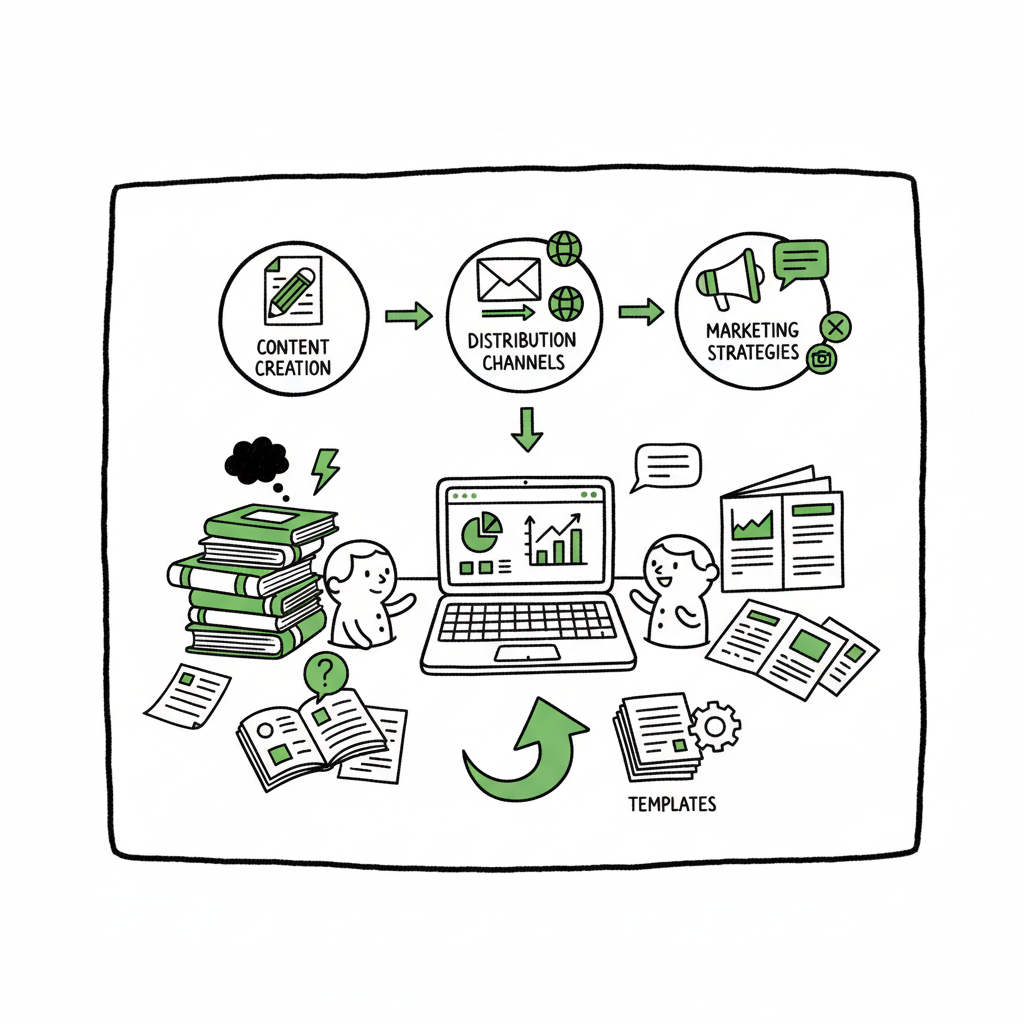
- Build systems around content, distribution, and marketing: templates, batch uploads, and platform-aware checks cut errors and scale output.
- Tools that handle multi-platform publishing, CSV batch uploads, and platform-specific intelligence make wide distribution practical and save roughly 90% of the manual work.
- Start small, measure the time saved, then expand. When you publish more than a few titles a year, automation becomes an obvious upgrade.
Table of Contents
- Why author business systems matter
- Core components of author business systems
- How to build scalable author processes
- FAQ
Why author business systems matter
Author business systems are the structures and tools that let a writer move from tinkering to producing reliable, repeatable results. At first, most authors handle file preparation, metadata entry, cover uploads, and distribution by hand. That works for one book. It fails when you have a series, multiple formats, or a regular publishing schedule.
A system does three things for an author:
- It reduces repetitive manual steps that cause errors.
- It makes scale predictable — you can estimate the time per title.
- It frees creative energy for writing, editing, and promotion.
If you want a practical next step for turning the craft into a business, read Self Publishing as a Business to see how authors structure operations and income streams. The principles there map directly to the systems you’ll build: identify repeatable tasks, choose a tool that minimizes manual input, and measure the results.
Running publishing like a technical task — not a creative hobby — changes decisions. You stop treating each title as a one-off and start optimizing production templates, metadata standards, and distribution checklists. That shift is not about losing creativity; it’s about making publishing efficient so you can do more of the creative work that matters.
To learn more, dive into practical tools and services that handle batch uploads and platform-specific checks across stores; they make wide distribution practical and affordable.
For a broader view of turning publishing into a scalable operation, consider resources that map directly to how you’ll structure tasks and measure results. Self Publishing as a Business offers a solid framework you can apply to your own titles.
Core components of author business systems
A practical author system is not a single tool. It’s a set of components you connect so each book moves from manuscript to stores with minimal human steps. Focus on these core areas.
Manuscript and file standardization
Start with a single source of truth for your manuscript. Use a standard file layout and naming convention (title_author_format_version). That makes batch tasks—like generating print-ready files or extracting blurbs—reliable.
Formatting and conversion
Ebook and print formats require different files and checks. Converting to EPUB correctly and validating files speeds acceptance at stores and reduces downtime. For reliable conversions, consider using a dedicated EPUB converter that keeps formatting consistent across platforms.
Cover and asset management
Store master design files and export presets for cover images and thumbnails. When you produce a paperback and ebook, export the cover in the exact dimensions and resolution required for each service. If you’re exploring automated options for cover work, a cover generator can speed iterations and keep branding consistent.
Metadata, identifiers, and ISBNs
Metadata is where discoverability and distribution health live. Maintain a single metadata record per title: title, subtitle, series data, author names, keywords, categories, publication dates, pricing tiers, and rights. Keep ISBNs and other identifiers linked to that record so you never reuse or mismark an edition.
Distribution and multi-platform uploads
Most authors publish on multiple stores to reach readers where they are. A good system standardizes the distribution package so you can push the same content to Amazon KDP, Kobo, Apple Books, Draft2Digital, and Ingram with platform-specific tweaks applied automatically.
Batch processing and CSV uploads
Batch uploads using CSVs or a single spreadsheet transform distribution from a full-day slog into a 15–30 minute task for many titles. CSVs let you set price tiers, territories, and metadata for multiple books at once.
Quality control and platform checks
Each store has rules. Build simple validation checks into your process: spine width matches page count, cover text is inside safe areas, page size equals template, and EPUB passes a validator. Platform-specific intelligence in your tooling helps avoid rejections and delay.
Marketing and promotions
Systems should hand off clean data to promotional tools: formatted blurbs for newsletters, ready-to-share images for social, and metadata for ads. Planning promotional assets as part of the release package saves frantic last-minute work.
Reporting and finance
Track sales channels, returns, and royalties in the same structure. Use the metadata key (ISBN, format) to join sales data with title records. That turns raw numbers into answers: which series sells best, which price point works, which channels are highest ROI.
Team and task handoff
Even solo authors often work with editors, designers, and virtual assistants. Use a consistent naming convention and shared checklist so everyone understands the single source of truth for files and responsibilities.
Platform-specific intelligence and error reduction
Independent publishing platforms vary in field lengths, allowed characters, image sizes, and required file types. Systems that are platform-aware reduce back-and-forth and ensure uploads go live fast. That specificity is why a unified multi-platform upload tool is an obvious upgrade once authors start publishing seriously.
How to build scalable author processes
This section walks through a simple, repeatable path to build or improve your author systems. Each step focuses on practical decisions and measurable gains.
1. Audit your current process
Write down every step you take from a finished manuscript to live listings and promotional assets. Time each step for one title. This audit reveals the tasks that are worth automating or batching.
2. Standardize file structure and metadata
Create a folder template and a metadata spreadsheet. Example fields: internal ID, title, subtitle, series name, series number, primary genre, secondary genre, four keywords, short blurb, long blurb, print length, manuscript filename, cover filename, ISBN. Use consistent naming so a single script or tool can find assets without manual search.
3. Choose the right tools for conversion and covers
For text-to-ebook conversion and validation, use a dedicated EPUB converter that preserves layout and reduces rework. If you produce multiple formats, keep a toolchain that exports EPUB, a print-ready PDF, and marketing images from the same source files. For covers, use templates and, where helpful, a cover generator to maintain consistent branding and produce variations quickly.
4. Batch metadata and use CSV exports
Once your metadata sheet is reliable, export CSVs for publishers or services that accept them. Batch processing reduces per-title upload time dramatically and prevents manual typing errors.
5. Add platform-aware checks
Create a short checklist per platform: image sizes, allowed characters, and category formats. Either encode these checks in your process or use a tool that understands platform rules to avoid rejections.
6. Centralize distribution
A single service that supports Amazon KDP, Kobo, Apple Books, Draft2Digital, and Ingram can handle the heavy lifting of account entry, pricing, and platform quirks. This unified approach keeps your metadata synchronized and reduces duplicate manual work.
7. Delegate repeatable tasks
With standards and files in place, hand off repetitive tasks—cover exports, metadata entry, or social asset generation—to an assistant or a service. Clear naming and a single metadata sheet make delegation safe.
8. Track and measure
After a few releases, measure time per title and error rate. If a new tool saves hours across multiple titles, scale its use. Often, authors see dramatic time savings—tools that batch uploads and handle platform details can reduce upload time by roughly 90% compared to manual entry.
Practical examples
- A romance author uses one master spreadsheet for 20 titles, exports three CSVs per release (stores A, B, C), and uses a single script to upload images and files. What used to take a full day per title drops to a focused hour.
- A non-fiction author maintains a master template for back-matter and footers. That template becomes the print-ready PDF core for all future books, cutting typesetting hours.
What to automate and what to keep manual
Automate repetitive, low-decision tasks: metadata population from your master record, file format conversion, and multi-platform uploads. Keep manual the creative checkpoints: final copy edits, headline choices for marketing, and cover concept decisions. The idea is to automate the boilerplate so the creative work gets more attention.
Tools and services that matter
Not every author needs every tool. The most valuable services for scaling publishing are those that:
– Support multi-platform uploads with platform-specific intelligence
– Accept CSV batch metadata
– Generate or validate EPUB and print files
– Offer predictable pricing and a free trial so you can test on a small batch
BookUploadPro fits this role for many authors: unified multi-platform publishing, CSV batch uploads, platform-aware validation, and error reduction. For authors publishing regularly, it becomes an obvious upgrade—Automate the upload. Own the distribution.
For a quick-start, consider the following practical checklist: create one master metadata spreadsheet, define file naming and folder structure, get a reliable EPUB converter, create cover templates and export presets, test a CSV batch upload with a single platform, then expand to others, and measure time saved.
Practical checklist to start
- Create one master metadata spreadsheet.
- Define file naming and folder structure.
- Get a reliable EPUB converter and test one title end-to-end.
- Create cover templates and export presets.
- Test a CSV batch upload with a single platform, then expand to others.
- Measure time saved and iterate.
Handling editions and updates
When you update a book—the corrected edition, new cover, or revised interior—your system should identify the edition with clear versioning in metadata. Keep a changelog per title so you can audit what changed and why. That avoids accidental overwrites or mismatched ISBNs.
Design and production notes for teams
If you work with freelancers: share the metadata sheet, a release checklist, and export presets. Keep a short onboarding document that describes naming rules and where to place files. That reduces back-and-forth and speeds the handoff.
Cover, EPUB, and book creation shortcuts
- Use design templates and consistent typography across a series.
- Generate the ebook and validate it early in the process to catch formatting problems.
- If you need help with creating paperback or ebook files quickly, consider book creation tools that export both formats from a single source.
- When you need fast, standard cover options, a cover generator can produce consistent, professional results without starting from scratch.
(If you’re exploring automated cover generation, a reliable cover generator will let you maintain consistent series branding while producing multiple options quickly. For fast EPUB converter work, try an EPUB converter that preserves layout and reduces review cycles. For one-stop generation of paperback and ebook packages, check book creation tools.)
Managing promotions and release windows
Integrate promotional asset creation into your release checklist. Produce a set of ready-to-publish items: social images, newsletter blurbs, press copy, and ad-ready text. Put scheduled tasks in your calendar with clear owners.
Risk mitigation and common failure modes
- Missing metadata: keep authority control keys in your sheet to avoid re-entering publisher names and series spellings.
- Cover rejection: validate dimension and trim area early.
- Wrong edition live: maintain a version column and a release approval step.
- Store mismatches: use platform-aware checks that surface character limits and field differences.
Final operational note
Systems are living. Start simple: standardize, batch, then centralize. Measure time saved and scale tools only after you’ve proven the savings with a few titles.
FAQ
Q: How quickly can I see benefits from author business systems?
A: Many authors see measurable time savings after standardizing one title and testing CSV batch uploads. Expect initial setup to take a few hours; the payoff appears on the second and third title.
Q: Do I need technical skills to set this up?
A: No. Most systems use spreadsheets, basic file naming, and services that accept CSVs. When a task requires scripts, many authors use low-code helpers or affordable services.
Q: Should I use a single platform or several?
A: Use multiple stores for reach, but centralize metadata and batch uploads. A single multi-platform tool reduces the friction of managing many storefronts.
Q: How do I handle covers and formatting across formats?
A: Keep master design files and export presets. For the interior, generate both EPUB and print files from the same source when possible, and validate each format before upload.
Q: What’s the typical time savings?
A: When you standardize files and use batch uploads with platform-aware checks, savings of 70–90% on manual upload time are common for authors with multiple titles.
Final thoughts: Building author business systems is an operational decision that pays back in time, fewer errors, and better capacity for publishing. The practical path is clear: standardize files, centralize metadata, validate formats early, and use tools that understand store rules. When your goal is consistent output and predictable timelines, these systems make publishing scalable and sustainable.
Sources
- Buy Back Your Writing Time: Five Automations That Actually Help
- Automate your author business like a boss (even if tech isn’t your thing)
- The 3 Systems Every Author Needs (And How to Set Them Up)
- 8 Workflow Automation Benefits for Authors & Publishers
Author Business Systems: How to Build Scalable Publishing Operations Estimated reading time: 8 minutes Key takeaways Author business systems are the repeatable processes and tools authors use to run publishing like a small company, freeing time for writing and strategy. Build systems around content, distribution, and marketing: templates, batch uploads, and platform-aware checks cut errors…