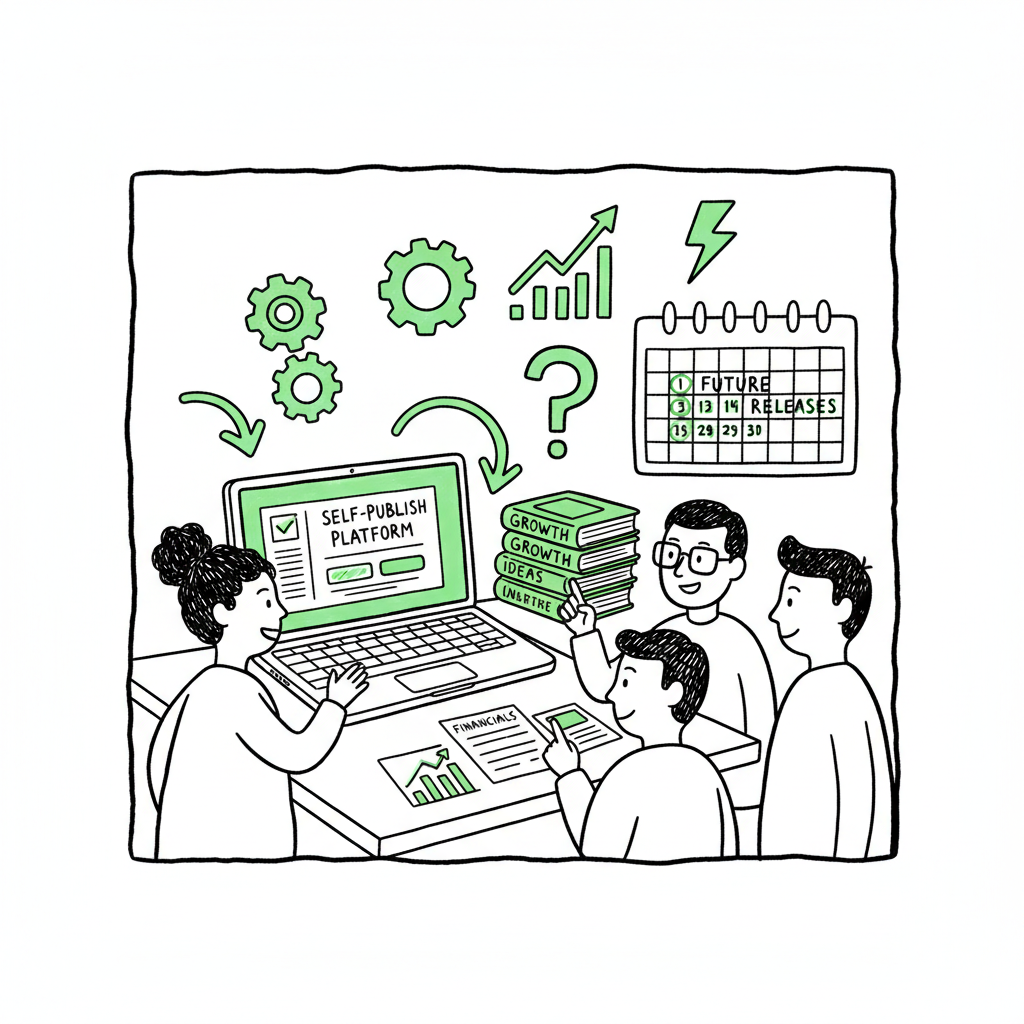
Publishing Books as a Business for Self-Publishers
Publishing books as a business: How to turn self-publishing into a real company
Estimated reading time: 14 minutes
Key takeaways
- Treating publishing books as a business changes decisions: legal setup, separate finances, repeatable production, and long-term catalog planning.
- Build systems for professional production and multi-platform distribution to scale revenue and reduce errors.
- Automation tools like BookUploadPro make wide distribution practical: CSV batch uploads, platform intelligence, and ~90% time savings for repeatable publishing.
Table of Contents
- Why treat publishing like a business?
- How to set up your book publishing company
- Production and distribution systems that scale
- Scaling operations: automation, analytics, and suppliers
- FAQ
- Sources
Why treat publishing like a business?
If you want publishing to pay your bills, you must stop treating each book like a hobby project. For a concise guide to this shift, Self Publishing as a Business.
Publishing books as a business means setting clear goals, separating personal and business money, and building repeatable systems that produce reliable results. That shift changes everything you do—from choosing which titles to publish to how you price them, market them, and measure success.
Running publishing as a business is not only for people who want to sign other authors. Even sole authors who plan to release a series or a steady stream of titles benefit from a business mindset. Start by thinking in terms of a catalog rather than a single product. A catalog lets you test pricing, build series momentum, and earn backlist income that compounds over time.
A practical next step for many authors is to learn the processes that professional small presses use. If you want a concise guide to this shift, see our page on Self Publishing as a Business for fundamental steps and examples. That resource outlines the basic leap from occasional self-publishing to a repeatable, measurable publishing operation.
Why this matters now — Digital distribution and print-on-demand have lowered the technical barrier. That’s good—now the differentiator is systems and quality. Professional editing, strong covers, careful metadata, and clean formatting are the floor for commercial self-publishing. If your process doesn’t produce consistent, platform-ready files, you’ll waste time and money on avoidable rework.
How to set up your book publishing company
Legal and financial basics
Start with the basics: pick a name, choose a legal structure (many small publishers use an LLC for liability protection and tax clarity), register any required local business licenses, and get an EIN or tax ID. Open a business bank account and use separate bookkeeping. This separation simplifies taxes and gives you a clean profit-and-loss picture for each title and for the catalog as a whole.
Budget for professional production
Commercial self-publishing competes with traditional publishers on quality. That requires budgeting for:
- Developmental and copy editing
- Professional cover design
- Interior formatting for print and ebooks
- ISBNs and barcode for print
- Basic marketing and advertising budget
Think of these costs as capital investment in a product line rather than one-off expenses. Track return on investment per title and across your catalog.
Rights and contracts
Decide what you will own and how you will license rights. If you publish only your own work, your imprint should be the publisher of record. If you sign other authors, use clear contracts covering royalties, rights windows, audio and foreign language rights, and reversion conditions. Treat suppliers (editors, designers, formatters) as vendors with written scopes, milestones, and deliverables.
Operational checklist (practical, not exhaustive)
- Business registration and bank account
- Accounting software and a simple chart of accounts for titles
- A process for editorial reviews and version control
- A checklist for metadata: author name, imprint, ISBN, BISAC codes, keywords, and book descriptions
- A system for sales reporting and inventory of digital assets
Production and distribution systems that scale
Create a production workflow you can repeat. At scale, the most common failures are inconsistent metadata, poor file quality, and manual upload errors. Design a standard checklist your team follows for every title.
Manuscript to market: core production steps
- Development and line edit: Fix structure and clarity first. Don’t postpone developmental work and expect later fixes to be cheap.
- Copyediting and proofing: This reduces returns and negative reviews.
- Cover design: A strong cover is non-negotiable for commercial work. If you handle covers internally or source them, standardize sizes and export settings. For automated cover workflows, you can use a dedicated book cover generator to speed production without sacrificing specs.
- Interior formatting: Produce platform-ready PDFs for print and clean EPUBs for digital stores. If you need reliable conversions, tools like an EPUB converter can save time and avoid common validation errors.
- Metadata and assets: Finalize your blurb, author bio, keywords, BISAC categories, series metadata, and contributor credits.
- Distribution decision: Decide which platforms and aggregators to use.
Formats and why they matter
- EPUB is the baseline for most ebook stores. Poor EPUBs cause display issues and bad reviews. Use a tested conversion path and validate the EPUB before upload.
- Print files require correct trim size, margins, embedded fonts, and a print-ready PDF. Use templates and a final proof check.
- Audiobook plans should be set early if you intend to produce audio: metadata and rights need to be in place.
Distribution channels: own vs. aggregator
You can upload directly to retailers (KDP, Apple Books, Kobo, Ingram) or use aggregators to reach multiple stores at once. Aggregators reduce manual work but sometimes limit promo options or timing. Either way, plan for multi-platform distribution so your books are discoverable in multiple ecosystems.
Batch uploads and platform intelligence
If you publish multiple titles, manual uploads become a bottleneck. Batch CSV uploads let you push many titles quickly and consistently. Platform-specific fields can be tricky; automation helps map your metadata to the right fields and flags platform-only issues before they cause rejections. This is where tools that offer platform-specific intelligence pay for themselves by reducing errors and rework.
Rights, ISBNs, and publisher imprint
Buy or manage ISBNs under your imprint for professional appearance and rights clarity. If you plan to grow, buying a block of ISBNs and registering your imprint places the publisher of record in your control. That’s important for rights licensing and catalog identity.
Scaling operations: automation, analytics, and suppliers
Why scale? Because the business model of publishing favors catalogs. One well-built title can earn steadily; ten well-built titles compound that income. But scaling without systems creates chaos. Grow only after you have repeatable production, consistent quality, and a simple, accurate way to measure revenue by title.
Standardize and document
Document every step in your production workflow. Standard operating procedures cut onboarding time for contractors and prevent single-person knowledge silos. Use a shared checklist for each title’s lifecycle: from concept and outline to final files and post-launch advertising system.
Assemble a small roster of reliable suppliers
Keep a line-up of vetted editors, designers, formatters, and narrators. Treat them as vendors: define payment terms, deadlines, and quality expectations, and track their performance. If you outsource major functions, negotiate a clear handoff of final files and ownership.
Automation where it matters
BookUploadPro automates repetitive uploads across major platforms—Amazon KDP, Kobo, Apple Books, Draft2Digital, and Ingram—using CSV batch uploads and platform-specific validation. For authors who publish seriously, this kind of automation is an obvious upgrade: it saves time (often around 90% per upload), reduces human errors, and turns a slow manual process into a predictable operation.
Use data to guide decisions
Collect and analyze sales, advertising ROI, and conversion rates by format and channel. Track which categories and keywords perform and use this to decide future titles, pricing changes, and promotional experiments. A small publishing business can iterate fast if it focuses on the right metrics.
Rights exploitation and secondary revenue
Think beyond initial sales. Audio, foreign language, and film or course rights are other revenue streams. Plan for these when drafting contracts and maintaining clean, accessible files for licensing.
Practical examples: workflows that work
- Single-author micro-press: One owner handles editorial direction, outsources editing and design, and uses an automation tool for uploads. This model scales to a steady stream of releases without expanding staff.
- Small imprint signing other authors: Publish under an LLC, run standard contracts, and maintain a catalog dashboard for royalty tracking and advances. Use batch upload tools to reduce administrative hours per title.
- Service hybrid: You offer publishing services and keep a small backlist. Standardize deliverables and automate distribution so your service can handle more clients without proportional increases in work.
Technical tasks that should be automated or delegated
- EPUB creation and validation — use a converter or tested pipeline to avoid rejections.
- Cover generation templates and export settings — avoid manual resizing errors.
- Batch metadata uploads — a CSV-driven system reduces typos and mismatched metadata.
When you should not automate
Don’t automate creative decisions: cover concepts, editorial judgment, and author voice require human oversight. Automation is best for routine, format, and distribution tasks that are predictable.
Integrations with content tools
If your process includes large-scale content generation or rapid production, make sure the system hands off clean source files. Confirm ownership of the final files and that output meets platform specs. Automation is helpful only if the input is production-ready.
Practical notes on design and file production
Covers and EPUBs are areas that break many pipelines. For covers, use a consistent export workflow and keep editable source files for future revisions. For EPUBs, validate and fix common problems like missing fonts, invalid HTML, or broken images early.
If you need fast, predictable cover production, consider using a book cover generator that outputs platform-compliant images and templates. If EPUB conversion is a persistent pain point, a dedicated EPUB converter will save time and prevent downstream issues. For paperback and ebook creation steps, working with an experienced book creation tool reduces iteration and failed uploads.
How BookUploadPro fits in
BookUploadPro was built for authors and small publishers who move past one-off publishing and want reliable, repeatable distribution. It bundles CSV batch uploads, platform-specific intelligence, and file validation so you can scale releases without manual drudgery. The core value is simple: automate the upload, own the distribution.
BookUploadPro highlights (practical)
- Unified multi-platform publishing: one place to prepare and push titles to KDP, Kobo, Apple Books, Draft2Digital, and Ingram.
- CSV batch uploads that save time on repeatable publishing tasks.
- Platform-specific validation to catch errors before you submit.
- ~90% time savings on upload and distribution tasks for typical multi-title workflows.
- Affordable pricing with a free trial for hands-on evaluation.
If you’re seriously building a catalog, using a tool to manage multi-store uploads is a practical step. It’s not a replacement for editors, designers, or a catalog strategy—rather, it removes the administrative friction that prevents small teams from publishing steadily.
FAQ
Q: Do I need an LLC to publish my own books?
Not strictly. Many authors start as sole proprietors and later form an LLC. An LLC is useful for liability protection and clearer accounting if you expect revenue or plan to hire contractors or sign other authors.
Q: What’s the minimum professional setup for commercial self-publishing?
At minimum: reliable copyediting, a strong cover, correct ebook and print formatting, and clean metadata. These elements make your books competitive and reduce returns or negative reviews.
Q: How do I choose between direct uploads and an aggregator?
Choose direct uploads if you want full control over platform-specific promotions (e.g., KDP Select). Use an aggregator when you prefer one interface for many stores and accept some tradeoffs in promo options. For scale, many publishers use a hybrid approach.
Q: How many titles do I need to call it a business?
There’s no hard number. The defining factor is intent and systems. If you have a strategy to publish repeatedly, track revenue, and reinvest profits into production, you’re running a business whether you have one title or a hundred.
Q: What tools should I use for file conversion and covers?
Use reliable tools or vendors for cover files and EPUBs. A dedicated EPUB converter and a tested cover workflow reduce rejections and fixes. Examples of helpful tools include a book cover generator for consistent cover outputs and an EPUB converter for validated ebook files.
Q: How does BookUploadPro help a small publisher?
BookUploadPro automates uploads across multiple platforms, validates files and metadata, and speeds distribution. For authors who publish multiple titles, it becomes a time-saver and error reducer, enabling you to focus on content and marketing instead of uploads.
Final thoughts
Treating publishing books as a business is a practical decision, not a philosophical one. It changes how you plan, how you spend time, and how you measure success. Prioritize repeatable production, professional quality, and multi-platform distribution. Use automation where it reduces predictable work and maintain human oversight for creative and editorial judgment.
Start small: get your legal and accounting basics in place, build one reliable production checklist, and automate the upload tasks that eat your time. As you build a catalog, the systems will compound into sustainable, predictable income.
Automate the upload. Own the distribution.
Sources
- How to Start a Publishing Company in 2025 (Legal + Strategy)
- How to Start a Publishing Company: 8 Steps (+ Insights)
- The Step-by-Step Guide to Setting Up a Self-Publishing Business
- How to Start a Publishing Company in 5 Steps: 2025 Edition
Publishing books as a business: How to turn self-publishing into a real company Estimated reading time: 14 minutes Key takeaways Treating publishing books as a business changes decisions: legal setup, separate finances, repeatable production, and long-term catalog planning. Build systems for professional production and multi-platform distribution to scale revenue and reduce errors. Automation tools like…