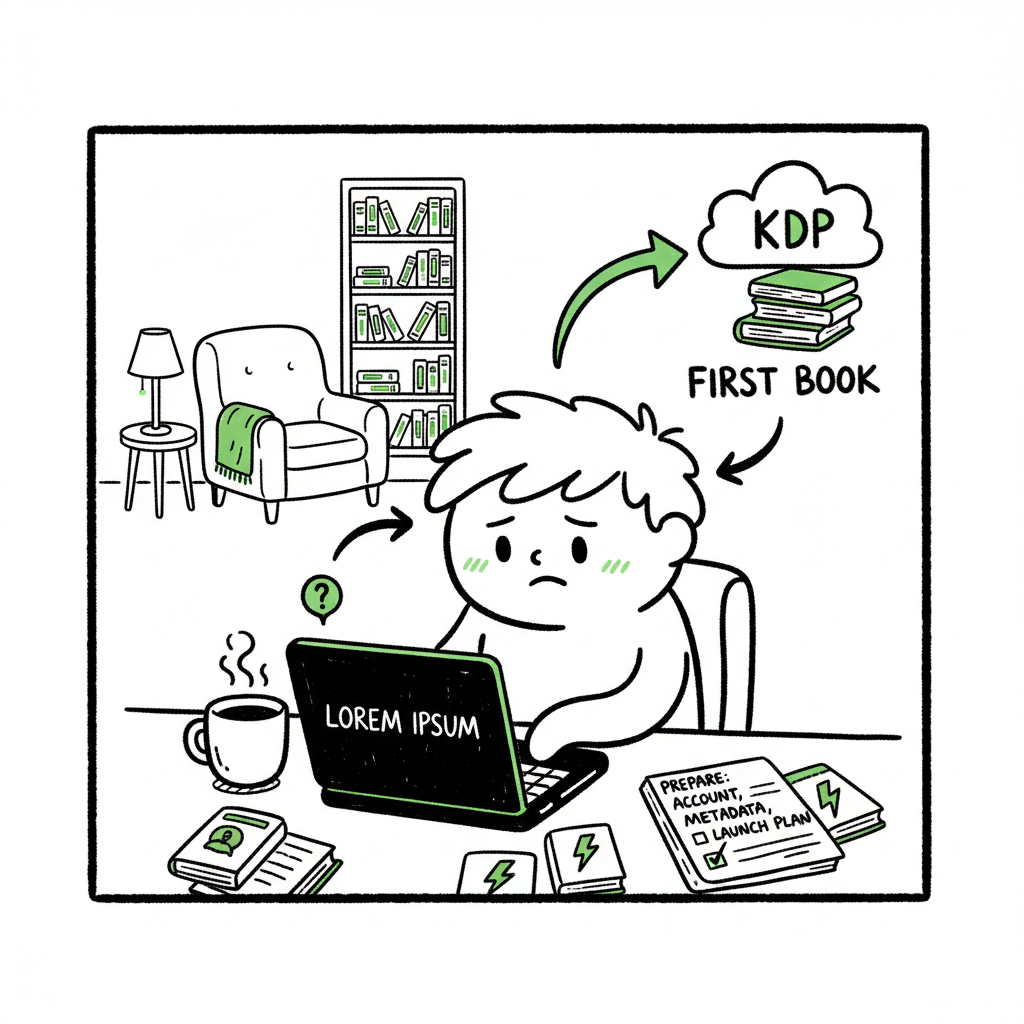
Beginner KDP Author First-Book Workflow and Checklist
Beginner KDP Author: A Practical First-Book Workflow
Estimated reading time: 10 minutes
Key takeaways
- A clear, repeatable workflow saves time and prevents common KDP mistakes.
- Prepare account, manuscript, cover, metadata, and a simple launch plan before clicking Publish.
- Use multi-platform tools to avoid repetitive uploads and reclaim time for writing.
- Small automation steps (CSV batch uploads, platform intelligence) scale publishing without adding risk.
- Focus on reader experience: clean formatting, accurate metadata, and a good cover matter more than marketing shortcuts.
Table of Contents
- Why KDP is a practical place to start
- Step-by-step first book workflow
- Multi-platform distribution without extra work
- Common mistakes new authors make
- Final thoughts
- FAQ
Why KDP is a practical place to start
If you are a beginner kdp author, the platform has one big advantage: it is predictable. KDP is a widely used publishing gateway, and most advice you find will map directly to the steps you must take. That predictability makes it easier to learn a repeatable process, spot mistakes early, and build a publishing rhythm.
KDP’s dashboard walks you through account setup, tax and payment information, title creation, file upload, and pricing. If you want a step-by-step platform walkthrough, see Amazon Kdp For Authors for a focused look at KDP’s title setup flow. Treat KDP like a small production line: each step has clear inputs and outputs. If any input is missing — incomplete tax details, a messy manuscript file, or a mismatched cover — the output will be delays or poor reader experience.
Starting on KDP also gives you a clean baseline for learning metadata, keywords, and pricing. These elements matter more than you might think on day one. They affect discoverability and how the book appears to readers. Learn them slowly and apply them consistently across titles. Amazon Kdp For Authors.
Step-by-step first book workflow
This section gives a simple, operational path for your first KDP title. Each step is practical and keeps the process tight so you can publish without needless back-and-forth.
- Finish account setup and verification
- Complete tax and payment forms, and verify your email and identity where required. KDP flags incomplete accounts and can restrict publishing until forms are finished. Doing this first removes delays when you’re ready to upload.
- Finalize manuscript content
- Finish the editing pass. For a first book, aim for clean copy and consistent formatting rather than perfection. Fix obvious typos, ensure consistent chapter breaks, and add front matter (title page, copyright) and back matter (about the author, other books). This is not the time for major rewrites; it is the time to make the file stable.
- Format for Kindle and print
- Convert your manuscript into the formats KDP needs. For ebooks, that usually means a clean EPUB or a Word file converted to Kindle format. For print, set the correct trim size, margins, and page numbers. If you plan to produce both ebook and paperback, prepare both output files now. You can use a dedicated EPUB conversion tool to ensure the file behaves well in readers and the KDP previewer.
- Create a cover that reads at thumbnail size
- Covers must look clear when small. Spend time on a simple layout: readable title, clear focal image, and legible author name. If you need a fast option, a book cover generator will produce print- and ebook-ready art with correct bleed and spine dimensions. A good cover reduces returns and looks professional in search results.
- Prepare metadata and keywords
- Finalize your book title, subtitle, author name, and series info before setup. KDP treats some metadata as sensitive — changes can be limited after publishing. Draft a compelling description that mentions primary themes and target readers. Pick keywords and two categories that match your reader’s expectations.
- Upload, preview, and test
- Upload your manuscript, cover, and metadata. Always use the KDP previewer to check layout and navigation. For ebooks, check the table of contents and flow; for print, check margins, gutter, and page breaks. Fix issues and re-upload until the previewer shows a clean read.
- Choose rights, pricing, and distribution
- Claim rights (usually worldwide unless you have specific limitations). Select royalty options with an eye on your target price and territories. If you want higher royalties in eligible territories, set the price within the 70% band and confirm delivery costs for print. Remember you can update pricing later, but initial decisions matter for launch visibility.
- Plan a modest launch
- For a first book, do a basic launch: one announcement to your email list or social profile, a small promotion or price discount if you are comfortable, and a plan for reviews. Don’t spend the launch day juggling file fixes. Launch with a clean book and a simple plan to build momentum.
How BookUploadPro fits this workflow
When you move beyond a single title, the same steps repeat. BookUploadPro automates the repetitive work: CSV batch uploads, consistent metadata across platforms, and platform-specific checks to reduce errors. That automation covers Amazon KDP plus Kobo, Apple Books, Draft2Digital, and Ingram, saving about 90% of manual upload time for teams publishing at scale. Use automation only after you understand the manual flow; it becomes an obvious upgrade once you start publishing seriously. Automate the upload. Own the distribution.
Multi-platform distribution without extra work
Publishing widely is valuable, but uploads become a chore if you do each platform by hand. Each storefront has slightly different file requirements, cover bleed rules, and metadata fields. A few practical ideas make wide distribution manageable.
- Build a central metadata spreadsheet. Capture title, subtitle, author name, series, ISBNs, keywords, descriptions, categories, and pricing in a single CSV. That one file becomes the source of truth for every store.
- Use platform-specific intelligence. A good publishing tool applies rules for each store so your files meet the right specs without guessing. For example, it will add spine bleed for print or convert images to the correct colour space for a specific retailer.
- Batch uploads from CSV. Instead of repeating the same inputs ten times, upload a CSV and let a multi-platform service push the files and metadata. That approach cuts repetitive tasks and reduces manual data entry errors.
- Keep a version history. When you update a description or price, track what changed and where. This keeps future edits tidy and prevents accidental mismatches between ebook and print listings.
Common mistakes new authors make
New authors usually make the same predictable errors. Recognizing them up front removes wasted hours and frustration.
- Rushing account setup
- Skipping tax or payment steps to “test upload” leads to delays later. Complete account paperwork before starting your title.
- Skipping the previewer
- Not checking the KDP previewer is a frequent cause of embarrassing layout problems. Always preview every file, on both ebook and print views where applicable.
- Mismatched metadata
- Changing the title or author name after upload creates mismatches that confuse readers and platforms. Finalize branding before publishing and keep a metadata master file.
- Weak cover at thumbnail size
- Many first-time authors design covers that look fine large but unreadable small. Test the thumbnail and adjust the title size and contrast.
- Using wrong file specs for print
- Incorrect trim size, bleed, or margins causes print rejections or poor print quality. Confirm bleed and gutter rules, and generate a print-ready PDF from your final manuscript.
- Over-optimizing keywords
- Stuffing keywords or using unrelated terms might get you flagged. Use relevant keywords and categories that honestly reflect the book’s content.
- Treating publishing as a one-off
- Publishing a single title is a learning exercise. If you plan to keep publishing, plan for systems that scale: templates, CSV metadata, and platform-aware checks. That’s where tools that support CSV batch uploads and platform intelligence become cost-effective.
How to recover if you already made a mistake
If your book is live and you spot an error, don’t panic. Fix the issue, upload corrected files, and republish. For metadata that can’t be changed immediately, contact KDP support or check their help pages. Frequent or repeated mistakes are the problem; a single correction is common and recoverable.
Final thoughts
Becoming a successful beginner kdp author is about repetition and control. Learn the manual steps first: set up your account, finalize manuscript and cover, prepare correct metadata, and use the previewer. Once you can produce a clean title every time, add tools that remove repetitive tasks and enforce platform rules.
BookUploadPro is designed for authors who reach that inflection point — when one title becomes two, and doing each upload by hand steals time from writing. It unifies multi-platform publishing, offers CSV batch uploads, applies platform-specific intelligence to reduce errors, and makes wide distribution practical. That combination delivers major time savings and cleaner publishing at scale. For authors who publish regularly, automation is an obvious upgrade.
FAQ
Q: How much does a typical first KDP book cost to publish?
A: Costs vary. You can publish an ebook for minimal direct fees on KDP, but expect costs for editing, a cover, and possible ISBNs if you buy your own for print. Print costs are deducted from royalties depending on page count and distribution options.
Q: Can I change metadata after publishing?
A: Some metadata can be updated after publishing, but certain fields like ISBN and author name may be complicated to change. It’s best to finalize important branding before upload.
Q: Do I need an ISBN for Kindle ebooks?
A: No. KDP does not require an ISBN for Kindle ebooks. For print books, an ISBN is generally required if you want to control the listing; KDP can also assign a free ISBN for print.
Q: What file formats does KDP accept?
A: KDP supports Word, EPUB, and print-ready PDF for paperbacks. For ebooks, EPUB is safest for complex formatting. For clean EPUB conversions, use a dedicated EPUB converter.
Q: Should I publish everywhere or start on KDP only?
A: Start where you can learn the process. KDP is a solid place to begin. Once you are comfortable, expand distribution. Multi-platform tools make that expansion much easier.
Sources
- Start publishing with KDP (official overview)
- KDP Jumpstart: best practices guide for new publishers
- Create a Book – KDP help on setup, metadata, upload, and pricing
- eBook Manuscript Formatting Guide (Word-based KDP formatting)
- Amazon KDP for Beginners: Comprehensive Starter Guide
- A 101 Guide to Kindle Direct Publishing Basics
- The Complete Amazon KDP Tutorial for Beginners (2025)
- Book cover generator for print and ebook assets
- EPUB converter for clean ebook files
- Book creation tools and exports
- Visit BookUploadPro
Beginner KDP Author: A Practical First-Book Workflow Estimated reading time: 10 minutes Key takeaways A clear, repeatable workflow saves time and prevents common KDP mistakes. Prepare account, manuscript, cover, metadata, and a simple launch plan before clicking Publish. Use multi-platform tools to avoid repetitive uploads and reclaim time for writing. Small automation steps (CSV batch…