Beginner KDP Author Practical Guide to Your First Book
Beginner KDP Author: A Practical Guide to Your First Book and Beyond
Estimated reading time: 9 minutes
Table of Contents
- Why KDP matters for a beginner kdp author
- First KDP book steps: account, metadata, and launch
- Formatting, covers, and platform rules that actually matter
- Scaling beyond KDP: multi-platform publishing and automation
- FAQ
Why KDP matters for a beginner kdp author
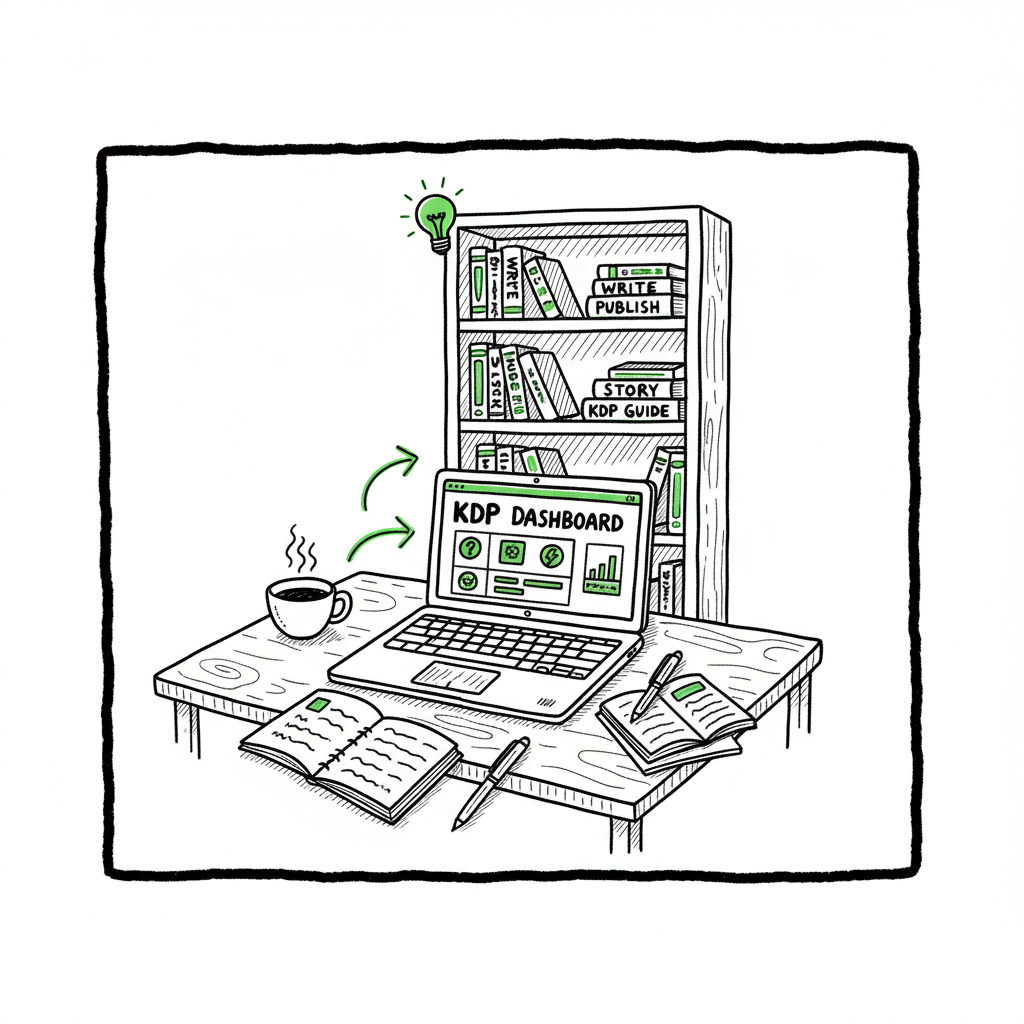
Every author starting with Kindle Direct Publishing learns the same lesson: publishing is not just writing. You write the book, but publishing is a set of small, repeatable tasks that must be done correctly. For a beginner kdp author that can feel like a lot. The good news is that KDP is straightforward and designed to let authors publish without upfront printing costs. It handles eBook delivery and print-on-demand for paperbacks and hardcovers. If you want a step-by-step walkthrough of account setup and the KDP dashboard, our Amazon KDP for Authors guide covers the basics and common pitfalls.
Why this matters in plain terms: KDP gets your book in front of Kindle readers and on Amazon storefront pages. For most new authors, that’s the single biggest distribution channel they’ll use for months or years. Learning how KDP organizes files, handles royalties, and links formats can save weeks of troubleshooting. But if your plan includes distribution beyond Amazon — Kobo, Apple Books, Ingram, or Draft2Digital — you’ll want a reproducible process early, so you don’t redo work for each platform.
First KDP book steps: account, metadata, and launch
Start with the KDP account. Use an existing Amazon login or create a new one tied to your author business. Fill in tax and payment details accurately. These steps look boring, but they control how royalties reach you and how Amazon verifies your identity.
Pick the right format first. Choose whether the release will be an eBook, a paperback, or both. KDP can link ebook and paperback editions if your metadata matches exactly. That automatic linking keeps reviews and sales pages tidy. For most beginner kdp authors, releasing an eBook plus a print-on-demand paperback is the practical path.
Title and metadata come next. The title, subtitle, author name, and series fields must be accurate and consistent. Your description should be clear and read like a short sales blurb, but it’s not where you fix formatting issues. Keywords are important but don’t overstuff them. Choose words real readers would use to find your book.
Manuscript upload and preview. For eBooks, upload a well-formatted EPUB or a properly converted manuscript. For print books, prepare a PDF that matches the chosen trim size and includes correct margins and bleeds. Use KDP’s previewer to check pagination, image placement, and line breaks. Catching these problems early saves time.
Set pricing and distribution. KDP offers royalty options that depend on price and distribution territories. Choose your price with both royalties and reader expectation in mind. For paperbacks, decide if you want expanded distribution beyond Amazon. Remember: print-on-demand eliminates inventory but adds manufacturing cost into the royalty calculation.
Publishing tips that reduce early mistakes
- Match metadata precisely across formats to enable automatic linking.
- Run a proof copy for print books and check it under normal reading light — digital previews can miss subtleties.
- Keep a single canonical manuscript source to avoid version confusion.
Formatting, covers, and platform rules that actually matter
Formatting is the step where most new authors get stuck. Simple files and good checks cut that risk.
Manuscript format basics
For eBooks, EPUB is the standard. If you’re working from Word, export carefully, clean up styles, and validate the EPUB. For print, export a print-ready PDF at the correct page size. Page size, margins, and embedded fonts matter for print PDFs; KDP will reject files that don’t meet specs.
If you need a reliable conversion, an EPUB converter can remove that headache by producing clean, validated files from your manuscript. A good converter gives you consistent results and prevents many of the 90% of formatting errors that slow new releases.
Cover design and practical choices
Readers decide to click on a book based on the cover. That doesn’t mean you need a complex design. You need a clear title treatment, a readable font at thumbnail size, and a composition that matches genre expectations.
If you’re creating covers yourself, use tools that handle spine size and bleed for print editions. Book cover generators are useful when you want a quick, professional layout that meets printer specs. For authors who plan to publish multiple titles, same-size templates reduce time and errors.
Platform-specific intelligence
Each platform has slightly different rules. KDP’s Cover Creator and templates help, but they don’t replace checking printer margins or testing how your eBook displays on devices. When you distribute to multiple stores, you’ll meet different ebook file preferences and image specs. Learn the rules for each platform you plan to use, or rely on an automated system that knows those rules and applies them consistently.
Practical checklist for formatting (do these, not a thousand things)
– Keep one source manuscript and one master folder per title.
– Produce both EPUB (reflowable) and print-ready PDF (fixed) from the same source.
– Create a cover for each format; check thumbnail legibility and spine text for print.
– Validate the EPUB and proof the print PDF.
Scaling beyond KDP: multi-platform publishing and automation
Publishing one book manually is doable. Publishing dozens or hundreds is a different problem. That’s where systems and automation change the math.
Why scale changes priorities
When you publish one book, manual steps are acceptable. When you publish multiple titles, the same manual checks multiply errors and time. Repetitive tasks — entering metadata, uploading files, setting territories and prices — become the time sink. A consistent system eliminates repeated typing and the small mistakes that cause delistings or bad product pages.
What automation does for you
Automation and batch tools do a few things well:
- CSV batch uploads let you prepare metadata for many titles in a spreadsheet and push them in one run.
- Platform-specific intelligence adjusts file settings per store so you don’t have to remember each rule.
- Error checking flags mismatches, missing files, or metadata problems before submission.
- Centralized dashboards track which platforms each title is live on.
BookUploadPro’s role for the serious self-publisher. For authors who move beyond one or two books, BookUploadPro is an obvious upgrade. The service automates repetitive uploads across Amazon KDP, Kobo, Apple Books, Draft2Digital, and Ingram. In practice that looks like unified multi-platform publishing with CSV batch uploads, platform-specific intelligence, and error reduction that saves roughly 90% of the manual time. That doesn’t make creative work easier, but it removes the busywork so you can publish consistently. Affordable pricing and a free trial make it sensible to test before you commit.
How automation reduces risk
- They reuse validated files and metadata rather than relying on copy-paste.
- They apply the correct format rules per platform automatically.
- They create logs and reports so you can see what went live and where.
Practical example: publishing a series
Imagine you have a five-book series. With manual uploads, you repeat metadata entry five times, manage five cover files, and monitor five separate dashboards. With an automated workflow you prepare one CSV with series metadata, one set of validated files per format, and let the system push them to each store. If a file fails a check, the workflow stops that title and reports the issue for correction. That saves time and prevents broken listings.
FAQ
Q: What does a beginner kdp author need to start?
A: A completed manuscript, a title, author name, short description, and a cover image. You’ll also need a KDP account with payment and tax details. For print books you’ll need a print-ready PDF and ISBN decisions if you want to use your own.
Q: Should I learn EPUB or use a converter?
A: If you plan to publish only occasionally, a converter or a professional formatter is faster and safer. If you plan to publish many eBooks, learning EPUB basics helps you troubleshoot and refine files faster.
Q: How long does KDP review take for a new book?
A: Reviews usually finish within 72 hours, but timing can vary. If you distribute widely, other platforms may take different times to approve listings.
Q: Do I need an ISBN for KDP paperbacks?
A: KDP can provide a free ISBN, or you can use your own. If you want the publisher listed as your own imprint, buy and supply your own ISBN.
Q: Will automation change my royalties or pricing?
A: Automation changes the publishing process, not the pricing or royalty structure. You still set prices per platform. Automation simply helps apply those choices quickly and consistently across stores.
Final thoughts
The path from first draft to a live book is mostly about reducing avoidable errors. For a beginner kdp author, that means learning the core KDP steps — account setup, metadata accuracy, manuscript and cover quality, and pricing — and then repeating those steps cleanly. When you plan to publish more than one book, automated multi-platform tools become the practical choice. They make consistent releases possible without adding staff or long hours.
Along the way, focus on systems: a single master manuscript, validated formats, and a metadata template. Use conversions and cover tools to remove bottlenecks. If you plan to distribute beyond Amazon, set up a tested pipeline once and reuse it. Automate the upload. Own the distribution.
Explore BookUploadPro.com and try the free trial to see how batch uploads and platform-specific automation fit your publishing process.
Call to action
BookUploadPro can streamline your publishing workflow and help you reach more stores with less repetitive work.
Sources
- Amazon KDP for Beginners: Your Comprehensive Starter Guide
- Create a Book – Kindle Direct Publishing
- A 101 Guide to Kindle Direct Publishing Basics: Insider Secrets
- Start publishing with KDP – Amazon.com
- eBook Manuscript Formatting Guide – Kindle Direct Publishing
Beginner KDP Author: A Practical Guide to Your First Book and Beyond Estimated reading time: 9 minutes Table of Contents Why KDP matters for a beginner kdp author First KDP book steps: account, metadata, and launch Formatting, covers, and platform rules that actually matter Scaling beyond KDP: multi-platform publishing and automation FAQ Why KDP matters…