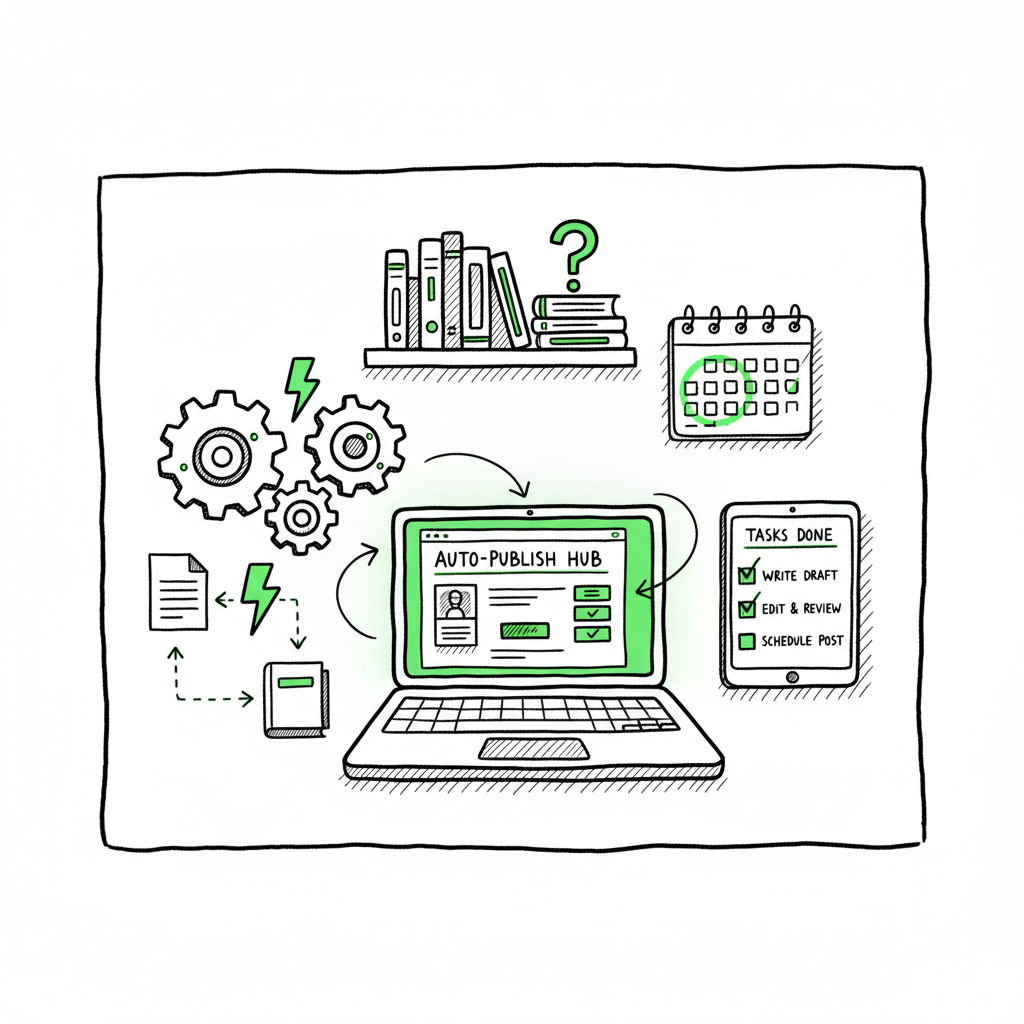
Author Business Automation for Scalable Publishing
Author Business Automation: Practical Systems to Scale Publishing Without Busywork
Estimated reading time: 14 minutes
Key takeaways
- Author business automation removes repetitive tasks so you spend more time writing and selling.
- Build simple, tested automations around your publishing pipeline: manuscript handling, assets, platform uploads, and marketing.
- Multi-platform tools and CSV batch uploads make wide distribution practical and reduce errors by ~90% of repetitive work.
- Start small, measure the time saved, then scale into an “author operating system” that runs the routine work.
Table of Contents
- Why author business automation matters
- Design practical automations that scale
- A multi-platform publishing pipeline
- FAQ
Why author business automation matters
If you publish more than one book a year, “author business automation” stops being a buzzword and becomes a necessity. Authors are small businesses: manuscripts must move through drafts, editors, cover design, formatting, and uploads; metadata and pricing need careful handling across platforms; marketing sequences and audience touchpoints must be consistent. That’s a lot of repetitive work.
Automation is not about removing the human judgment that makes your books good. It’s about removing the low-value, repeatable steps that eat your time: renaming files, exporting and converting formats, copying metadata into multiple dashboards, and manually uploading the same assets across Amazon KDP, Kobo, Apple Books, Draft2Digital, and Ingram. When those tasks are automated, you can maintain quality while increasing throughput.
A practical mindset helps. Rather than automating everything at once, pick a high-friction, routine task and automate it. For many authors and small publishing teams, that first automation is the publishing upload itself. When you can push a CSV or a single set of inputs and have a system batch publish to multiple stores, the time reduction is dramatic. If you prefer a system-first view, read our Author Operating System Automation First approach for guidance on turning these pieces into a repeatable workflow.
Why this matters for business:
– Scale: You can publish series, translations, and formats without multiplying your administrative load.
– Accuracy: Platform-specific intelligence reduces rejections and mismatches that waste time.
– Speed: Collapse weeks of manual uploads into hours or minutes with batch processes.
– Focus: Spend your working time on creative work and strategic decisions instead of form fields.
All of those benefits are why automation is now part of smart author operations—automate author business tasks to free up real capacity.
Design practical automations that scale
Start with a map, not a toolbox. The tools you choose (email providers, databases, or automation hubs) matter less than the process you want to run reliably. This section explains a simple framework you can replicate and extend.
Map the routine steps
List the repeatable tasks that happen every time you publish or launch. Typical items:
- Draft moves (author → editor → proofreader)
- File naming and version control
- Cover creation and sizing for each platform
- Manuscript conversion to ebook and paperback formats
- Metadata entry (title, subtitle, keywords, categories)
- Pricing and pre-order setup
- Uploads to stores and distributor
- Email sequences and launch social posts
- Sales reporting and royalties reconciliation
Group these into three buckets: content flow (drafts and edits), asset production (covers, formats), and distribution & marketing (uploads, emails, social). Pick the bucket where you lose the most time.
Choose small, robust automations first
Good first automations are repeatable and deterministic. Examples:
- Auto-rename incoming files to a standard format when an editor uploads a revised manuscript.
- Convert a final Word file to EPUB automatically and deliver to your distribution folder. (If you convert to EPUB, consider an epub conversion tool for consistent results.)
- Push final metadata from a single row in a spreadsheet into platform upload templates.
- Trigger an email sequence when a book changes status to “live.”
These automations reduce friction and build confidence in the system. Each wins time and proves the payoff of repeating the approach elsewhere.
Build templates and controlled inputs
Automations work best when inputs are predictable. Create:
– A metadata master row (spreadsheet or Airtable) with required fields for every platform.
– A cover checklist that includes sizes and bleed for paperback and ebook variants.
– A naming convention for drafts and asset versions.
When cover production is part of your pipeline, link to your cover processing workflow so sizes and exports are correct every time. If you’re generating or processing covers, use a automated cover tool to keep the file work minimal.
Keep humans where they matter
Automation should never replace final judgment. Maintain handoff points:
– Creative sign-off: an editor or you accept the final author copy.
– Marketing approval: you approve the book description and price.
– Launch timing decisions: automations execute only after a human confirms the schedule.
That balance prevents over-automation that can feel impersonal or cause costly mistakes.
Measure and iterate
Track the time saved and error reductions for every automation. If a routine took four hours and your automation cuts that to 20 minutes, you have a metric you can multiply across books. Use those numbers to prioritize the next automation.
Core automations authors use
- File automation: auto-rename, organize, and version control when collaborators upload.
- Format automation: convert Word to EPUB, generate print-ready PDFs, and create interior files.
- Metadata automation: use a single master record to populate multiple upload templates.
- Distribution automation: batch CSV uploads to bookstores and distributors.
- Marketing automation: repurpose content into email, social, and newsletter formats.
These are the building blocks of scale: when you chain them reliably, you create a repeatable publishing pipeline.
A multi-platform publishing pipeline
Publishing to a single platform is manageable. Publishing to five or six consistently is where systems show their value. A multi-platform publishing pipeline treats each store as an output rather than a separate project. Build the pipeline once, then push many books through it.
The essential components
– Master project record: a single source of truth (Airtable, spreadsheet, or project tool) that holds all metadata, asset links, and schedule dates.
– Asset storage: consistent folders with predictable file names for manuscript, cover, interior PDF, and EPUB.
– Conversion services: automated EPUB and print PDF creation that use validated templates.
– Distribution layer: a process that takes the master record and pushes uploads to Amazon KDP, Kobo, Apple Books, Draft2Digital, and Ingram. Batch uploads or platform-specific intelligence here are a game-changer.
– Monitoring and reporting: status updates and alerts where uploads fail or require attention.
Why platform intelligence matters
Each store has its quirks: image sizing rules, interior PDF requirements, metadata limits, and pricing rules. Platform-specific intelligence—rules embedded in your pipeline—prevents rejections. For example, an upload system that knows KDP’s spine calculation and Apple Books’ cover size prevents painful rework.
How batch CSV uploads change the math
If you can export a CSV that contains metadata and file links for multiple titles and then push that CSV to a publishing tool, you turn dozens of repetitive uploads into a single operation. That’s where multi-platform automation reduces time dramatically. Batch processing is also less error-prone: one validated CSV, one execution, one review.
Where BookUploadPro fits
Systems that automate uploads across the major stores make wide distribution practical. BookUploadPro automates repetitive uploads to Amazon KDP, Kobo, Apple Books, Draft2Digital, and Ingram, using CSV batch uploads and platform-specific intelligence to cut the manual work by about 90% for routine upload tasks. It’s an obvious upgrade once authors start publishing seriously: Automate the upload. Own the distribution.
File conversions, covers, and formats
Your pipeline needs reliable file conversions. EPUB conversion is a frequent bottleneck; automating that step keeps the pipeline moving without manual fiddling.
Covers are another area where a consistent process matters. A cover system that produces platform-ready exports for ebook, paperback, and print-on-demand saves time and reduces back-and-forth with designers. If you handle covers in your pipeline, use a cover processing tool so you get the right exports every time.
If your workflow includes creating both paperback and ebook files as part of a production run, tie the cover and interior generation into the same job so everything is versioned together. For workflows that create a paperback or ebook as outputs, you can streamline production by using a service that integrates file creation with final uploads.
Practical pipeline example (compact)
– Final manuscript uploaded to the project record.
– A conversion service automatically generates EPUB and print-ready PDF.
– Cover processing outputs ebook and paperback covers to the same asset folder.
– The master metadata row is exported to a CSV.
– The CSV is validated and pushed to the multi-platform upload layer.
– The system reports success or flags errors for human review.
– On “live” status, marketing automations trigger the launch email and schedule social posts.
This pipeline keeps human attention where it counts—final quality checks and launch decisions—while the routine dragging and dropping of files disappears.
Implementation and scaling
Start with one repeatable title type—short fiction, non-fiction course book, or backlist reissue—and run it through the pipeline until it’s reliable. Measure how long each step takes before and after automation. Then scale: add more titles, add co-publishing workflows, or integrate translation projects.
When your pipeline can consistently take a master record and output live listings across stores with little human time, you’ve achieved scale. At that point, the system pays for itself in saved hours, fewer errors, and faster time-to-market.
Final project governance and risk control
Even in a fully automated pipeline, maintain:
– A lightweight approvals dashboard for final sign-offs.
– Rollback capability for uploads (where the platform supports it).
– A change log that records who moved files and when.
These controls keep automation from becoming a black box. You want speed and predictability, not mystery.
FAQ
Q: What exactly does “author ops automation tools” mean?
It refers to software and integrations that run the operational side of an author business: file handling, format conversion, metadata management, platform uploads, email and marketing sequences, and reporting. Tools are combined into workflows so routine tasks happen without manual intervention.
Q: How quickly can I expect time savings?
It depends on your starting point, but well-designed automations for uploads and file handling often cut repetitive time by 70–90% for those tasks. Measure before and after to guide priorities.
Q: Do I need technical skills to automate my author business?
No. Start with low-code/no-code tools and services tailored to publishing. Begin with predictable automations—file naming, conversions, single-row metadata exports—and scale from there.
Q: Will automation make my author brand feel impersonal?
Not if you design automations to preserve human checkpoints. Keep human approvals for copy, cover choices, and launch timing. Use automation for routine distribution, not creative decisions.
Q: Is wide distribution worth the effort?
Wide distribution opens multiple revenue channels and makes translated editions and backlist reissues practical. The effort becomes manageable once you have a reliable pipeline and batch upload capability.
Q: What’s the first automation most authors should try?
If uploads are painful, automate the upload process. Batch CSV uploads and pipeline rules for each platform deliver outsized time savings early.
Q: Where can I handle ebook and paperback generation reliably?
Use automated conversion and cover processing services that fit into your pipeline. These reduce manual steps and produce platform-ready files consistently. For EPUB conversion, consider a dedicated converter. For cover exports and processing, use a cover tool to ensure correct sizing and bleed.
Q: How does BookUploadPro change the publishing flow?
BookUploadPro automates repetitive uploads across Amazon KDP, Kobo, Apple Books, Draft2Digital, and Ingram. It reduces errors with platform-aware rules and lets you push many titles at once through CSV batch uploads. For authors publishing seriously, it’s an obvious upgrade.
Sources
- Automated Business Systems for Authors & Publishing Professionals
- How Author.Inc uses AI and Zapier to scale publishing
- 10 Best Small Business Automation Tools (in 2025)
- Automate Your Author Business Like a Boss
- Using Tools To Automate Your Author Business with Chelle Honiker
- Automation for Authors: How automation can boost your author career
Author Business Automation: Practical Systems to Scale Publishing Without Busywork Estimated reading time: 14 minutes Key takeaways Author business automation removes repetitive tasks so you spend more time writing and selling. Build simple, tested automations around your publishing pipeline: manuscript handling, assets, platform uploads, and marketing. Multi-platform tools and CSV batch uploads make wide distribution…