How to Speed Up IngramSpark Publishing Step-by-Step
How to Speed Up IngramSpark Publishing
Estimated reading time: 7 minutes
Key takeaways
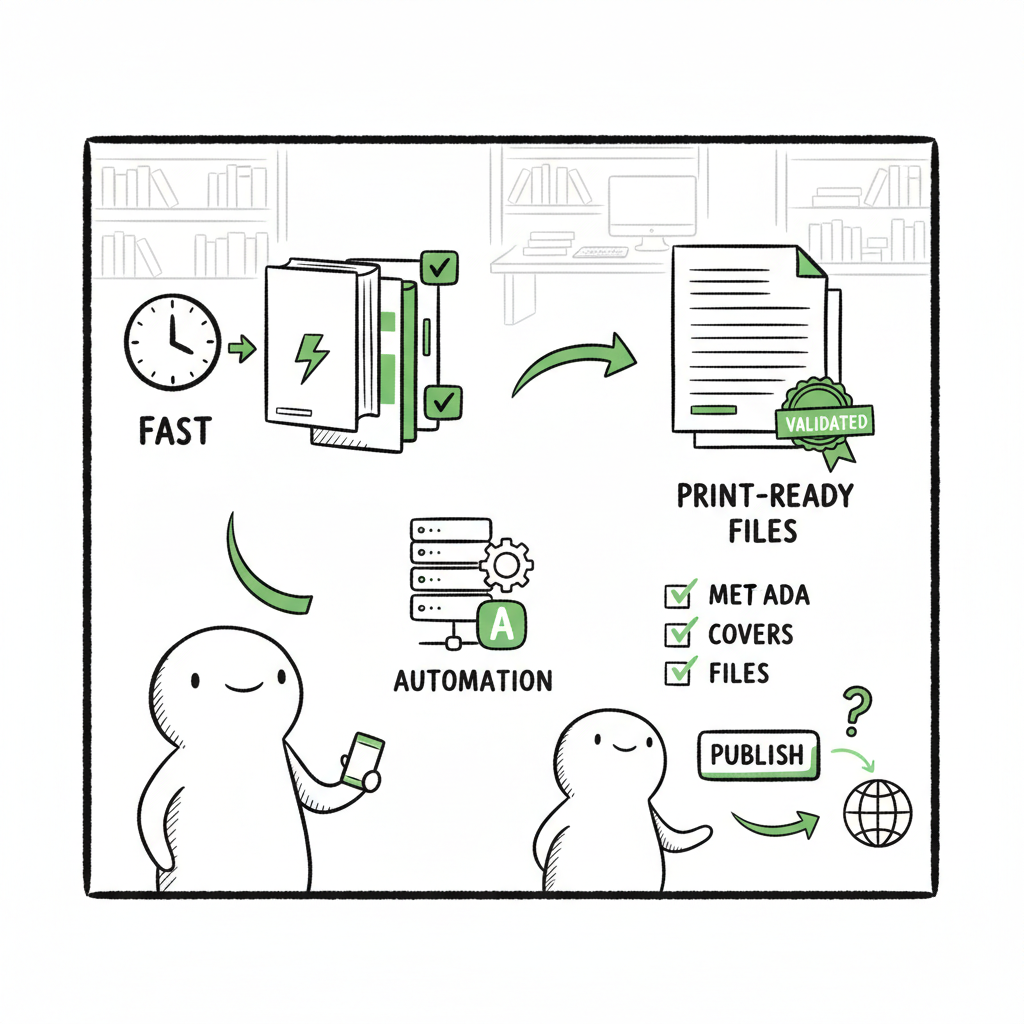
- The fastest IngramSpark launches start with fully validated, print-ready files and a sensible lead time (often 4–8 weeks).
- Reduce round trips by pre-flighting interiors and covers, locking metadata early, and choosing print speed strategically.
- For authors publishing at scale, automation and batch uploads (CSV + platform intelligence) cut repetitive work and reduce errors.
Table of Contents
- Why speed matters and where delays happen
- Practical workflow to speed up IngramSpark publishing
- FAQ: common questions about fast IngramSpark publishing
- Sources
Why speed matters and where delays happen
If you want your title live and reliably printed on schedule, speed is not just about choosing a faster print tier. How to Speed Up IngramSpark Publishing starts with the files and the schedule you give the system. IngramSpark’s process has three real choke points: file upload and validation, internal review and e‑proof approval, and physical printing plus downstream retailer updates. Each stage can introduce days or weeks of delay if you aren’t prepared.
A practical rule: aim to have everything finished and uploaded before you enable wide distribution. That sounds simple, but common mistakes—incorrect trim sizes, missing embedded fonts, low image DPI, or high ink coverage on color pages—trigger extra reviews or require file resubmissions. Those resubmissions are the single biggest source of schedule slippage.
If you’re managing more than one title or you plan frequent releases, automating repeatable parts of the workflow becomes the lever for speed. See our IngramSpark Publishing Automation Setup for how batch workflows and platform-aware upload logic remove the manual checklist from each title and keep timing predictable.
Where delays are most likely
- Validation failures during PDF preflight. These are usually fast to detect but slow to fix if you don’t preflight before upload.
- Post‑upload reviews and e‑proof cycles. IngramSpark may take days to a week to finish full processing before proofs are available.
- Metadata and on‑sale date mismatches. Late changes after distribution is enabled can result in the wrong version being printed or propagated to retailers.
- Printing lead time and shipping. Even after approval, printing and distribution can take several weeks depending on print speed and geographic routing.
Understanding these bottlenecks lets you choose where to invest time up front so you save more time overall.
Practical workflow to speed up IngramSpark publishing
This section lays out a compact, repeatable workflow that reduces errors and shortens the time from “final manuscript” to “available to buy.” Treat it as an operator’s checklist you can scale across titles.
Plan your timeline backward
Work backwards from your target on‑sale date. Allow at least 4–8 weeks:
- 1–2 weeks for file preparation and internal proofing
- 3–10 business days for IngramSpark’s full processing (often longer during busy seasons)
- 1–4 weeks for printing and distribution, depending on print tier and region
If you need a firm date (book events, marketing pushes), plan for the long end and use faster print options only as a contingency, not a primary plan. Faster print tiers can cost more and don’t always guarantee dramatically faster retail delivery.
Preflight interiors and covers before upload
The single best way to speed the process is to submit files that pass IngramSpark’s spec the first time. Preflight everything and insist on a passing score before you click upload.
- Trim size, margins, and bleed match IngramSpark’s template for your chosen size.
- All fonts embedded and subsetted; no system fonts left unembedded.
- Images at 300 DPI for print; color images checked for CMYK and controlled ink coverage.
- PDF/X‑1a or PDF/A settings if required, depending on your design software and export options.
- Correct page count and signature flow; especially for saddle‑stitched or complex interiors.
- Cover PDF with correct spine calculation and safe areas for text and barcode.
If you produce both ebook and print versions, keep the print files independent and locked. Do not enable distribution until you’ve approved the e‑proof and verified a printed proof order if you plan to sell widely.
Use consistent templates and automation for repeated tasks
If you publish multiple books, create and re‑use validated templates for interiors and covers. A consistent template eliminates the “new file, new mistake” problem. For scaling, automation matters:
- Batch CSV uploads reduce manual data entry and the human errors that follow.
- Platform‑specific intelligence (rules that know Amazon vs. Ingram vs. Apple Books requirements) avoids platform mismatches.
- Centralized metadata ensures BISAC, pricing, and keywords are set correctly every time.
BookUploadPro is built around these principles: unified multi‑platform publishing, CSV batch uploads, and platform‑specific intelligence that reduces manual checks. It’s an obvious upgrade once authors start publishing seriously—automate the upload. Own the distribution.
Make final proofing habits non‑negotiable
Always order at least one printed proof before you enable distribution. Proofs catch layout issues that screen previews miss. When ordering proofs:
- Use the same trim and paper options you intend to sell.
- Check spine and cover colors under neutral light.
- Flip through the interior for pagination, widows/orphans, and image quality.
If you spot a problem, fix it in the source file, re‑export with the same preflight standards, and re‑upload. Repeated cycles are the killer of timelines; find and fix issues before the first upload.
Lock metadata and schedule intelligently
Late metadata changes are a common source of distribution confusion. IngramSpark can start printing 30 business days before your on‑sale date, and retailers update listings on their own schedules. To avoid mismatches:
- Finalize price, BISAC codes, title and subtitle, and trim size before enabling distribution.
- Choose an on‑sale date that gives you breathing room after proofs are approved.
- If you must change a file after distribution is enabled, understand that updates may not propagate cleanly to all retailers and may trigger additional review.
Choose print speed deliberately
IngramSpark offers print speed options; these can reduce production time but cost more. Use them as a tactical tool:
- Reserve faster print tiers for last‑mile contingency (e.g., event or urgent restock).
- For planned launches, prioritize file readiness and schedule lead time over paying for speed.
- If you use expedited production, factor in possible limits during peak periods and added costs.
Stabilize your upload environment
Technical hiccups can add pointless delays. Simple steps avoid them:
- Use a stable, high‑speed internet connection when uploading large PDFs.
- Avoid network interruptions or upload managers that corrupt files.
- Keep a local copy of every final file and export log so you can re‑upload quickly if needed.
Batching, CSVs, and cross‑platform publishing
Scaling beyond single titles is where you get the biggest time savings. Batch uploads via CSV let you push metadata and files for multiple titles in one operation. The benefits:
- Save repeated entry of title data and pricing.
- Reduce human error across multiple listings.
- Schedule multiple titles to align with marketing plans and coordinated releases.
If you need help generating a final paperback or ebook file ready for IngramSpark and other retailers, a production tool like BookAutoAI can speed formatting and conversion for consistent outputs.
How BookUploadPro fits in
BookUploadPro focuses on eliminating the non‑value human work in uploads. Where authors spend hours repeating the same steps for each retailer, BookUploadPro offers:
- Unified multi‑platform publishing across Amazon KDP, Kobo, Apple Books, Draft2Digital, and Ingram.
- Platform‑specific intelligence that reduces mismatched metadata and rejects.
- CSV batch uploads so you can push multiple titles with consistent settings.
- Typical time savings of ~90% on upload work and fewer errors.
- Affordable pricing with a free trial so you can test the workflow before committing.
Operational tips that save days
- Export a checklist from your validated template and run it before every upload.
- Keep a “golden master” exported PDF for each title that you only update when a true change is needed.
- Use consistent file naming: Title_Version_FINAL.pdf. This avoids confusion and accidental re‑uploads of drafts.
- Track all proof orders and approval dates in a simple spreadsheet so you know exactly when printing can start.
- If you use multiple distributors, publish to IngramSpark last after you’ve confirmed final files — or use a single coordinated workflow to avoid conflicting versions.
Common error scenarios and how to avoid them
- Low image resolution → Preflight images to 300 DPI, replace weak images before export.
- Missing embedded fonts → Export settings should embed all fonts automatically. Verify in a PDF reader’s properties.
- Incorrect spine width → Use IngramSpark’s spine calculator and confirm total page count before exporting the cover file.
- Color mode issues → Convert interior images to CMYK where needed; check color density to avoid auto‑escalation to higher print tiers.
- Wrong bleed/margins → Use trim templates and test with printed proofs.
When to pay for faster printing
Pay for expedited print only when the schedule demands it and you have confident, approved files. For example:
- You have a confirmed event and printed copies must be available on site.
- You face an unexpected stockout and need a rush restock for a retailer.
Even then, remember that paying for faster print doesn’t speed up initial validation or retailer metadata updates.
FAQ
Q: How long does IngramSpark take to process a new upload?
Processing varies. You’ll see an initial validation quickly, but full processing and e‑proof availability can take several days to more than a week. Plan for this window and allow extra time during peak publishing seasons.
Q: What are the top three things that cause delays?
1) Non‑compliant files (fonts, bleed, spine), 2) Late metadata changes after distribution is enabled, and 3) Shipping and printer bottlenecks when using standard print speeds.
Q: Can I speed things up by choosing a faster print tier?
Yes, faster print tiers can shorten production once the book is approved and ordered. However, they don’t speed up validation and review stages. Use expedited printing as a contingency, not a primary plan.
Q: How do batch uploads help me save time?
Batch uploads via CSV reduce repetitive data entry and standardize settings across titles, lowering the chance of human error and enabling parallel processing of many books.
Q: Will BookUploadPro eliminate all delays?
No service can change platform processing times. BookUploadPro reduces author‑side delays by ensuring files meet specs, automates repetitive uploads, and coordinates timing—cutting mistakes and saving time. Platform review and printing still follow IngramSpark’s timelines, so build in a buffer.
Q: I’m worried about making a mistake after distribution is enabled. What’s the safest approach?
Finalize and upload final files before enabling distribution. Order a printed proof and approve it. If you must make changes after distribution, understand those changes may trigger reprocessing and delays.
Sources
- https://www.ingramspark.com/hubfs/downloads/user-guide.pdf
- https://www.ingramspark.com/hubfs/downloads/ingramspark-guide-download.pdf
- https://www.authorimprints.com/10-things-ingramspark-self-publishing/
- https://www.ingramspark.com/blog/on-sale-date-for-book-marketing
- https://www.youtube.com/watch?v=nFtK8M3AZBU
How to Speed Up IngramSpark Publishing Estimated reading time: 7 minutes Key takeaways The fastest IngramSpark launches start with fully validated, print-ready files and a sensible lead time (often 4–8 weeks). Reduce round trips by pre-flighting interiors and covers, locking metadata early, and choosing print speed strategically. For authors publishing at scale, automation and batch…