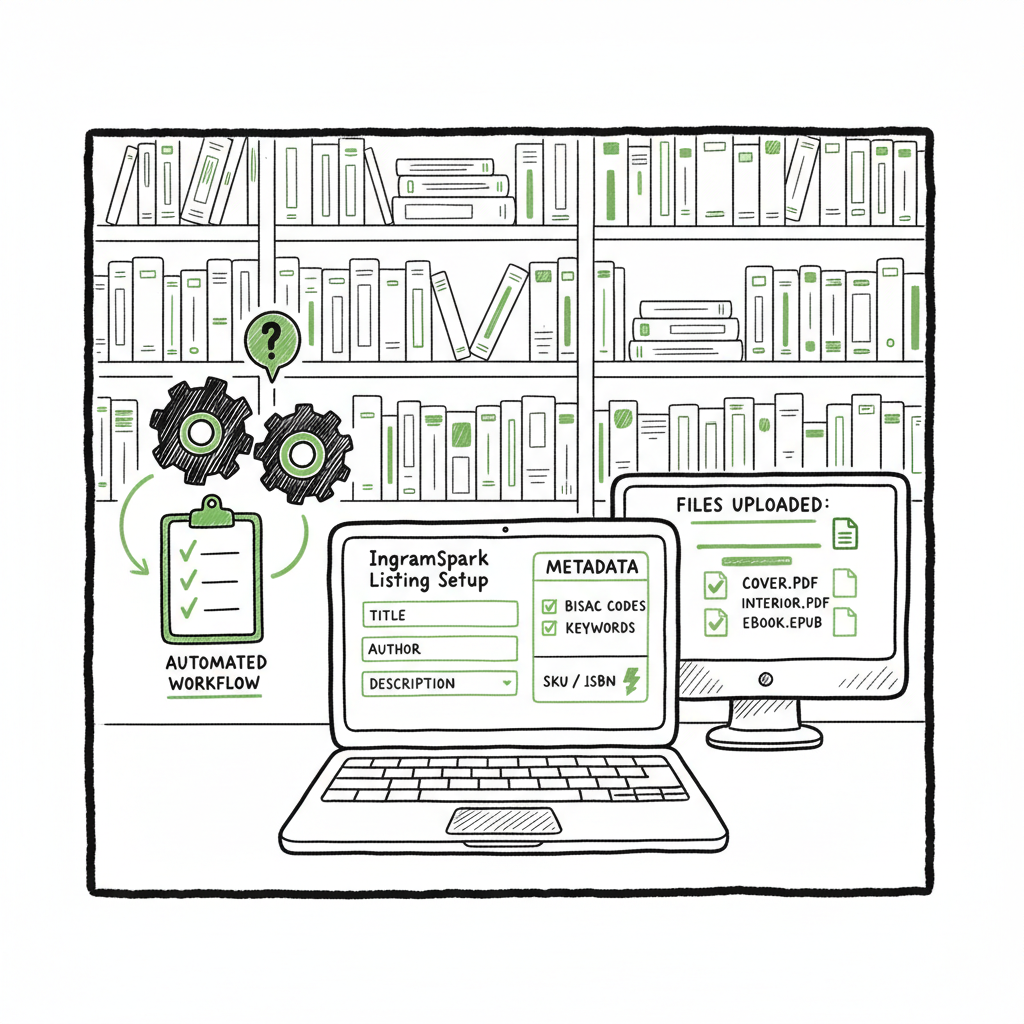
IngramSpark Listing Setup Automation Guide for Publishers
IngramSpark Listing Setup Automation: How to Scale Accurate Titles Without Losing Control
Estimated reading time: 12 minutes
Key takeaways
- IngramSpark Listing Setup Automation can cut repetitive listing work but does not replace the need for compliant, upload-ready files and correct metadata.
- Use a repeatable workflow: prepare consistent metadata, validate files, map SKUs/ISBNs, and automate only what the platform allows.
- BookUploadPro streamlines multi-platform uploads, saves ~90% of repetitive time, and fits as the obvious upgrade once you publish seriously.
Table of Contents
- Why IngramSpark listing setup automation matters
- What automation can and cannot do with IngramSpark
- Practical workflow for scaling IngramSpark listings
- Final thoughts and next steps
- FAQ
- Sources
Why IngramSpark listing setup automation matters
“IngramSpark Listing Setup Automation” is a phrase you’ll hear a lot from publishers who want to stop treating each title like a one-off project. At scale, the manual steps inside an IngramSpark account — entering metadata, assigning ISBNs, uploading interior and cover files, choosing territories and pricing — add up into hours per title. Authors and small presses who publish multiple titles quickly find those hours brittle and costly.
Automation is not a magic button. It’s a way to make repeatable, validated steps happen the same way every time. When done well, automation eliminates the two human problems that slow publishers down: repeated manual entry and avoidable errors. Those translate into wasted time, rejected uploads, or printed books that don’t match expectations.
If you need a hands-on walkthrough of how a production-ready automation flow works for IngramSpark, our IngramSpark Publishing Automation Setup explains how BookUploadPro prepares metadata, formats assets, and queues uploads while respecting IngramSpark’s rules. It’s a practical reference for teams that want to automate without losing editorial control.
What automation can and cannot do with IngramSpark
What automation handles well
- Batch metadata population: fields like authorship, publisher name, BISAC categories, keywords, and long descriptions are highly repeatable. When you standardize a metadata template, automation can populate those fields quickly and consistently.
- Template-based pricing and territories: if you use a small set of pricing templates (for example, region-based price lists), automation applies those templates reliably.
- ISBN and SKU mapping: automation can map your internal SKUs to ISBNs and ensure the right identifier travels with each store listing or fulfillment order.
- File validation checks: automated checks can flag mismatches in trim size, incorrect color profiles, missing bleed, or fonts embedded incorrectly before you attempt an upload.
- Queueing and bulk uploads where the platform allows file-based imports: some steps become far faster when you move from web form entry to CSV- or API-driven upload flows.
What automation does not (yet) fully automate
- The initial upload of a brand-new title inside IngramSpark often requires manual confirmation in the platform. IngramSpark’s own guides and file-creation rules are precise about PDF/X standards, spine calculations, and interior formatting; automation tools typically assume those compliant assets already exist.
- Creative judgment calls: category selection nuances, marketing copy tone, and cover art decisions benefit from human review. Automation can suggest and enforce format, but not replace taste.
- Platform policy exceptions: territorial rights, special ISBN cases, or publisher account restrictions sometimes require human resolution.
- Complete end-to-end in-platform title creation: current market tools automate many parts of the upstream preparation and downstream fulfillment, but most do not yet replace the publisher’s role in final title configuration inside the IngramSpark dashboard.
Why the difference matters: Automation is most valuable when it handles the repetitive, rule-driven parts of publishing and leaves humans in control of exceptions, creativity, and final checks. That balance is what turns a time-consuming process into a scalable, reliable operation without introducing new risk.
Practical workflow for scaling IngramSpark listings
A dependable automation strategy is a set of choices you make once, then apply without reinvention. The following workflow outlines what BookUploadPro helps publishers do when they move from one-off uploads to a managed, repeatable pipeline. It focuses on the practical steps you’ll use day to day.
1) Standardize your source files and metadata
Start by making a single spreadsheet or CSV that contains authoritative fields for each title: title, subtitle, series, author names, contributor roles, BISAC categories, short and long descriptions, primary and secondary keywords, ISBN (or placeholder), retail price, list price, and territory settings.
Why this matters: When metadata is standardized, automation can reliably parse and place the right values in the right IngramSpark fields. BookUploadPro natively supports CSV batch uploads and can map your columns to platform fields so the process is repeatable.
2) Create upload-ready assets outside the platform
Automation depends on consistent inputs. Generate interior and cover PDFs that conform to the required specs: correct trim size, margins, embedded fonts, and the color profile IngramSpark expects for print. Run automated checks that verify page count, spine width, and the presence of bleed where required.
Why this matters: Even the best upload automation will fail if a file violates IngramSpark’s technical requirements. A validation step prevents a rejected upload from turning into wasted time.
3) Use templates for pricing, territories, and rights
Define a small set of templates — for example: “US trade paperback,” “UK paperback,” “Global ebook.” Assign those templates to titles via a column in your CSV. Automation applies the template values consistently, avoiding manual errors in typing prices or toggling territory boxes.
Why this matters: Pricing errors are visible and costly. Templates make sure your margin math and regional availability stay consistent across a catalog.
4) Map SKUs, ISBNs, and storefront identifiers
If you sell on external stores (Shopify, Squarespace, WooCommerce), maintain a mapping between your store SKUs and the ISBNs or product identifiers used by IngramSpark. When an order is placed, middleware can use that map to route fulfillment to IngramSpark’s POD service and track shipment back to the store.
Why this matters: SKU mapping is the bridge from storefront sales to POD fulfillment. With the mapping in place, retail and print fulfillment can move without manual intervention. Tools that focus on order routing use this exact approach.
5) Validate automatically before upload
Automated checks should run through your CSV and assets and return a pass/fail and a human-readable list of issues. Fix the errors locally, regenerate the asset, and re-run the check. Automation is only helpful when it provides clear, actionable feedback.
Why this matters: An automated validation loop is where you save the most time. Instead of discovering errors after submission, you catch them before anything touches IngramSpark.
6) Upload or queue the files
Where IngramSpark supports bulk imports or file-based uploads, automation can place titles into a queue. In some cases a final human approval is required inside the platform; in others an API or upload system can complete the creation. BookUploadPro focuses on the parts of this flow publishers can automate reliably, and on presenting uploads in a way that minimizes in-platform fiddling.
Why this matters: A queued approach makes the process auditable. You can see which titles were prepared, what templates applied, and what checks passed before anything becomes live.
7) Use platform-specific intelligence for downstream distribution
Automation that knows the differences between Amazon KDP, Kobo, Apple Books, Draft2Digital, and Ingram gives better results than a one-size-fits-all export. Each platform has quirks in metadata fields and file handling; a successful pipeline translates and formats fields to meet those expectations before sending.
Why this matters: You avoid platform-specific rework, and your catalog looks consistent across stores.
8) Monitor, report, and iterate
After upload, collect reports: which titles became live, which orders routed to IngramSpark, and which files triggered exceptions. Use those reports to refine templates, update validation rules, and reduce the number of human touch points over time.
Why this matters: Continuous improvement compounds time savings. A process that saves 50% the first month typically saves more as you eliminate edge cases.
How BookUploadPro fits into the workflow
BookUploadPro is built for the point where repetitive listing work becomes a bottleneck. Its strengths are the things publishers hate doing at scale: applying templates, running validations, preparing metadata that reads human, and batching uploads across multiple platforms. Practical benefits include:
– Unified multi-platform publishing: prepare one source of truth and publish to Amazon KDP, Kobo, Apple Books, Draft2Digital, and Ingram without rekeying the same values repeatedly.
– ~90% time savings on repetitive upload tasks through CSV batch uploads and preflight checks.
– Platform-specific intelligence to reduce errors and prevent avoidable rejections.
– Error reduction via validation checks and human-style metadata generation that reads well in stores.
– Affordable pricing and a free trial so you can test workflows without major commitment.
Automate the upload. Own the distribution. For teams that publish seriously, BookUploadPro is an obvious upgrade: it takes the repeatable parts of the upload and makes them boring, predictable, and fast. That leaves you free to focus on the creative and commercial work that machines shouldn’t touch.
Final thoughts and next steps
IngramSpark listing setup automation is real, practical, and most effective when used to remove repetitive, error-prone work while preserving human judgment for unique or creative decisions. The technology around IngramSpark is evolving — some tools focus on fulfillment routing, others on catalog imports — but the common bottleneck remains: accurate, upload-ready assets and clean metadata.
If you publish multiple titles or plan to scale, the sensible path is to:
– Standardize metadata and asset formats.
– Add automated validation and template-driven pricing.
– Use SKU-to-ISBN mapping for storefront fulfillment.
– Choose a tool that automates the repeatable parts while keeping review gates for exceptions.
BookUploadPro is designed for that middle ground: a production-grade automation layer that reduces repetitive labor by ~90%, supports CSV batch workflows, and understands the platform-specific differences that matter in the real world. It’s built to make wide distribution practical and affordable for authors and small publishers.
FAQ
Q: Can automation create a brand-new title entirely inside an IngramSpark account without any human input?
Not reliably. Most modern tools can prepare and validate everything a title needs, but many publishers still perform a final check or minimal manual confirmation inside IngramSpark. Automation shines at batch preparation and upload-ready packaging.
Q: Will automating metadata harm my book’s discoverability?
Only if you automate poorly. Use human-reviewed templates and let automation apply proven metadata patterns. Automation is most effective when it uses human-approved copy and enforces consistency.
Q: How does SKU mapping help with fulfillment?
SKU mapping ties a storefront product to an ISBN. When an order appears, middleware or automation looks up the ISBN and routes the order for POD fulfillment, preventing manual order entry and reducing fulfillment time.
Q: How do I avoid duplicate orders when I automate?
Keep a single source of truth for your automation rules and avoid enabling multiple overlapping automations for the same store–publisher pair. Build a registry of active rules and test with sandbox orders before going live.
Q: Is BookUploadPro a replacement for other middleware that routes orders to IngramSpark?
No. BookUploadPro focuses on preparing and batching titles, metadata, and upload-ready assets. For live storefront order routing, you can pair BookUploadPro with specialized middleware; together they form a complete pipeline from listing to fulfillment.
Sources
- Automating IngramSpark: Linking Squarespace (Demon DMS tutorial video) — https://www.youtube.com/watch?v=ZRPVAySjVGg
- Automating IngramSpark: Getting Started (Demon DMS tutorial video) — https://www.youtube.com/watch?v=aOrLIZLImAI
- IngramSpark Integration – Demon DMS Documentation — https://docs.demondms.com/core/integrations/distributors/ingram-spark
- Automatically place orders from your store with IngramSpark – Demon DMS blog — https://demondms.com/blog/ingramspark-automation
- Books Shopify App – Automate Bookstore Ecommerce & Fulfillment (Emersoft) — https://emersoft.co/services/ingram
- IngramSpark User Guide (PDF) — https://www.ingramspark.com/hubfs/downloads/user-guide.pdf
- IngramSpark File Creation Guide (PDF) — https://www.ingramspark.com/hubfs/downloads/file-creation-guide.pdf
IngramSpark Listing Setup Automation: How to Scale Accurate Titles Without Losing Control Estimated reading time: 12 minutes Key takeaways IngramSpark Listing Setup Automation can cut repetitive listing work but does not replace the need for compliant, upload-ready files and correct metadata. Use a repeatable workflow: prepare consistent metadata, validate files, map SKUs/ISBNs, and automate only…