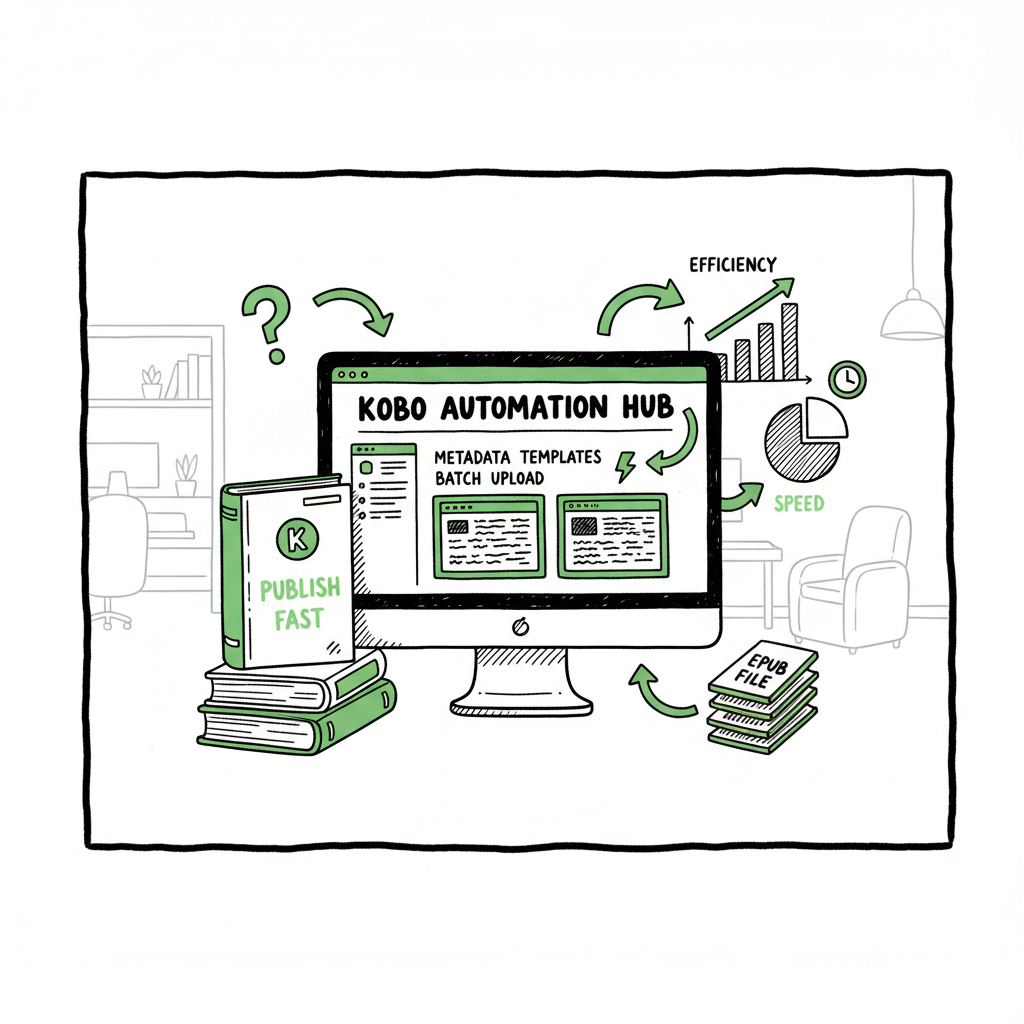
Speed Up Kobo Publishing with Automation Tools for Authors
Speed Up Kobo Publishing with Automation Tools
Estimated reading time: 17 minutes
Key takeaways
- Automation speeds Kobo publishing by removing repeated manual tasks: templated metadata, batch uploads, and series-aware processes.
- The fastest gains come from external tools that prepare EPUBs, covers, and metadata before pushing to Kobo Writing Life.
- BookUploadPro automates generation, polishing, and templated uploads so serious authors can publish at scale while keeping human editorial control.
Table of Contents
- Why automation for Kobo matters
- How automation accelerates every step
- Practical setup and processes
- Risks, Kobo policies, and quality controls
- Final thoughts and next steps
- FAQ
- Sources
Why automation for Kobo matters
If you want to Speed Up Kobo Publishing with Automation Tools, the reality in 2025 is simple: Kobo’s platform focuses on discovery, metadata quality, and catalog protection, not on bulk upload automation for indie authors. That creates a gap that external automation tools and services fill. For many authors—especially those running series or catalogs—automation lets you move from idea to live EPUB far faster and with fewer errors. If you want a practical walkthrough beyond this article, see our guide on Kobo Publishing Automation Publish Faster for a step-by-step demo of templated uploads and batch processes.
Kobo Writing Life (KWL) enforces quality checks and uses machine learning to protect the catalog. That’s good for readers, but it means you can’t expect a native one-click bulk uploader inside KWL. Instead, speed gains come from preparing everything outside Kobo and pushing finished, validated packages that match KWL’s expectations. For an operator, that means investing in predictable input files, repeatable metadata, and a repeatable upload map.
Two points set the practical frame:
– Time savings are highest when you remove repeated manual entry and replace it with templates and batch processes.
– Quality matters. Kobo’s safeguards will flag low‑quality or spammy uploads, so automation must include human oversight and editorial checks.
BookUploadPro exists to be that automation layer: generate, humanize, format to Kobo standards, and push through a templated process that cuts upload time by about 90% for active publishers. When you publish seriously, automating the upload is an obvious upgrade.
How automation accelerates every step
Automation helps at four key stages: content generation and humanization, formatting and conversion, metadata and packaging, and the final upload. Each stage eliminates predictable, repeatable work.
1) Content generation and humanization
For authors producing many titles, much of the time sink is producing readable, consistent text. Automation tools can generate drafts, but the real value comes when systems add a human-like polishing pass. That reduces the amount of manual rewrite while keeping the book natural and reader-ready. Kobo’s AI protections emphasize catalog quality, so automated drafts that receive a human-quality pass are far less likely to trigger issues.
BookUploadPro’s approach is to automate long-form drafting, then apply a humanization layer and editorial checkpoints. That makes it practical to scale series and catalog production while respecting Kobo’s quality expectations.
2) Formatting and converting to EPUB
A single broken EPUB or an image that doesn’t meet Kobo’s specs can stop a batch in its tracks. The most consistent speed wins come from having fully validated EPUB files before you touch Kobo Writing Life. Convert once, validate once, then reuse templates.
If your workflow includes converting manuscripts to EPUB, use a proven converter that produces clean, Kobo-ready output. For simplicity, consider an automated EPUB conversion step that checks common errors and normalizes structure. If you need a reliable conversion tool as part of that chain, an automated EPUB converter will reduce rework and save time.
3) Metadata templates and series management
Entering titles, subtitles, descriptions, keywords, categories, and pricing over and over is the hour-by-hour drain. Automation fixes this with CSV batch templates and mapping engines that translate your metadata schema into KWL fields. Series-aware workflows let you apply consistent series metadata across dozens of books, link parts correctly, and manage stepping releases.
A robust automation layer will also handle localized pricing and different ISBN requirements for paperbacks versus ebooks, producing the right metadata for each channel before you upload.
4) Batch uploads and error reduction
The final step is pushing everything into KWL. External tools that support batch upload either push to KWL directly (when allowed) or provide a guided visual mapping that you use during the upload session. Either way, having files and metadata pre-matched cuts the time down dramatically. The difference between a manual single-title upload and a templated batch process is two orders of magnitude in time saved for catalog publishers.
When you automate these stages together—generation, formatting, metadata, and upload mapping—you convert a chaotic sequence into a conveyor belt. That’s how high-volume publishers release multiple titles per month without burning a team of data-enterers.
Practical setup and processes
This section walks through a practical, repeatable workflow you can adopt. It’s written for authors and small teams who want processes that scale.
Step 1 — Set standards before you create
Define a set of standards and templates you will reuse:
– EPUB standard: fonts, layout, image sizes, front/back matter.
– Metadata spreadsheet: columns for title, subtitle, short and long descriptions, categories, keywords, series name, series position, ISBN, price per territory.
– Cover specs: final dimensions, safe area, and naming convention.
If you include paperback outputs, standardize trim sizes and interior templates so paperback production won’t force rework later.
Step 2 — Generate and humanize content
Use automation to create a first draft quickly, but always include a humanization pass. The goal here is predictability: the draft should require light editing, not total rewrite. Build editorial checkpoints into the process:
– Quick content review for tone and factual accuracy.
– Consistency checks for character names, timelines, or series continuity.
– A final human read for readability.
Automation excels at volume; editorial control keeps you out of trouble with Kobo and with readers.
Step 3 — Automated EPUB conversion and validation
Convert your finalized manuscript into an EPUB using an automated converter that produces clean output and flags issues. An automated converter should:
– Ensure correct Table of Contents structure.
– Embed or reference fonts consistently.
– Produce images that meet Kobo image requirements.
– Validate the EPUB against common validation rules.
If you need a conversion tool as part of your chain, integrate an EPUB converter that runs in batch mode so you can convert dozens of files at once rather than one at a time. For a dedicated EPUB converter, EPUB converter can help.
Step 4 — Create covers and package assets
Covers are one of the few manual creative steps that still need attention. Use a predictable cover process—either a templated designer workflow or a cover generator processing tool that produces consistent, market-friendly covers. Save cover files in a structure that matches your metadata spreadsheet and EPUB files, so they map automatically during the upload phase.
Step 5 — Prepare metadata and map to Kobo fields
Keep a canonical CSV for the project with all metadata fields. Use a mapping layer to align your CSV column names with Kobo Writing Life fields. That mapping should be reusable so you can apply it to future batches without reconfiguration.
Include fields that Kobo expects but does not display (for example, BISAC codes or internal notes) so your uploads are compliant.
Step 6 — Batch upload or guided mapping into KWL
With files and metadata ready, use either:
– A batch upload tool that pushes files and metadata into KWL directly (when available and compliant with Kobo’s terms), or
– A guided upload assistant that opens Kobo’s forms with prefilled data ready for final verification.
Either method should surface errors for quick correction rather than silent failures.
Step 7 — Post-upload checks
After the upload, verify:
– The EPUB renders correctly in Kobo Preview.
– Descriptions display correctly and don’t truncate.
– Series links and positions are correct.
– Pricing and territories are correct.
These are fast checks that prevent customer-facing problems.
How tools fit together
A good automation stack links these pieces:
– Content generation/humanization layer
– EPUB conversion/validation tool
– Cover processing pipeline
– Metadata spreadsheet and mapping engine
– Batch upload or guided mapping interface for Kobo
BookUploadPro combines the generation, human-like polishing, formatting, and batch upload mapping so the pieces act like one system. It’s not a replacement for editorial judgment; it’s a throughput multiplier. For teams that publish frequently to Kobo and other platforms, that multiplier makes wide distribution practical.
Operational tips
– Keep a single source of truth: one folder structure with canonical EPUBs, covers, and a metadata CSV.
– Automate validations: automated EPUB checks and description-length checks prevent common rejections.
– Use series-aware metadata: correct series metadata reduces customer confusion and improves discovery.
– Schedule uploads: for coordinated releases, schedule batches instead of one-off uploads so everything goes live together.
If you need a reliable tool to generate consistent EPUBs, consider an EPUB converter baked into your pipeline. The converter should be able to run in batch mode and output files that behave predictably in Kobo’s previewer.
Practical examples
– A romance author releasing a 12-book series can prepare all 12 EPUBs and covers, populate a single CSV, map fields once, and push the full set to Kobo in a few sessions rather than 12 separate uploads.
– A non-fiction publisher can change a back-matter update across 30 titles by editing one CSV column and re-publishing updated EPUBs in bulk.
Automation changes the math of publishing: instead of more titles meaning more work, the marginal time per title drops dramatically.
Book cover and asset processing
Covers are still creative work, but they benefit from automation in processing. If you use a cover generator or a templated designer workflow, include an automated processing step that crops, flattens, and verifies cover files against Kobo’s spec before packaging. That single check prevents common upload rejections.
Converting and validating EPUB
A predictable EPUB conversion step removes a major pain point. Run a validator against each EPUB and fix the issues before mapping to Kobo. Errors found inside Kobo’s previewer are slower to resolve than catching them ahead of time.
When your pipeline converts manuscripts to ebook formats automatically, you accelerate every subsequent step.
Risks, Kobo policies, and quality controls
Automation is powerful, but it isn’t zero risk. Kobo’s current AI and catalog protections focus on metadata and content quality; they do not use author books to train generative models. Still, Kobo can and will detect low-quality or spammy uploads that look generated without human oversight. That means automation needs built-in quality checks and clear editorial gates.
Common risks
– Over-reliance on unreviewed generation: letting generated text go live without human editing increases the chance of poor reviews and platform action.
– Metadata errors at scale: a single CSV mistake can corrupt dozens of listings if not caught.
– File format issues: invalid EPUBs or incorrect cover dimensions can block uploads or produce poor reader experiences.
– Terms mismatch: third-party tools that process manuscripts must align with Kobo’s policies and copyright obligations.
How to mitigate
– Human editorial gate: every batch should pass a human editor for tone, continuity, and quality.
– Validation pipeline: automated EPUB validation, cover checks, and metadata sanity checks before upload.
– Conservative automation: automate predictable tasks (mapping, formatting) and keep subjective tasks (voice, originality) under human control.
– Track changes and versioning: keep copies of pre-upload packages so you can roll back if issues appear post-launch.
Platform policy notes
Kobo’s public position emphasizes catalog quality. They use machine learning to analyze content samples to improve categorization and detect low-quality AI spam. That’s why BookUploadPro emphasizes a humanization layer: it reduces the chance automated books look like low-effort output and improves discoverability and acceptance.
Operational compliance checklist
– Keep editorial logs for each title showing human review.
– Use validated EPUBs and maintain the validator output for audit.
– Store original manuscripts and version history outside third-party processors when necessary for rights protection.
– Monitor KWL support updates and adapt templates to shifting field requirements.
Automating across platforms
If you distribute widely, automate once and publish everywhere. Aggregators and multi-platform systems can feed Kobo as part of a multi-channel push. The practical benefit: one standardized package can be distributed to Kobo, Apple Books, Draft2Digital, and other channels, reducing duplicate work.
BookUploadPro’s platform is designed for that multi-platform approach: unified templates, CSV batch uploads, and platform-specific intelligence so you can scale without multiplying the workload. It trims the manual entry while preserving per-platform controls where they matter.
Final thoughts and next steps
Speed Up Kobo Publishing with Automation Tools isn’t a promise to bypass quality; it’s a plan to remove repetitive friction so you can focus on the creative and strategic parts of publishing. For authors and small publishers who reach a steady cadence of releases, automation turns publishing from a bottleneck into a repeatable production line.
If you’re evaluating tools, look for:
– Batch EPUB conversion and validation
– Metadata mapping and series-aware workflows
– Cover processing and consistent asset naming
– A humanization or editing layer that reduces the visible signs of machine generation
– Clear pricing that favors frequent publishers
BookUploadPro positions itself as a practical automation hub. It automates generation and human-like polishing, produces Kobo-ready EPUBs and cover packages, and supports CSV batch uploads and platform-specific intelligence so you can publish to Kobo and other retailers quickly and consistently. For serious self-publishers, it’s an obvious upgrade once you outgrow manual uploads: automate the upload. Own the distribution.
If you plan to adopt automation, start with one title and run it through the full pipeline—generation, human edit, EPUB conversion, cover processing, metadata mapping, and upload. Measure time saved and the error rate. Once the first run is stable, scale in batches.
FAQ
Q: Will automating uploads get my Kobo account flagged?
A: Not by itself. Kobo flags content for quality and spam patterns. Automation that includes careful human review, validated EPUBs, and accurate metadata reduces the chance of flags. Avoid pushing low-quality generated text without editorial oversight.
Q: Can I use batch metadata CSVs with Kobo Writing Life?
A: Kobo doesn’t provide a full native CSV batch uploader for all fields. Third-party tools and mapping layers let you prepare CSVs and either push or guide the entries into KWL. A reusable mapping reduces repeated manual entry.
Q: Do automated EPUB converters create acceptable Kobo files?
A: Yes, when the converter produces validated EPUBs that match Kobo’s spec. The key is validation: use a converter that flags TOC, image, and font issues, and fix those before uploading.
Q: Is automation suitable for single-title authors?
A: Automation offers smaller gains for single-title authors, but consistent templates for metadata, EPUB, and covers still reduce friction. The biggest ROI shows up at scale or for series work.
Q: How much time can I realistically save?
A: For high-volume publishers, time savings of around 80–90% per title are feasible once the pipeline is set up. For occasional releases, savings are smaller but still meaningful for repetitive tasks.
Sources
- https://www.kobo.com/kobo-writing-life/blog/ai-at-kobo
- https://kobowritinglife.zendesk.com/hc/en-us/articles/37446931721883-FAQ-June-2025
- https://blog.bookautoai.com/ai-book-writer-kdp-automation/
- https://blog.bookautoai.com/ai-book-generator-kdp-58/
- https://blog.bookautoai.com/ai-book-generator-kobo-series/
- https://www.emailvendorselection.com/best-ebook-creation-software/
- https://www.bookuploadpro.com
Speed Up Kobo Publishing with Automation Tools Estimated reading time: 17 minutes Key takeaways Automation speeds Kobo publishing by removing repeated manual tasks: templated metadata, batch uploads, and series-aware processes. The fastest gains come from external tools that prepare EPUBs, covers, and metadata before pushing to Kobo Writing Life. BookUploadPro automates generation, polishing, and templated…