Self Publish on Multiple Platforms Step-by-Step Guide
Self publish on multiple platforms
Estimated reading time: 14 minutes
Key takeaways
- Wide, multi-platform publishing increases reach and revenue potential but requires repeatable processes and platform-specific adjustments.
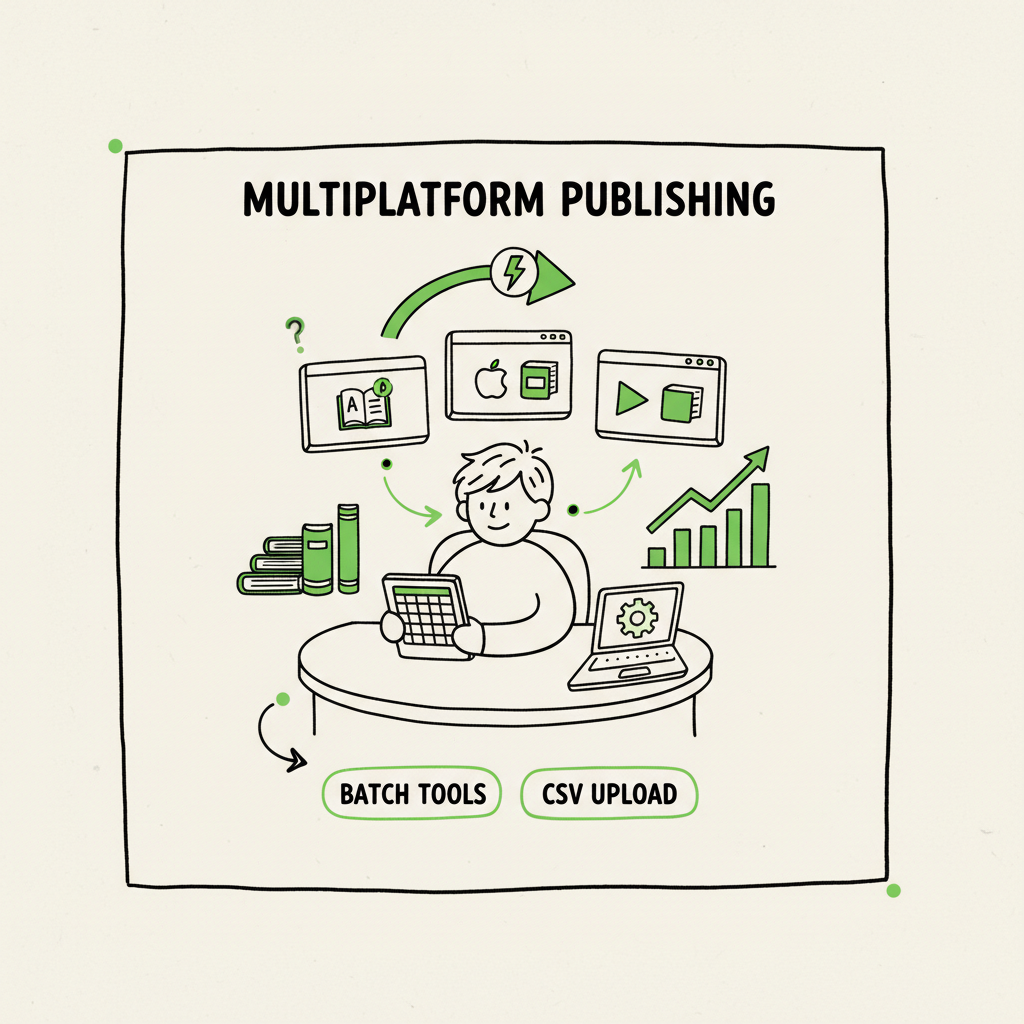
- Use batch tools, CSV uploads, and automation to reduce time and errors when you publish ebook everywhere.
- When you publish seriously, unified multi-platform publishing tools like BookUploadPro make wide distribution practical: CSV batch uploads, platform intelligence, and ~90% time savings.
Table of Contents
- Why authors choose to self publish on multiple platforms
- How a practical multi-platform process looks
- Choosing platforms, costs, and trade-offs
- FAQ
- Final thoughts
- Sources
Why authors choose to self publish on multiple platforms
Self publish on multiple platforms because it’s the simplest way to get your work in front of more readers. Amazon is huge, but it isn’t the only place people buy books. Libraries, Apple Books, Kobo, independent stores, and subscription services all collect different audiences. Publishing wide lets a book find traction in channels Amazon doesn’t reach well.
If you’re deciding between exclusive perks and broad reach, see Publish Wide Vs Amazon Exclusive for a clear comparison of the trade-offs. That comparison highlights the basic point: KDP Select perks can help short-term visibility on Amazon, but wide distribution raises long-term opportunity and resilience.
Beyond reach, practical reasons push authors toward multi-platform self publishing:
- Multiple storefronts mean multiple discovery paths. A reader who never shops on Amazon could become a steady buyer on Kobo or Apple.
- Library and wholesale channels open new revenue streams through institutional purchases and physical print distribution.
- Platform failures or policy changes affect unshelved books less when those books live in more than one store.
Those benefits matter most when you have processes to manage them. One-off uploads across five platforms are fine for lane testing. But if you plan to publish a series or multiple titles a year, automating repetitive uploads is what makes wide distribution scalable and profitable.
How a practical multi-platform process looks
Wide publishing isn’t a mystery; it’s a set of repeatable steps you run for every title. The difference between a messy wide launch and a smooth one is tooling and discipline.
Step 1 — Prepare the assets
You need a manuscript file, interior files for print (PDF) and ebook (EPUB or well-formed EPUB), and a cover in platform-specific sizes. If you prefer to standardize these tasks, tools exist to automate conversion and cover processing; for fast batch work consider a dedicated EPUB converter and a cover generator processing so you’re not formatting each file by hand. If you create paperbacks or ebooks regularly, a consistent set of templates and scripts saves hours every month.
If you need automated cover processing, see the cover generator processing page, the EPUB converter, and the book creation processes to streamline workloads.
Step 2 — Metadata and identifiers
Collect your metadata in a spreadsheet. Title, subtitle, series data, edition notes, author name, author bio, keywords, categories, BISAC/ONIX codes, language, ISBN (if used), price, territories, and rights. This is the single place you can reuse and validate values. CSV batch uploads rely on structured metadata, so spending 30–60 minutes building a correct CSV per title repays heavily.
Step 3 — Format and validate
Before uploading, validate the EPUB for errors, run a print-ready PDF check for bleeds and margins, and confirm cover spine calculations for print. Automated EPUB checks catch common ebook issues like missing fonts, poor image settings, or broken internal links. If you’re producing many titles, use a repeatable converter and validation step to keep quality consistent.
Step 4 — Batch upload and platform-specific intelligence
This is where time savings multiply. A good multi-platform tool accepts a single CSV and the prepared assets, maps fields to each store’s requirements, and handles the multiple API endpoints or store dashboards for you. The tool applies platform-specific rules—cover size adjustments, EPUB reflow fixes, and price-roll mappings—so you don’t redo the same tweaks five times.
Step 5 — Post-publish monitoring and fixes
Once live, monitor delivery reports and storefront pages. Some stores take longer to update metadata or to propagate price changes. Automated reporting and error alerts reduce the manual tracking burden.
Why this matters: Manual upload repetition is where authors burn time and introduce mistakes. Software that supports CSV batch uploads, platform-specific intelligence, and error reduction makes wide publishing practical rather than punishing. When you reach the point of publishing multiple books a year, a tool that handles the upload becomes an obvious upgrade. Own the distribution.
Practical examples and common pitfalls
- Cover file too small: some stores reject or scale badly. Use a cover generator or batch processing to produce correct sizes from a single master file.
- EPUB fails validation: reflow text or embed fonts correctly. An EPUB converter that supports batch processing can convert many manuscripts and flag issues before upload.
- Wrong price mapping: map price tiers to local currencies automatically rather than entering them per store.
- ISBN confusion: decide whether to use platform-assigned ISBNs (common with print-on-demand services) or your own, and record allocations in your metadata CSV.
Note: For fast EPUB conversion, EPUB conversion, or to automate book creation processes, look for specialized tools that support batch workflows and validation.
Tools and integrations that reduce friction
The right tooling focuses on the boring parts: accurate mapping, repeated validation, and efficient error handling. At scale, these features multiply: platform intelligence to apply each store’s rules, CSV batch uploads to reduce manual entry, and error reduction to avoid rejections. This is what makes wide self publishing realistic for authors who want to publish consistently.
If you need tools that handle EPUB conversion, EPUB conversion, cover processing, or book creation processes, explore the BookAutoAI offerings.
Choosing platforms, costs, and trade-offs
There’s no one-size-fits-all platform mix. Choose based on format needs (ebook, print, library), reach, cost, and long-term goals.
Common platform roles
- Amazon KDP: dominant ebook market share and first-class print-on-demand. Use it for visibility and print distribution. You can still publish wide by avoiding KDP Select exclusivity.
- Draft2Digital / PublishDrive: aggregators that distribute to Apple Books, Kobo, Scribd, and many others. They simplify the ebook side by centralizing delivery.
- IngramSpark: the go-to for global print distribution into bookstores, libraries, and wholesalers.
- Direct stores: Apple Books, Kobo, and Barnes & Noble can be reached either through aggregators or via direct accounts depending on your preference.
Cost considerations and royalty behavior
- Aggregators often charge either per-sale fees or a subscription. Draft2Digital typically takes a small cut per sale, while PublishDrive’s subscription model gives non-commissioned distribution for a flat fee.
- IngramSpark charges setup fees and printing costs but offers expansive physical distribution, which is essential for bookstore and library channels.
- KDP offers competitive ebook royalty tiers for direct uploads, but KDP Select requires exclusivity to enroll in their promotional programs.
Trade-offs to weigh
- Time vs. money: aggregators simplify uploads but may take a commission or subscription. Doing everything direct saves commissions but costs time.
- Reach vs. control: wide distribution maximizes reach, but different stores have different metadata and file rules.
- Short-term promos vs. long-term availability: Amazon exclusive promotions can boost short-term sales on Amazon, but wide distribution spreads risk and opportunity.
How BookUploadPro fits the model: If you publish multiple books, a service that centralizes uploads and applies platform-specific intelligence reduces time and risk. BookUploadPro is built to automate repetitive uploads—CSV batch uploads, intelligent field mapping, and error reduction—so authors and small teams spend hours, not days, on distribution. In practical terms, that’s ~90% time savings on the upload and release workflow. The result is predictable, repeatable wide publishing that scales.
Practical pricing and when to switch: If you publish one book, manual uploads are manageable. Once you publish several titles a year, the math changes. Time saved equals money back in your schedule, fewer mistakes, and fewer lost sales from misconfigured listings. BookUploadPro offers affordable pricing and a free trial to evaluate the gains before committing. For most authors who publish seriously, automation is an obvious upgrade.
FAQ
Q: What does “wide” publishing mean?
A: Wide publishing means distributing your book across multiple retailers and channels, not limiting it to one store. It usually involves aggregators or direct publisher accounts to reach Apple Books, Kobo, libraries, and more.
Q: Can I keep my Amazon listing and still publish wide?
A: Yes. You can publish on Amazon without enrolling in KDP Select, which allows you to upload the same ebook to other stores simultaneously.
Q: Do I need separate files for each store?
A: Not always. A well-formed EPUB often works across ebook stores, and a print-ready PDF works for print-on-demand. But some stores require specific settings; a conversion or small adjustments may be necessary.
Q: How much time does automation save?
A: For routine uploads at scale, automation can reduce the time spent uploading a title by roughly 80–90%. The biggest wins are in metadata mapping, price distribution, and batch processing.
Q: Will automation harm my control over listings?
A: No. Good automation tools let you review and approve every change. They reduce repetitive tasks while preserving control of creative and pricing decisions.
Q: What about covers and EPUB conversion?
A: If you produce many titles, batch tools for cover processing and EPUB conversion cut both time and errors. There are services that handle cover processing, EPUB conversion, and full book creation processes to keep quality consistent.
Final thoughts
Wide, multi-platform self publishing gives authors access to more readers and mitigates single-store risk. The strategy requires systems: standardized assets, validated files, and repeatable metadata. When those systems are in place, wide publishing shifts from a chore to a dependable revenue channel. For authors and small teams who publish multiple titles, handling uploads with CSV batch processing, platform-specific intelligence, and effective error reduction is the turning point that makes wide distribution both practical and profitable.
If you need tools that handle EPUB conversion, book cover processing, or book creation at scale, use dedicated processing services to remove friction and maintain consistency across stores.
Ready to publish wide without the busywork? Explore options at BookUploadPro.
Sources
- Self-Publishing Platforms Compared: Which One Is Right for You?
- Top 10 Self-Publishing Platforms: Choosing the Best for You
- The Pros and Cons of the Top 5 Self-Publishing Platforms
- 14 Best Self-Publishing Platforms for New Authors
- The Most Popular Self-Publishing Platforms: Pros & Cons
- Lulu vs. Other Self-Publishing Platforms: A Comparative Analysis
Self publish on multiple platforms Estimated reading time: 14 minutes Key takeaways Wide, multi-platform publishing increases reach and revenue potential but requires repeatable processes and platform-specific adjustments. Use batch tools, CSV uploads, and automation to reduce time and errors when you publish ebook everywhere. When you publish seriously, unified multi-platform publishing tools like BookUploadPro make…