
In this guide
- Margins: the numbers KDP and IngramSpark require
- Setting margins in Word
- Running heads: what goes at the top of the page
- Chapter openings: start lower, start the same
- Page numbers: roman, then arabic
- FAQ
- Book layout basics: margins, running heads, chapter openings, and page numbers for print.
- What margins does KDP require for a paperback?
- Should running heads appear on every page?
- How do page numbers work in a printed book?

Book layout is the quiet work that makes a printed book feel like a book: margins wide enough to hold, a gutter that keeps text out of the spine, running heads that orient the reader, chapter openings that start in the same place every time, and page numbers that behave. None of it is decorative. Get the margins wrong and KDP rejects the file or the text disappears into the binding; get the conventions wrong and the book feels amateur even when nothing is technically broken. The good news is that the rules are published, the numbers are exact, and a careful pass in Word will satisfy them.
Key takeaways:
- KDP sets minimum margins by page count. The inside gutter grows from 0.375 inch to 0.875 inch as the book thickens, while outside, top, and bottom minimums are 0.25 inch without bleed.
- IngramSpark is stricter: 0.5 inch margins on all sides, PDF/X-1a or PDF/X-3, CMYK color, and 300 DPI images.
- Running heads usually show the book title on one side and the chapter title on the other, and they are left off chapter opening pages and blank pages.
- Chapter openings start lower on the page, often a third of the way down, with a larger chapter title and sometimes a drop cap, and they carry no running head or page number.
- Page numbers usually use roman numerals for front matter and arabic numerals for the body, with the body starting at page 1.
Margins: the numbers KDP and IngramSpark require
Margins are the one layout decision the store checks with a ruler, so start here. KDP requires a minimum outside, top, and bottom margin of 0.25 inch without bleed, or 0.375 inch with bleed, and an inside margin, the gutter, that depends on the final page count: 0.375 inch for 24 to 150 pages, 0.5 inch for 151 to 300 pages, 0.625 inch for 301 to 500 pages, 0.75 inch for 501 to 700 pages, and 0.875 inch for 701 to 828 pages. These are minimums, not recommendations, and going wider is always allowed. The trap is that the page count band can change while you edit: add a chapter and a 296 page book becomes a 304 page book, and the gutter must grow from 0.5 to 0.625 inch. Check the table against the final PDF, not the draft. Bleed is 0.125 inch on the top, bottom, and outside edges, and the gutter edge never gets bleed. IngramSpark asks for more room: 0.5 inch margins on all sides, a PDF/X-1a or PDF/X-3 file, CMYK color, and images at 300 DPI. If you plan to publish on both stores, build to the IngramSpark numbers and KDP will accept the file; the reverse is not true. The full store by store comparison is here.
Setting margins in Word
In Word, use mirrored margins so the gutter always falls on the inside edge: Layout, then Margins, then Custom Margins, choose Mirrored under Multiple pages, and put the gutter figure in the Inside field, not the separate Gutter field, which adds extra space on top of the inside margin. Set the outside, top, and bottom to at least the minimums above, then add a little more for comfort, because text pressed against the minimum looks cramped and any slight trim variance can clip a footer. A practical default for a 6 by 9 inch novel of about 250 to 300 pages is a 0.5 inch inside margin, 0.5 inch outside, and 0.75 to 1 inch top and bottom once headers and page numbers are in. Keep the same margins through the whole book unless a section genuinely needs different ones, and recheck the gutter band after every edit that changes the page count.
Running heads: what goes at the top of the page
A running head is the small line at the top of each text page, and its job is orientation. The usual convention is the book title on left hand pages and the chapter title on right hand pages, or the author name on one side and the book title on the other for nonfiction. Keep it small, in the same font family as the body, and in a lighter weight or smaller size so it never competes with the text. Running heads are left off chapter opening pages, title pages, and blank pages, because those pages announce themselves. If your book has parts as well as chapters, the part title can replace the chapter title in the head while that part runs. One common mistake is putting the running head on every page including the chapter openers; the fix is a different first page setting for the section, or a separate section break at each chapter.
Chapter openings: start lower, start the same
Every chapter should open the same way, and lower on the page than a normal text page, often about a third of the way down. The chapter title sits larger than the body text, sometimes with a chapter number above it, and sometimes with a drop cap on the first paragraph. The first page of a chapter carries no running head and usually no page number, which is a convention readers expect rather than a rule the store enforces. The first paragraph of a chapter is normally set flush left, without the first line indent that the rest of the book uses, which is a small signal that a new section has begun. Keep the drop space identical from chapter to chapter; a reader notices when chapter five starts halfway down and chapter six starts at the top.
Page numbers: roman, then arabic
Page numbers follow a convention that readers and printers both rely on. Front matter, the title page, copyright page, dedication, and table of contents, is usually numbered in lowercase roman numerals, starting at i, and the title page itself carries no printed number. The body starts at arabic page 1, usually on the first page of chapter one, and runs straight through to the end, including the back matter. Numbers usually sit at the bottom center or the outside bottom corner, and on chapter opening pages they are often omitted even though the page still counts. In Word, use section breaks and the “different first page” setting to keep the roman and arabic sequences separate, and never type page numbers by hand; use the page number field so they update when the book grows. Before you upload, run the print previewer and check the numbers on a chapter opener, a left page, and a right page here.
FAQ
Book layout basics: margins, running heads, chapter openings, and page numbers for print.
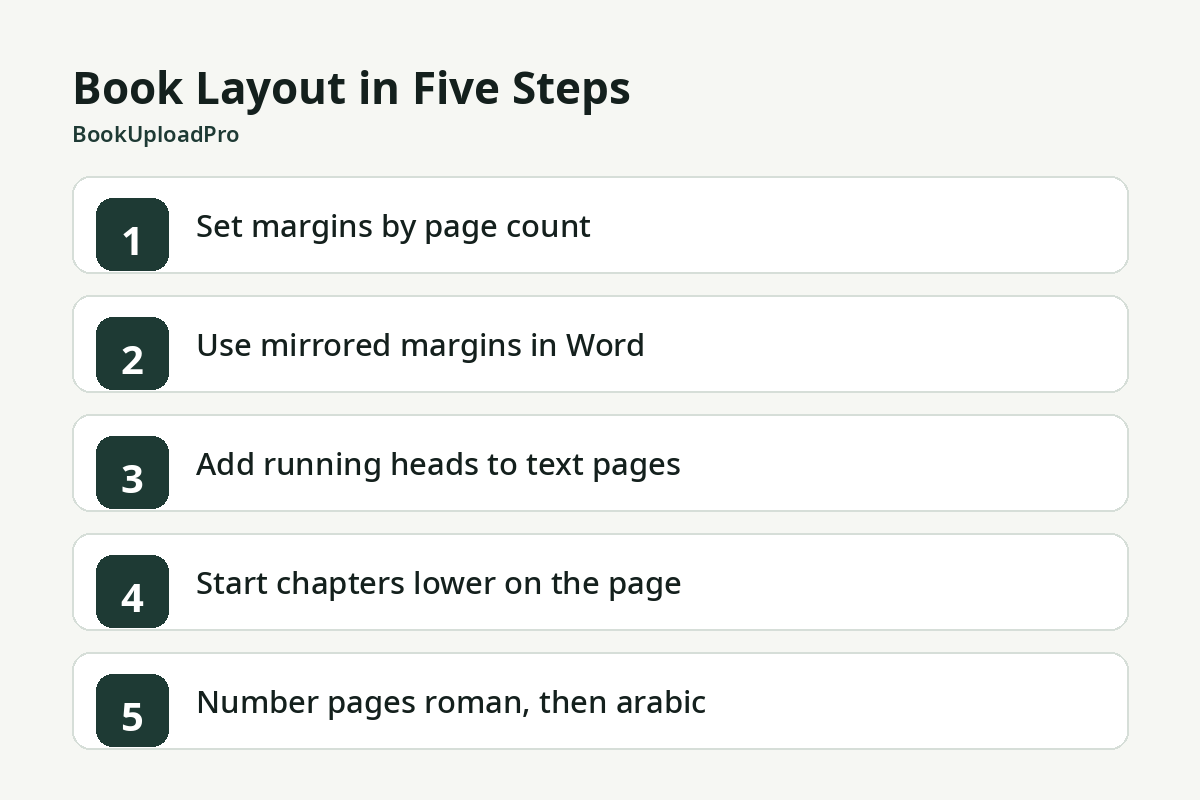
Start with the margins the store requires, then set the conventions: running heads with the book title on one side and the chapter title on the other, chapter openings that start lower on the page with no running head or page number, and page numbers in roman numerals for front matter and arabic numerals from chapter one.
What margins does KDP require for a paperback?
KDP requires at least 0.25 inch on the outside, top, and bottom without bleed, or 0.375 inch with bleed, and an inside gutter that grows with page count: 0.375 inch for 24 to 150 pages, 0.5 inch for 151 to 300, 0.625 inch for 301 to 500, 0.75 inch for 501 to 700, and 0.875 inch for 701 to 828 pages. IngramSpark requires 0.5 inch on all sides.
Should running heads appear on every page?
No. Running heads belong on text pages, usually the book title on one side and the chapter title on the other. They are left off chapter opening pages, title pages, and blank pages. Keep them small and in the body font family so they orient the reader without competing with the text.
How do page numbers work in a printed book?
Front matter is usually numbered in lowercase roman numerals starting at i, with no number printed on the title page. The body starts at arabic page 1 on the first page of chapter one and runs through to the end. Chapter opening pages often omit the printed number even though the page still counts, and numbers are generated with the page number field, never typed by hand.