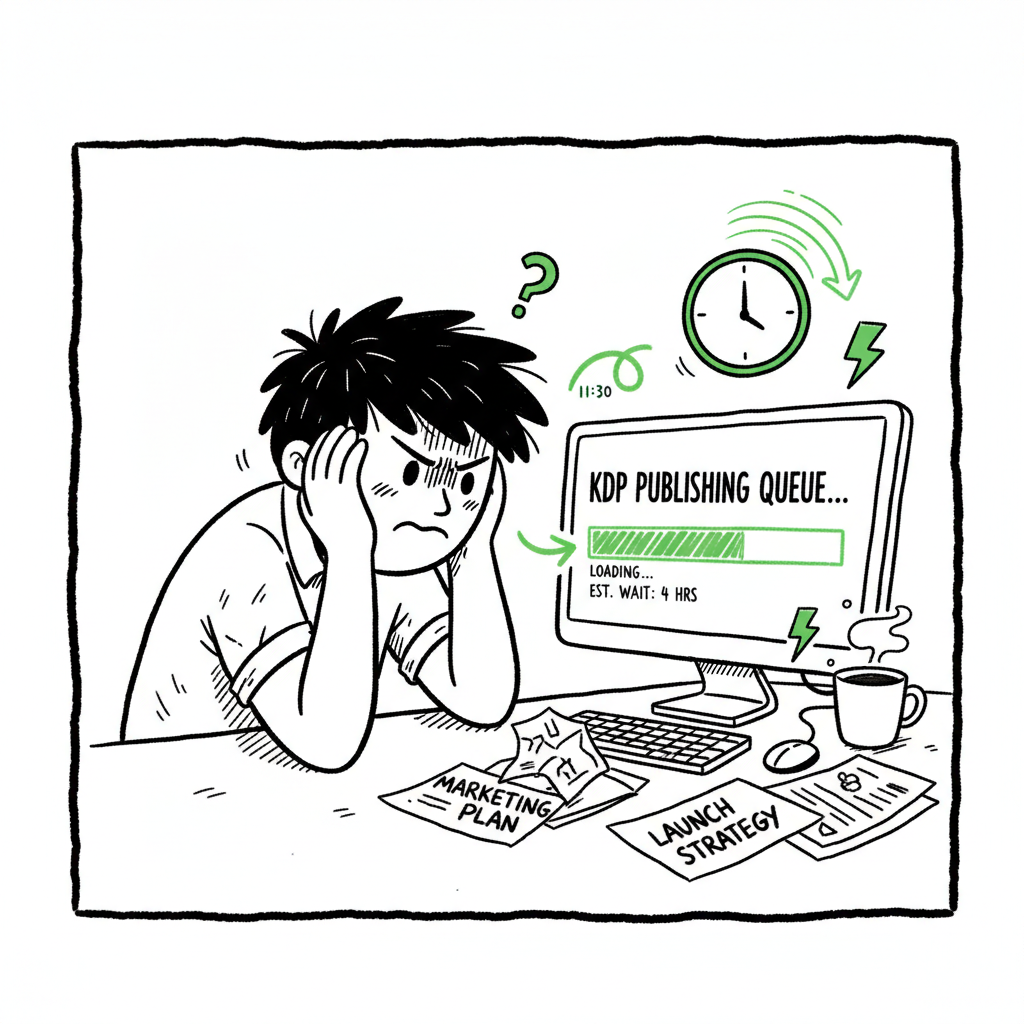
KDP publishing queue slow explained and practical fixes
kdp publishing queue slow: Why it’s happening and what serious authors should do
Estimated reading time: 8 minutes
Key takeaways
- Amazon’s reviews now slow low‑content submissions; expect 1–10 days instead of overnight.
- Adjust formats, pacing, and upload cadence to reduce delays and avoid rejections.
- Use multi‑platform automation to keep distribution moving while KDP reviews your books.
Table of Contents
- Why the KDP publishing queue is slow
- How to adapt your publishing workflow to the slow KDP queue
- When multi‑platform automation matters and how BookUploadPro helps
- FAQ
Why the KDP publishing queue is slow
If you’ve noticed that the kdp publishing queue slow drama isn’t just a rumor, you’re right. Over the last update cycle Amazon tightened review routines, and low‑content books—journals, notebooks, planners—are taking much longer to show up for sale. Where overnight approvals were common, publishers now report anything from a full day up to ten days for those titles. That shift is deliberate: Amazon is prioritizing quality and cutting spam, and that has a direct effect on the publishing queue KDP workload.
What changed, in practical terms
- Review windows: Official guidance now points to a 3–10 business day window for processing, and KDP support has confirmed longer reviews for low‑content titles. High‑content books (novels, non‑fiction with varied pages) still clear faster in many cases.
- Upload limits: Platform limits that used to be tight in other ways were also adjusted. Frequent publishers found daily limits turned into weekly caps — a practical throttling of volume that affects scale publishers.
- Detection rules: KDP now flags repeated pages and near‑duplicate interiors more readily. This targets spammy bulk uploads that used to flood the catalog.
How this affects small and serious publishers
- If you publish a few titles a year, the delay is an annoyance. If you publish at scale, delays add up. A slow KDP queue means:
- Releases miss optimal launch windows if you don’t plan ahead.
- You can’t iterate quickly on covers or metadata when something is wrong.
- Perceived sales gaps appear if books are live but not purchasable, or if they’re stuck “in review.”
Context matters: low vs. high content
KDP effectively triages by content type. A book with varied, meaningful content—different images, unique chapter structure, long‑form text—gets higher priority. Low‑content books that reuse the same interior page layout are the ones that draw out the review. For many publishers, this means a change in approach rather than a complete exit from KDP.
For a practical look at how review timing has changed, see Amazon KDP Review Delays
What you’ll see in the dashboard
- “In review” times that stretch beyond 48 hours.
- Books showing “live” in search but with purchase blocked for a short period.
- Metadata changes taking longer to reflect across regional stores.
Realities to accept
This is not a one‑off slow day. It’s a platform policy shift. Treat it as an operational constraint and design your release calendar around it.
How to adapt your publishing workflow to the slow KDP queue
When the queue moves slowly, the right response is process, not panic. You can’t control Amazon’s schedule, but you can control how you work. Here are practical tactics publishers use every day to keep things moving.
-
Plan release windows backwards
Work from the date you want the book available and plan tasks in reverse. If low‑content can take up to 10 days, add a buffer of 14 days to be safe. That includes time for cover fixes, metadata edits, and a final sanity check.
-
Batch smarter, not louder
- Respect the weekly limits: upload in staggered batches across the week. Smaller, consistent batches reduce the chance of bulk flags.
- Use a CSV approach for metadata to avoid repeated manual errors.
- Prioritize high‑impact titles for earlier slots in the week.
-
Make low‑content look higher content
- Vary page templates across a notebook’s interior—introduce a few unique pages or section dividers.
- Avoid exact page repeats that could trigger spam detection.
- Add a short author note, an index, or a simple section that changes content density.
-
Test one change at a time
When trying to speed approval, make a small, measurable change and observe how long the queue takes. If you tweak layouts and see approvals drop from five days to two, you’ve found a reproducible lever.
-
Use metadata to reduce back-and-forth
- Complete and clean metadata reduces reviewers’ questions:
- Ensure BISAC and age ranges match your content.
- Provide accurate contributor information and consistent ISBN entries.
- Use descriptive blurbs that reflect actual content.
-
Track and audit live vs. purchasable states
A common confusion is books showing as live in store search but not yet buyable. Maintain a tracking sheet: submission date, review status, live (yes/no), purchasable (yes/no), and notes. This is an operations task—don’t rely on memory.
-
If you frequently rebuild interiors or covers
Consolidate edits into single updates when possible. Resubmitting the same title multiple times in quick succession increases review churn and can push you back in queue.
-
Formats and conversion
If you’re moving between paperback, hardcover, and ebook, convert once and verify. EPUB conversion problems can cause rejections or delays. Use a reliable converter and verify files locally before upload. If you need a dependable tool to handle EPUB conversion reliably, a dedicated EPUB converter can save time and reduce resubmits. (See: EPUB converter)
-
Covers and production basics
Low‑quality covers draw scrutiny. Invest in a clean, platform‑safe cover and check specifications before submit. If you need an automated tool to generate covers that meet platform specs, a book cover generator can help standardize results and reduce review cycles. (See: book cover generator)
-
Don’t put all your inventory in one queue
While KDP is a major channel, it’s not the only one. Distributing the same title to multiple stores reduces dependence on a single queue and keeps sales opportunities open.
When to escalate to KDP support
If a book is stuck beyond the stated maximum, open a support ticket. Be precise: include ASIN/ISBN, dates, and steps taken. Support is slow, but a concise, well‑documented request shortens the back‑and‑forth.
Operational checklist (short)
- Buffer releases 10–14 days
- Batch uploads across the week
- Vary low‑content interiors
- Verify EPUB and cover specs before upload
- Track live vs. purchasable status in a sheet
With BookUploadPro
BookUploadPro helps you automate the upload and distribution. This is not consultancy—this is tooling for scaling.
When multi‑platform automation matters and how BookUploadPro helps
If you publish casually, manual uploads work. If you publish seriously, manual uploads become the bottleneck. This is where multi‑platform automation is an obvious upgrade.
Why automation matters now
With publishing queue KDP slowdown, the advantage moves to whoever keeps books in distribution across other stores while KDP takes its time. Automation turns repetitive tasks into predictable, repeatable processes:
- CSV batch uploads remove manual data entry and human error.
- Platform‑specific intelligence applies the right settings for Amazon, Kobo, Apple Books, Draft2Digital, and Ingram.
- Error reduction reduces rejections and re‑submissions that send you back in the queue.
What BookUploadPro does (practical operator view)
Unified multi‑platform publishing: upload once, publish everywhere KDP supports and beyond.
CSV batch uploads: push hundreds of titles with consistent metadata.
Platform‑specific intelligence: the system adjusts cover sizes, trim sizes, and metadata formats per retailer rules.
~90% time savings on repetitive uploads: the numbers matter when you run dozens or hundreds of titles.
Error reduction through preflight checks: the system flags common issues before a submission hits a retailer.
Keep titles selling elsewhere: while Amazon reviews, your book can be available on Kobo, Apple Books, and Ingram. Staggered publishing avoids hitting Amazon limits in bulk: automated controls throttle uploads to match platform limits. Faster iteration across platforms: change once and propagate.
Imagine you have 30 new notebooks. Instead of manually uploading the same cover and interior to five retailers, BookUploadPro lets you:
- Upload a single CSV with metadata.
- Attach the interior and cover files once.
- Set per‑platform options (paperback size, DRM, territories).
- Let the system submit in controlled batches and report results.
This is not consultancy—this is tooling for scaling. Once you publish seriously, automation becomes the rational choice. BookUploadPro helps you automate the upload and distribution.
Practical integrations and file prep
- EPUB conversion matters for many retailers. If your workflow needs a reliable converter, use an EPUB converter to keep files consistent across stores.
- Covers must meet different specs per retailer. For fast, consistent results, use a book cover generator that outputs platform‑ready files.
- For creating paperback and ebook files in a repeatable pipeline, use a solid book creation workflow to standardize outputs and speed uploads.
How to get started with automation without breaking current processes
- Start with your back catalogue: pick 10 titles that are high value and automate their distribution.
- Use automation for new titles only after one manual publish, so you know the end‑to‑end result.
- Keep a rollback plan: if a platform rejects something, automation should give you a quick path to update and resubmit.
Pricing and ROI
Automation is an operational decision. Look at how many hours you spend per title on adult tasks (metadata, cover prep, upload). Multiply by wage or opportunity cost. For many serious publishers, automation pays for itself within a few months. BookUploadPro offers affordable pricing and a free trial so you can test the system against your current cadence.
When automation is not the right answer
If you publish one or two books a year and enjoy the manual control, automation adds complexity. But most publishers who scale past a handful of titles find automation essential.
Final thoughts on operational readiness
The publishing landscape is shifting. Platform policies that slow queues are here to stay until their goals are met. The practical response is to tune your workflow, make low‑content look less repetitive, and adopt multi‑platform automation when you publish with frequency. The goal is predictable, repeatable distribution that survives spikes and policy changes.
FAQ
Q: How long should I expect KDP review to take for a new notebook?
A: For low‑content books you should budget 1–10 days. Plan for up to two weeks to be safe, especially around peak seasons.
Q: Will changing my cover speed up approval?
A: A clean, compliant cover reduces risk of manual review but won’t guarantee priority. It helps prevent rejections that force resubmissions.
Q: Can I publish the same book on Kobo or Apple while KDP reviews it?
A: Yes. Other retailers often process faster for certain formats. Multi‑platform distribution keeps the book available while one platform reviews.
Q: Do I need a different file for each retailer?
A: Often yes. Cover dimensions, trim sizes, and file formats vary. Automation tools handle the adjustments for you.
Q: Are weekly upload limits enforced strictly?
A: Amazon enforces upload behavior to curb spam. Expect limits that prevent large daily bursts; spread uploads across the week.
Q: Should I stop publishing low‑content books?
A: Not necessarily. You should change how you create them: vary interiors, add minimal unique content, and pace uploads.
Sources
- https://www.youtube.com/watch?v=ncVch0p0rKs
- https://www.youtube.com/watch?v=p0PwMJY4cBU
- https://www.youtube.com/watch?v=ywJWuex9Eqw
- https://kdpcommunity.com/s/question/0D5at00000TxnzoCAB/delay-in-updates?language=en_US
- https://kdpcommunity.com/s/question/0D52T00005PkPWBSA3/amazon-kdp-has-really-poor-and-slow-service?language=en_US
- https://kdp.amazon.com/help/topic/G200627450
kdp publishing queue slow: Why it’s happening and what serious authors should do Estimated reading time: 8 minutes Key takeaways Amazon’s reviews now slow low‑content submissions; expect 1–10 days instead of overnight. Adjust formats, pacing, and upload cadence to reduce delays and avoid rejections. Use multi‑platform automation to keep distribution moving while KDP reviews your…