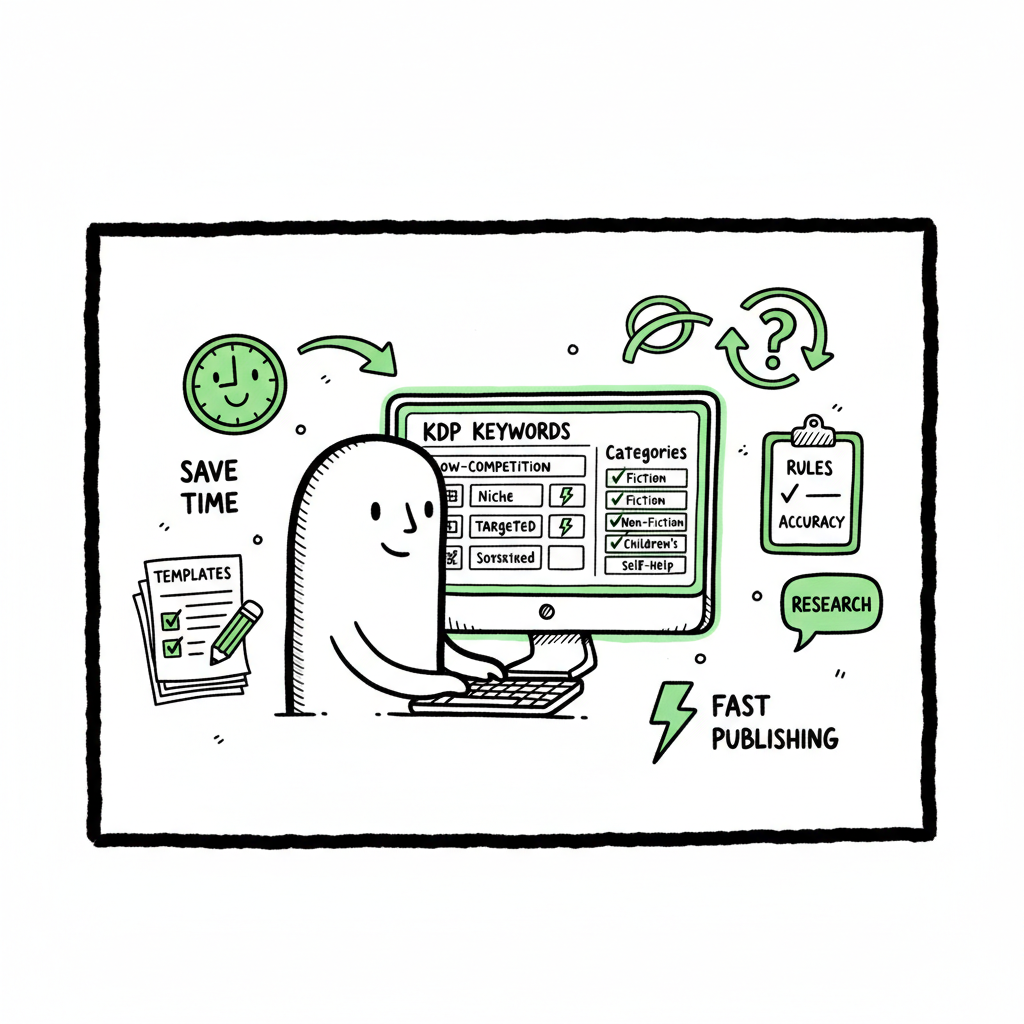
Auto-fill KDP Keywords Categories Explained for Authors
Auto-fill KDP Keywords Categories: How to Speed Up Metadata Without Breaking Rules
Estimated reading time: 9 minutes
Key takeaways
- Auto-fill KDP keywords categories can cut hours from each upload when it follows KDP rules and respects the seven keyword boxes.
- Real savings come from batching, platform-aware templates, and rule-driven human checks — not blind one‑click fills.
- Unified multi-platform publishing, CSV batch uploads, and automated metadata formatting make scale practical; BookUploadPro is built for that workflow.
Table of Contents
- Overview — Why metadata matters
- How auto-fill KDP keywords categories works in practice
- Safe automation and best practices
- Multi-platform, batch workflows that actually save time
- Frequently asked questions
Overview — Why metadata matters
Metadata is the quiet work that decides whether a book gets found, read, and bought. For many authors, the hardest parts are filling the seven KDP keyword boxes, choosing categories that attract the right readers, and shaping descriptions that convert. That’s where the idea of auto-fill KDP keywords categories comes in: tools that help generate, structure, and pack keywords and suggest categories so you can move from idea to live book faster.
Automation is not a magic wand. KDP has limits: seven keyword boxes, 50 characters each, and policies that penalize misleading or spammy metadata. A useful automation reduces repetitive typing, formats keywords to fit those boxes, and applies rules that keep you compliant. For teams and authors publishing multiple titles, automation saves time and cuts human error — but only when it’s rule-aware and designed to work with KDP’s constraints.
For publishers ready to scale, an Amazon KDP Metadata Optimization Automation approach centralizes templates, enforces limits, and produces KDP-ready metadata that’s safe to paste or upload. This kind of system is especially valuable when you move from one-off books to dozens or hundreds of titles.
How auto-fill KDP keywords categories works in practice
If you’re wondering what “auto-fill KDP keywords categories” really looks like day to day, picture this workflow: you upload a CSV with titles, short descriptions, and a few seed terms. The system runs a generation pass to produce keyword candidates, groups related terms, removes duplicates, and packs phrases into sets that fit seven boxes. It then suggests the best categories based on genre signals and competition data. The output is not mysterious code — it’s a filled metadata row you can paste into KDP or push through a bulk upload tool.
For teams handling large catalogs, consider how Amazon KDP Metadata Optimization Automation brings consistency: you get rule‑driven defaults, genre-appropriate phrasing, and structured keyword sets that always follow the 50‑character rule. That consistency reduces upload errors and the back-and-forth of manual rework.
What these systems do well
- Generate long‑tail keyword ideas from seed topics and Amazon-style search behavior.
- Group related keywords and remove exact duplicates or near-duplicates.
- Pack keywords into the seven KDP boxes while respecting character limits.
- Surface category recommendations that match BISAC or KDP browse nodes.
What automation does not do — and why that’s okay
- It doesn’t replace human judgment about nuance, author branding, or unusual markets.
- It won’t bend KDP policy. Good tools bake the rules into suggestions and flag potentially risky phrases.
- It typically won’t change category assignments inside Amazon’s backend without a manual step or support ticket. Most platforms prepare the right category codes and suggestions, then let you or Amazon finalize placement.
A practical system treats the auto-fill step as a time-saver, not a shortcut to skip review. That approach keeps your metadata effective without creating problems that require fixes later.
Safe automation and best practices
Automation works best when combined with a short human checklist. Use these rules to keep automation productive and safe.
- 1. Treat auto-fill output as draft metadata
Automation should create a KDP-ready draft. You should scan generated keywords and categories for accuracy and tone. Look for any terms that could be misleading or off-brand, then edit. - 2. Respect the seven-box rule
KDP gives you seven keyword slots with 50 chars each. Packing keywords across these boxes requires decisions: group by intent, avoid repeating the same stem across boxes, and prefer multi-word phrases that increase discoverability. A system that auto-packs keywords helps, but human review ensures voice and accuracy. - 3. Avoid restricted or time-sensitive language
KDP guidance warns against terms like “new,” “on sale,” or competitor names. Your auto-fill system should filter or flag these. When it does, treat the flag as a reason to refine the seed input, not to bypass the rule. - 4. Use category suggestions, then verify on KDP
Category lookup tools can recommend productive niches and show relative competition. But KDP’s final selection still happens in the KDP dashboard or via Amazon support. Use the suggested categories as a map, and confirm them when you publish. - 5. Keep a short edits log per book
When the automation suggests keywords or categories, record the top changes you made. Over time, this log helps you spot patterns where the generator is weak and where it’s strong. - 6. Prioritize relevancy over density
Don’t chase keyword stuffing. Pick high-relevance phrases that match your audience’s search terms. Good metadata wins on relevance and clarity. - 7. Build genre and voice templates
For series or multiple books in the same niche, create templates: tone, typical keywords, and category pairs. Templates speed review and keep listings consistent across a catalog. - 8. Test and iterate
Run small A/B tests with different keyword sets or category choices when possible. Track sales rank and visibility. Use that feedback to refine future auto-fill rules.
These practices turn automation from a convenience into a reliable part of a publishing operation.
Multi-platform, batch workflows that actually save time
Scaling publishing means more than filling KDP fields. Authors who distribute widely need a workflow that handles Amazon KDP, Kobo, Apple Books, Draft2Digital, and Ingram. That’s where a unified approach pays off: one interface to manage metadata, adapt to each platform’s limits, and push formatted files or CSVs where supported.
Batch processing and CSV uploads
A practical batch workflow starts with a CSV containing the core metadata: title, subtitle, author, series, language, manuscript file paths, cover file paths, short description, keywords, and category seeds. Automated tooling can generate platform-specific metadata from that single source of truth, producing:
- KDP-ready keyword boxes and category suggestions
- EPUB files formatted for Apple Books and Kobo
- Paperback metadata mapped to Ingram and KDP paperback fields
When you create the ebook or paperback, make sure your tools support the file formats each platform requires. If you need a quick, reliable conversion to EPUB, use an EPUB converter to ensure compatibility and reduce rejections. If you’re producing covers at scale, a processing pipeline that handles cover sizing and export can shave hours off production time. For cover work and file conversions, integrate specialized services into your workflow so the metadata and files arrive ready.
Platform-specific intelligence
Each store has its own quirks. KDP has the seven keyword boxes and category nodes; Apple Books favors richer descriptions and specific file requirements; Ingram has its own subject codes. A multi-platform tool must apply platform-specific rules and transform a single metadata source into several outputs. That’s where platform-specific intelligence is valuable: it knows which fields to shorten, which to expand, and which categories don’t exist across stores.
Error reduction and time savings
Automated templates reduce manual copy-paste errors: correct ISBNs, consistent series metadata, precise trim sizes for paperbacks, and properly surfaced BISAC/subject codes. When you publish seriously — more than a handful of books — the time saved is dramatic. Expect roughly 70–90% time savings on repetitive tasks compared with manual entry, depending on how many steps you automate.
Why centralized automation is the obvious upgrade
When you hit a certain volume, manual uploads become the bottleneck. Centralized automation enforces rules, applies templates, and reduces rework. That makes multi-platform distribution practical and affordable. Automate the upload. Own the distribution.
Practical integrations to consider
- EPUB conversions that check validity and produce bookstore-ready files using an EPUB converter.
- Cover processing services that resize and export covers for different platforms using a book cover generator.
- A centralized dashboard that maps one CSV row to multiple outputs and platform-ready packages.
These integrations reduce friction and make a multi-platform release feel like a single decision rather than five separate projects.
(Note: if you need a fast EPUB conversion step as part of this pipeline, a reliable EPUB converter can remove a common source of last-minute publishing errors. And when you produce covers at scale, a book cover generator that handles sizing and bleed saves repeated manual edits.)
For teams ready to scale, explore the Amazon KDP Metadata Optimization Automation
Amazon KDP Metadata Optimization Automation with platform-specific intelligence and CSV-to-output mappings that streamline cross-store publishing.
Frequently asked questions
Q: What exactly does “auto-fill KDP keywords categories” mean?
A: It describes a set of tools and rules that generate keyword suggestions, structure them into the seven KDP keyword boxes, and recommend categories that match your book’s niche. The output is formatted to KDP’s limits so you can paste or upload it quickly. It is not a bypass of KDP’s interface but a way to reduce repetitive work and create safe, compliant metadata.
Q: Will an auto-fill tool get me into the best categories automatically?
A: Auto-fill tools can recommend the best categories based on data and heuristics, but KDP often requires you to select categories in its dashboard or request specific Browse nodes via support. Use recommendations to guide your choices; they’ll save time and reduce guesswork, but final placement may still be manual.
Q: Can I trust AI-generated keywords and descriptions?
A: Trust cautiously. Good systems generate human-like phrasing and understand KDP’s constraints, but you should always review output for tone, accuracy, and compliance with KDP rules. Treat automation as an assistant that produces draft metadata rather than a final, unedited product.
Q: Do automated tools risk keyword stuffing or policy breaches?
A: They can if poorly designed. Quality tools enforce rules — character limits, banned terms, and relevance filters — and flag risky phrases. Your job is the final check. Use templates and rule-aware defaults to limit risk.
Q: How much time can I save with batch uploads and metadata automation?
A: For high-volume workflows, expect large savings: simple metadata creation, keyword packing, and category suggestions can reduce manual upload time by roughly 70–90% on repetitive tasks. The exact number depends on how many parts of the publishing process you automate.
Q: What file types do I need for multi-platform publishing?
A: Commonly you’ll need EPUB for most ebook stores, a print-ready PDF for paperbacks, and properly sized JPG/PNG for covers. A reliable EPUB converter and cover processing pipeline reduce format-related rejections.
Q: Is there a recommended order for automated metadata and file tasks?
A: Yes. A practical order is:
1. Create the core metadata template in CSV (title, author, series, seeds).
2. Generate keyword packs and category suggestions.
3. Produce descriptions tuned for different platforms.
4. Convert manuscripts to EPUB and make print PDFs.
5. Process covers to correct sizing and bleed for each platform.
6. Run a final human review and then push uploads or export platform packages.
Sources
- Wise PPC Free Amazon KDP Keyword Tool
- Automateed KDP Keyword Research Tool
- Keyword Tool Dominator Amazon Keyword Tool
- KDP Miner Chrome Extension
- 7 Kindle Keywords
- KDP Help Topic G201298500
- BookBolt KDP Spy
Auto-fill KDP Keywords Categories: How to Speed Up Metadata Without Breaking Rules Estimated reading time: 9 minutes Key takeaways Auto-fill KDP keywords categories can cut hours from each upload when it follows KDP rules and respects the seven keyword boxes. Real savings come from batching, platform-aware templates, and rule-driven human checks — not blind one‑click…