
In this guide
- What the master file should look like
- How the two exports diverge
- The habits that keep it working
- What goes wrong without a master file
- FAQ
- How do I prepare one master file so I can export both print and ebook versions?
- Should my master file include the cover?
- What if my book only exists as a PDF or an old EPUB now?
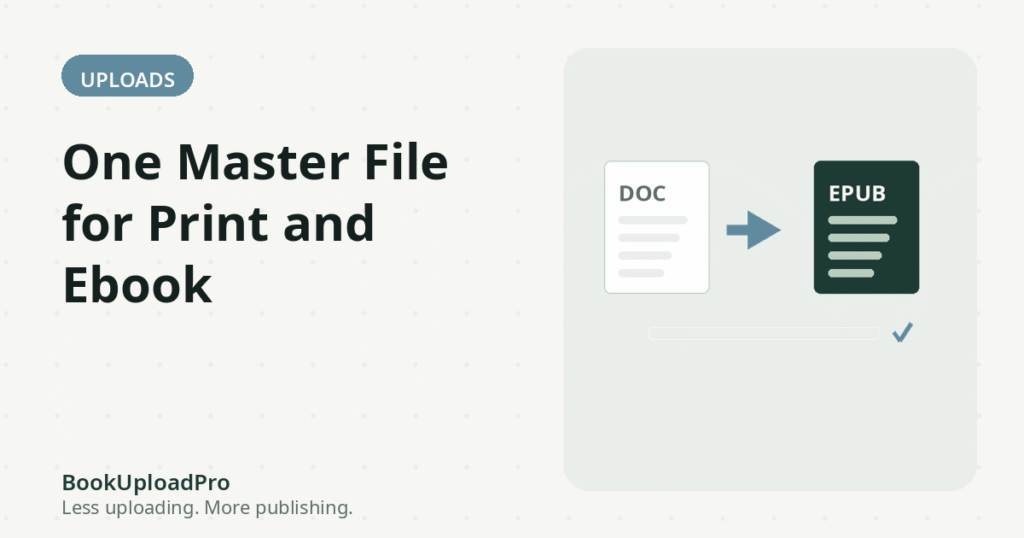
Prepare one master file by keeping a single, clean manuscript as the only place you ever edit your book’s text, and exporting both the ebook and the print version from it every time. The master holds the words. The exports are disposable. When a typo gets fixed, it gets fixed in the master, then you re-export, so your paperback and ebook can never quietly become different books.
Key takeaways:
- Edit the master, never the exports. A PDF or EPUB you patched by hand is a fork you will forget.
- Print and ebook diverge at layout, not at text. Same words, different packaging.
- A simple naming and folder habit makes the system work: one master, dated exports, one change log.
What the master file should look like
Keep the master in Word or Google Docs as one document for the whole book. Use styles for chapters and headings, plain consistent body text, and no print layout tricks inside it: no page numbers, no headers, no manual hyphenation, no columns of spaces. Front and back matter belong in the master too, in reading order, so an export is the whole book and not a puzzle. Keep images in a folder beside the master at the highest quality you have, and let the exports resize them.
How the two exports diverge
For the ebook, export the master to EPUB and validate it, as in our conversion guide. The ebook flows to fit each screen, so it needs no page size at all. For print, take the same text into a layout step, whether that is Word’s page setup, a template, or a layout tool, set your trim size, margins, and bleed, and export a print ready PDF. The cover follows the same split: one front cover image for the ebook, one full wrap PDF sized for the print edition. The words never fork. Only the packaging does.
The habits that keep it working
Name files so the newest is obvious, for example title, format, and date. Keep a short change log in the same folder: date, what changed, which exports were rebuilt. When a reader reports an error, fix the master first, then rebuild every affected export in the same sitting, and note it in the log. This is also what makes updating a book on every store bearable later, because you always know which file is current. We walk through that update routine here.
What goes wrong without a master file
The classic failure is the paperback that got the corrected chapter and the ebook that did not, or an ebook fixed years ago in a tool whose project file is lost. Every fork doubles the work of every future fix and makes questions like which edition has the error hard to answer. One master file feels slower for the very first book and pays for itself from the first correction onward, which for most books arrives quickly.
FAQ
How do I prepare one master file so I can export both print and ebook versions?
Start from a single styled manuscript, strip out print only formatting, and export in two directions: EPUB for the ebook and a laid out PDF for print. Keep the master as the only editable copy and rebuild exports after every change.
Should my master file include the cover?
Keep the cover as separate files that follow the same rule: one master cover design, exported as a front image for ebooks and a wrap PDF for print. Text and cover age at different speeds, so separate masters stay cleaner.
What if my book only exists as a PDF or an old EPUB now?
Make that file your starting point, convert it back into an editable document, clean it once, and declare that document the master from today forward. It is a dull afternoon that saves every future update, and it belongs on your pre upload checklist.