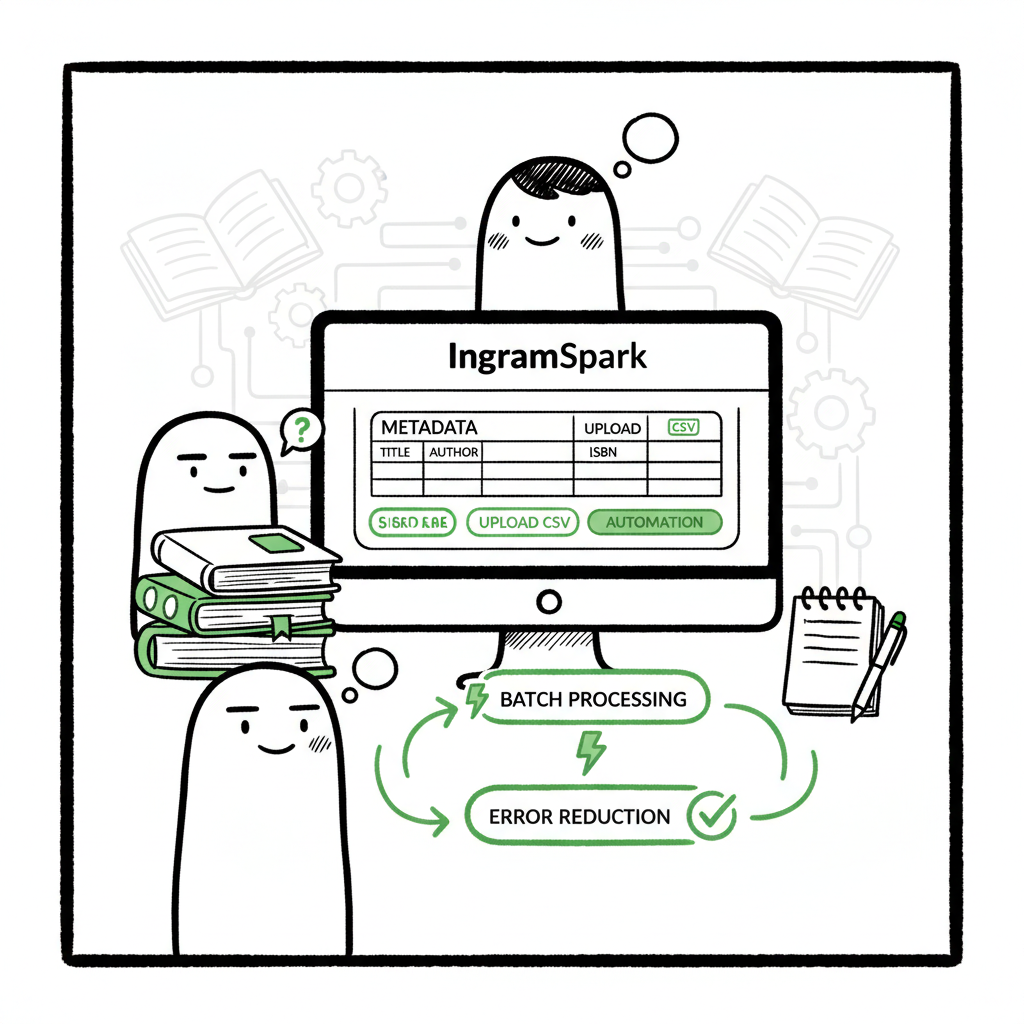
IngramSpark Publishing Automation Reduce Setup Time & Errors
IngramSpark Publishing Automation: Reduce Setup Time & Errors
Estimated reading time: 12 minutes
Key takeaways
- IngramSpark publishing automation can cut repetitive setup work and reduce errors, but the platform itself offers limited native automation for uploads.
- Use structured metadata, batch CSVs, and a multi-platform tool to automate uploads, validate files, and map platform-specific rules.
- BookUploadPro brings unified multi-platform publishing, CSV batch uploads, platform-specific intelligence, and ~90% time savings for authors publishing at scale.
Table of Contents
- Overview — IngramSpark Publishing Automation: Reduce Setup Time & Errors
- Why automation matters for self-publishers
- Practical multi-platform process to automate IngramSpark and beyond
- Common errors, quick fixes, and final steps
- FAQ
- Sources
Overview — IngramSpark Publishing Automation: Reduce Setup Time & Errors
If you’re publishing multiple titles or editions, IngramSpark publishing automation can be the difference between slow, error-prone uploads and a repeatable, fast process. IngramSpark provides strong distribution for print and ebooks, and its Book-Building Tool helps with formatted files. But as of 2025, most of the book setup steps—metadata entry, price maps, territory settings, and file uploads—are manual. That’s where automation and platform-aware batch tools make a real operational impact: they reduce setup time, catch common errors early, and let you scale distribution across Amazon KDP, Apple Books, Kobo, Draft2Digital, and Ingram without retyping the same data.
This article walks through what automation can and cannot do with IngramSpark today, practical ways to automate the process, how to reduce IngramSpark errors fast, and what to expect when you move from single-title publishing to a multi-title operation.
Why automation matters for self-publishers
Manual uploads are fine for one book, but they don’t scale. A few key realities make automation valuable:
- Repetition causes mistakes. Typing the same title, subtitle, series name, publisher name, and ISBN across platforms leads to inconsistencies that break distribution or mis-index books.
- Platform rules differ. Trim sizes, barcode settings, EPUB validation, and pricing formats aren’t the same on every storefront. Automation that applies platform-specific intelligence avoids rework.
- Time is a bottleneck. Manual setup across multiple platforms multiplies the work: cover, interior, metadata, pricing, distribution, and proofs for each channel.
- Validation matters. A single malformed EPUB or incorrect barcode can delay publication and cost days in back-and-forth corrections.
What automation actually buys you
- Speed: batch CSV uploads and mapped templates convert hours of manual entry into minutes.
- Consistency: one source of truth for metadata prevents small variations that confuse retailers or distributors.
- Error reduction: automated validation flags ISBN mismatches, trim/bleed problems, and EPUB errors before upload.
- Practical distribution: you can support different editions and territories without manually repeating every setting.
Where IngramSpark fits
IngramSpark provides useful tools like the Book-Building Tool and marketing features, but it does not fully automate setup or batch creation in the way dedicated publishing automation tools do. That’s why authors and small presses use external systems to prepare standardized files and metadata, then push that data into IngramSpark and other platforms with minimal manual intervention.
When to automate
Automation is an obvious upgrade once authors start publishing seriously—typically when you have more than a handful of titles, multiple formats (paperback, hardcover, ebook), or frequent reprints and revisions. Automation becomes the operational backbone that keeps metadata accurate and releases predictable.
Practical multi-platform process to automate IngramSpark and beyond
The goal of a practical process is repeatability. Below is a straightforward, operator-focused sequence you can use to automate the IngramSpark publishing process and extend that automation to other retailers.
Step 1 — Centralize your source data
Create a single source-of-truth CSV or spreadsheet for each book series. Columns should include all metadata fields you use across platforms: title, subtitle, series, edition, language, BISAC, description, author name (consistent), contributors, publisher imprint, ISBN, barcode settings, trim size, page count, interior color, and territory rights.
Why this matters: You want to change one cell and have that update flow to every platform. That prevents drift between listings and avoids repeated manual edits.
Step 2 — Standardize file preparation
Prepare interiors and covers according to platform-specific rules. For IngramSpark print, generate print-ready PDF files with correct trim and bleed; for ebooks, create validated EPUBs. If you need a cover or quick ebook conversion, use specialized tools to avoid format-related rejections. For cover generation, an automated tool such as Book Cover Generator Processing can speed layout and barcode placement without manual repositioning. For EPUB conversion, a dedicated EPUB Converter reduces validation failures by producing compliant files for retail ingestion.
Step 3 — Use templates and mapping
Map your CSV columns to the fields required by each platform. Good automation keeps mapping templates per platform (IngramSpark, KDP, Apple Books) so your CSV can be reused. For example, map “price_us” in your CSV to IngramSpark’s USD list price field and to KDP’s separate price field. A mapping layer should also house platform-specific defaults—trim sizes, spine file settings, and territory flags—so the automation can fill those fields automatically during upload.
Step 4 — Batch validation
Before pushing any data, run an automated validation pass:
- Metadata checks: required fields, character limits, ISBN match with barcode settings.
- File checks: PDF bleed, embedded fonts, image resolution, EPUB validation, and TOC correctness.
- Pricing checks: currency consistency, list vs. discount prices, and retailer margins.
When you catch these problems pre-upload, you reduce IngramSpark errors fast and avoid the slow process of correction after a failed upload.
Step 5 — Push to platforms and manage proofs
Use a multi-platform uploader that supports CSV batch uploads and platform-specific intelligence. A good system will:
- Create projects for each book and push title metadata and files to IngramSpark and other retailers.
- Handle ISBN registration fields and differentiate ebook vs. print ISBNs.
- Submit proofs where required and track approval status.
If you create a paperback or ebook as part of the process, consider tools that automate the file generation and upload cycle. For general book creation processes and end-to-end processing, BookAutoAI provides a centralized place to generate formatted assets and metadata for distribution.
Step 6 — Monitor and iterate
After uploads, monitor each platform for warnings and sales links. Keep a release checklist that includes:
- Retailer live URLs (Share & Sell links for IngramSpark, store pages on Amazon, Apple Books).
- Proof approvals and ISBN confirmations.
- Distribution and print-on-demand checks.
Common errors, quick fixes, and final steps
Common IngramSpark issues and how automation prevents them
- ISBN and barcode mismatches
Problem: ISBN in metadata doesn’t match the barcode on the cover or the barcode image is missing.
Automation fix: Generate consistent ISBN fields from your CSV and automatically apply the barcode image to the cover PDF during batch processing. That avoids the last-minute edits that cause proof rejections. - Trim size and spine miscalculations
Problem: Spine calculations or bleed settings are incorrect, resulting in layout shifts.
Automation fix: Use templates for each trim size. Automation applies the correct spine width and bleed based on page count in the CSV—no manual math. - EPUB validation failures
Problem: EPUBs fail retailer validation due to malformed XML or missing navigation.
Automation fix: Run EPUB validation during your batch step so you know which files fail and why, before you upload to IngramSpark or other retailers. - Metadata inconsistencies across platforms
Problem: Different descriptions, author names, or BISAC categories appear in different stores.
Automation fix: Centralize metadata, then push the single source to each platform, with intentional platform overrides where needed. - Incorrect pricing or currency formatting
Problem: Prices appear incorrectly, or list vs. sale prices are swapped.
Automation fix: Automate currency conversions and pricing rules, and preview final retail prices across channels before submission. - Rejected proof or failed ISBN registration
Problem: Proof rejected for a technical reason late in the process.
Automation fix: Preflight checks on the print PDF and auto-fill of ISBN and imprint fields reduce surprises at the proof stage.
Quick operational checklist to reduce IngramSpark errors fast
- Validate files locally first: run a preflight on PDFs and EPUBs.
- Match ISBNs across cover, metadata, and barcode image.
- Use mapping templates for trim sizes and spine width.
- Batch-validate metadata: required fields, character limits, and allowed values for BISAC.
- Keep a staging environment: push one title as a test and confirm the workflow before processing a batch.
Handling edge cases
- Multiple imprints: Use mappings to vary publisher imprint fields without copying entire datasets.
- Reprints and revised editions: Track edition numbers in your CSV and automate “new edition” metadata so retailers display the correct version.
- Rights and territories: Automate territory flags per ISBN so rights are enforced consistently on distribution feeds.
Final operational steps before you hit publish
- Proof everything in a staging feed or test upload.
- Confirm store links and Save all final metadata and files in an immutable archive for future reference.
- Monitor after launch for soft errors (catalog mismatches that don’t block sales but affect discoverability).
FAQ
Q: Can IngramSpark fully automate uploads natively?
A: No. IngramSpark offers helpful tools like their Book-Building Tool and marketing features, but it does not provide full native automation for multi-title batch uploads or cross-platform metadata mapping. To automate setup and reduce errors, pair IngramSpark with a batch upload and validation tool.
Q: How quickly can automation reduce errors?
A: You can see immediate reductions in simple, repetitive errors (ISBN mismatches, incorrect trim settings) within your first automated batch. Bigger gains—consistent metadata across retailers and fewer proofs—show after you standardize templates and mapping. This is how you reduce IngramSpark errors fast.
Q: Do I need to learn scripting or APIs to automate?
A: Not necessarily. Many publishing automation platforms provide CSV import, mapping interfaces, and one-click uploads that don’t require coding. They handle API integrations and platform-specific intelligence for you.
Q: Will automation fix cover or EPUB design issues?
A: Automation can apply correct templates and run validation, but it won’t replace a designer. Use automated cover tools to speed layout and barcode placement, and automated EPUB conversion to catch structural problems—then review results visually.
Q: How does automation help with multi-platform distribution?
A: A unified automation tool maps one metadata source to multiple platforms, applies platform-specific rules, validates files, and runs batch uploads. That minimizes repetitive entry and ensures consistent listings across retailers including IngramSpark, Amazon KDP, Apple Books, Kobo, and Draft2Digital.
Q: Is automated publishing affordable for indie authors?
A: Yes. Many automation services are designed for independent authors and small presses. They save time that would otherwise be spent on manual uploads, and many include affordable tiers or free trials so you can test the workflow before committing.
Sources
- IngramSpark User Guide [PDF]
- Essential Tools and Services for Self-Published Authors – IngramSpark
- IngramSpark Rolls Out NEW Tools, Are They Worth It?
- Using AI systems to Assist with Book Marketing – IngramSpark
- 2025 IngramSpark Publishing Upload Step-by-Step Tutorial
- Automatically place orders from your store with IngramSpark – DemonDMS
- The Best Tools to Publish a Book on a Budget | IngramSpark
- 23 SaaS Automation Tools and Technology for Modern Publishers
Final thoughts
If you publish more than a few titles, moving from manual uploads to automation is operational sense, not marketing hype. Use a repeatable CSV-based process, platform-specific templates, and batch validation to reduce errors and reclaim time for writing and promotion. Pair IngramSpark with tools that handle CSV batch uploads, platform-aware mappings, and automated validation to get the full benefit: consistent listings, fewer proofs, and faster releases.
For cover layout and barcode placement, consider automated cover tools like Book Cover Generator Processing to remove layout guesswork. If EPUB generation is a bottleneck, an EPUB Converter will catch structural issues before they hit retailer validation. And for end-to-end book creation processes that feed into your distribution pipeline, tools such as BookAutoAI can centralize asset generation and metadata.
BookUploadPro provides BookUploadPro with unified multi-platform publishing, CSV batch uploads, platform-specific intelligence, and error reduction—making wide distribution practical. It’s an obvious upgrade once authors start publishing seriously: Automate the upload. Own the distribution.
Next steps
Visit BookUploadPro to try the free trial and see how automation reduces setup time and errors.
IngramSpark Publishing Automation: Reduce Setup Time & Errors Estimated reading time: 12 minutes Key takeaways IngramSpark publishing automation can cut repetitive setup work and reduce errors, but the platform itself offers limited native automation for uploads. Use structured metadata, batch CSVs, and a multi-platform tool to automate uploads, validate files, and map platform-specific rules. BookUploadPro…