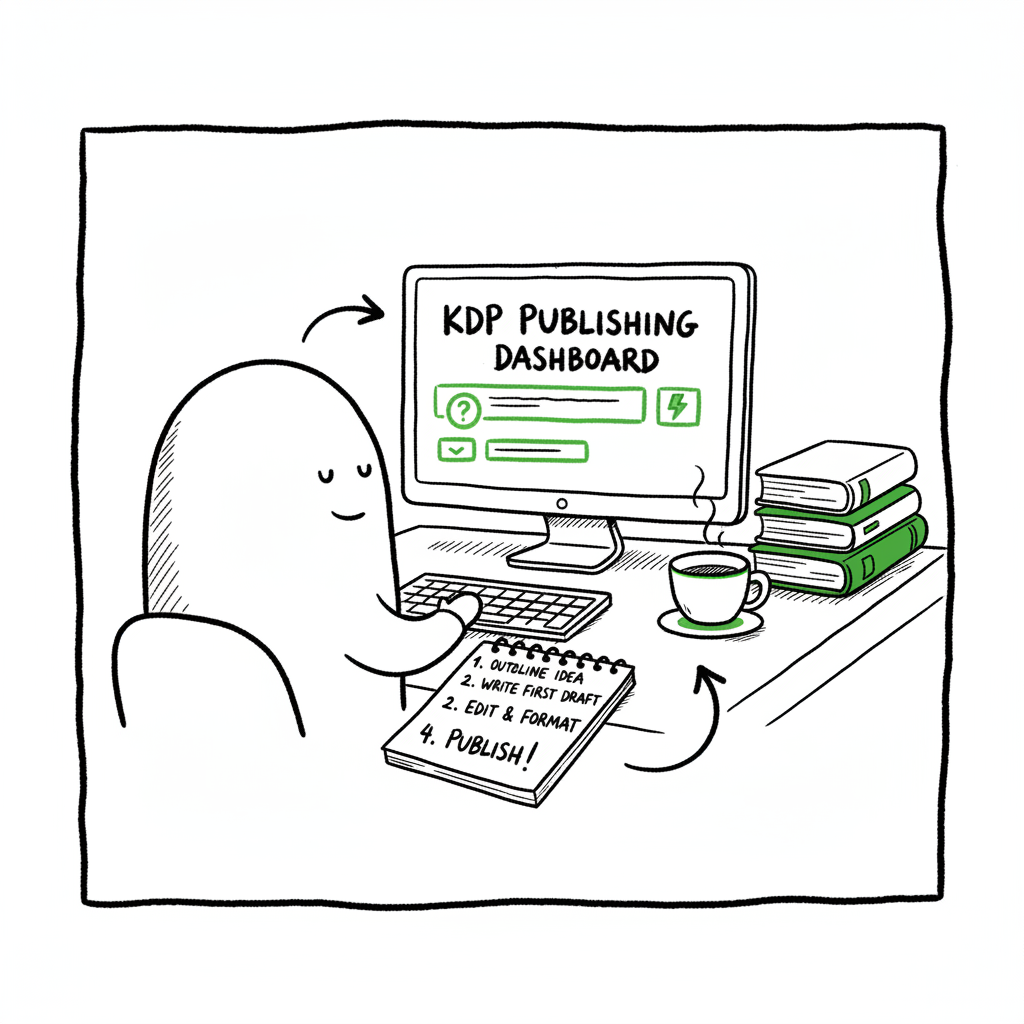
KDP Author Workflow Steps for Efficient Publishing
KDP Author Workflow
Estimated reading time: 14 minutes
Key takeaways
- A repeatable KDP author workflow saves time and reduces mistakes: prep files, metadata, pricing, and preview before publish.
- Efficient KDP publishing steps include clean EPUB/DOCX, optimized keywords, and platform-aware settings; tools speed formatting and export.
- When you outgrow manual uploads, a multi-platform batch uploader like BookUploadPro automates distribution, cuts repetitive work, and keeps control of rights and pricing.
Table of Contents
- The KDP author workflow: core steps
- Streamline the KDP author process with formatting and tools
- Efficient KDP publishing steps for small teams and high-volume authors
- Automating multi-platform publishing with BookUploadPro
- FAQ
- Sources
The KDP author workflow: core steps
Publishing on Amazon via Kindle Direct Publishing (KDP) follows a consistent sequence. Treat it like a production line: each stage has clear inputs and a quality check. The core KDP author workflow begins with account setup, moves through metadata and file preparation, then pricing and preview, and finishes with publishing and monitoring. If you want a general walkthrough written for authors, see Amazon KDP for Authors to compare steps and account details.
Here’s the high-level flow you’ll use every time:
– Plan the edition: ebook, paperback, or both.
– Prepare the manuscript in a KDP-friendly format (EPUB for ebooks, DOCX or print-ready PDF for print).
– Create or source a cover suited to the format and marketplace.
– Build metadata: title, subtitle, author name, description, keywords, and categories.
– Upload files to KDP and run the online previewer.
– Set pricing, territories, and rights.
– Publish and monitor for formatting issues or customer feedback.
Each step sounds simple, but quality and consistency matter. If metadata, file formats, or pricing are wrong, the book will not meet Amazon’s standards or will perform poorly in searches. The rest of this article looks at practical ways to keep the production line moving without rework.
Streamline the KDP author process with formatting and tools
Formatting is the most common bottleneck in the kdp author workflow. A messy manuscript creates preview problems, wrong page counts for print, and reader complaints. Focus on these formatting checkpoints:
Manuscript basics
- Use a clean source file. Start with a single master document or a properly tagged manuscript. Remove tracked changes, unnecessary styles, and inline graphics that don’t belong.
- For ebooks, export to EPUB. EPUB is the preferred ebook format for KDP because it preserves layout and reflow behavior. If you need a simple conversion tool, use an EPUB converter to produce a clean file that KDP accepts without repeated fixes.
- For print books, create a print-ready PDF or a correctly styled DOCX that KDP’s print preview will handle. Ensure margins, trim size, and page numbers match your chosen print specification.
Table of contents and front matter
A proper navigable table of contents is more than convenience: it’s a discoverability and usability feature for readers. Most formatting tools (including Kindle Create) can generate a clean TOC. If your manuscript is long or complex, spend time here—an accurate TOC reduces post-publish corrections.
Covers and thumbnails
A cover must fit specific technical and visual rules for each format. For ebooks, a sharp thumbnail is essential. For print, the full wrap with spine bleed must be precise. If you don’t design covers yourself, use a reliable cover generator that produces print-ready files and thumbnails that match Amazon’s template requirements.
Metadata: title, description, and keywords
Metadata is search fuel. The title and author must match exactly across editions to allow Amazon to link formats. Your description should be reader-focused and formatted with simple HTML tags to improve readability on Amazon pages. For keywords, use a combination of primary search phrases and niche terms—don’t stuff keywords; pick relevance over quantity.
Preview thoroughly
Always run KDP’s online previewer and test the downloadable proof on a device emulator or real reader devices. Catching layout issues before publish avoids takedown requests or negative reviews.
Efficient KDP publishing steps for small teams and high-volume authors
If you publish one book every few years, manual entry is fine. If you publish multiple titles, series, or editions, efficiency matters. Here are practical systems that scale.
Create a publish checklist
Turn the workflow into a checklist with pass/fail checks at each station. Example items:
– Manuscript export: EPUB validated, starts with title page
– Cover: correct trim, 300 DPI images, embedded fonts
– Metadata: final title, subtitle, description HTML validated
– Pricing: correct currency, royalty selection checked
– Preview: internal and device previews completed
Standardize file names and folders
Use a predictable naming convention: Author_Last_Title_Format_Version.ext. Keep a single “master” folder per title with subfolders for manuscript, cover, metadata, and marketing assets. This reduces mistakes when multiple team members access files.
Batch tasks where possible
Do repetitive tasks in batches: export all EPUBs at once, update metadata on multiple titles in a spreadsheet, or render all print covers in one session. KDP does not provide batch uploading natively, so a CSV-driven uploader or specialized service becomes valuable once you publish seriously.
Leverage automation-friendly exports
Many writing tools can export directly to KDP-compatible EPUB or DOCX. Use those exports as canonical inputs to your workflow so you don’t do manual reformatting.
Use a rights and pricing matrix
Keep a simple spreadsheet listing territories, pricing tiers, and royalty choices for each title. This prevents mismatched pricing and keeps your global strategy consistent.
Automating multi-platform publishing with BookUploadPro
Once you have a repeatable KDP author workflow, the next win is distribution. Publishing to multiple stores—KDP, Kobo, Apple Books, Draft2Digital, Ingram—means repeating the same steps with platform-specific variations. That’s where automation pays.
Why multi-platform matters
Broad availability increases discoverability and sales channels. Some readers don’t use Amazon; some libraries source through Ingram. Publishing across platforms also supports long-term rights control.
What BookUploadPro automates
BookUploadPro removes the repetitive lifting from the multi-platform part of your workflow:
– Unified multi-platform publishing: upload once and distribute to Amazon KDP, Kobo, Apple Books, Draft2Digital, and Ingram without repeating metadata entry.
– CSV batch uploads: prepare a simple CSV for dozens of titles and let the system push files and metadata to each retailer.
– Platform-specific intelligence: BookUploadPro maps each store’s requirements and adapts uploads automatically so you don’t have to learn five different dashboards.
– Error reduction: validation prevents common file and metadata rejections before they reach a marketplace.
– Time savings: typical users report up to ~90% time savings compared to manual uploads.
When this makes sense
If you publish more than a handful of titles or update editions frequently, automation becomes an obvious upgrade. It’s also practical for small teams or indie publishers who need to own distribution while minimizing administrative overhead.
How it fits into your KDP author workflow
Use BookUploadPro after your internal quality checks are complete. Export the validated EPUB or print-ready PDF, confirm your metadata, and feed the CSV to the platform. BookUploadPro handles the store-specific conversions and uploads, returning a status log and links to live listings. This keeps your internal process (writing, editing, design) separate from distribution operations.
Real-world efficiency gains
A publisher with a backlist of 50 titles used a CSV batch upload to push revised editions and price changes across five retailers in a single session—work that would have taken weeks manually. Errors dropped because validation caught missing cover bleed and mismatched ISBNs before submission.
Practical tips for integrating automation
- Keep a single canonical EPUB per edition. This is the file BookUploadPro and stores will use.
- Maintain a single metadata source of truth in a spreadsheet. Export to CSV for batch jobs.
- Use platform-specific fields selectively; let BookUploadPro map the equivalents when possible.
- Schedule batch uploads during off-hours to allow for processing and to handle any flagged issues calmly.
Tools that complement the automation
Formatting tools and export utilities remain part of the pipeline. For converting manuscripts to EPUB, an EPUB converter streamlines the most error-prone step and produces cleaner files for batch upload. For covers and thumbnails, using a book cover generator ensures each retail-ready file meets size and bleed requirements without manual pixel pushing. These tools cut friction before the distribution platform takes over.
Practical examples: common problems and fixes
- Problem: EPUB fails validation with embedded fonts. Fix: re-export from your source with embedded fonts properly licensed or use a converter that embeds fonts correctly.
- Problem: Print cover trim is off by 2–3 mm. Fix: use the platform’s template generator and verify spine width using the final page count.
- Problem: Metadata mismatches cause editions not to link. Fix: ensure title and author are exact matches across metadata fields and that ISBNs are correct per format.
Final thoughts
A disciplined kdp author workflow turns publishing from ad-hoc to scalable. Start by locking down formatting and metadata, adopt tools that export clean EPUBs and print files, and batch what you can. When the volume or complexity reaches the point where manual uploads are a drag, a multi-platform service that automates distribution becomes an obvious upgrade. BookUploadPro focuses on that next step: unified uploads to Amazon KDP, Kobo, Apple Books, Draft2Digital, and Ingram, with CSV batch jobs, platform-specific intelligence, and validation that saves time and cuts errors. Automate the upload. Own the distribution.
(Note: Visit the BookUploadPro site to explore trial options.)
FAQ
Q: Do I still need to format files if I use an automated uploader?
A: Yes. Automation reduces repeated data entry and handles platform differences, but a clean, validated EPUB or print-ready PDF is the critical input. Use an EPUB converter for ebooks and confirm print PDFs meet bleed and trim specs.
Q: Can I update only one retailer without re-uploading everywhere?
A: Yes. Automation platforms typically allow selective updates per store. Use your CSV or the uploader’s interface to target specific retailers when needed.
Q: How does batch CSV uploading handle platform-specific fields?
A: A smart uploader maps your universal fields to platform-specific equivalents. When a platform requires a unique field, the system will prompt you or populate defaults based on your settings.
Q: Will automation affect my rights or pricing controls?
A: No. Automation tools submit the metadata and files on your behalf but do not transfer rights. You retain ownership and pricing control; automation only reduces repetitive administrative work.
Q: Is it safe to provide ISBNs and banking information to a distributor or uploader?
A: Only share publisher and banking information with trusted, secure services. Verify encryption and payment processing practices before connecting sensitive account details.
Sources
- https://livingwriter.com/blog/how-to-publish-a-book-on-amazon-2025-kdp-guide/
- https://kdp.amazon.com/help/topic/G202172740
- https://reedsy.com/blog/guide/kdp/how-to-publish-a-book-on-amazon/
- https://kdp.amazon.com/help/topic/GHKDSCW2KQ3K4UU4
- https://kdp.amazon.com/help/topic/GUGQ4WDZ92F733GC
- https://www.bookautoai.com/epub-converter
- https://www.bookautoai.com/book-cover-generator-processing
- https://www.bookautoai.com
KDP Author Workflow Estimated reading time: 14 minutes Key takeaways A repeatable KDP author workflow saves time and reduces mistakes: prep files, metadata, pricing, and preview before publish. Efficient KDP publishing steps include clean EPUB/DOCX, optimized keywords, and platform-aware settings; tools speed formatting and export. When you outgrow manual uploads, a multi-platform batch uploader like…