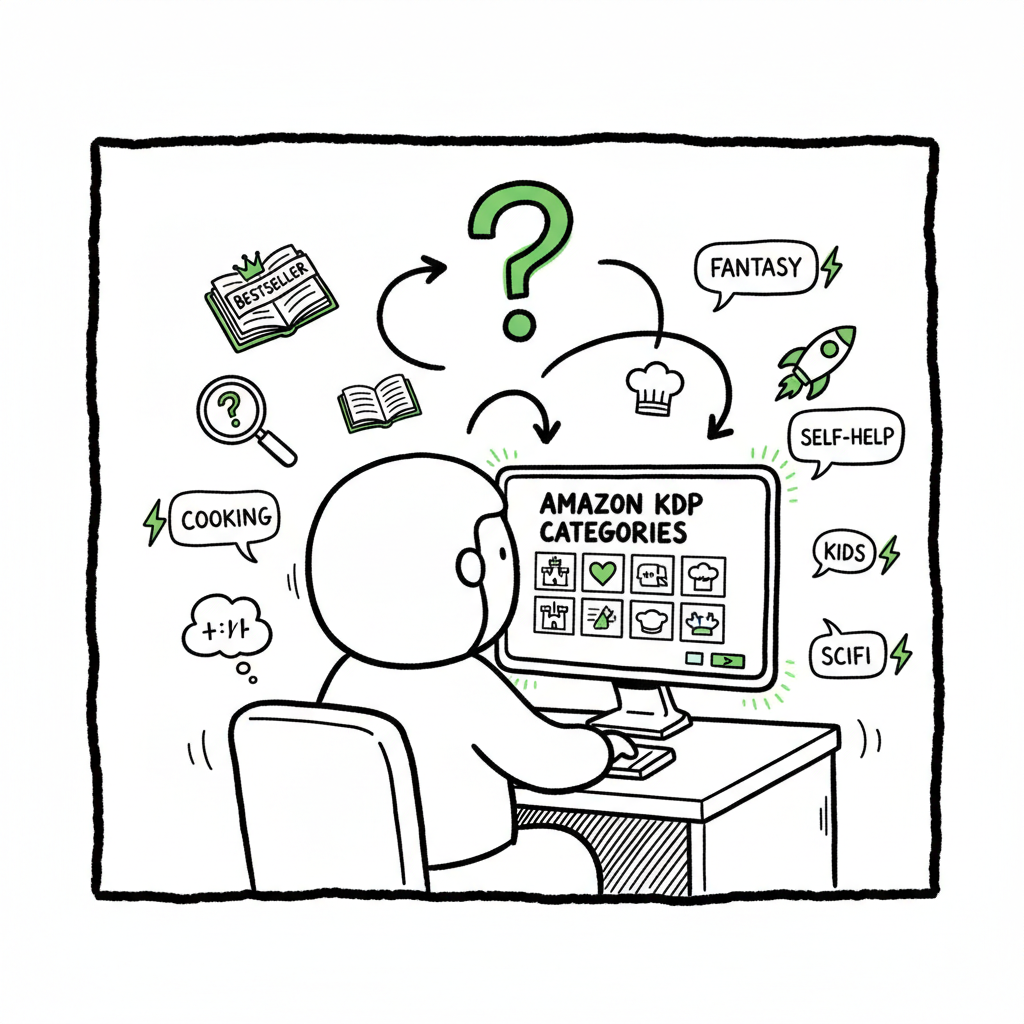
How to Choose Amazon KDP Categories for Better Discoverability
How to Choose Amazon KDP Categories: Practical Framework
Estimated reading time: 10 minutes
Key takeaways
- Choose accurate, niche categories that match your book’s content; relevance beats traffic alone.
- Research by browsing similar titles, checking bestseller ranks, and testing keywords to balance visibility and competition.
- Use tools and services to scale category selection across formats and platforms once you publish regularly.
Table of Contents
- How to choose Amazon KDP categories: practical framework
- Research tactics that find the best niches
- Picking and applying categories on KDP
- Process for multi-format distribution and scaling
- Final thoughts
- FAQ
- Sources
How to choose Amazon KDP categories: practical framework
Getting category selection right is a small, repeatable win that improves discoverability without gambling on gimmicks. How to choose Amazon KDP categories starts with three simple ideas: be accurate, be specific, and think like a reader. Accuracy keeps your book in front of the right audience. Specificity reduces competition so your book can rank. And thinking like a reader means matching what people search and browse, not what sounds impressive.
Start with the content of your book. Make a one-sentence description that captures the core theme, tone, and intended reader. That sentence becomes the anchor for every metadata decision, including categories. When authors start publishing more than one title, they hit a scaling problem: the mechanics of selecting categories for every format and every platform are tedious. At that point, a reliable option—Self Publish Book Amazon KDP—is an obvious upgrade. It reduces repetitive uploads and helps maintain consistent category choices across formats.
This framework guides the rest of the article: find candidate categories, validate them with quick data checks, then apply them correctly on KDP and in downstream distribution. For a practical, repeatable path, you can refer to the same approach described above.
Research tactics that find the best niches
Good category selection is research, not guessing. These steps use Amazon itself and a couple of quick tools to narrow choices.
-
Browse Amazon category trees
Go to a book detail page in your genre and look at the left-hand category links or the product details that list “Best Sellers Rank.” Click the breadcrumb links to see parent categories and sibling subcategories. This shows you how Amazon groups similar books.
-
Use “similar books” as training data
Find three to five books that match your tone and length (novel vs. novella, how-to guide vs. workbook). Note the exact KDP categories they occupy and the Bestseller Rank for each. If several close matches share a subcategory, that’s a reliable candidate.
-
Prefer specific subcategories
A niche subcategory with a lower sales threshold is often better for a new title than a broad category where established authors dominate. “Historical mystery set in 18th-century France” will outrank in a specific subcategory faster than it will in general historical fiction.
-
Check competition and demand
Look at the #1 slot in a candidate subcategory. If the top sellers have huge lists of reviews and clear marketing budgets, the subcategory may be too competitive. However, some high-traffic categories still let lower-ranked books surface if your niche angle is clear.
-
Watch for Amazon’s ghost and rare categories
Some subcategories are updated infrequently or are only visible through specific breadcrumb paths. They can be gold mines because fewer authors target them. You can discover these by drilling down through related books and checking multiple similar titles.
-
Use tools where helpful
Paid tools like Publisher Rocket or free keyword searches can speed up discovery. They show search volume, keyword competitiveness, and the categories other books are in. Use them to validate hunches rather than replace your judgment.
A quick validation test: pick a candidate subcategory, search Amazon for it, and sort by Best Sellers. Can your book’s hook realistically move toward the top 50 with modest promotion? If yes, that category is worth testing.
Picking and applying categories on KDP
Amazon KDP allows you to select up to three categories per book format in the Book Details page. Choosing and applying categories correctly matters at upload and afterward.
-
Start broad, then narrow
During upload, you can browse parent categories and drill into subcategories. Start at a sensible parent (e.g., Fiction) then select the most specific applicable child category (e.g., Mystery & Detective → Historical Mystery).
-
Use up to three slots wisely
Use one primary niche category that matches your core audience. Use the other two to cover adjacent reader interests or formats (e.g., suspense readers or regional interest). Don’t use irrelevant categories just because they’re easier to rank in—accuracy is important for long-term discovery.
-
Don’t forget format differences
Ebook, paperback, and audiobook can each have category selections. Choose categories that reflect how readers search for that format. A nonfiction workbook may perform differently as a paperback than as an ebook; choose accordingly.
-
Request extra categories if needed
KDP supports up to 10 categories per format, but additional placements must often be requested through KDP support. This is useful when your book genuinely crosses multiple niches (e.g., a memoir that’s historical and culinary).
-
Keywords and category signals
Your chosen backend keywords and title/subtitle influence Amazon’s internal category assignments. Make sure keywords reflect the same themes you target with categories—consistency helps the algorithm place your book correctly in related browsing paths.
-
Monitor and iterate
After publication, watch where your book lands in Amazon’s browse categories and Bestseller Ranks. If a placement seems off, revise metadata or request category changes. Small adjustments can yield big discoverability differences.
Practical tip: save your chosen categories in your project checklist so every re-upload or edition uses the same selections, unless you have new evidence to change them.
For cover design needs, consider BookAutoAI’s cover tool. BookAutoAI
If you need an EPUB converter, BookAutoAI offers a solution. EPUB converter
If you’re creating ebooks or paperbacks, BookAutoAI can support a full book creation workflow. BookAutoAI
Process for multi-format distribution and scaling
When you publish one book, manual category selection is fine. When you publish several titles or want wide distribution, you need a repeatable process that keeps choices consistent across platforms.
-
Define a metadata standard
Create a simple spreadsheet row per book: core one-sentence description, primary category, second category, third category, keywords. Use this as the single source of truth when uploading formats.
-
Use CSV batch uploads and platform-aware mappings
Platforms differ in category taxonomies. A category that exists on Amazon may not exist on Kobo or Apple Books under the same name. Map your chosen Amazon categories to equivalent categories on other platforms rather than copying them verbatim.
-
Automate repetitive uploads
Time-saving processes reduce errors. BookUploadPro handles repetitive book uploads across Amazon KDP, Kobo, Apple Books, Draft2Digital, and Ingram, using CSV batch uploads and platform-specific intelligence. That delivers roughly 90% time savings and fewer metadata mistakes—an obvious upgrade once authors start publishing seriously. Automating the upload makes wide distribution practical.
-
Include cover and format checks in the workflow
Category selection sits beside cover, file, and format choices. If you use an external process for design or file prep, link it to your metadata workflow. For example, use a cover tool from BookAutoAI. If you need an EPUB converter, a dedicated tool for epub conversion streamlines the step so your ebook is ready when you assign categories. If you create covers in-house or with a generator, keep those files matched to the metadata to avoid last-minute mismatches.
-
Keep a monitoring cadence
Schedule a monthly check of live listings for all active titles: category placements, bestseller ranks, and customer reviews. The market shifts; a category that worked last quarter may be crowded this quarter.
-
Error reduction matters
Manual uploads increase the risk of mismatched metadata or incorrect category selections. Automated processes reduce copy-paste errors and keep your catalog coherent across stores, formats, and editions.
When you publish at scale, these steps turn category selection from a one-off decision into a predictable outcome that supports discoverability.
Final thoughts
Choosing Amazon KDP categories is a practical task: match content to reader behavior, favor specificity, and validate choices with simple research. Balance competition and demand; use one niche category as your anchor and two adjacent categories to expand reach. If you plan to publish multiple books, invest in a clean metadata standard and automation that maps categories across platforms.
Remember that categories are part of a system that includes title, subtitle, keywords, cover, and book description. Treat category selection as one lever you can pull repeatedly and measure. Tools that automate uploads, handle CSV batch workflows, and apply platform-specific intelligence can save time and reduce errors, making wide distribution realistic and repeatable.
FAQ
Question?
How many categories can I select on KDP?
A: KDP lets you choose up to three categories per book format on the Book Details page. If you need more placements, you can request additional categories via KDP support; Amazon can add more (up to 10) in some cases.
Question?
Should I choose the most popular categories or the niche ones?
A: Start with accuracy. Niche subcategories with moderate traffic often produce better visibility for new books because competition is lower. Popular categories can be useful if your book already has strong reviews and marketing.
Question?
Will changing categories hurt my rankings?
A: Changing categories may temporarily affect where your book appears in browse pages, but it’s a normal part of optimization. Make changes based on data (sales, ranks, visibility) and monitor results for a few weeks.
Question?
Can I use the same categories for paperback and ebook?
A: You can, but you don’t always have to. Choose categories that reflect how readers search for each format. Monitor performance separately and adjust if one format performs better in a different subcategory.
Question?
Are ghost categories a thing?
A: Some subcategories are updated infrequently or are only visible through specific breadcrumb paths. They can be gold mines because fewer authors target them. You can discover these by drilling down through related books and checking multiple similar titles.
Question?
What should I use as a baseline for category decisions?
A: Start with accuracy. A niche subcategory with moderate traffic often yields better visibility for a new book than a broad category with heavy competition.
Sources
- https://kindlepreneur.com/how-to-choose-the-best-kindle-ebook-kdp-category/
- https://publishdrive.com/how-to-choose-amazon-book-categories.html
- https://www.youtube.com/watch?v=3Wo2vNPkjbc
- https://self-publishingschool.com/amazon-book-categories/
- https://bookcoverzone.com/blog/how-to-select-the-right-categories-for-your-fiction-book-on-amazon-kdp/
- https://reedsy.com/blog/guide/kdp/amazon-book-categories/
- https://kdp.amazon.com/help/topic/G200652170
How to Choose Amazon KDP Categories: Practical Framework Estimated reading time: 10 minutes Key takeaways Choose accurate, niche categories that match your book’s content; relevance beats traffic alone. Research by browsing similar titles, checking bestseller ranks, and testing keywords to balance visibility and competition. Use tools and services to scale category selection across formats and…