Self Publish on Multiple Platforms Workflow Guide and Tools
Self Publish on Multiple Platforms
Estimated reading time: 14 minutes
Key takeaways
- Going wide—self publish on multiple platforms—diversifies reach and income, but it needs a repeatable workflow.
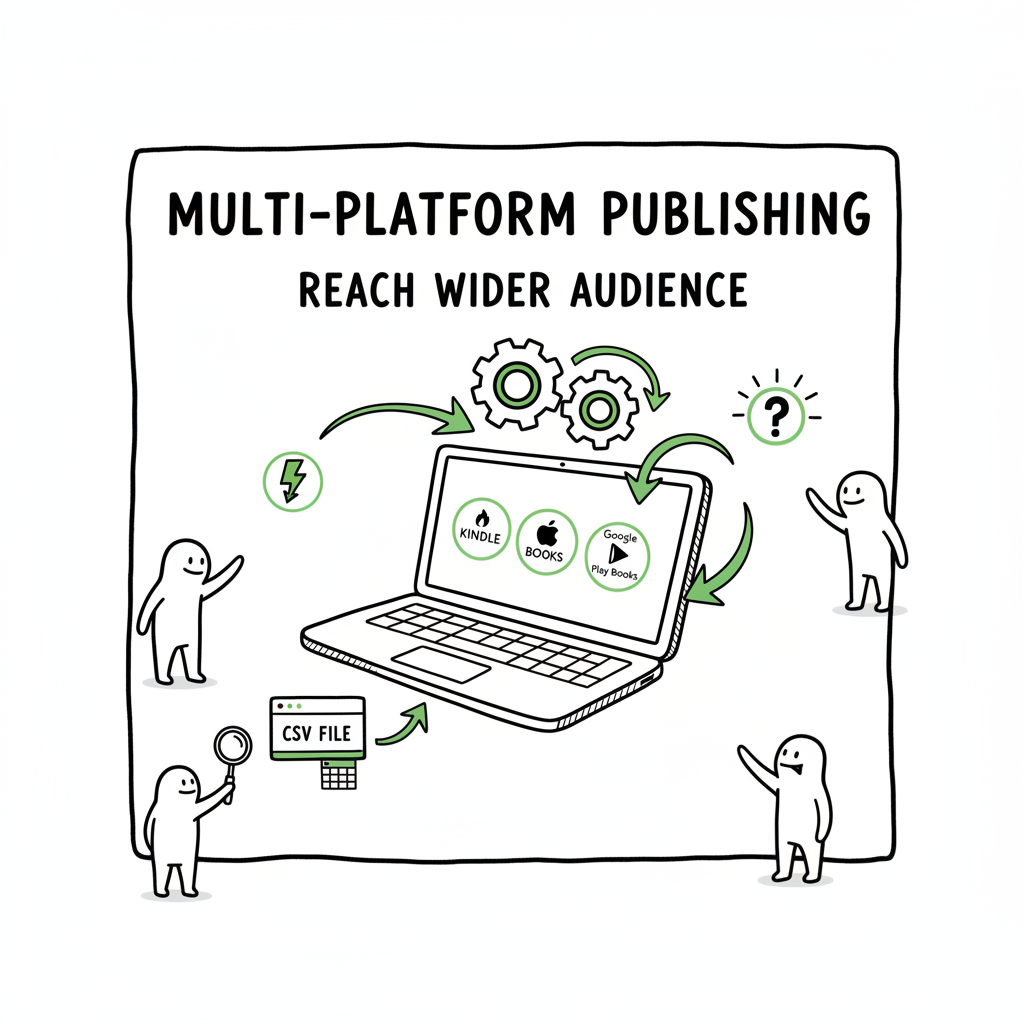
- Use platform-specific tools and a central batch process (CSV + platform intelligence) to save time and cut errors.
- Automation like CSV batch uploads and multi-platform tooling makes wide publishing practical for serious authors.
Table of Contents
- Why publish wide?
- A practical workflow to publish across retailers
- Formatting, covers, and platform quirks
- Distribution strategy, pricing, and royalties
- FAQ
- Final thoughts
- Sources
Why publish wide?
Publishing a book to one store can feel efficient. Publishing the same title across retailers feels chaotic. Yet self publish on multiple platforms is how authors move from hobby to business. Going wide puts your book where different readers shop — Apple Books, Kobo, Barnes & Noble, library channels, and of course Amazon. That matters because reader habits vary by country, device, and retailer promotions.
Wide publishing also spreads risk. Amazon is huge, but algorithms change. If you sell on several platforms, you keep momentum when one channel slows. It also opens different royalty models: some platforms pay differently for ebooks and print. For print, services like IngramSpark reach bookstores and libraries in ways Amazon alone cannot.
But the real barrier is operational. Uploading dozens of titles to five retailers by hand is slow and error-prone. That’s where a practical workflow and automation matter. When you systematize metadata, assets, and file conversion, the process becomes repeatable. You can publish more titles, faster, and with fewer mistakes. For authors who publish seriously, automation is an obvious upgrade.
A note on terms: “going wide” = self publish on multiple platforms, “aggregators” = services that distribute to many retailers, and “direct” = uploading straight to a retailer like KDP or Apple Books.
For a scalable, repeatable approach, see the Publish Wide Self Publishing Workflow.
A practical workflow to publish across retailers
This section lays out a simple, repeatable workflow that scales. It assumes you’re building a catalog, not launching a single title.
- 1. Decide your wide strategy
Start with goals. If you want maximum Amazon visibility, use KDP for ebooks and print. If you want listings in Kobo, Apple, and library channels, use an aggregator or add IngramSpark for print. Most authors use a hybrid: direct to Amazon plus wide for everything else. - 2. Standardize metadata
Create a single metadata source: title, subtitle, author name, series info, edition, categories, keywords, description, BISAC codes, pricing by market, and ISBNs. Keep one CSV or sheet that holds canonical metadata for each book. This single source is the basis for every upload and prevents mismatch between stores. - 3. Prepare files once, export many
Create final files in master formats:
– A clean print-ready PDF for paperback
– A well-structured EPUB for ebook retailers
– A high-resolution cover image that meets the strictest platform requirementsIf you need to convert manuscripts to EPUB, use a reliable tool. Many authors use dedicated converters to handle complex layout and keep TOC and images intact. For EPUB conversion, consider a tested option like the EPUB converter that handles common issues and ensures compatibility across stores.
- 4. Batch and map fields to each retailer
Retailers use different metadata fields. Some call categories “BISAC” while others use custom lists. That’s where a mapped upload helps. Keep your CSV fields consistent and map them to each platform’s required fields during upload. This mapping is the time-saver: it lets you reuse one metadata file for multiple retailers without retyping details. - 5. Automate file delivery
Use aggregators or multi-platform tools to push files to many retailers at once. Aggregators can reduce manual work and often reduce time-to-market. For print, add IngramSpark where you want bookstore and library distribution. - 6. Check platform previews and fix issues
Each retailer shows previews differently. Use automated checks and then manual previews: sample the EPUB in an e-reader, use Apple Books preview, and check print proofs. Catch font embedding, image bleed, and EPUB navigation errors before publishing. - 7. Track launches and iterate
Publish, then track sales and reviews in separate dashboards. Update metadata, revise covers, and tweak pricing based on performance. With a batch workflow, updates are easier—change the row in your CSV and republish.
Formatting, covers, and platform quirks
Files and assets are the most common source of problems when you self publish on multiple platforms. Keep files clean, and you’ll avoid rejections and bad reader experiences.
Ebook files (EPUB)
EPUB is the universal ebook format for most retailers except Amazon Kindle (which prefers MOBI/KF8 or KPF). Build a clean EPUB with:
– Logical heading structure (H1, H2)
– A functioning table of contents
– Properly embedded fonts (when allowed)
– Images optimized for web (72–300 dpi as needed)
If you need to convert manuscripts to EPUB, use a robust tool to avoid common errors like missing alt text, broken TOC, or messy CSS. A dependable EPUB converter can save hours of debugging by producing retailer-ready files. EPUB converter.
Kindle files
Amazon accepts KPF through Kindle Create and accepts EPUB uploads that it converts. Still, the conversion can change layout. Test the converted file in Kindle Previewer. For books with complex layout (fixed-layout children’s books, cookbooks), generate a Kindle-ready file separately.
Print files
For print, get a print-ready PDF with:
– Correct trim size and bleed
– Embedded fonts
– Proper margin and gutter for binding
– Images at 300 dpi
For wide print distribution to bookstores and libraries, IngramSpark is the standard choice because it reaches wholesalers and physical stores.
Covers
Covers are platform-sensitive. Amazon, Kobo, and Apple all have size and spine-calculation rules. Create a high-resolution cover and then export platform-specific versions. If you use a automated cover generator, make sure it produces both a full wrap for print and front-only images for ebooks. Cover generator.
Platform quirks and how to plan for them
- Pricing formats: Some retailers require local pricing per market. Keep a pricing sheet and map it to stores during upload.
- Categories and keywords: Retailers differ in categories and how many keywords they allow. Use your main keywords in descriptions and strategic keywords in retailer fields.
- ISBNs: For ebooks, many retailers will accept without ISBN; for print, you typically need an ISBN for each format. Maintain a single ISBN field per format in your metadata sheet.
- Proofing: Always order or view a proof for print. Many mistakes only show in physical proofs.
Tools to help
- EPUB converter for clean, retailer-ready files. EPUB converter
- Cover tools that produce print-ready and ebook-ready versions, including full-wrap PDFs and front-cover images. Cover generator
- Batch upload platforms that accept CSV metadata and multiple file formats. Look for book creation tools that manage both formats.
Distribution strategy, pricing, and royalties
Choosing where and how to distribute isn’t purely technical. It’s strategic. Here’s a practical approach.
Direct vs. aggregator vs. hybrid
– Direct (KDP, Apple, Kobo): You control listings directly. Good for platform-specific promotions and direct control.
– Aggregator (Draft2Digital, PublishDrive): One upload pushes to many retailers. Aggregators can simplify metadata distribution and sometimes offer simpler royalty handling.
– Hybrid: Use KDP for Amazon and an aggregator or IngramSpark for everything else. This is the most common option for authors who want Amazon presence plus wide distribution.
Print options
Amazon’s print on demand is fine for many authors, but bookstores and libraries often prefer Ingram’s distribution. IngramSpark connects to wholesalers and brick-and-mortar channels. If you want discoverability in physical stores or library systems, use IngramSpark in addition to Amazon.
Pricing and royalties
– Ebook royalties differ: many retailers offer 70% for certain price ranges, others 60%, and some flat rates. Check each platform’s table.
– Print royalties depend on production cost and list price. For print, Ingram and Amazon calculate royalties after printing and distribution cuts.
– Consider geo-based pricing: set different prices for different markets based on expectations and competition.
– Promotions: Some platforms let you run discounts and promotions; KDP Select requires exclusivity for Kindle Unlimited, which blocks wide ebook distribution for that title.
Monitoring and updates
Use a simple dashboard or CSV to track live price and status by retailer. When you update a file or metadata, note the change date. Some retailers take longer than others to reflect updates.
Why automation improves margins
When you automate uploads and updates with a mapped workflow, changing a price across five retailers becomes a single operation rather than five separate ones. For authors publishing multiple books, this reduces administrative overhead and lets you focus on marketing and new writing.
FAQ
Q: Can I publish a single title to Amazon and other retailers at the same time?
A: Yes. You can upload directly to KDP for Amazon and use an aggregator or direct upload for other retailers. If you enroll in KDP Select for Kindle Unlimited, you must keep the ebook exclusive to Amazon for the enrollment period.
Q: Do I need separate ISBNs for each format?
A: Yes. Each format (ebook, paperback, hardcover) should have its own ISBN. Some retailers issue their own identifiers, but using proper ISBNs keeps retailer listings clear and consistent.
Q: What’s the fastest way to prepare files for multiple stores?
A: Build master files and export platform-specific derivatives. Use a reliable EPUB converter for ebooks, generate print-ready PDFs for print, and export covers in the sizes required by each retailer. When you have many titles, batch-export tools and cover processors reduce repetitive work.
Q: How do I manage different category systems across stores?
A: Use your canonical BISAC categories in your master metadata. When uploading to a specific store, map BISAC or topical tags to that store’s categories. Keep a mapping table in your CSV so you can reuse it across books.
Q: Are aggregators worth the cost?
A: Aggregators remove much of the friction of wide distribution. Depending on your goals and volume, they can be cost-effective. For authors with many titles, an aggregator plus batch upload tools usually pays back in saved time.
Q: How do I avoid common formatting errors?
A: Use validated EPUB conversion tools, proof on devices and previews, and order print proofs. Follow retailer specs closely for image sizing, bleed, and fonts.
Sources
- Self-Publishing Platforms Compared: Which One Is Right for You?
- Navigating the Self-Publishing Landscape: A Comparison of Platforms
- Self Publishing Platform Comparison: KDP vs IngramSpark vs B&N
- Which Self-Publishing Platform Is Right for Your Book? – YouTube
- 14 Best Self-Publishing Platforms for New Authors
- Top 10 Best Self-Publishing Platforms for Authors in 2025
- The 5 Best Self-Publishing Platforms, Compared
Self Publish on Multiple Platforms Estimated reading time: 14 minutes Key takeaways Going wide—self publish on multiple platforms—diversifies reach and income, but it needs a repeatable workflow. Use platform-specific tools and a central batch process (CSV + platform intelligence) to save time and cut errors. Automation like CSV batch uploads and multi-platform tooling makes wide…