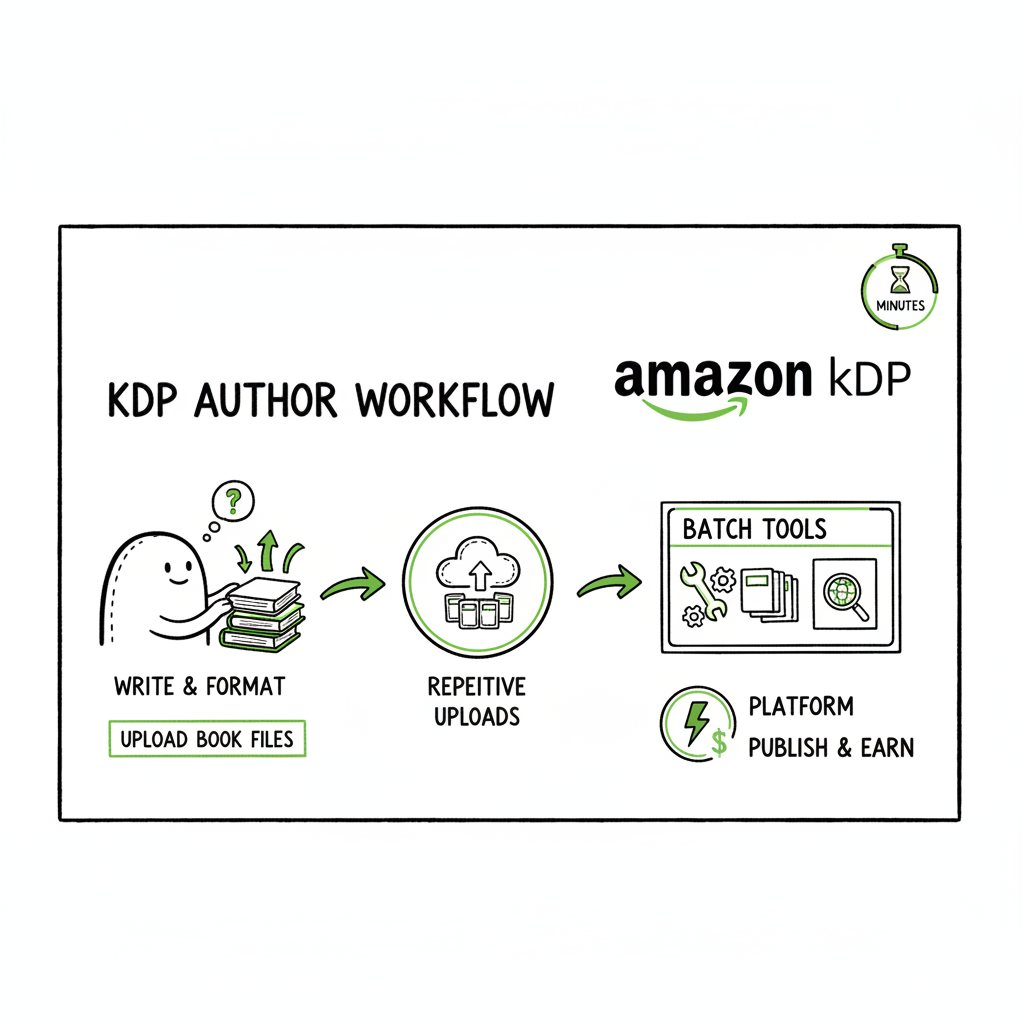
KDP Author Workflow Practical Publishing Steps Guide
REQUIRED STRUCTURE (IN THIS EXACT ORDER)
Title (H2)
kdp author workflow
Estimated reading time: 9 minutes
Key takeaways
– A clear kdp author workflow turns repetitive uploads into predictable steps and prevents simple, costly errors.
– Batch tools and platform-aware checks save time across Amazon KDP and wider distribution — the gains multiply once you publish multiple titles.
– Automating uploads with platform-specific intelligence and CSV batch files reduces manual work by roughly 90%, making wide distribution practical.
Table of Contents
– Why a reliable KDP author workflow matters
– A practical step-by-step KDP author workflow
– Scale: batch publishing and multi-platform considerations
– How automation changes the game
– Final thoughts
Why a reliable KDP author workflow matters
A reliable kdp author workflow is the difference between a one-off publish and a scalable publishing practice. When you publish a single book, you can afford to make decisions as you go. When you publish a series, multiple formats, or dozens of backlist titles, the small tasks add up: metadata mismatches, cover file problems, inconsistent trim sizes, and repeated manual entries. That cost is time and lost sales.
A practical workflow removes guesswork. It fits around the KDP dashboard rules — manuscript formats (EPUB for ebooks, DOCX or print-ready PDF for print), exact matching of title and author fields, cover dimensions, and rights/pricing settings. If you want a clear reference for Amazon-specific steps, see the Amazon KDP for Authors guide for platform-focused details and to align your process with KDP’s checks and expectations.
The right workflow also protects quality. Previewing every format, checking margins and bleed for print, and validating EPUB output prevents customer complaints and conversion delays. By thinking of publishing as a system — not an event — you reduce rework and keep focus on writing and marketing.
A practical step-by-step KDP author workflow
This section walks through a practical sequence you can copy. It balances necessary manual checks with places where tooling saves time.
1) Account and administrative setup (one time)
– Verify your KDP/affiliate accounts and set up tax and payment details before you try to publish. This avoids blocked payments and withheld royalties.
– Keep a secure, versioned record of your account names, payment emails, and tax IDs.
2) Manuscript preparation
– Work in a single master file per edition (manuscript for ebook, separate file for print). Consistent filenames and a simple version numbering system reduce confusion.
– For ebooks, export a clean EPUB. Many writers use tools that export EPUB directly from their writing app. If you need conversion, use a dedicated EPUB converter to avoid layout mess.
– For print, format to the final trim size with correct margins and gutter. Generate a print-ready PDF with embedded fonts.
If you need a reliable EPUB conversion step in your workflow, use a dedicated EPUB converter so you do not lose time fixing table of contents or image issues.
3) Cover design and file handling
– Treat cover files as final deliverables: a high-resolution front cover for ebooks, and a wrap cover (front, back, spine) for print where required.
– Store covers in a single folder alongside the manuscript with a consistent naming convention: Title_Format_Version (for example, Legend_Ebook_v1.epub, Legend_Print_v1.pdf).
– If you need fast processing for covers, a cover generator can help create consistent, publication-ready files while you focus on text and metadata.
4) Metadata capture and consistency
– Maintain a single metadata spreadsheet for each title: Title, Subtitle, Author, ISBN (if used), Keywords, Categories, Description, Language, Series name and position, Publisher name, and Release date.
– Use that sheet as the single source of truth. Copy metadata into the KDP dashboard from this file to avoid typos.
– Mind the exact-match rules for series linking and author name consistency. Mismatches block auto-linking between editions.
5) Upload and preview
– Follow KDP’s upload sequence: select ebook or paperback/hardcover, fill metadata, upload manuscript, upload cover, use previewer.
– For ebooks, preview across device types. For print, check trim, margins, and gutter on the online previewer.
– Confirm that interior PDF fonts are embedded and image DPI is sufficient.
6) Pricing and rights
– Decide on territories and royalty options before publishing. KDP lets you set prices and territories; once live, you can update pricing, but initial choices matter for localization and distribution.
– Keep a simple pricing matrix for each territory you target. This helps when you have many titles to price.
7) Post-publish checks and maintenance
– Once live, verify the product page: title, cover, description, ISBN, and preview. Check that series links and author pages resolved correctly.
– Maintain a tracking sheet for royalties, price changes, and promotions.
These steps map to tried-and-true efficient kdp publishing steps. They keep the heavy lifting in the preparation phase so that uploading is predictable and repeatable.
Scale: batch publishing and multi-platform considerations
When you go beyond a handful of titles, you need systems. Manual entry into multiple dashboards is inefficient and error-prone. Scalable publishing is about two things: batching and platform intelligence.
Batching with CSVs
– Use CSV templates to batch metadata. One row per title, one column per metadata field. This lets you prepare many titles in a single file and spot inconsistencies quickly.
– CSV batch uploads are also the bridge to automating uploads across platforms. Once the metadata and file paths are in a single table, you can run repeatable exports to each vendor format.
Platform-specific intelligence
– Every retailer has quirks: required file types, ISBN handling, image rules, and category taxonomies. A publishing system should be smart about these differences and adapt the same source data for each platform.
– That reduces errors that happen when you copy-paste the same data into multiple dashboards that expect different inputs.
Wide distribution practicalities
– Kobo, Apple Books, Draft2Digital, and Ingram have different feed expectations. They accept EPUBs differently or require additional metadata fields.
– Automating these conversions and feeds makes wide distribution practical. It’s what takes publishing from “one book at a time” to “library in the market.”
How automation changes the game
Automation isn’t about removing human checks — it’s about removing repetitive, mechanical work so you can focus on the choices that require judgment. Here’s what automation delivers in a mature kdp author workflow.
1) Time savings and error reduction
– Repetitive tasks like entering the same author name, description, or price into five dashboards are perfect targets for automation. When automated, these tasks can be executed in seconds with consistent results.
– Platform-aware automation knows that KDP needs a wrapped cover for print, while Apple Books accepts a single front-cover image for the ebook. That platform intelligence eliminates format errors.
2) CSV batch uploads and mapping
– A CSV-driven pipeline lets you collect all metadata once. Mapping rules then export that data into platform-specific packages. You keep a single source of truth and reduce mismatches.
– That’s especially helpful for series handling where exact field matching is required for auto-linking.
3) Preview and validation checks
– Automated checks can validate EPUB structure, image DPI, and PDF fonts before upload. Catching issues early prevents time-consuming rework after a failed upload or a bad preview.
4) Library of templates
– Store templates for descriptions, categories, and keywords that can be reused. For example, a nonfiction subtitle pattern or a consistent blurb format for a series reduces decision fatigue.
– Templates let you maintain brand consistency across multiple titles.
5) Practical scale example
– For a small publisher or prolific indie author, automating uploads across KDP, Kobo, Apple Books, Draft2Digital, and Ingram with CSV-driven exports can reduce manual upload time by around 90%. That’s not theoretical. It’s practical because each title no longer needs full manual entry on each platform.
How BookUploadPro fits
If you’re publishing seriously, BookUploadPro makes that jump practical. It automates repetitive uploads across Amazon KDP, Kobo, Apple Books, Draft2Digital, and Ingram. It uses CSV batch uploads and platform-specific intelligence to reduce errors and speed up distribution. In plain terms: automate the upload. Own the distribution.
A few operational notes about using automation effectively
– Keep the human checks: Run an initial review of any automated upload and confirm the previewer output for at least the first few titles.
– Version control your CSVs and assets: If something gets uploaded incorrectly, revert to the last known-good CSV.
– Track failures and logs: Automated systems produce logs. Use them to fix recurring issues (wrong trim size, missing fonts).
– Price test deliberately: When automating pricing, make sure your matrix reflects promotional plans and local currency handling.
Tools and file types: practical advice
– Manuscripts: Keep a clean EPUB for ebooks and a print-ready PDF for paperbacks and hardcovers. If you work from DOCX, export carefully and validate the EPUB output.
– Covers: Always save master PSD/AI files plus flattened delivery files. A cover generator can speed repeatable styling across a series.
– Conversion: Use a trusted EPUB converter to avoid broken TOCs and reflow issues.
– ISBNs: Decide when to use ISBNs. Some platforms accept internal identifiers for KDP’s free ISBN option; others require publisher-supplied ISBNs.
If you create covers programmatically or need quick, consistent cover batches, a cover generator can accelerate production without sacrificing compliance with retailer specs. If your pipeline includes EPUB conversion, a dedicated EPUB converter keeps output reliable so you don’t waste time fixing individual files. And when you produce both paperback and ebook editions at scale, a unified book creation tool helps manage versions and assets.
Operational checklist that fits the workflow (for teams)
– Central metadata spreadsheet per title.
– Single folder per title with manuscript versions and cover files.
– Export pipeline: master manuscript → validated EPUB → platform export.
– CSV template for batch uploads with a mapping table per platform.
– Upload logs and preview confirmations stored with the title folder.
Common pitfalls and how to avoid them
– Pitfall: Metadata drift. Fix: Single-source metadata sheet updated before upload.
– Pitfall: Wrong trim or bleed. Fix: Use a print-ready template and validate PDF.
– Pitfall: Broken EPUB TOC. Fix: Use an EPUB converter and run a validation tool before upload.
– Pitfall: Duplicate titles across platforms with slightly different metadata that break series linking. Fix: Use exact matching and consistent author names and series entries.
FAQ
Q: How should I organize my files for fast uploads?
A: Use a single folder per title with standard filenames for each format and version. Keep a metadata spreadsheet alongside the files.
Q: Is it safe to automate price changes across platforms?
A: Yes, with caution. Use a pricing matrix and test on a small subset before applying changes broadly.
Q: Do I need separate ISBNs for each format?
A: Usually yes for retail distribution — one ISBN per distinct format (ebook, paperback, hardcover). KDP offers options, and different distributors handle ISBNs differently. Check your distribution plan and record ISBNs in your metadata sheet.
Q: How should I validate EPUB before uploading?
A: Use a reputable EPUB validator and preview in a dedicated reader to catch TOC and image issues before you publish.
Q: What’s the best way to handle cover assets for a multi-format release?
A: Keep master source files (PSD/AI) and deliverables in a consistent folder structure, and use a cover generator to create publication-ready files for each format.
Sources
– How To Publish A Book On Amazon – 2025 KDP Guide: https://livingwriter.com/blog/how-to-publish-a-book-on-amazon-2025-kdp-guide/
– Create a Book – Kindle Direct Publishing: https://kdp.amazon.com/help/topic/G202172740
– A 101 Guide to Kindle Direct Publishing Basics: https://damyantiwrites.com/kindle-direct-publishing/
– Start publishing with KDP – Amazon.com: https://kdp.amazon.com/help/topic/GHKDSCW2KQ3K4UU4
– Getting Started with Kindle Create: https://kdp.amazon.com/help/topic/GUGQ4WDZ92F733GC
Final thoughts
A repeatable kdp author workflow protects your time and your titles. Start by locking down a metadata source of truth, commit to validated file outputs (EPUB and print-ready PDFs), and use CSV-driven batch exports when you have more than a handful of titles. Automation that understands platform differences saves time and reduces friction. Once you publish seriously, a multi-platform upload service that provides platform-specific intelligence, CSV batch uploads, and error reduction becomes an obvious upgrade — it makes wide distribution practical and affordable.
If you need tools to handle cover processing, EPUB conversion, or bulk book creation, consider using a cover generator to standardize artwork, an EPUB converter for reliable ebook output, and a dedicated book creation tool to manage multiple formats and versions.
Automate the upload. Own the distribution.
Visit BookUploadPro.com to try the free trial..
Estimated reading time
Single paragraph with class wp-block-paragraph.
REQUIRED STRUCTURE (IN THIS EXACT ORDER) Title (H2) kdp author workflow Estimated reading time: 9 minutes Key takeaways – A clear kdp author workflow turns repetitive uploads into predictable steps and prevents simple, costly errors. – Batch tools and platform-aware checks save time across Amazon KDP and wider distribution — the gains multiply once you…