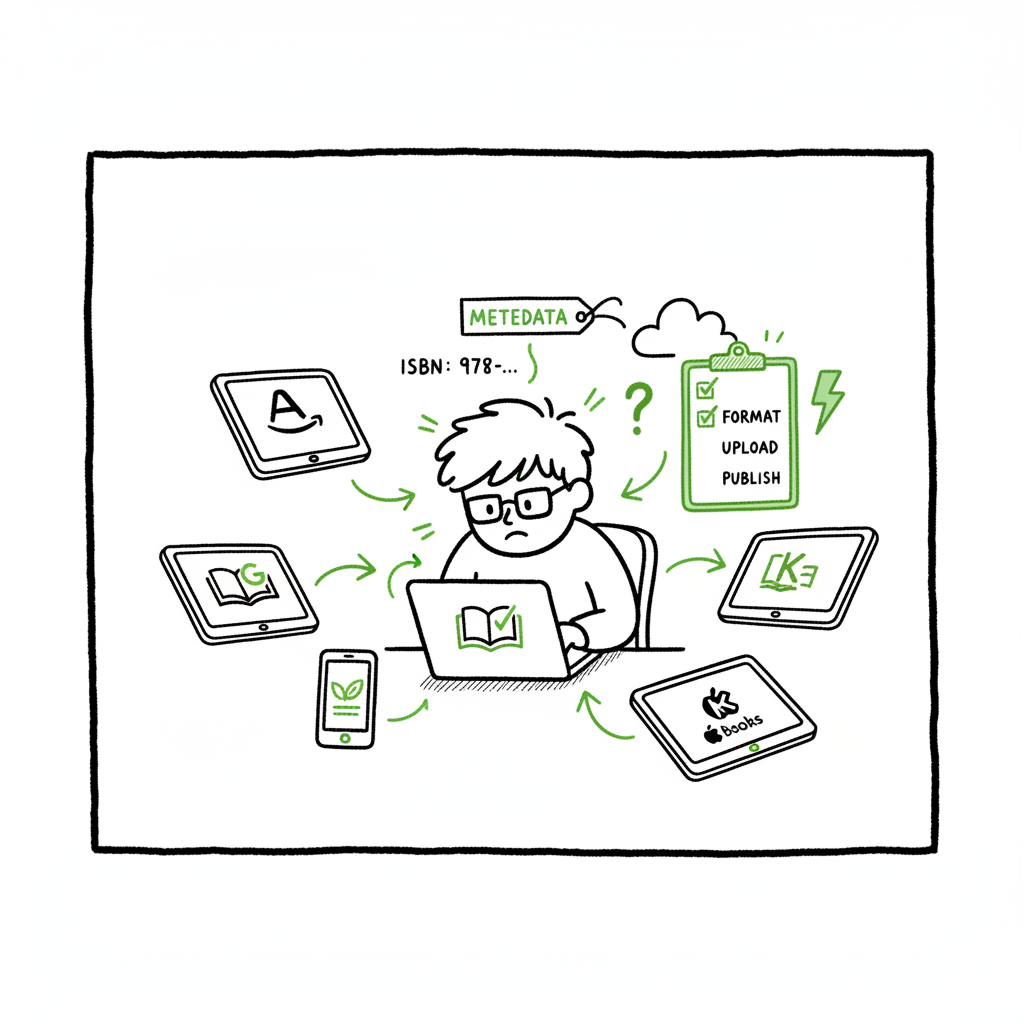
Publish Same Book Everywhere — Practical Guide for Authors
How to publish same book everywhere: a practical guide for authors
Estimated reading time: 9 minutes
Key takeaways
- You can publish same book everywhere if you avoid exclusivity and use consistent metadata and ISBNs.
- A repeatable workflow saves time: format once, batch upload, and apply platform-specific checks.
- Tools that automate multi-platform uploads make wide distribution practical and reduce errors.
Table of Contents
- Why publish same book everywhere?
- Practical workflow to publish same book everywhere
- Rights, ISBNs, pricing, and platform rules
- FAQ
- Final thoughts
- Sources
Why publish same book everywhere?
If your goal is reach, you want to publish same book everywhere. Readers buy from different stores. Some prefer Amazon. Others buy on Apple Books, Kobo, or through library and print channels. When the same title appears across stores you increase visibility and sales opportunities.
Publishing wide is about choices. Many platforms let you list the same ebook or print book simultaneously. The main limit is exclusivity programs. For example, Amazon KDP Select asks for 90 days of ebook exclusivity if you enroll. If you decline exclusivity, you can distribute the same title on other stores.
Going wide also means more work. Different stores expect different file formats, cover sizes, and metadata fields. That’s why a clear, repeatable process matters. For authors who publish more than one book a year, automating the upload process becomes a clear productivity win. If you are ready to scale, it’s worth looking at a tested template like the Publish Wide Self-Publishing Workflow for step-by-step automation and to save time on repetitive tasks.
The phrase Workflow is a quick guide to a repeatable process you can apply to multiple titles and multiple formats. It helps you stay organized when you publish across many stores.
If you are ready to scale, it’s worth looking at a tested template like the Publish Wide Self-Publishing Workflow for step-by-step automation and to save time on repetitive tasks. Publish Wide Self-Publishing Workflow provides a proven sequence you can adapt to your catalog, reducing random errors and keeping metadata consistent across stores.
Practical workflow to publish same book everywhere
A practical, repeatable workflow keeps the process simple. The steps below assume you want the same title and author metadata on every platform and you are not enrolling in exclusive programs.
1) Finalize the manuscript and assets
Write and proofread the final manuscript. Lock the text so formatting changes are deliberate. Produce a print-ready interior file (PDF) if you plan paperbacks, and a clean manuscript file (DOCX or HTML) for ebook conversion. Create a high-resolution cover and a separate print cover with bleed and spine if needed.
If you need a fast option for cover work, try a book cover generator to speed design and export sizes for each retailer. If you must convert to EPUB, use a reliable EPUB converter to reduce conversion errors and speed the upload process.
2) Standardize metadata
Decide on the title, subtitle, author name, and series data. Use the same ISBNs and metadata across stores when appropriate. That consistency prevents duplicate listings and helps retailers match editions. Write a short, consistent description, and prepare keywords and categories for each platform.
3) Create the book files you need
Generate the final ebook and print files. Keep a source file that is your master document. From that master, export:
- EPUB for most ebook stores
- MOBI/AZW only if you target older Kindle workflows (today, EPUB is preferred)
- Print-ready PDF for paperback and hardcover
A well-tested step here is to produce one clean EPUB, then run a dedicated EPUB conversion or validation to ensure it meets retailer rules. That reduces rework when a retailer rejects a file. If you need a compact solution to create ebook and print files, a book creation workflow will help you move from manuscript to retail-ready files faster.
4) Batch and automate uploads
When you publish the same book everywhere, manual uploads take time. Use a platform that supports CSV batch uploads or a unified dashboard to push the same metadata and files to multiple retailers. This is especially helpful if you publish multiple titles or multiple formats.
At scale, a CSV-driven process and platform-specific intelligence will save weeks of work. Services that map fields to each retailer’s requirements and flag errors before submission are the difference between a few hours of work and days of troubleshooting. For example, a unified multi-platform publishing tool can deliver significant time savings when authors publish seriously. book creation workflow concepts help here as well. BookUploadPro is built for this scale, automating repetitive uploads and handling CSV mapping so you publish more titles with fewer mistakes.
The editorial sentence above also highlights a practical approach: keep a master CSV of metadata that maps to fields each retailer needs. EPUB validation can prevent common rejections early in the process.
5) Platform checks and QA
Each store has subtle rules. Check cover size, spine calculation for print, embedded fonts in EPUB, and metadata limits. Do a quick quality check after the book goes live: verify the listing, preview the ebook on device simulators, and order a proof copy for print.
6) Ongoing maintenance
When you update the book, push changes to all stores. Keep a version log and note which platforms took the update and when. If you change price or run promotions, ensure the new price is applied consistently where you want it.
Automation isn’t just faster. It reduces human mistakes that lead to rejected uploads and broken listings. CSV batch uploads allow you to push one title with multiple formats to many stores at once. Platform-specific intelligence pre-maps required fields so you don’t waste time entering the same data in five forms.
BookUploadPro is built for this scale. It automates repetitive uploads, understands each store’s requirements, and handles the CSV and mapping steps so authors can publish more titles with fewer mistakes. For authors who publish several books a year, this becomes an obvious upgrade. BookUploadPro helps you scale distribution across platforms.
Rights, ISBNs, pricing, and platform rules
Understand the rules that can block wide distribution.
Exclusivity and KDP Select
Amazon’s KDP Select requires 90 days of exclusivity for ebooks. Enrolling can help with promotions inside Amazon, but it prevents you from selling the same ebook on other platforms during the enrollment period. If you want to publish same book everywhere, do not enroll the ebook in KDP Select.
Print distribution and ISBNs
Print books are different. You can publish a paperback with KDP and also use IngramSpark for wider print distribution. For the same print edition, use the same ISBN. If you use Amazon’s free ISBN for KDP, Amazon will be listed as the publisher on some metadata fields. If you prefer a neutral listing across all stores, use your own ISBN purchased from your national ISBN agency and set consistent publisher metadata.
Same title across platforms
Using the same title and author name is fine and recommended. Keep descriptions, series fields, and contributor names consistent. Retailers use that consistency to consolidate listings and avoid confusion for readers.
Pricing strategies and price matching
Retailers handle price matching differently. Amazon sometimes price-matches other stores for the same ebook. If you set different prices across stores, be prepared for price parity issues and occasional automatic adjustments. Consider whether you want absolute price parity or flexible pricing that responds to each store’s audience.
Metadata pitfalls to avoid
- Don’t use different titles or author names across stores for the same edition.
- Don’t list the same ISBN on two materially different files.
- Don’t enroll in exclusive programs if you intend to go wide.
Practical tips and tools
When you publish same book everywhere, these operational choices reduce friction.
- Keep a master CSV of metadata that maps to fields each retailer needs.
- Use an EPUB validator and an EPUB conversion service early in the workflow to avoid rejections.
- Generate both ebook and print covers. If you’re doing print, calculate spine and bleed once and keep the print PDF as the final authority.
- For cover production, using a book cover generator can speed iterations and ensure you export correct sizes for each store.
If you need a compact solution to create ebook and print files, a book creation workflow will help you move from manuscript to retail-ready files faster. For EPUB specifically, use a dedicated EPUB converter before uploading to stores to avoid common format errors.
FAQ
Q: Can I publish the same ebook on Amazon and other stores at the same time?
A: Yes. As long as you don’t enroll the ebook in Amazon KDP Select, you can publish the same ebook on multiple stores. Use the same title, metadata, and ISBN where appropriate to avoid duplicate listings.
Q: Do I need separate ISBNs for print and ebook versions?
A: Yes. An ISBN identifies a specific edition and format. A paperback and an ebook are different formats and should have separate ISBNs. If you produce a second paperback edition (e.g., revised interior or different trim size), that needs a separate ISBN too.
Q: Will stores merge my listings if I publish the same book everywhere?
A: Retailers try to match listings using ISBN, title, and author. If metadata is consistent, listings are less likely to appear duplicate. Using the same ISBN for the same edition helps ensure stores list the same edition across channels.
Q: Should I use an aggregator or upload directly to each store?
A: Aggregators simplify distribution by sending your files to many stores for a fee or revenue share. Direct uploads give you more control and may yield higher royalties on some platforms. If you publish many titles, batching through a dedicated upload automation tool or aggregator can save time.
Q: How do I handle cover specs for different stores?
A: Keep a high-resolution master cover file. Export retailer-specific sizes from that master. For print, calculate spine width and bleed once and keep a print-ready PDF. A book cover generator can help produce consistent exports for multiple retailers.
Sources
- https://help.leanpub.com/en/articles/117414-can-i-sell-my-book-on-leanpub-and-on-amazon-or-on-other-self-publishing-platforms-at-the-same-time
- https://blog.bookbaby.com/how-to-self-publish/self-publishing/can-you-self-publish-a-book-on-multiple-sites
- https://www.bestsellingpublisher.com/publish-your-ebook-on-multiple-platforms
- https://www.youtube.com/watch?v=4ZyjqHqhQ2M
- https://www.kdpcommunity.com/s/question/0D58V00007tkAXuSAM/publishing-books-at-another-platforms-along-with-kdp?language=en_US
Final thoughts
Wide distribution makes sense when you want readers to find your work everywhere. It takes careful setup: consistent metadata, correct file formats, and attention to exclusivity rules. For authors publishing multiple titles, using automation and batch uploads turns a time-consuming chore into a scalable process.
If you plan to scale your publishing, consider a tested process and tools that automate uploads and flag platform-specific errors. For more detail on a repeatable template, see the Publish Wide Self Publishing Workflow for a step-by-step approach.
Visit BookUploadPro to learn how unified multi-platform publishing, CSV batch uploads, and platform-specific intelligence can save time and reduce errors. Try the free trial.
How to publish same book everywhere: a practical guide for authors Estimated reading time: 9 minutes Key takeaways You can publish same book everywhere if you avoid exclusivity and use consistent metadata and ISBNs. A repeatable workflow saves time: format once, batch upload, and apply platform-specific checks. Tools that automate multi-platform uploads make wide distribution…