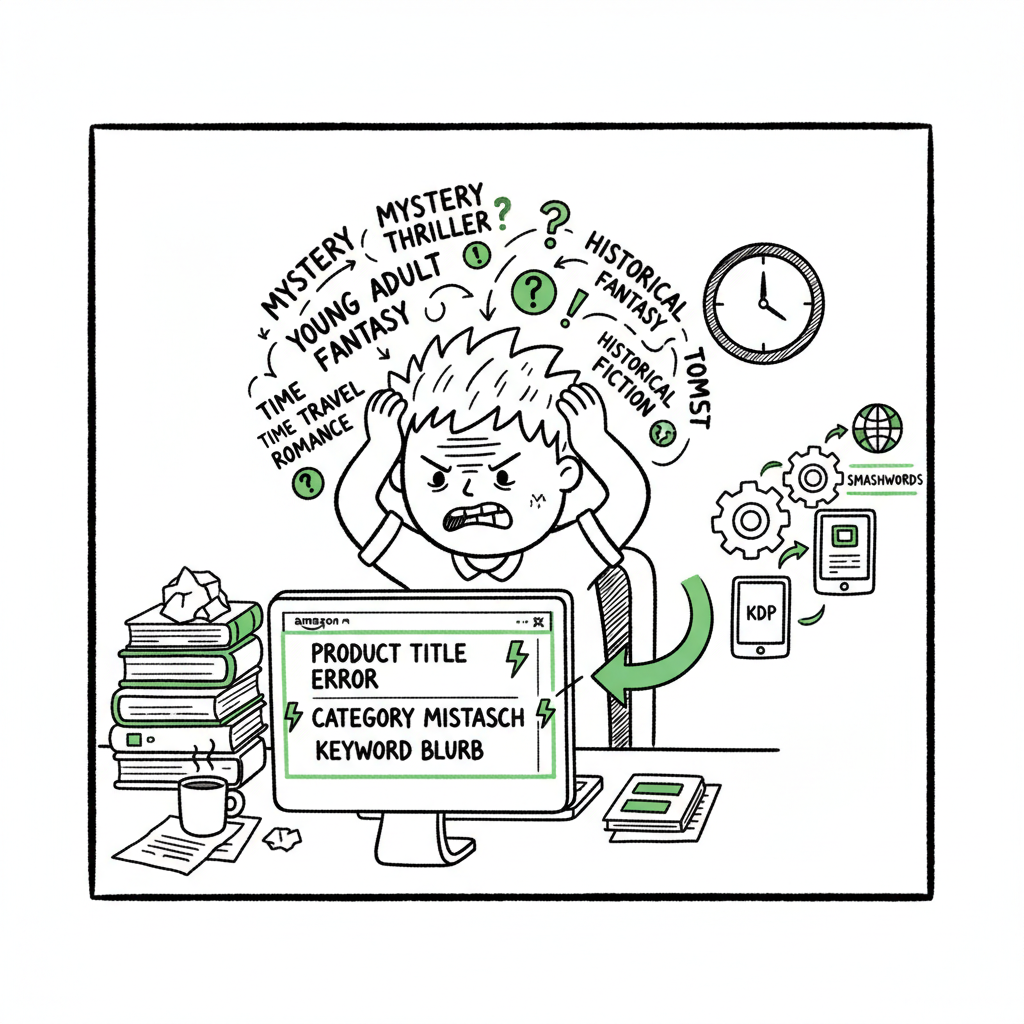
Amazon SEO Mistakes Authors Make and How to Fix Them
Amazon SEO Mistakes Authors Make
Estimated reading time: 9 minutes
Key takeaways
- Common listing errors — bad keywords, titles, and categories — waste visibility and conversion.
- Fixes are practical: tighten metadata, test pricing, and improve product pages and files.
- For authors publishing at scale, multi-platform automation saves time and cuts errors; it’s an obvious upgrade once you publish seriously.
Table of Contents
- Why this matters for your book
- The most damaging Amazon SEO mistakes authors make
- How to fix these mistakes and improve conversions
- Publishing at scale: automation that reduces SEO risk
- FAQ
- Sources
Why this matters for your book
If you’re serious about selling books, learning common amazon seo mistakes authors make is part of the work. SEO on Amazon isn’t a mystery but it is different from search engines: small metadata mistakes cost visibility and they cost readers. Early sales and conversion signals shape how Amazon shows your book. A title, keywords, or category chosen once can influence performance for months.
For a deeper technical guide on keyword strategy and backend fields, see Amazon Book SEO for Authors. That guide explains how Amazon reads phrases, the limits of backend slots, and what really moves the needle.
The most damaging Amazon SEO mistakes authors make
1. Keyword stuffing and redundant phrases
Many authors repeat full phrases across title, subtitle, and each backend slot. Amazon’s algorithm understands word combinations — repeating “spy thriller CIA novel” and “CIA spy thriller” wastes precious space. Use distinct, buyer-focused phrases instead.
2. Using banned or irrelevant keywords
Words like “bestseller,” “free,” or names you don’t own are filtered and give no value. Also avoid high-search but low-buy intent phrases that attract browsers, not buyers.
3. Overlong or misleading titles and subtitles
Titles should be the title readers see on the cover. Adding long keyword lists to the title hurts readability and conversion. Keep title clean; use subtitle and description for support, but don’t overload either.
4. Poor category and metadata choices
Choosing the wrong category to avoid competition can backfire. Amazon learns from early conversion; a mismatch reduces long-term discoverability. Likewise, thin descriptions and weak “Look Inside” samples reduce trust and conversions.
5. Bad product-page assets and file problems
Low-resolution covers, badly formatted interiors, missing front matter, or corrupted EPUB/MOBI files make readers abandon a listing. A poor reading sample or cover harms click-through and conversion even when keywords are right.
6. Not planning pricing and launch signals
Early price and promotional choices create algorithmic signals. Deep discount launches or heavy ad spending without organic traction can train the algorithm in ways that are hard to reset.
How to fix these mistakes and improve conversions
Start with the listing, then the product
Good Amazon SEO begins with clear, honest metadata and a product that delivers. Fix the title to match the cover, craft a concise subtitle that adds value, and write a front-loaded description with the strongest benefits in the first lines.
Practical steps that work
- Map buyer intent. Make a short list of 6–8 keyword phrases that real buyers would use and prioritize them by purchase intent, not just search volume.
- Use each backend slot for distinct phrases. Don’t repeat full phrases; fill gaps where you can add different search terms.
- Optimize the first 150–200 characters of your description. That’s the hook readers see before they click to expand.
- Make the Look Inside sample earn attention: include the best opening pages and clean front matter.
Fix files and assets
A clean file and a professional cover are conversion essentials. If you need a simple, fast cover or want automated file conversion, tools exist that handle cover generator that streamlines image output and sizing. For automated cover creation, consider using a dedicated cover generator that streamlines image output and sizing. If your manuscript needs clean EPUB converter conversion, automated converters reduce formatting errors and speed acceptance on retail platforms. For authors building files and distribution-ready assets, book creation tools can make the difference between a listing that attracts readers and one that repels them.
Test pricing and categories as experiments
Run small, controlled experiments. Change one variable — price, category, or ad spend — and measure early conversion. If you switch categories, monitor early performance closely and be ready to move back if signals weaken.
Improve the reader path
SEO brings traffic; conversion keeps sales coming. Improve the path from search result to purchase:
- Clear title and subtitle
- Strong cover thumbnail that reads at small sizes
- Engaging first lines in the description and Look Inside
- Professional interior files and clean formatting
Publishing at scale: automation that reduces SEO risk
When you publish multiple titles or editions, manual uploads multiply metadata mistakes. Automation reduces human error, speeds distribution, and preserves the effective metadata patterns you’ve tested.
What automation does for authors
- Unified multi-platform publishing: Push one set of files and metadata to Amazon KDP, Kobo, Apple Books, Draft2Digital, and Ingram without retyping entries.
- CSV batch uploads: Upload hundreds of titles with consistent keywords, prices, and categories in one pass.
- Platform-specific intelligence: Apply rules that respect each retailer’s metadata rules to avoid banned keywords or malformed fields.
- Error reduction and ~90% time savings: Less time copying fields means fewer accidental typos, wrong ISBN pairings, or forgot-to-attach-cover mistakes.
When to upgrade to automation
Automation is an obvious upgrade once you start publishing seriously: more than a handful of titles, frequent new editions, or wide distribution goals. It keeps winning configurations intact across platforms and makes broad promotional experiments safe and repeatable. Automate the upload. Own the distribution.
Final thoughts
SEO mistakes on Amazon are fixable, and most fixes are operational: tidy metadata, better files, and consistent processes win. If you publish multiple books or want reliable, repeatable distribution, automation cuts errors and saves time while preserving the metadata patterns that work.
FAQ
Q: How many keywords should I use in Amazon backend fields?
A: Use distinct, buyer-focused phrases. Prioritize 6–8 high-intent phrases and avoid repeating full phrases across slots.
Q: Will changing categories hurt my book forever?
A: Early performance in a category matters. Changing categories won’t permanently ruin a book, but weak early conversion in a new category can reduce discoverability until you rebuild signals.
Q: Do I need professional covers and interior files to rank?
A: Ranking uses metadata and conversion signals. But thumbnails and clean files drive conversion; low-quality assets reduce the chance that traffic turns into sales.
Q: Is automation safe for Amazon KDP uploads?
A: Yes, when the automation respects platform rules and applies platform-specific intelligence. It reduces manual errors that commonly cause listing problems.
Q: How long does it take to see results after fixes?
A: Results vary by category and popularity, but you should monitor changes over a few weeks as signals accumulate.
Q: Should I prioritize Look Inside samples?
A: A compelling Look Inside can improve early engagement and conversions when paired with strong metadata.
Q: Can I change multiple attributes at once?
A: Stagger changes to observe their individual impact and avoid mixing signals.
Sources
- https://markoneill.org/complete-guide-amazon-seo-optimisation/
- https://writingbytheseatofmypants.com/2021/07/25/amazon-seo-for-authors/
- https://www.sellerscatalyst.com/amazon-book-seo/
Amazon SEO Mistakes Authors Make Estimated reading time: 9 minutes Key takeaways Common listing errors — bad keywords, titles, and categories — waste visibility and conversion. Fixes are practical: tighten metadata, test pricing, and improve product pages and files. For authors publishing at scale, multi-platform automation saves time and cuts errors; it’s an obvious upgrade…