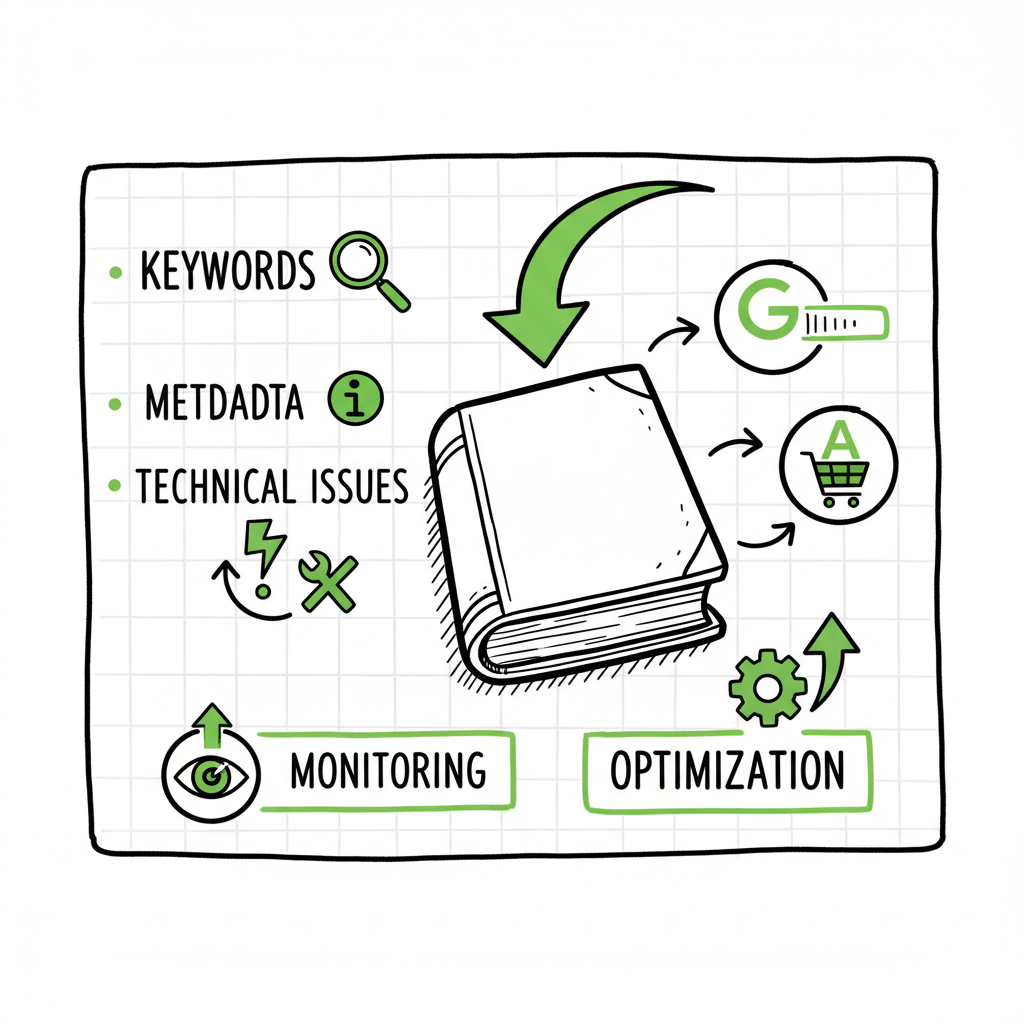
Book SEO Optimization Checklist for Self-Publishing Authors
Book SEO Optimization Checklist
Estimated reading time: 12 minutes
Key takeaways
- A focused book SEO optimization checklist aligns keywords with reader intent, fixes technical issues, and improves discoverability across stores and search engines.
- Prioritize metadata, readable product pages, and ongoing monitoring; small changes to title, subtitle, and categories often yield the biggest gains.
- When you publish at scale, automate uploads and distribution to avoid repetitive errors and save time—BookUploadPro makes multi-platform publishing practical.
For deeper guidance, see Amazon Book SEO for Authors.
Table of Contents
- Quick checklist
- How each item affects discoverability
- Automating multi-platform publishing at scale
- FAQ
- Sources
Quick Book SEO Optimization Checklist
Start with this compact checklist, then use the later sections to understand why each item matters. The phrase book seo optimization checklist belongs in your planning documents and on your product pages where it fits naturally—don’t force it into places that read awkwardly.
- Target keyword research: pick 1 primary keyword and 2–3 related phrases based on reader intent.
- Title and subtitle: include the primary keyword naturally in one or both when it matches intent.
- Product description: lead with useful info, use readable headings, and include keywords without stuffing.
- Categories and tags: choose the most relevant store categories and two to three accurate metadata tags.
- Author page & bio: add credentials, other books, and links to help establish expertise.
- Images and speed: compress cover images, use web-friendly formats, and ensure fast page load.
- File format & delivery: provide correct EPUB and paperback files; validate with tools before upload.
- On-store extras: add editorial reviews, keywords fields (stores that allow them), and series metadata.
- Monitoring: check Search Console or platform reports monthly and adjust keywords quarterly.
How each item affects discoverability
Keyword research that matches reader intent
Keyword research for books is different from general SEO. Readers search with buying intent, genre identifiers, or problem statements (for nonfiction). Use search tools to find high-intent phrases and map them to where you’ll use them: title, subtitle, description, and backend keyword fields.
- Primary keyword: choose one clear phrase that reflects what a reader would type to buy the book.
- Supporting phrases: use related terms in the first 200 words of the description and in bullet features.
- Intent alignment: a phrase like “beginner watercolor guide” signals an instructional intent and should guide the description.
Product metadata: title, subtitle, and description
Store algorithms and search engines read metadata before reading content. The title and subtitle carry the most weight for clicks and rankings. Keep the title readable first, discoverable second.
- Title: put the book’s promise or character name up front. Add a concise hook.
- Subtitle: use descriptive keywords that explain format or audience (e.g., “A Beginner’s Guide to…”).
- Description: write in short paragraphs, use bullets for benefits, and repeat core phrases naturally.
Technical checks that matter
Search engines and stores reward fast, accessible pages. Technical issues can block discovery even when metadata is strong.
- Images: compress cover files to web sizes; keep the spine and text legible at thumbnail size. For cover work consider a specialized tool like a cover generator to speed iteration and maintain quality.
- File formats: validate EPUB files with a converter or validator before uploading. If you need a fast, reliable conversion, use an EPUB converter to catch issues early.
- Load speed: keep product pages lean. Large extras or uncompressed images slow pages and reduce conversions.
Platform-specific fields
Each store has slightly different fields and rules. Use them. Stores like Amazon have backend keyword slots, category selection, and series fields that directly affect discoverability.
- Backend keywords: use all allowed characters, avoid repetition, and include synonyms and alternate spellings.
- Categories: choose the deepest accurate category. Being the top in a smaller category is better than bottom in a large one.
- Editions and formats: list ebook and paperback separately with consistent metadata so search and store systems link editions properly. If you’re creating multiple formats, consider streamlined book creation tools to manage consistent metadata across files.
Quality signals and E-E-A-T
Search systems favor trustworthy, authoritative content. For books, relevant signals include author information, review quality, and external mentions.
- Author bio: include credentials and a short explanation of why you wrote this book.
- Reviews and excerpts: curated blurbs from reliable sources help. Update descriptions if a new review arrives.
- Updates and facts: refresh editions and descriptions when facts or market trends change.
Monitoring and iteration
Monitor performance monthly and run a quarterly audit. Track impressions, clicks, and conversions. Small experiments with subtitles or description copy can shift rankings and sales.
- Use store reports: watch listing impressions and conversion rate.
- Run A/B tests: on covers and descriptions where stores allow it.
- Quarterly: revisit your keyword matrix and shift emphasis to terms that drive conversion, not just traffic.
Automating multi-platform publishing at scale
When you publish more than one or two titles, manual uploads become a bottleneck. That’s where automation saves time and reduces errors.
Operational problems at scale
- Repeated data entry increases typo risk.
- Different stores demand different file formats and field names.
- Tracking which version went to which store gets chaotic.
How automation fixes that
A consistent, automated workflow removes repetitive tasks and enforces validation rules. BookUploadPro automates uploads across Amazon KDP, Kobo, Apple Books, Draft2Digital, and Ingram with a few key benefits:
- Unified multi-platform publishing so the same metadata flows to each store.
- CSV batch uploads that let you publish dozens of titles with the same data structure.
- Platform-specific intelligence that maps your metadata to each store’s fields automatically.
- Error reduction through validation before submission.
- ~90% time savings on repetitive tasks, making wide distribution practical.
Practical example
You prepare one CSV with titles, subtitles, descriptions, keywords, pricing, and files. BookUploadPro validates EPUB and paperback files, compresses cover art to store specs, and uploads to chosen storefronts. If a store requires a different image size or a special field, the system adjusts automatically. That consistency keeps editions linked and metadata accurate across channels.
When to upgrade to automation
Automation becomes an obvious upgrade once you publish seriously—multiple series, translations, or editions. It isn’t a substitute for strategy, but it removes friction so you can test metadata, update copy, and expand distribution without repeating manual uploads. Automate the upload. Own the distribution.
Tools and processes to pair with publishing automation
- Use a reliable book creation workflow for consistent files and metadata; book creation tools help keep formatting and metadata centralized.
- Convert and validate EPUB files before mass uploads; an EPUB converter can catch errors early and speed acceptance.
- Generate covers once and produce store-ready sizes with a cover generator to avoid manual resizing mistakes.
FAQ
Q: How often should I update my book metadata?
A: Monthly monitoring and quarterly updates are a practical rhythm. If you add a new edition or significant review, update immediately.
Q: Can changing the title or subtitle hurt sales?
A: It can. Test changes on new editions or run small experiments when possible. Keep changes purposeful—align them with keywords that drive conversions, not just impressions.
Q: Do I need a separate listing for each format?
A: Yes. Ebook and paperback listings are distinct and require consistent metadata so buyers can find all editions.
Q: Will automation hurt my ability to customize listings per store?
A: No. Good automation tools map your fields to store-specific options and let you tweak per-platform settings when necessary.
Final thoughts
A practical book SEO optimization checklist focuses on getting the basics right: intentional keywords, clear metadata, fast pages, and ongoing measurement. When you publish multiple titles, automation is not a luxury. It’s how you scale without multiplying errors.
Visit BookUploadPro.com and try the free trial
Sources
- SEO Optimization Checklist: Complete Guide for 2026 – InfluenceFlow
- SEO Checklist 2026: Step-by-Step Guide to Rank #1 on Google – ClickRank
- The Ultimate SEO Checklist (10) For 2026 – WP Event Manager
- Your MUST Have Monster SEO Checklist for 2026 – Ladybugz
- A Comprehensive Technical SEO Checklist for 2026 – DashThis
Book SEO Optimization Checklist Estimated reading time: 12 minutes Key takeaways A focused book SEO optimization checklist aligns keywords with reader intent, fixes technical issues, and improves discoverability across stores and search engines. Prioritize metadata, readable product pages, and ongoing monitoring; small changes to title, subtitle, and categories often yield the biggest gains. When you…