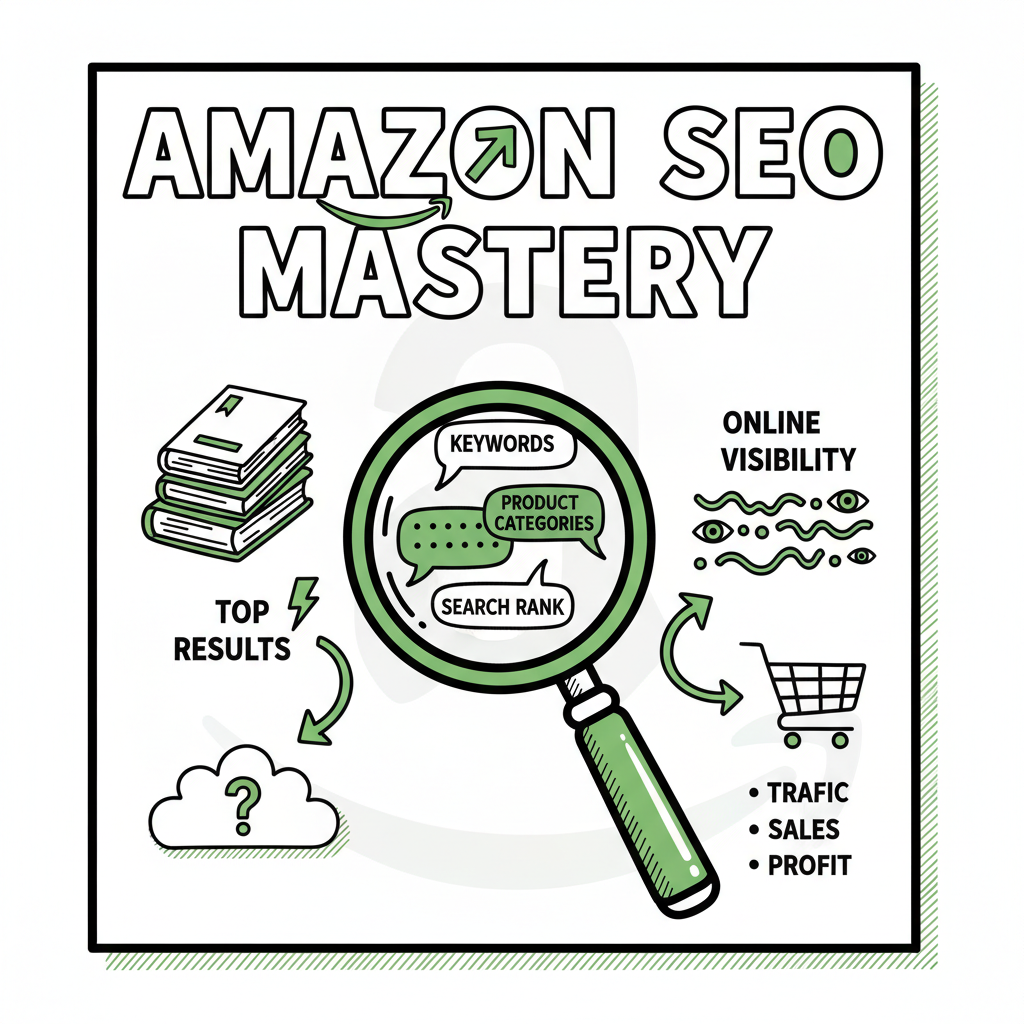
How to Use Amazon SEO for Authors to Optimize KDP Listings
Amazon SEO for Authors
Estimated reading time: 9 minutes
Key takeaways
- Amazon SEO for authors means matching what readers search for and making it easy for Amazon to surface your book.
- Research keywords on Amazon, use them in title/subtitle/description and KDP keyword fields, and choose the right categories.
- Combine listing work with cover design, initial promotions, and multi-platform distribution to scale visibility and sales.
Table of Contents
Why Amazon SEO matters
Amazon SEO for authors is the practical work of getting your book in front of readers who are already searching. On Amazon, relevance comes first: the words in your title, subtitle, description, and keyword fields tell Amazon’s algorithm what your book is about. Clicks and sales tell it which results satisfy readers.
Think of Amazon search like a demand map. People type phrases, and Amazon returns books that match those phrases and get bought. That means the best way to improve visibility is to study search behavior and then make your listing match it cleanly.
For a step‑by‑step listing checklist and deeper strategies, see Amazon Book SEO for Authors, which goes into title formulas, long‑tail keyword tactics, and what to measure next.
Keyword research that works
Start on Amazon, not Google. Type potential phrases into the search bar and note autocomplete suggestions and the books that appear for each phrase. Those show real reader intent and the kinds of books Amazon returns.
Create a list of 20 candidate keywords, then narrow to 5–10 that:
- Clearly match your book’s topic or audience.
- Autocomplete on Amazon and return book results (not products).
- Use a mix of head terms and long‑tail phrases with lower competition.
How to use those keywords
- Title and subtitle: Put the strongest keyword naturally in the title or subtitle. The subtitle is a good place for a secondary phrase or short benefit line.
- Description: Use your top keywords in the first 150 characters and repeat them naturally. Break the description into short paragraphs and use simple HTML tags if you upload via KDP (bolding and bullets improve scan‑ability).
- KDP keyword fields: Use the seven keyword slots to vary phrases and long‑tail versions. Avoid unrelated terms—irrelevant keywords can reduce indexing effectiveness.
- Categories: Pick two relevant categories and prefer niche subcategories where your book can rank faster. If a better subcategory isn’t available, request it via KDP support.
Optimizing your KDP listing
The listing is where relevance meets conversion. A listing that matches search intent but fails to convert won’t rank well. Focus on these elements together.
Title and subtitle
Make the title clear and memorable; use the subtitle for searchable phrases and a reader hook. Avoid stuffing keywords—clarity beats repetition.
Cover and first impressions
Covers still drive clicks. A cover that reads well at thumbnail size and signals the book’s genre and promise will lift click‑through rate. If you need a fast, repeatable process for covers, try a cover generator that supports consistent, genre‑appropriate art and templates.
Manuscript and file formats
Make sure your interior file converts cleanly to Kindle format. Errors in conversion lead to poor reading experience and returns. If you convert to EPUB or want a reliable pipeline for both ebook and print formats, use a robust epub converter that preserves layout and metadata.
Book formats and distribution
Publishing paperback and ebook versions widens reach. Some readers prefer print, others digital. A clean, consistent workflow that generates formats for KDP, Apple Books, Kobo, and Ingram reduces mistakes and saves time.
Product description and A+ content
Lead with a hook, use bullets for features/benefits, and place the key selling points and keywords in the first chunk. If you’re eligible for A+ Content, use it to add images and extended copy that clarifies the book’s value.
Author Central and social proof
Optimize your Author Central page with niche words and a short bio. Encourage early, honest reviews from readers who fit your target audience—reviews improve conversion and inform the algorithm.
Initial traction and advertising
Organic Amazon rankings reward sales velocity. Use a mix of targeted Amazon ads, limited promotions, newsletter pushes, and social proof sources to generate the first surge of clicks and purchases. Paid promotion is not just ads; it’s a way to get traffic that proves your book satisfies readers.
Publish at scale with repeatable processes
Once you publish multiple titles, automation matters. Batch uploads via CSV, platform‑aware settings, and consistent metadata reduce errors and save time. A unified publishing tool that handles Amazon KDP, Kobo, Apple Books, Draft2Digital, and Ingram can cut upload time by roughly 90% and make wide distribution practical. Automate the upload. Own the distribution.
Practical monitoring and quarterly reviews
Track the visibility of your target keywords and your book’s category rankings. Revisit keywords every quarter—reader language shifts, and so can competition. Small metadata tweaks can move a book from obscurity into steady discovery.
FAQ
Q: How many keywords should I use in KDP?
A: Use all seven KDP keyword slots. Vary phrasing and include long‑tail variations. Avoid repeating the same words across slots; instead, use related search phrases to cover more queries.
Q: Should I change my title or subtitle for SEO?
A: Only if the change improves clarity and matches what readers search for. Small subtitle tweaks to include a high‑traction phrase are common. Major title changes can confuse existing readers and marketing, so weigh the tradeoffs.
Q: Do I need ads to rank on Amazon?
A: Ads help create the sales velocity Amazon rewards, especially early on. Ads are a tool to prove relevance; good organic rank typically follows consistent sales and positive reviews.
Q: How often should I update keywords and categories?
A: Quarterly is a practical cadence. Monitor performance and adjust when search trends or competition change.
Q: What if I want to publish to multiple stores?
A: Use a unified workflow to generate the required files and metadata for each store. That reduces manual errors and lets you scale publishing across platforms efficiently.
Final thoughts
Amazon SEO for authors is a steady, methodical practice: find the phrases readers use, make your listing match those phrases, optimize for conversion, and generate initial traction. For authors publishing at scale, automation and reliable conversion tools become essential. If you work across EPUB and print, consider tools that handle file conversion, cover processing, and multi‑platform uploads to keep quality consistent.
Try a few focused experiments—one title with a targeted long‑tail strategy, one with a broader head‑term approach—and measure which delivers better organic visibility. When publishing becomes serious, a publishing automation tool that supports CSV batch uploads, platform‑specific intelligence, and error reduction is an obvious upgrade once you want to move beyond single‑title publishing.
Visit BookUploadPro.com to try the free trial and see how automated multi‑platform publishing fits your workflow.
Sources
- https://tommorkes.com/kindle-seo/
- https://sellermetrics.app/amazon-kindle-seo/
- https://www.zonguru.com/blog/amazon-kindle-seo-guide
- https://bookbolt.io/quarterly-listing-optimization-for-kdp/
- https://kdp.amazon.com/help/topic/G201298500
Amazon SEO for Authors Estimated reading time: 9 minutes Key takeaways Amazon SEO for authors means matching what readers search for and making it easy for Amazon to surface your book. Research keywords on Amazon, use them in title/subtitle/description and KDP keyword fields, and choose the right categories. Combine listing work with cover design, initial…