How to Self Publish on Multiple Platforms Effectively
How to Self Publish on Multiple Platforms: A Practical Guide
Estimated reading time: 14 minutes
Key takeaways
- Self publish on multiple platforms to reach more readers, diversify income, and avoid single-platform risk.
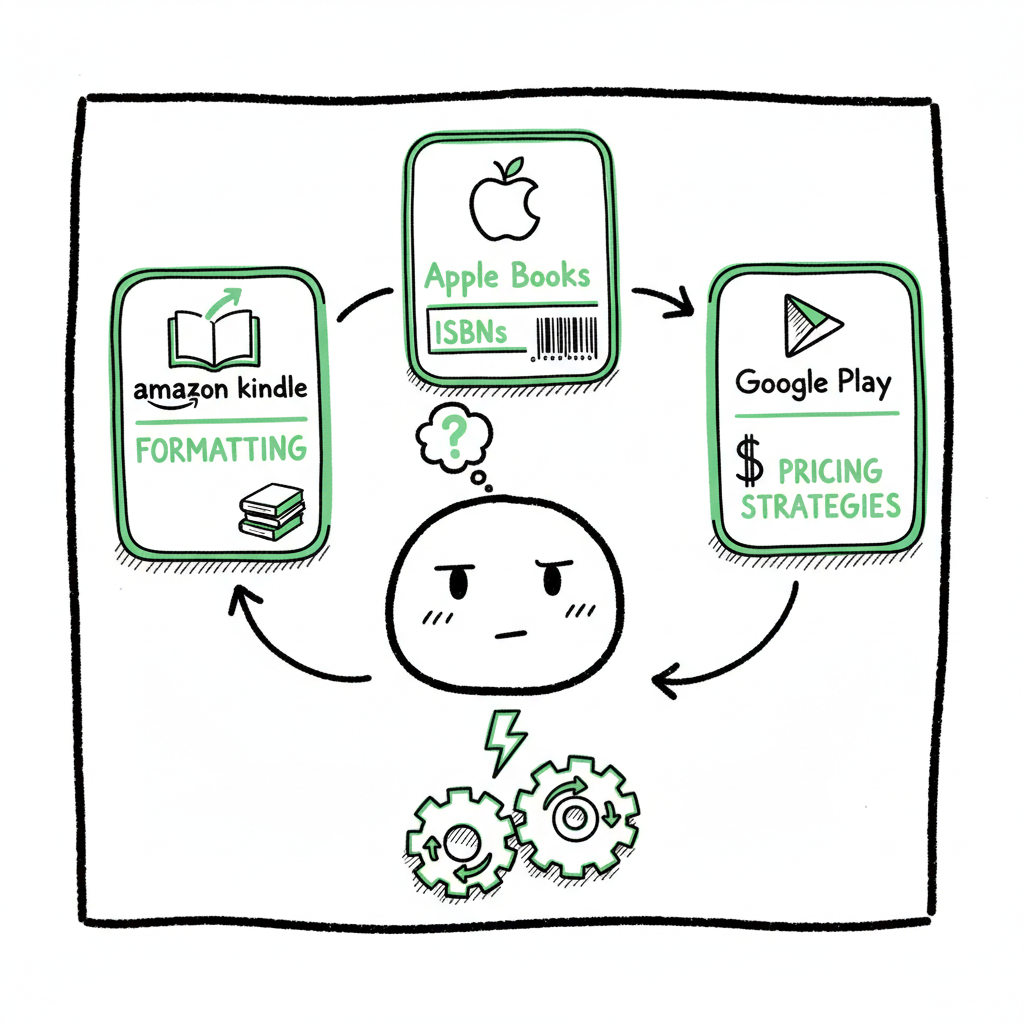
- Use a practical workflow that covers formatting, ISBNs, pricing, and platform rules, and automate repetitive uploads where possible.
- Unified multi-platform publishing with batch CSV uploads and platform-aware checks saves time and reduces errors—an obvious upgrade once you publish seriously.
Table of Contents
- Why you should self publish on multiple platforms
- Which platforms to use and when
- A practical multi-platform publishing workflow
- Automating wide distribution at scale
- FAQ
Why you should self publish on multiple platforms
Self publish on multiple platforms to stop relying on one storefront and to put your book where readers already buy. Amazon is huge, but it is not every reader’s first stop. Apple Books, Kobo, Barnes & Noble, Google Play, and library channels all add real readers and steady sales. Wide distribution spreads risk: if a promotion or policy change hurts one channel, others can keep revenue flowing.
Beyond reach, wide distribution gives you pricing flexibility and control. You can test prices and bundles in non-Amazon stores while using Amazon for Kindle Unlimited where it makes sense. You also get access to international storefronts and library systems that many indie authors miss when they stay exclusive.
Wide publishing does add work: different file requirements, metadata fields, and ISBN choices. That’s why you need a clear workflow and tools that scale. If you want an example process you can follow, see our Publish Wide Self Publishing Workflow for an end-to-end guide you can adapt to your books.
Which platforms to use and when
Pick platforms based on format, goals, and where your readers live.
- Amazon KDP: Best for Kindle readers and discoverability on Amazon. KDP is simple for ebooks and print-on-demand paperbacks. Use KDP for Kindle Unlimited strategies, but remember KU requires ebook exclusivity for some promotions.
- IngramSpark: Best for global print distribution to bookstores and libraries. Ingram’s reach for print copies is hard to match, and many authors pair IngramSpark print with KDP ebook.
- Draft2Digital / PublishDrive / Aggregators: Aggregators push ebooks to many retailers at once. They remove the need to upload to each store, but compare fees and control. Aggregators are efficient when you want broad ebook reach without managing each storefront.
- Kobo Writing Life and Apple Books: Important international and device-specific stores. Kobo is strong in Canada and parts of Europe; Apple Books is prominent with iPhone and iPad readers.
- Library and subscription channels: Services like OverDrive (via partners) and Scribd add long-term readers and library income.
Decide by format: use KDP + IngramSpark for a typical combo (Amazon ebook + global print). Use an aggregator if you want the simplest path to many ebook stores. For authors aiming to scale with many titles, the overhead of managing direct accounts for each retailer is best handled with automation and batch uploads.
A practical multi-platform publishing workflow
A reliable workflow saves time and prevents errors. Treat publishing like an operational task with clear steps you repeat for every title.
1. Finalize files and cover
Start with a clean interior file and a print-ready cover. If you need fast cover options, consider a cover generator to test concepts and produce properly sized files for different platforms. Good covers speed up approvals and reduce back-and-forth.
2. Create your metadata master
Build one master record for each book: title, subtitle, series, author, description, keywords, categories, language, release date, ISBNs, pricing tiers, and territories. Keep this in a spreadsheet or CSV so you can reuse it for future uploads.
3. Choose ISBN and rights setup
Decide which platform supplies ISBNs and where you need your own. For wide print distribution, an ISBN you control gives you flexibility. For ebooks, many platforms don’t require ISBNs, but owning them helps long-term catalog control.
4. Format for each channel
Convert your master manuscript to the required files. EPUB is the standard for most ebook stores; KDP accepts EPUB or MOBI or converted files. Print requires PDF with correct bleed and margins.
If you need an EPUB conversion tool, an EPUB converter can take your manuscript and create a validated EPUB ready for retail upload.
5. Prepare platform-specific assets
Different stores want different cover sizes, spine widths, and preview rules. Extract images and create thumbnails as needed. Keep a checklist for each storefront to avoid rejections.
6. Upload, validate, and set pricing
Upload files to each platform. Validate previews, check metadata, and set pricing and territories. Keep a log of publication dates and store-specific notes.
7. Promote and monitor
Coordinate launch promos across retailers. Track sales and reviews. If a problem appears on one store, the others usually keep selling while you fix the issue.
8. Iterate with batch updates
When you add formats or change pricing, use CSV batch uploads where supported to push updates quickly across multiple titles.
Throughout this workflow, separate file prep from store uploads. Treat formatting and cover as production tasks. If you mention cover creation earlier, use the cover generator to standardize sizes and speed approvals. Also keep a single source of truth for metadata; it’s much easier to update one CSV than ten web forms.
Automating wide distribution at scale
When you publish a handful of books, manual uploads work. When you have dozens or more, manual processes break down. Automation removes repeated clicks and reduces human error. Here’s how automation helps and what to look for.
Why automation matters
- Time savings: CSV batch uploads and reusable templates can cut repetitive work by around 90% for teams and serious independent authors.
- Error reduction: Platform-specific checks that flag common problems (margins, metadata mismatches, ISBN conflicts) avoid rejections and delays.
- Consistency: Automation ensures identical metadata and pricing across retailers unless you intentionally change them.
- Scale without extra headcount: One person or a small team can control dozens or hundreds of titles with the right tooling.
What automation should do
- Accept a single CSV or spreadsheet for multiple titles and map fields to each retailer’s required fields.
- Convert and validate files automatically (EPUB, print PDF checks).
- Produce platform-specific assets like spine images and thumbnails.
- Detect and flag conflicting ISBNs, duplicate titles, or missing metadata.
- Schedule uploads and store credentials securely.
- Produce logs and reports for troubleshooting.
Tools and services
Some tools focus on ebook aggregation; others specialize in print distribution or workflow automation. When you evaluate options, compare pricing models (subscription vs. per-sale fees), platform reach, and how much control you retain.
BookUploadPro automates repetitive uploads across Amazon KDP, Kobo, Apple Books, Draft2Digital, and Ingram. It supports CSV batch uploads, platform-specific intelligence that catches common errors before they block a publish, and meaningful time savings that make wide distribution practical for serious authors. For authors moving beyond a single-title mindset, that automation is an obvious upgrade.
Practical tips for choosing automation
- Test with a single title first. Verify metadata and proof copies.
- Keep control of your ISBNs when possible, and understand how each platform uses them.
- Ensure the tool supports platform-specific rules (KU exclusivity, page count limits, or file size constraints).
- Look for a free trial so you can validate the workflow with your files and covers.
Tools to support file tasks
– Use a reliable cover tool early in the process to create matched sizes for ebook and print. A cover generator helps keep designs consistent and output-ready for each store’s dimensions.
– For ebooks, validate your files using an EPUB converter before upload. A good converter checks images, fonts, and table of contents so stores accept your file on the first try.
– For print copies, use template calculators to set spine width and margins precisely and export print-ready PDFs. And if you need an automated cover generator, see a reliable cover generator for standard sizes; for file conversion, an EPUB converter can validate and prepare your ebook for stores. For broader file and book creation tasks, consider book creation tools that export both paperback and ebook formats.
Common wide-publishing problems and how to avoid them
- Rejections for incorrect spine or bleed: Always use platform-specific templates and double-check proof files.
- Metadata mismatch across stores: Maintain a single master CSV to avoid differing titles, subtitles, or edition numbers.
- Price parity confusion: Decide your pricing strategy (uniform price, retailer-specific offers) and document it in the master record.
- Duplicate listings: Track platform ISBN assignments and avoid creating the same title twice under different ISBNs.
FAQ
Q: Is it worth distributing outside Amazon?
A: Yes, for most authors. Non-Amazon stores add incremental sales, access to different regions, and library channels. They also reduce dependence on one algorithm or policy.
Q: Do aggregators keep royalties?
A: Aggregators typically either charge a subscription or take a cut. Compare costs: some charge a monthly fee for full royalties while others take a small percentage. Weigh that against the time you save managing multiple storefronts directly.
Q: Do I need separate ISBNs for each store?
A: For ebooks, many stores don’t require ISBNs. For print, each format and edition should have its own ISBN. Owning your ISBNs keeps long-term control over your editions.
Q: How do I handle updates or corrections once a book is live everywhere?
A: Keep a master CSV and push updates with batch tools. If you must edit a single store, document the change and timestamp it so updates stay synchronized.
Q: Can automation break store rules?
A: Automation should enforce store rules, not bypass them. Use automation that includes platform-aware checks to avoid violations like KU exclusivity or incorrect file formats.
Final thoughts
Wide publishing is a practical strategy for authors who want more control over distribution and more places for readers to discover their work. It requires an operational mindset: repeatable steps, a single metadata source, and tools that reduce manual work. With the right workflow and automation, publishing widely stops being a time sink and becomes a repeatable advantage.
Automate the upload. Own the distribution.
Visit BookUploadPro.com to see how unified multi-platform publishing and CSV batch uploads can speed your process. Try the free trial and test wide publishing with one title.
Sources
- Self-Publishing Platforms Compared: Which One Is Right for You?
- Which Self-Publishing Platform Is Right for Your Book? (YouTube)
- Lulu vs. Other Self-Publishing Platforms: A Comparative Analysis
- 14 Best Self-Publishing Platforms for New Authors
- The 5 Best Self-Publishing Platforms, Compared
- Ebook Publishing Platforms for Self-Publishing Authors
How to Self Publish on Multiple Platforms: A Practical Guide Estimated reading time: 14 minutes Key takeaways Self publish on multiple platforms to reach more readers, diversify income, and avoid single-platform risk. Use a practical workflow that covers formatting, ISBNs, pricing, and platform rules, and automate repetitive uploads where possible. Unified multi-platform publishing with batch…