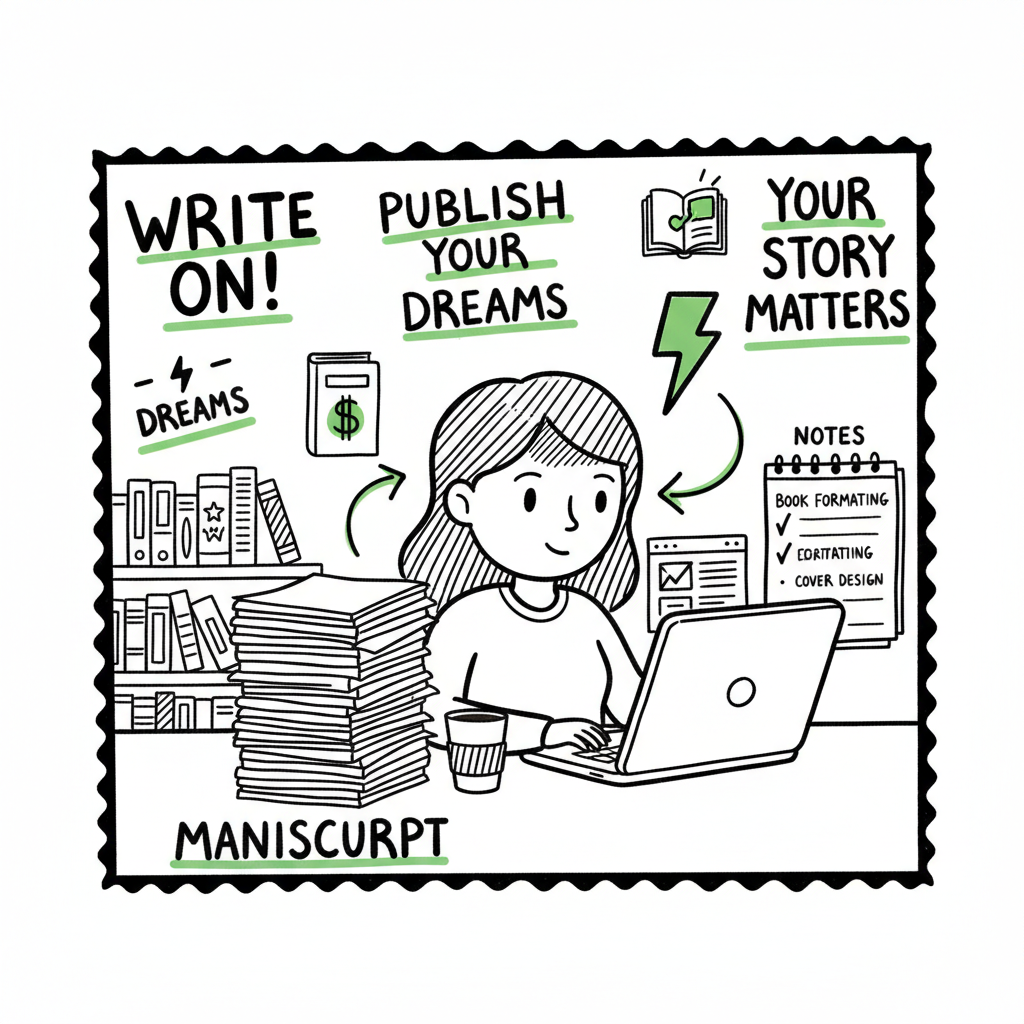
Beginner KDP Author Practical Guide to Your First Book
Beginner KDP Author: A Practical Guide to Publishing Your First Book
Estimated reading time: 15 minutes
Key takeaways
- Publishing on KDP is simple but detail-sensitive: set up account info, format carefully, and preview before you publish.
- Focus on repeatable processes—manuscript formatting, cover creation, metadata, and distribution—to scale your publishing reliably.
- When you start publishing seriously, multi-platform automation (CSV batch uploads, platform rules, and error checking) saves time and reduces mistakes.
Table of Contents
What a beginner kdp author needs to know
If you’re a beginner kdp author, the path from manuscript to live book on Amazon looks long at first, but it breaks into repeatable steps. Within those steps you’ll spend most of your time on three things: preparing a clean manuscript, creating a cover that sells, and getting the metadata right so readers can find the book. Do those three consistently and the rest is mechanics.
Start by setting up your KDP account and entering tax and payment details early. Missing or incomplete tax info is the most common non-technical delay. KDP also links products automatically when formats match exactly, so keep your ebook and paperback metadata consistent.
For hands-on walkthroughs focused on the Amazon platform itself, see Amazon KDP For Authors; it’s a short read that covers the dashboard flow and the fields you’ll encounter when you upload your files. That guide is useful even if you plan to distribute beyond Amazon later.
What to expect on day one
- A free account and a dashboard that guides each format (ebook, paperback, hardcover).
- Fields that matter: title, subtitle, author name, book description, keywords, categories, language, and publication dates.
- Files to prepare: a formatted manuscript file (Word or EPUB) and a front cover (and a full wrap if you’re publishing a paperback).
Common beginner mistakes
- Rushing the interior formatting and then failing the previewer.
- Using inconsistent metadata between formats which prevents Amazon from linking editions.
- Ignoring cover requirements and upload specs for print.
Why process matters
Publishing is repeatable work. The first book takes time because you learn the formats and rules. After that, every title is a small project. Authors who treat publishing like a process—templates for manuscript layout, a repeatable cover brief, and a checklist for metadata—get faster and make fewer mistakes. At scale, automation becomes an obvious upgrade.
A practical, step-by-step publishing workflow
This section walks you through an operational workflow that covers writing to wide distribution. It keeps the primary focus on KDP but shows the clean handoffs you need to publish across platforms without redoing work.
1. Prepare your manuscript
Write and edit until the text is final. Then create a clean manuscript file:
- For ebooks: use a well-structured DOCX or a validated EPUB. If you’re not confident with EPUB quirks, use an EPUB converter to produce a clean file from your manuscript.
- For print: set correct trim size, margins, headers, and page numbers in a print-ready PDF or a properly styled Word file saved to PDF.
A lean practice is to maintain one master source (usually Word) and export to the formats you need. That keeps corrections quick and consistent across editions.
2. Build a cover that works
Covers need to read small as thumbnails. For print, you also need a full-wrap design with spine calculations. If you need tooling to produce clean, production-ready covers quickly, try the Book Cover Generator Processing to produce the assets and export them in the sizes required by KDP and other platforms.
3. Assemble metadata and assets
Create a single metadata sheet that includes:
- Title, subtitle, and series data
- Author name and contributors
- Book description (short and long)
- Keywords (up to the limit KDP allows)
- Categories (choose the best fit)
- Language, ISBN (if you have one), and publication date
This sheet should serve every platform you use. Keep a copy for each edition (ebook, paperback, hardcover) and ensure values match exactly where needed.
4. Format checks and previews
Always preview your files:
- Use the KDP previewer for ebook and print proofs.
- Check the table of contents, page breaks, and orphaned headings.
- Confirm images are high enough resolution and that fonts are embedded when required.
A quick checklist here prevents the most common rejections and customer complaints.
5. Upload and set pricing on KDP
When you upload:
- Choose rights and territories.
- Set pricing carefully; remember Amazon takes a fixed commission and delivery fees for certain ebook sizes can affect royalties.
- Enable or disable expanded distribution depending on your goals.
The KDP dashboard shows each format separately. Confirm the product pages link automatically after you publish by comparing ISBNs and titles.
6. Distribute beyond Amazon efficiently
Once your title is polished on KDP, consider wide distribution. Uploading individually to Kobo, Apple Books, Draft2Digital, and Ingram is possible but slow. That’s where unified multi-platform publishing tools become valuable. They take the same files and metadata you used for KDP and batch them across stores with platform-specific intelligence—mapping fields, resizing covers, and checking edge cases—so you avoid manual repetition and platform mistakes.
When you start publishing multiple titles, a system that supports CSV batch uploads and knows each platform’s requirements saves vast amounts of time and reduces errors. That makes wide distribution practical rather than a second full-time job. Automate the upload. Own the distribution.
7. Use price and format strategies thoughtfully
- Launch with a focused plan: preorders if you have demand, or a short, paid launch window followed by promos.
- Consider different formats: ebook, paperback, and paperback + ebook bundles for series can increase discoverability.
- Watch how prices perform across platforms and adjust by market, not just by gut.
Operational tips for the first three books
- Book 1: Learn the workflow. Expect delays and use this as a training run.
- Book 2: Improve process speed. Refine templates and your cover brief.
- Book 3+: Consider batch uploads and multi-platform automation to scale.
How automation helps (practical gains)
- CSV batch uploads that map one row per book to multiple stores save roughly 90% of manual setup time after you’re past the learning curve.
- Platform-specific intelligence reduces format rejections and incorrect metadata mapping.
- Error reduction: automated systems validate files and flags issues before uploads, cutting time spent troubleshooting.
- Affordable pricing and a free trial let you test the workflow before committing. Once you publish seriously, automation is an obvious upgrade.
Formatting, covers, and conversions (operational notes)
- Manuscripts: Keep a consistent stylesheet. Use styles (Heading 1, Heading 2) rather than manual formatting—this is essential for TOC generation and clean EPUB conversion.
- EPUBs: If you don’t want to hand-code EPUBs, use a reliable EPUB converter to get a validated file ready for stores that require EPUB.
- Covers: Design for thumbnail legibility. For print, include bleed and spine in your exports; many tools will produce print-ready wraps when you provide trim size and page count.
- Paperbacks: For a print-ready PDF, match interior specs exactly. Softcover spine width depends on page count and paper type.
These are the exact places many new authors trip up. Invest a little time making templates, and the next titles will go faster.
Practical tool notes
- Keep a versioned folder per book (manuscript, ebook file, print file, front cover, full wrap, marketing images, and metadata sheet).
- Use descriptive filenames and a simple naming convention: BookTitle_Format_V1. This reduces mistakes when you upload multiple formats.
- If you rely on external tools to create covers, export both layered source files and flattened production files so you can tweak sizes quickly.
Publishing across platforms without repeating work
To distribute widely without repeating the same uploads five times, you need tooling that understands each storefront’s rules and can apply platform-specific tweaks automatically. That includes resizing covers, converting EPUB vs. MOBI or other formats where needed, and mapping metadata to different field names. When you have five or ten titles, manual uploads add hours per book. Automation switches that to minutes.
Business context: when automation makes sense
If you publish only occasionally, manual KDP uploads are fine. But if your goal is consistent output—series work, multiple genres, or multiple formats—automation pays back immediately. Look for services that offer:
- Unified multi-platform publishing (Amazon KDP, Kobo, Apple Books, Draft2Digital, Ingram)
- CSV batch uploads so you can add a batch of titles with one file
- Platform-specific intelligence to reduce format errors
- Clear reporting and affordable pricing with a free trial
That combination makes wide distribution practical and reliable.
Practical note on rights and exclusivity
If you opt into KDP Select for the Kindle Unlimited benefits, remember it requires exclusivity for your ebook. That affects your wide distribution plans. Plan enrollment periods and coordinate them with other promotions.
Operational checklist before pressing publish on KDP
- Final manuscript file for ebook and print
- Cover files: front-only for ebook, full-wrap for paperback
- Metadata sheet filled and double-checked
- ISBNs assigned if you’re using your own
- Tax and payment information complete in KDP
- Preview checks passed in KDP previewer
- Launch plan and pricing decisions documented
Small habits—like previewing in both the KDP previewer and on a physical device—prevent many customer issues after release.
FAQ
Q: How long does it take for a KDP book to appear on Amazon?
A: Once you publish, ebooks often appear within hours, but print books can take up to 72 hours. Allow time for review and linking between formats.
Q: Do I need an ISBN for ebooks on KDP?
A: No. KDP assigns an ASIN for Kindle ebooks. You’ll need an ISBN for certain paperback distribution options if you prefer to use your own number.
Q: Can I change my book details after publishing?
A: Many fields can be updated, but some metadata changes can interfere with automatic linking between formats. Always confirm post-publish that editions are linked.
Q: What file formats does KDP accept?
A: For ebooks, KDP accepts EPUB and well-formatted DOCX among others. For print, PDFs are common for interior files and full-wrap cover images. Use an EPUB converter if you need a validated EPUB file from your source.
Q: Should I enroll in KDP Select?
A: Consider KDP Select if you’re focused on Kindle Unlimited exposure and don’t need wide ebook distribution during the enrollment period. It requires ebook exclusivity for the enrollment term.
Q: How do I create a paperback-ready cover?
A: You need a full-wrap cover with spine calculations that depend on page count and paper type. Many cover tools can produce a production-ready wrap; if you prefer automation, a book cover generator will create the files at the correct dimensions.
Q: When should I use an automation service for uploads?
A: If you plan more than a couple of titles or want to distribute broadly (Kobo, Apple, Ingram, Draft2Digital), automation with CSV batch uploads and platform-specific intelligence saves time and reduces errors. It becomes essential once publishing moves from hobby to business.
Sources
- https://kdp.amazon.com/help/topic/G202172740
- https://kdp.amazon.com/help?topicId=G200645680
- https://kdp.amazon.com/help/topic/GHKDSCW2KQ3K4UU4
- https://reedsy.com/blog/guide/kdp/
- https://barkerbooks.com/how-to-publish-a-novel-on-kindle/
- https://damyantiwrites.com/kindle-direct-publishing/
- https://www.youtube.com/watch?v=KbLANWm0pbA
Final thoughts
Publishing your first title on KDP is a mix of creative work and disciplined process. Get the basics right—manuscript cleanliness, cover design, and metadata—and you’ll remove most friction. When you’re ready to scale, unified multi-platform publishing with CSV batch uploads and platform-aware checks will save time and reduce mistakes, making wide distribution practical and profitable. Automate the parts that repeat; keep human focus on writing and promotion.
Visit BookUploadPro.com to try the free trial and see how multi-platform, batch publishing can speed up your process and keep your listings consistent.
Beginner KDP Author: A Practical Guide to Publishing Your First Book Estimated reading time: 15 minutes Key takeaways Publishing on KDP is simple but detail-sensitive: set up account info, format carefully, and preview before you publish. Focus on repeatable processes—manuscript formatting, cover creation, metadata, and distribution—to scale your publishing reliably. When you start publishing seriously,…