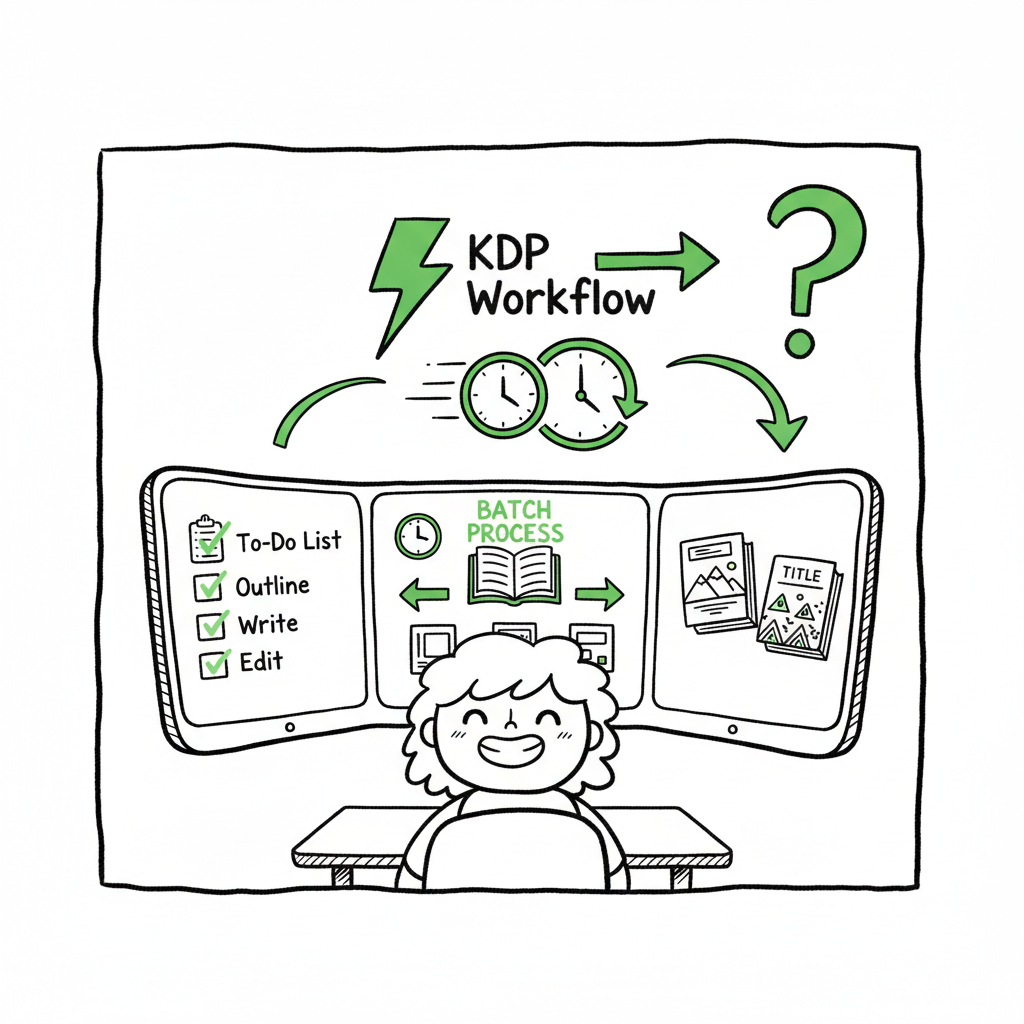
KDP Author Workflow for Scalable Publishing Systems
kdp author workflow: Build a repeatable system that scales
Estimated reading time: 12 minutes
Key takeaways
- A repeatable kdp author workflow cuts manual work and reduces publishing errors.
- Batch preparation, platform-aware files, and multi-platform distribution are the core levers for speed.
- Use tools that handle CSV batch uploads, platform-specific intelligence, and cover/format conversions to save ~90% of upload time.
- BookUploadPro makes wide distribution practical once you publish seriously: automate the upload. Own the distribution.
Table of Contents
- Why a scalable KDP author workflow matters
- Designing an efficient kdp author workflow
- Multi-platform publishing and automation
- FAQ
Why a scalable KDP author workflow matters
If you plan to publish multiple titles a year, the difference between a one-off project and a repeatable kdp author workflow is huge. Early on, authors can afford to follow the step-by-step checklist in a single sitting. After three or four titles, the same manual steps become costly time sinks: repeated metadata entry, formatting fixes, cover tweaks, and re-entering distribution choices.
A practical kdp author workflow focuses on repeatability and error reduction. It records what you do for one book and turns that into templates and files you can reuse. That idea applies across the publishing lifecycle: manuscript prep, formatting, cover, metadata, pricing, and uploads. One helpful reference for platform-specific requirements is Amazon KDP for Authors, which explains KDP’s fields and settings and helps you map your templates to the platform’s expectations. Early alignment with the platform prevents last-minute re-work.
More than speed, a reliable workflow protects your royalties and your sales momentum. Mistakes like incorrect ISBNs, wrong trim sizes, or mismatched metadata can take weeks to correct on some outlets. A systematic approach prevents those errors and makes it possible to publish at scale without hiring a larger team.
Designing an efficient kdp author workflow
Start from the output you need: a set of platform-ready files and a completed upload form for each store. Work backward to identify repeatable tasks and what can be batched.
1) Define your product types and templates
Decide the formats you’ll publish: paperback, hardcover, ebook, and audio (if applicable). For each format, create clear templates:
- Manuscript template with the right trim and margins.
- eBook conversion checklist (fonts, images, TOC).
- Cover templates sized to platform specs.
- Metadata spreadsheet with standardized categories.
A metadata spreadsheet is the single most valuable tool. Columns should include title, subtitle, series name, author, contributors, description, keywords, BISAC categories, trim size, interior type, and price per marketplace. Keeping a clean CSV means you can reuse the same structure across many titles and reduce copy-paste errors.
2) Optimize manuscript and formatting steps
Avoid hand-editing the same fixes for every book. Use a single source manuscript and a deterministic conversion step:
- Keep the working manuscript in a consistent format (DOCX or Markdown).
- Use styles in DOCX (Heading 1, Heading 2, Body Text) so conversions produce a reliable structure.
- Automate conversion to ebook formats where possible. If you need to convert to EPUB, use a tested converter that preserves styles and TOC structure to avoid publishing glitches — for reliable conversion, consider an EPUB converter that automates the process.
A deterministic conversion reduces the “it looked fine on my machine” problem. When you spot formatting issues in one title, fix the template so the same issue won’t appear in the next title.
3) Batch cover production and quality checks
Cover creation can be a bottleneck if each cover is treated as a unique design problem. Establish a cover workflow:
- Use a template system for typography and layout.
- Keep master files for spine and back cover layout tied to trim sizes.
- Build a quick visual checklist: readable title at thumbnail size, correct spine text for page counts, barcode area clear, and color-safe for print.
If you create covers frequently or need to produce many variations, a cover generator speeds things up and enforces consistency. When you mention using a cover generator in your process, it’s natural to link to a processing tool that handles batch cover files and sizing.
4) Keep a single source of truth for metadata and rights
Record ISBNs, imprint names, distribution rights, and pricing in your master spreadsheet. When rights change or a re-release happens, update the spreadsheet and re-run your upload process. Always export CSVs with the same structure for any upload tool you use.
5) Build a reliable upload checklist
A practical upload checklist reduces errors during the final step:
- Confirm final file names and sizes.
- Validate EPUB or PDF according to platform specs.
- Check metadata fields for forbidden characters and length limits.
- Verify pricing math and marketplace availability.
- Run a read-through on the platform previewer for both print and ebook.
Where possible, perform uploads in consistent batches. If you upload one title at a time, you’ll re-run the same manual steps repeatedly. Batching uploads saves time and mental overhead.
Multi-platform publishing and automation
Publishing broadly adds complexity: different stores require different file types, cover sizes, and metadata fields. That’s where automation and platform-aware tools pay off.
Why distribute beyond KDP?
Amazon is critical, but limiting distribution reduces reach and resilience. Kobo and Apple Books reach different readers, Draft2Digital and Ingram provide bookstore channels, and direct distribution to libraries or aggregators expands audience types. If your process keeps each platform as a separate manual job, you’ll never scale.
Core principles for multi-platform distribution
- Unified metadata: Keep one metadata source and map fields to each platform. Your central CSV becomes the single truth.
- Format variations: Produce platform-specific files from the same master manuscript. For example, create an EPUB variant tuned for Apple and Kobo, and a print-ready PDF for Ingram.
- Platform intelligence: A good tool understands platform quirks (image density, trim sizes, spine computation) and applies them automatically.
- Error reporting: When a platform rejects a file, get a clear, actionable error so you can fix the source template rather than repeating trial-and-error on the platform.
How automation changes the game
Doing everything by hand, platform by platform, is manageable for one title but inefficient for dozens. Automation lets you:
- Upload many titles from a CSV in one operation.
- Automatically convert manuscripts to required formats and resize covers based on trim size.
- Populate metadata fields across stores without re-keying.
- Flag and fix common rejections before they hit live stores.
BookUploadPro’s role and when it becomes an obvious upgrade
When authors start publishing seriously, the manual steps become costly. BookUploadPro is designed to automate repetitive uploads across Amazon KDP, Kobo, Apple Books, Draft2Digital, and Ingram. Its value is practical:
- Unified multi-platform publishing from a single CSV.
- ~90% time savings compared to manual uploads.
- Platform-specific intelligence that reduces rejections.
- CSV batch uploads and error reduction that make wide distribution practical.
- Affordable pricing and a free trial to test with your first batch.
At scale, BookUploadPro stops uploads from being the bottleneck. Automate the upload. Own the distribution.
Practical examples and tool integrations
1) EPUB conversion and checking
A reliable conversion step prevents rejections that come from bad EPUB internals or broken TOCs. If your workflow includes converting manuscripts to EPUB for Apple or Kobo, use a tested converter to automate that conversion and validation. There are converters that accept DOCX or Markdown and output validated EPUB, preserving styles and generating an accessible TOC.
2) Cover generation and sizing
When you produce multiple paperback or ebook covers, use a generator or template processor that outputs correctly sized front/back/spine files for print and a thumbnail-optimized version for stores. A cover generator can also batch-apply barcode placement and trim-specific spine text.
3) Batch uploads via CSV
The single biggest multiplier is a CSV-driven upload tool. With a standard CSV:
- The system reads title-level metadata and file references.
- It converts and resizes assets as needed.
- It uploads to the chosen platforms and returns a concise report.
This changes publishing from a half-day manual chore into a monitored task with predictable runtime and outcomes.
Add-on processes that keep the pipeline honest
- Version control: Keep a dated version for manuscript and cover files so you can roll back if needed.
- Staging runs: Run a single test title through the whole pipeline before sending a batch of ten.
- Automated validation: Let the system flag missing fields and policy violations before upload.
Tools you’ll use and what they should do
- Manuscript editor (DOCX/Markdown) with consistent styles.
- EPUB converter that preserves headings and TOC.
- Cover generator that outputs print-ready PDFs and web-sized thumbnails.
- Batch uploader that accepts CSV and integrates platform rules.
If your toolchain includes conversion and cover processing, find services that accept batch inputs. For example, when you need a quick conversion to EPUB as part of a batch, an EPUB converter endpoint can be integrated into the pipeline to avoid manual steps. Also consider cover generation tooling for batch outputs.
If your workflow includes publishing to multiple platforms, book creation workflow can be accelerated with the right automation stack.
FAQ
FAQ
Q: How do I start moving from a one-off process to a repeatable kdp author workflow?
A: Begin by standardizing your inputs. Use a single metadata spreadsheet, create manuscript and cover templates, and run one title through the whole pipeline to capture pain points. Then automate the parts that cause the most rework: conversions, cover sizing, and metadata population.
Q: Which parts of KDP publishing cause the most errors?
A: The usual culprits are incorrect trim sizes, mismatched cover spine text for the final page count, malformed EPUBs, and inconsistent metadata fields (like mismatched title casing or series names). Standard templates and automated validation catch most of these before upload.
Q: Do I need different files for each store?
A: Often yes. Print files need specific PDF settings for Ingram or KDP print. EPUBs may need minor adjustments for Apple and Kobo. A workflow that starts with a single source and outputs platform-aware files reduces duplication of effort.
Q: Can I upload many books at once?
A: Yes, using a CSV-driven batch uploader. Prepare a clean CSV with file paths and metadata, and use a tool that reads each row and performs the required conversions and uploads. That’s the multiplier for scale.
Q: When should I consider a service like BookUploadPro?
A: When you find yourself repeating the same upload steps more than a few times a year. If you want unified multi-platform distribution, significant time savings, and fewer platform rejections, BookUploadPro is an obvious upgrade once you publish seriously.
Sources
- https://www.bookautoai.com/book-cover-generator-processing
- https://www.bookautoai.com/epub-converter
- https://www.bookautoai.com
- https://blog.bookuploadpro.com/amazon-kdp-for-authors
kdp author workflow: Build a repeatable system that scales Estimated reading time: 12 minutes Key takeaways A repeatable kdp author workflow cuts manual work and reduces publishing errors. Batch preparation, platform-aware files, and multi-platform distribution are the core levers for speed. Use tools that handle CSV batch uploads, platform-specific intelligence, and cover/format conversions to save…