Amazon KDP Kids Book Sizes, Bleed and Margins Guide
Amazon KDP Kids Book Sizes
Estimated reading time: 9 minutes
Key takeaways
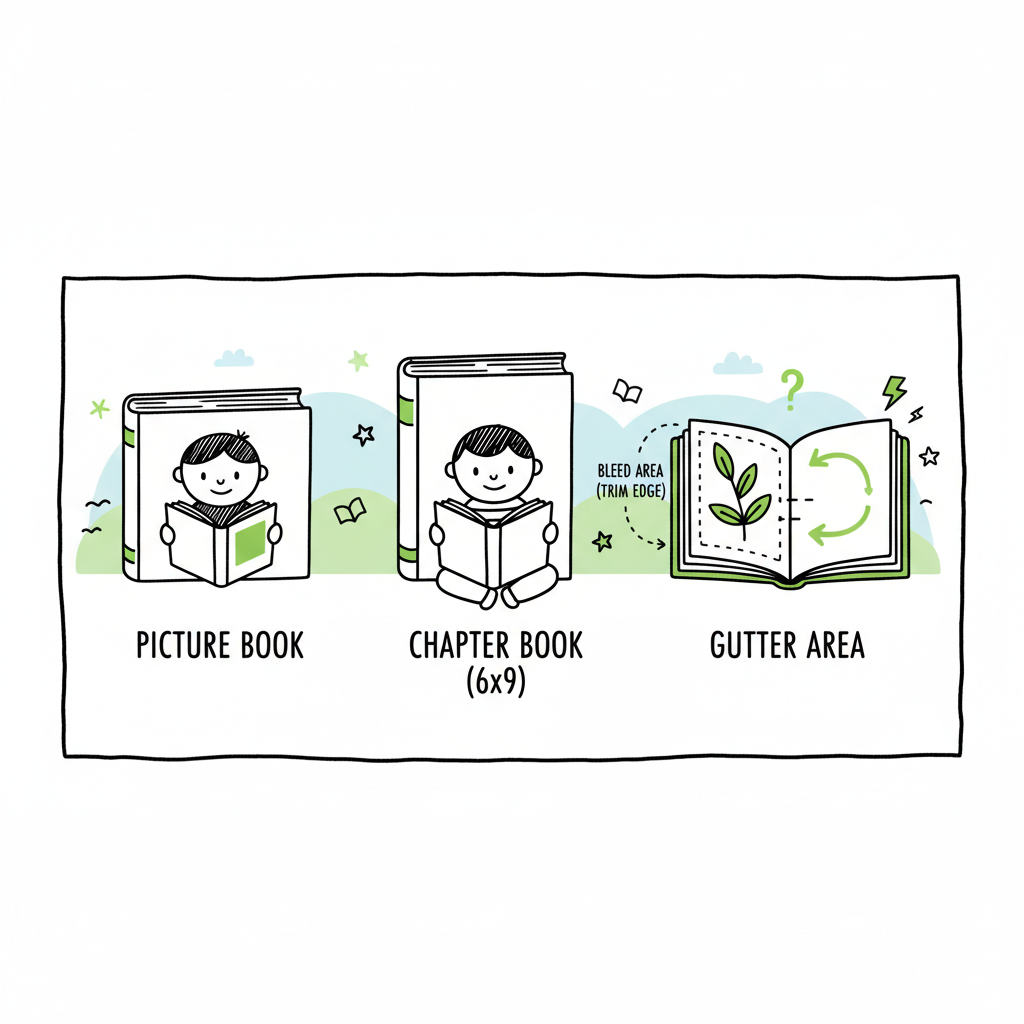
- Pick the trim size that fits your book’s artwork and reading level: square formats for picture books, 6 x 9 for chapter books.
- Account for bleed, gutters, and page-count limits when you lay out your files; KDP changes dimensions slightly for bleed.
- When publishing multiple titles, use bulk publishing to save time, reduce upload errors, and keep consistent settings across platforms.
Table of Contents
- What works best: common Amazon KDP kids book sizes
- Bleed, margins, and page-count rules you need to follow
- File prep: covers, EPUBs, and print-ready interiors
- Publishing at scale and how BookUploadPro helps
- FAQ
- Final thoughts
- Sources
What works best: common Amazon KDP kids book sizes
Children’s books need to show illustrations clearly and read comfortably. That means size choices matter. For AI-assisted publishing insights, see Amazon KDP AI Writing. Here are the sizes authors use most on Amazon KDP:
- 8.5 x 8.5 inches (square): A top pick for picture books that rely on centered illustrations. It gives even space for spreads and works well for toddlers and preschool books.
- 8.5 x 11 inches (landscape or portrait): Great when illustrations need more vertical or horizontal room. Common for activity books or full-page art.
- 8.25 x 8.25 inches: Similar to 8.5 square, slightly smaller but still friendly for picture-heavy layouts.
- 7 x 10 inches: A middle-ground option that helps if you want larger text without full 8.5 width.
- 6 x 9 inches: The standard US trade size and the most common KDP trim for chapter books and early middle-grade titles where text dominates.
- 5 x 8 inches: Small format suitable for early readers with simpler art and less full-bleed imagery.
Pick a size based on the book’s purpose. Picture books benefit from square or larger rectangular sizes to show full illustrations. Text-driven chapter books usually use 6 x 9. Remember KDP enforces minimum and maximum page counts for each trim option; picture sizes often allow fewer pages than plain text sizes.
Bleed, margins, and page-count rules you need to follow
Trim size is only one part of layout. Proper bleed and margin settings keep artwork from being trimmed off and maintain readability.
Bleed
- If your artwork goes to the edge of the page, use bleed. KDP adds a small extra around the trim when you upload.
- Example: a 6 x 9 book with bleed typically needs a file size of 6.125 x 9.25 inches. Always check the exact specs in KDP’s help for the current bleed extension.
Margins and gutters
- Keep main text and important artwork at least 0.25–0.375 inches inside the trim. For books with many pages, increase the inner gutter so text isn’t lost in the binding.
- KDP requires wider inside margins for thicker books (larger page counts). Plan interior spacing early so you don’t reflow pages later.
Page counts
- Each trim has a minimum and maximum page count. For example, popular sizes may allow from 24 up to several hundred pages depending on ink type and paper.
- Picture-heavy sizes sometimes have higher minimums or tighter maximums. If you’re making a short board-style book or a long illustrated volume, check KDP’s page limits before finalizing layout.
File resolution and image placement
- Images should be 300 DPI at final print size. Low-resolution art will look soft or pixelated when printed.
- For two-page spreads, export a single spread at the correct bleed size so there’s no seam mismatch.
File prep: covers, EPUBs, and print-ready interiors
Preparing files for children’s books means handling several moving parts: a cover that works in thumbnails and print, interior images that align with text flow, and a digital file when you publish an ebook version.
Covers
A print cover needs a back, spine, and front combined into one PDF sized to the final page count, paper type, and trim. Don’t forget spine width depends on page count and paper weight.
If you use a cover generator or need batch processing for many titles, tools exist to automate resizing and export. For automated cover generation and processing, consider using a book cover generator that handles trim, spine, and bleed in one step.
EPUB and ebook formatting
Illustrated ebooks for children need special attention: fixed-layout EPUBs or Kindle’s illustrated tools handle exact image placement better than reflowable text. If you’re converting manuscripts to EPUB, use a reliable converter that preserves image quality and layout. An EPUB converter that supports illustration workflows will save time and reduce rework.
Print-ready interiors
Export interiors as PDF/X-1a or a high-quality print PDF with embedded fonts and required bleeds. Keep RGB images converted to CMYK if your workflow or printer needs it, and verify KDP’s current color handling.
For batch publishing, store templates for common trim sizes. Templates prevent late-stage fixes and keep margins consistent across multiple titles.
Publishing at scale and how BookUploadPro helps
When you publish one book, manual uploads and settings are manageable. When you publish dozens or hundreds, each upload is repetitive: choosing trim size, entering metadata, uploading interior and cover, and selecting distribution options. That’s where bulk publishing workflows become practical.
BookUploadPro supports unified multi-platform publishing for Amazon KDP, Kobo, Apple Books, Draft2Digital, and Ingram. It uses CSV batch uploads and platform-specific intelligence to apply the right trim size, bleed, and interior file for each channel, which can save roughly 90% of the time spent on uploads and cut human error.
A few ways bulk publishing helps:
- Consistency: Apply the same trim, margin, and file settings across multiple titles so every book looks correct on all platforms.
- Speed: CSV batch uploads move hundreds of titles through the pipeline instead of a single manual submission each.
- Error reduction: Automatic checks flag common problems like incorrect spine dimensions, wrong bleed, or missing EPUB assets before you submit.
- Distribution: Publish the same title to several stores without repeating form fields.
For authors exploring automated workflows and AI-assisted content tools, see Amazon KDP AI Writing for approaches that pair manuscript generation with structured publishing pipelines. Automate the upload. Own the distribution. Once authors start publishing seriously, a system like BookUploadPro is an obvious upgrade.
If you’re considering a book-cover workflow, you can also explore tools that handle cover design and processing end to end. In addition, EPUB conversion tools can help preserve layout across devices, while bulk-upload features streamline distribution to multiple stores.
For authors who want to move fast, consider using a book cover generator processor for consistent spine and back layouts, then export print-ready interiors and optimized EPUB files for ebook versions.
BookUploadPro offers CSV batch uploads, platform-specific intelligence, and wide distribution to KDP, Kobo, Apple Books, Draft2Digital, and Ingram—making consistent multi-platform publishing practical and affordable.
The goal is to apply the same settings across titles so every book maintains a consistent look and feel on all platforms. This reduces rework and speeds rollout, especially when releasing several titles in a short period.
If you’re ready to streamline your publishing workflow, explore bulk upload options and templates to keep margins, bleeds, and spine widths consistent across titles.
BookUploadPro’s bulk-upload approach can save significant time and reduce errors as your catalog grows.
Visit BookUploadPro and see how bulk publishing speeds multi-platform publishing.
FAQ
Which size should I pick for a first picture book?
Start with a square option like 8.5 x 8.5 or 8.25 x 8.25 if you rely on full-page art. Those sizes display illustrations well and are common among readers and retailers.
Can I use full-bleed images on KDP?
Yes, but export your files with the required bleed extensions. Check KDP’s trim and bleed specs and confirm image resolution is 300 DPI.
Should I create a reflowable EPUB for a picture book?
For picture books, fixed-layout EPUBs or platform-specific illustrated formats are usually better because they preserve image placement. Use a dedicated EPUB converter to maintain layout.
How do I handle covers for many books?
Use templates or a cover generation tool that outputs print-ready covers sized to each trim. If you need processing at scale, automated cover generation services can create correctly sized front, spine, and back files quickly.
Should I test print proofs before publishing?
Yes. Print proofs help verify bleed, margins, color accuracy, and overall layout before wide distribution.
Do page-count minimums affect print quality or cost?
Page counts interact with trim, paper type, and printing costs. Check KDP’s page-count rules for your selected trim and paper to plan pricing and feasibility.
Final thoughts
Choosing the right Amazon KDP kids book sizes starts with your audience and how your art and text interact. Square and large rectangular trims are best for picture books; 6 x 9 works well for chapter books. Always plan bleed and margins early and test print proofs before wide distribution.
If you publish multiple titles, bulk publishing helps remove repetitive tasks and reduces mistakes. BookUploadPro offers CSV batch uploads, platform-specific intelligence, and wide distribution to KDP, Kobo, Apple Books, Draft2Digital, and Ingram—making consistent multi-platform publishing practical and affordable.
Visit BookUploadPro to see how bulk publishing speeds multi-platform publishing.
Sources
Sources
- Set Trim Size, Bleed, and Margins — Kindle Direct Publishing (KDP Help)
- Print Options — Kindle Direct Publishing (KDP Help)
- How to publish children’s books on KDP — Kindle Direct Publishing
- Community discussions on children’s book specs — KDP Community
- A Quick Guide to Trim Sizes in Amazon KDP — CoverJig
- What Are The Best Children’s Book Sizes — Brooke Vitale
Amazon KDP Kids Book Sizes Estimated reading time: 9 minutes Key takeaways Pick the trim size that fits your book’s artwork and reading level: square formats for picture books, 6 x 9 for chapter books. Account for bleed, gutters, and page-count limits when you lay out your files; KDP changes dimensions slightly for bleed. When…