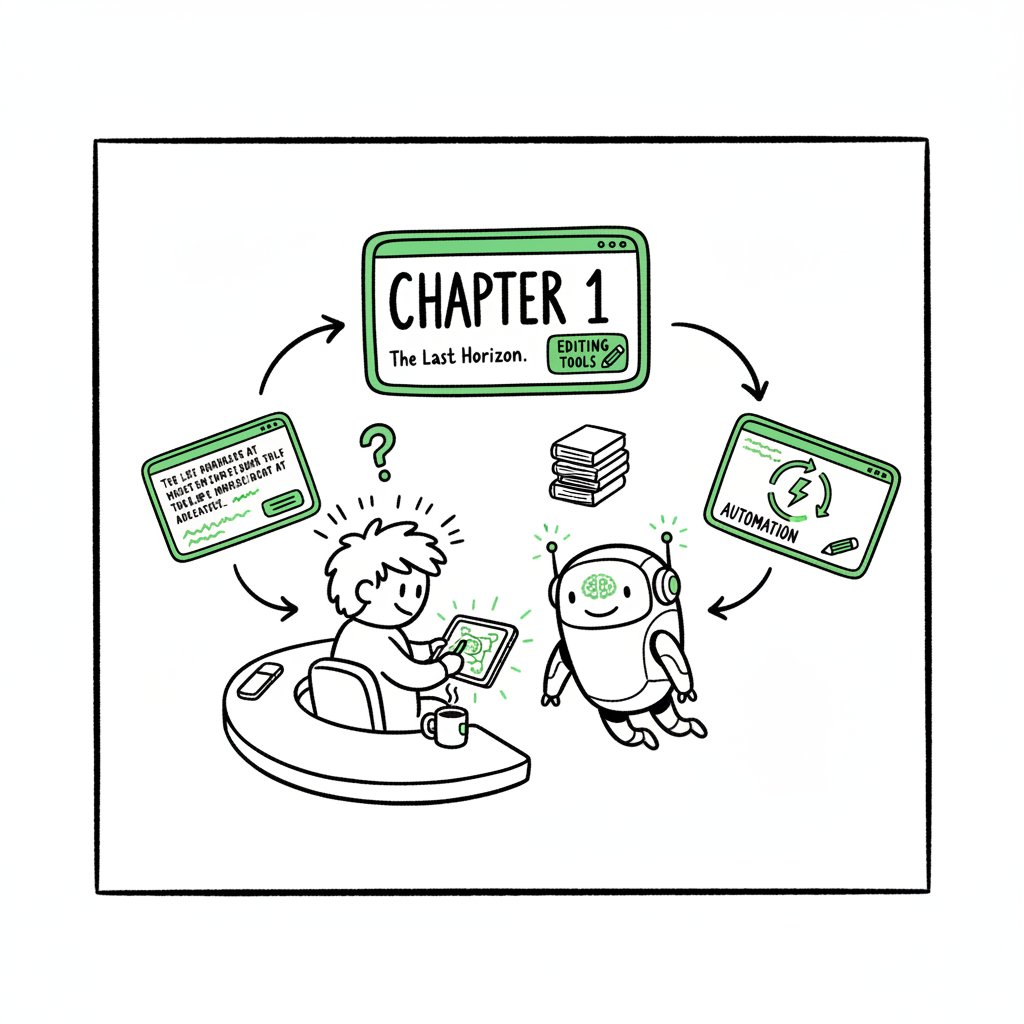
AI Book Chapter Writing Workflow for Faster Drafts
AI Book Chapter Writing: Practical Workflow for Faster, Better Books
Estimated reading time: 5 minutes
Key takeaways
- AI book chapter writing speeds initial draft production but still needs human-guided editing and structure control.
- Treat chapters like units in a “chapter factory”: generate, evaluate, revise, and lock before publishing.
- When you publish at scale, automation tools like BookUploadPro turn chapter output into wide distribution with big time savings.
Table of Contents
- How ai book chapter writing works
- A chapter factory workflow
- Quality checks and revisions
- Publishing and distribution at scale
- FAQ
- Sources
How ai book chapter writing works
AI book chapter writing is a toolset, not a replacement for craft. At its simplest, you give a model structure (a chapter brief, tone, word target, and key points) and it returns a draft you can edit. That draft cuts the time spent on first-pass composition and helps authors who publish multiple titles keep momentum. If you are working toward multi-format release, you’ll also want to plan formatting and conversion steps at the same time.
For authors publishing on Amazon and other channels, it’s useful to connect your chapter workflow to platform-ready output. For example, writers who focus on Amazon often research best practices for metadata and chapter teasers used in Amazon’s ecosystem; you can explore techniques around Amazon KDP AI Writing to tailor chapter content to discoverability and reader expectations. While AI can generate a usable draft fast, the goal is to convert that draft into a consistent book that reads like a single voice across every chapter.
A chapter factory workflow
Treat each chapter as a repeatable unit. That changes how you write and how you hand work off to editing and publishing systems. A simple factory workflow looks like this:
- Brief: One-paragraph objective, bullets of points to cover, target length, tone, and any research sources.
- Generate: Use an AI model to produce a draft from the brief.
- Evaluate: Read for factual errors, coherence, and voice. Score the draft on a short checklist.
- Revise: Edit for clarity, add transitions, and fill gaps. If the draft is weak, iterate with a tighter brief.
- Lock: Finalize the chapter and export to your book file.
This approach scales because briefs are small, repeatable assets. When you have ten briefs for a ten-chapter book, you can generate ten drafts quickly and then batch the editing work. If you plan to distribute widely, prepare exports that map cleanly into ePub and print files; services exist that convert manuscripts reliably to ePub, so add conversion into the workflow early to catch layout issues. If you also still need a cover, consider quick options from a reliable cover generator to keep production moving.
Quality checks and revisions
Good chapter-level AI work requires a predictable editorial process. Common checks include:
- Voice consistency: Compare a sample across chapters to keep tone and sentence rhythm steady.
- Fact-checking: AI will hallucinate. Verify dates, names, statistics, and claims before they go live.
- Structural transitions: Ensure chapters flow logically; add linking paragraphs where needed.
- Redundancy trimming: AI can repeat ideas—remove repetition so chapters feel fresh.
- Readability: Aim for clear sentences and short paragraphs. Run the text through a readability check and a fresh human read.
Editing is where most of the value lives. The AI saves time on drafting; the editor preserves reputation and reader experience. For teams, create a short editorial checklist authors must complete before a chapter is marked “locked” and moved into formatting.
Publishing and distribution at scale
Once chapters are locked and the manuscript is formatted, the next step is getting the book to readers across platforms. This is where automation moves from nice-to-have to essential. Converting your manuscript to platform-ready files (for example, converting to ePub) is a predictable technical step; tools that automate conversion reduce manual errors and speed delivery. If you need a reliable EPUB converter, use dedicated conversion software to keep layout and metadata intact.
Create the paperback and ebook assets together so you’re not repeating work for each channel. For many authors, a centralized book-creation hub simplifies that step and minimizes mistakes. When you are ready to distribute, batch uploads and CSV feeds let you push many titles or formats quickly. That’s exactly the problem BookUploadPro solves: unified multi-platform publishing across Amazon KDP, Kobo, Apple Books, Draft2Digital, and Ingram with platform-specific intelligence, CSV batch uploads, and automated error checking. For authors publishing seriously, BookUploadPro becomes an obvious upgrade—saving roughly 90% of the repetitive time spent on uploads and reducing the errors that cost extra rounds of fixes.
Automating uploads doesn’t remove the need for platform-specific tweaks—cover requirements, trim sizes, and metadata rules differ—but it centralizes those rules and applies them automatically. That makes wide distribution practical without hiring a full operations team. Automate the upload. Own the distribution.
Final thoughts
AI book chapter writing is practical: it speeds drafting and lowers the cost per title, but it shines when combined with disciplined editorial checks and automated distribution. If you publish more than one title a year, turn the chapter workflow into a repeatable system, automate conversion and uploads where possible, and keep a short editorial checklist to protect quality. BookUploadPro is built for that scale—automating uploads across platforms, applying platform rules, and letting you focus on writing and editing.
Visit BookUploadPro.com to start a free trial and see how batch publishing changes your output.
FAQ
Q: Can AI write an entire chapter without human edits?
A: Technically yes, but quality and accuracy will vary. Plan for human revision to catch errors, ensure voice consistency, and add unique author insight.
Q: How does AI affect publishing speed?
A: AI significantly shortens initial drafting time. The real bottleneck becomes editing and formatting, which is why combining AI drafting with conversion tools and upload automation accelerates end-to-end publishing.
Q: Do I need special software to convert manuscripts for multiple platforms?
A: You don’t need complicated tools, but a reliable EPUB converter and a unified publishing tool save time and reduce mistakes. These tools are especially useful when you publish multiple books or formats.
Q: What about covers and print layouts?
A: Use a cover generator or a designer depending on the project. For print, double-check trim sizes and interior formatting before you push files live.
Sources
- BookUploadPro
- Amazon KDP AI Writing
- BookAutoAI EPUB Converter
- BookAutoAI Book Creation Tools
- BookAutoAI Cover Generator
AI Book Chapter Writing: Practical Workflow for Faster, Better Books Estimated reading time: 5 minutes Key takeaways AI book chapter writing speeds initial draft production but still needs human-guided editing and structure control. Treat chapters like units in a “chapter factory”: generate, evaluate, revise, and lock before publishing. When you publish at scale, automation tools…