Beginner KDP Author Practical Guide to First Book Steps
Beginner KDP Author: A Practical Guide to Your First Book and Multi-Platform Publishing
Estimated reading time: 16 minutes
Key takeaways
- Start simple: focus on one clear book idea, a clean manuscript, and a reliable formatting flow.
- Prepare files once and distribute widely: EPUB, paperback-ready PDF, and metadata are reusable across platforms.
- Automation lets serious authors scale: CSV batch uploads and platform-specific checks cut repetitive work by about 90%.
Table of Contents
- What a Beginner KDP Author Needs to Know
- Formatting, Covers, Uploading, and Automation
- FAQ
- Sources
- Final thoughts
What a Beginner KDP Author Needs to Know
Becoming a beginner KDP author is mostly about practical steps, not inspiration. The early wins come from finishing a clean manuscript, understanding basic formatting, and choosing how wide you want to distribute. If you’re new to Kindle Direct Publishing (KDP), focus on the fundamentals: a ready manuscript, a clear title and subtitle, an author name, a short book description, and basic cover art that reads at thumbnail size. For a quick overview, Amazon KDP for Authors.
If you want a straightforward KDP-specific walk-through later, our overview on Amazon KDP for Authors can help you see the platform’s interface and required fields quickly. That resource is especially useful when you reach the upload screen and need to match your files to KDP’s expectations.
Start with a simple publishing plan
- Define your goal. Is this a test book to learn the process, a lead magnet, or a revenue product? Your launch and distribution choices depend on that.
- Pick a minimum viable product. For most first books, that’s a 10,000–40,000 word manuscript with a basic cover and one solid distribution channel.
- Set a timeline you can keep. Deadlines motivate edits and file prep; a two- to six-week timeline for first-time authors is realistic.
Understand formats and metadata
Metadata is the repeating task that matters: title, subtitle, author name, book description, keywords, categories, and BISAC codes. Treat metadata like code for discoverability—accurate, consistent, and intentional.
File formats you’ll need:
- Manuscript: DOCX is accepted by KDP and many other retailers, but you’ll eventually convert to EPUB for broader distribution.
- Paperback interior: print-ready PDF with correct margins and bleed.
- Ebook: EPUB is the industry standard for non-Amazon stores and is accepted by most aggregators. Amazon will internally convert a MOBI/EPUB but giving KDP a clean EPUB or formatted DOCX gives better results.
- Cover: separate front cover and full-wrap PDFs for print; a single image for ebooks. Covers must work at thumbnail size; simple typography and strong contrast help.
Plan distribution up front
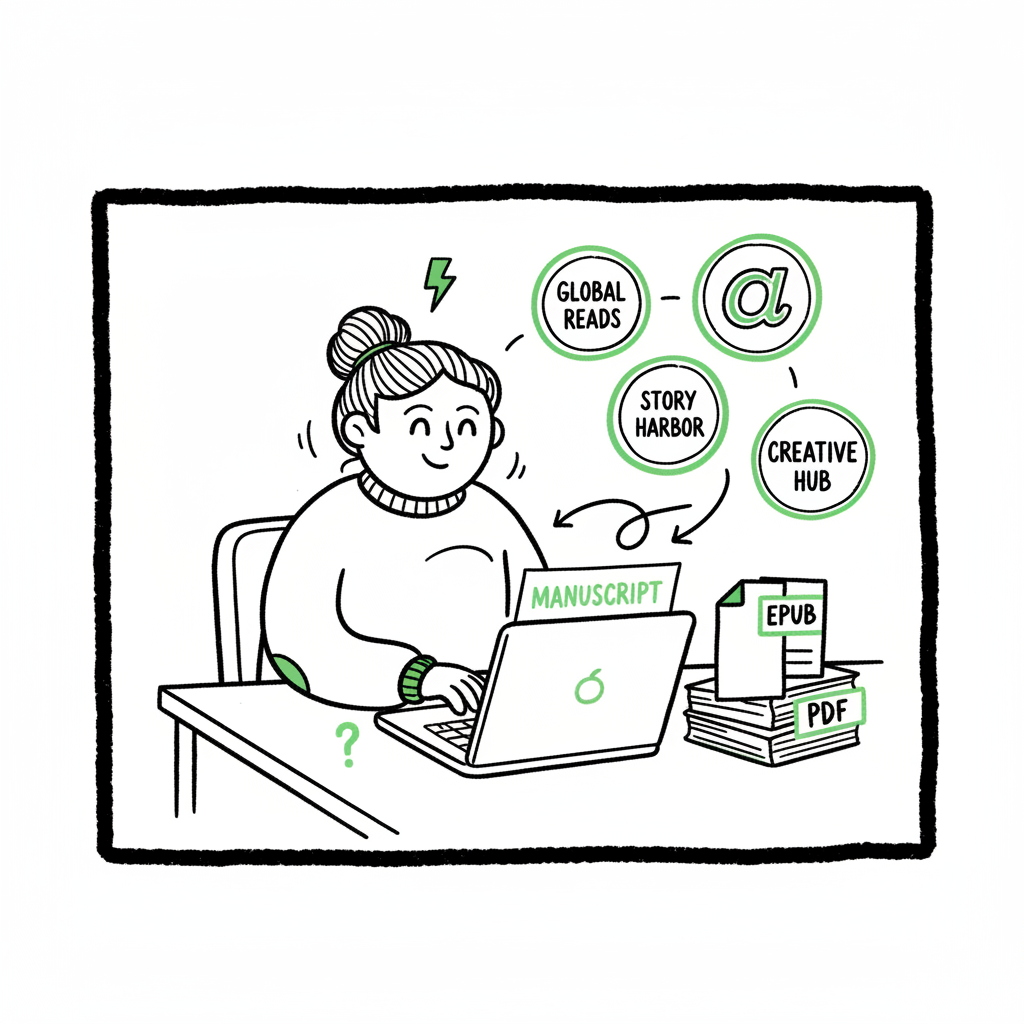
KDP is an obvious starting point for many authors because of Amazon’s market share, royalties, and tools. But serious self-publishers think beyond one store. Wide distribution (Kobo, Apple Books, Draft2Digital, Ingram, Kobo) makes your book available in lending libraries, bookstores, and international storefronts. You’ll reuse the same core files and metadata; the trick is matching each platform’s upload rules.
As you move past your first title, a unified multi-platform publishing approach becomes obvious. It cuts duplicate work and reduces errors, especially when you publish multiple titles or editions.
Formatting, Covers, Uploading, and Automation
Formatting well saves time and protects your book’s presentation. This section covers file prep, cover creation, and how automation removes repeating tasks when you go wide.
Manuscript cleanup
- Before you think about EPUB or print, finalize the manuscript:
- Line edit for grammar and clarity, then do one pass for formatting (consistent chapter headings, no doubled paragraph returns, and consistent list styles).
- Remove hidden formatting: Use “Paste as plain text” or clear styles if you’ve copied from multiple sources.
- Use paragraph styles in Word (Normal, Heading 1, Heading 2). Heading styles become navigation anchors in EPUB and improve Kindle’s table of contents.
Converting to EPUB and validating
EPUB is the format every store except Amazon prefers as the canonical ebook file. Convert your clean DOCX to EPUB using a reliable converter, then validate it. A validated EPUB prevents errors like missing images, bad table of contents, or broken links. If you need a fast, automated conversion service that handles edge cases and validation, use a professional EPUB converter that integrates with your workflow.
Create covers that work
A cover is a marketing asset and a functional one. For ebooks, the thumbnail is the most important size; for paperbacks you must also design the spine and back cover. If you’re experimenting, a cover generator can produce clean, print-ready front covers quickly, or you can commission a designer for a custom look.
Print-ready files and ISBNs
Paperbacks require print-ready PDF interiors and covers sized to your chosen trim. Decide on trim size early (e.g., 6”x9”) because margins, gutter, and page count change. Assign an ISBN if you want broader distribution beyond Amazon’s free ISBN option (using your own ISBN preserves your imprint). If you use a distribution service or Ingram, they usually require a publisher-supplied ISBN.
Uploading to multiple platforms
Uploading once is fine for a single store. Uploading the same book to five platforms is repetitive unless you use a system that reuses your files and metadata. In manual workflows you’ll re-enter metadata and re-upload files for each store. That’s costly in time and invites mistakes.
Automation and multi-platform publishing
BookUploadPro is built for authors who publish seriously: unified multi-platform publishing, CSV batch uploads, platform-specific intelligence, and built-in error reduction. When you publish more than a couple of titles or multiple formats, automation is an obvious upgrade. Automate the upload. Own the distribution.
Practical tips for avoiding common upload errors
- Verify file names and extensions. Some platforms reject uppercase extensions or special characters.
- Keep images under the platform file-size limits and use RGB for ebooks, CMYK for print covers when required.
- Match keywords and categories to the platform’s taxonomy—what looks right on Amazon may map differently on Kobo or Apple.
- Test purchases. After your book is live, buy copies on a few platforms to check formatting, cover, and metadata.
When to batch
If you have more than three titles—or if you publish in multiple formats per title—prepare a CSV manifest that lists the title, author, ISBN, file paths, price, territories, and release date. A good batch tool reads that CSV and performs platform uploads using platform-specific rules. You save time and eliminate human error.
Why platform-specific intelligence matters
Each store has quirks: Kobo’s category structure differs from Amazon’s; Apple requires certain images to be uploaded in a specific order; Ingram prefers different metadata tags. A publishing tool that knows these differences can automatically adapt your files during upload so you don’t need separate workflow documents for every outlet.
FAQ
Q: I’m a first-time author — should I start on KDP or go wide from the first book?
A: Start on KDP if you want to learn the interface and take advantage of Amazon’s promotional tools. If your goal is long-term audience building across ecosystems, prepare your files for wide distribution from the start so your transition is smooth.
Q: What are the first KDP book steps I should follow?
A: Write and finish your manuscript, clean and format it, create or source a cover, prepare an EPUB and print-ready PDF (if you’ll do paperback), pick metadata (title, subtitle, description, keywords), choose pricing and territories, and upload. Keep a checklist and validate files before final submission.
Q: Is there a simple KDP starter tutorial?
A: Yes—start by uploading a small test book to KDP to learn the fields, then repeat the process with your main title. Use templates for paperback interiors and a style guide for metadata. That repetition is the fastest teacher.
Q: How do I choose between using KDP’s free ISBN and buying my own?
A: If you want to list yourself as the publisher and retain full control, buy your own ISBN. If you’re experimenting and want to keep costs low, KDP’s free ISBN gets a paperback live quickly—but it lists Amazon as the publisher.
Q: What’s the right file format for ebook distribution?
A: EPUB is the industry standard outside Amazon. Keep a clean DOCX as your source, produce a validated EPUB for non-Amazon stores, and a print-ready PDF for paperbacks.
Q: Can I use the same cover for Kindle and other stores?
A: You can use the same front-cover artwork for ebook stores, but print covers need full-wrap designs. Make sure the cover works at thumbnail size and meets each store’s technical specs.
Q: How do I keep track of editions and ISBNs across platforms?
A: Maintain a metadata spreadsheet that maps title → ISBN → format → distributor. That single source of truth avoids re-use conflicts and keeps your catalogs consistent.
Q: What are the common reasons uploads fail?
A: Broken EPUB navigation, unsupported image formats, incorrect PDF margins or bleed, mismatched page count in the cover, and metadata fields exceeding platform character limits.
Q: How does automation reduce errors?
A: Automation applies platform-specific rules automatically, validates files before upload, and batches repetitive tasks so human typos and misplaced files are less likely.
Final thoughts
Being a beginner KDP author is a process of building reliable habits: clean manuscripts, tested file conversions, and consistent metadata. As you publish more, the repetitive work grows—and that’s when systems matter. Unified multi-platform publishing, CSV batch uploads, platform-specific intelligence, and error reduction make wide distribution practical and affordable. For authors who publish seriously, automation is an obvious upgrade that returns time and reduces friction.
If you’re ready to move from single uploads to a repeatable publishing workflow, try BookUploadPro. It automates repetitive book uploads across Amazon KDP, Kobo, Apple Books, Draft2Digital, and Ingram and offers a free trial so you can see time savings firsthand.
Visit BookUploadPro.com to try the free trial.
Sources
- https://www.bookautoai.com/book-cover-generator-processing
- https://www.bookautoai.com/epub-converter
- https://www.bookautoai.com
Beginner KDP Author: A Practical Guide to Your First Book and Multi-Platform Publishing Estimated reading time: 16 minutes Key takeaways Start simple: focus on one clear book idea, a clean manuscript, and a reliable formatting flow. Prepare files once and distribute widely: EPUB, paperback-ready PDF, and metadata are reusable across platforms. Automation lets serious authors…