AI Audiobook Creation Software Guide for Self-Publishing
AI Audiobook Creation Software: A Practical Guide for Self-Publishing Authors
Estimated reading time: 6 minutes
Key takeaways
- AI audiobook creation software turns manuscripts into finished audio quickly and affordably, letting authors test formats and expand reach.
- Choose tools that support long-form narration, chapter handling, voice variety, and commercial rights; pair AI production with clean EPUB and cover files for smooth distribution.
- Use multi-platform automation like BookUploadPro to publish audio and other formats at scale—CSV batch uploads and platform-specific intelligence save time and reduce errors.
Table of Contents
- What ai audiobook creation software does
- Choosing the right ai audiobook creation software
- Publishing, distribution, and automation at scale
- FAQ
- Sources
What ai audiobook creation software does
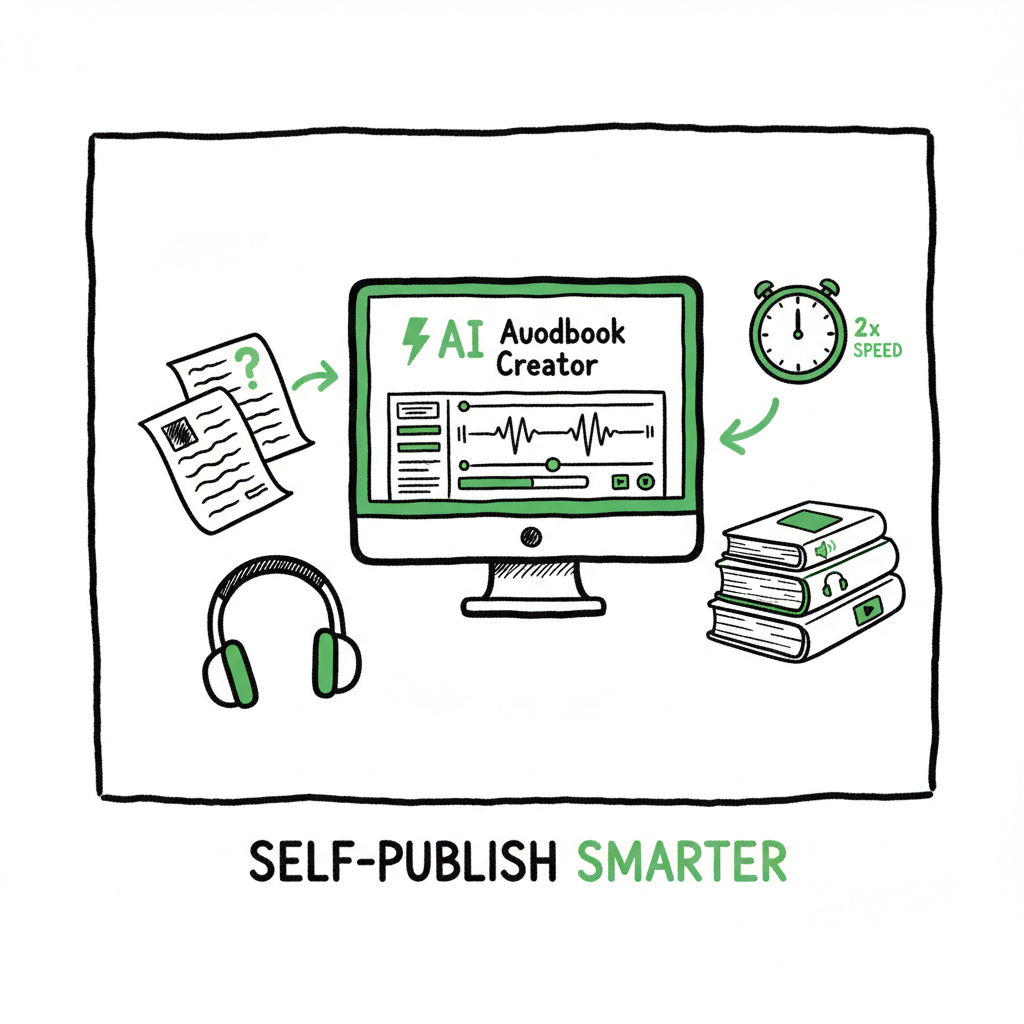
AI audiobook creation software converts your manuscript into narrated audio using modern text-to-speech (TTS) engines. In practical terms, that means you upload a DOCX, TXT, or PDF, pick a voice, make small edits, and export MP3 or WAV files you can use for distribution. The software handles pacing, punctuation-driven breath control, and often offers expressive voices that sound close to human narration.
For authors, the value is straightforward: production that once took weeks and a studio budget can now be finished in hours at a fraction of the cost. These tools work especially well for nonfiction, short fiction, and backlist titles where speed and scale matter more than a bespoke emotional performance. When you pair AI audio production with platform uploads, you can add audiobook files as another SKU in your catalog quickly; for platform-specific guidance, many teams look at Amazon KDP AI Writing as part of streamlining KDP metadata and copies early in the process.
How it works, in simple steps
- Upload the manuscript or paste text chapter by chapter.
- Choose voices and tweak tone or pronunciation.
- Generate a preview, adjust pacing and intonation where needed.
- Export finished audio files ready for distribution.
Common features to expect
- Long-form support (chapter handling and continuity)
- Multiple voices and character switching
- Text editing and SSML-style controls
- Batch exports and file naming options
- Commercial rights for distribution (check terms)
For platform-specific guidance, many teams look at Amazon Kdp Ai Writing as part of streamlining KDP metadata and copies early in the process.
book cover generator can help you create publisher-ready visuals, while an EPUB converter speeds the step of formatting clean EPUBs that stores will accept.
Choosing the right ai audiobook creation software
Not all AI narration tools are the same. Your selection should match your priorities—realism, price, character performance, or long-form controls. Here’s how to choose without getting lost in marketing.
Match tool capabilities to your book
- Realism and emotion: If your book needs subtle emotional nuance, pick engines known for expressive intonation. Leading options in 2026 deliver near-studio results for most readers.
- Long-form handling: Ensure the tool can maintain voice consistency across long files and supports chapters.
- File formats and quality: Verify export options (MP3, WAV, sample rate) required by distributors like Audible or third-party platforms.
- Licensing and rights: Confirm the plan includes commercial distribution rights for audiobooks.
Workflow fit and integration
- Editing comfort: Some tools let you edit audio at the sentence level; others require text changes and a full re-render.
- Team or solo: If you work with editors or proof listeners, choose platforms that allow simple collaboration and versioning.
- Cost and scale: Free or low-cost tools are fine for tests. For higher-volume production consider platforms with monthly plans and volume features.
Practical pairing: audio + ebook + cover
Audio alone isn’t enough. To publish well, prepare a clean EPUB and a professional cover. Convert your manuscript to a validated EPUB so distribution platforms accept your files without rejects; tools like an EPUB converter speed that step and avoid format errors. For covers, use a reliable book cover generator to meet trim-size and spine rules. If you plan paperbacks and ebooks together, create a single source of truth for files and metadata—this reduces manual entry when scaling titles. If you need help with cover generation, try a dedicated book cover generator to produce publisher-ready files.
Publishing, distribution, and automation at scale
Creating an audiobook is the first half of the job. Getting it listed across platforms, with correct metadata and files, is where automation pays off.
Why automate multi-platform uploads
Uploading to Audible, Apple Books, Kobo, Draft2Digital, Ingram, and Amazon KDP one by one is slow and error-prone. Automation with CSV batch uploads and platform-aware checks saves time and prevents common rejections (wrong file names, mismatched chapters, or bad EPUBs). When you publish seriously, automation becomes an obvious upgrade.
What to automate
- Metadata and descriptions, including keywords and categories adjusted per platform
- File mapping (audio files to chapter markers, ebook files to stores)
- Pricing and royalty settings
- Territory and Rights management
- Versioning and updates for revised editions
How BookUploadPro fits
BookUploadPro unifies multi-platform publishing. It automates repetitive uploads to Amazon KDP, Kobo, Apple Books, Draft2Digital, and Ingram, using CSV batch uploads and platform-specific intelligence to cut manual work. For teams and authors publishing multiple titles, BookUploadPro can reduce time spent by roughly 90%, lower error rates, and make wide distribution practical. Automate the upload. Own the distribution.
A practical multi-format workflow
- Produce the audiobook with your AI tool and export high-quality MP3s or WAVs.
- Generate or validate the EPUB using an EPUB converter so stores accept your ebook without rejects.
- Create cover artwork sized for ebook and paperback using a book cover generator.
- Use BookUploadPro to batch-upload files and metadata to all target platforms and track status.
Rights and quality checks
- Always keep proof files: know which audio files match which manuscript version.
- Maintain a clear record of narrator voice, license, and settings for auditability.
- Run a simple proof listen through a chapter before exporting the whole book; small fixes early avoid costly re-uploads.
Final thoughts
AI audiobook creation software changes the economics of audio production. It lets authors expand formats and reach readers who prefer listening without the delay and cost of traditional studio recording. Used together with clean EPUBs, good covers, and a multi-platform publishing tool, it becomes a reliable part of a scalable publishing system.
If you are publishing multiple books, automation is the practical next step. For covers, EPUBs, and batch uploads, use the right tools so each step happens once and runs correctly across all channels. If you need a place to start producing ebook and paperback files, consider using solutions that let you create a paperback or ebook from a single source, and pair that with an EPUB converter to smooth the submission process.
FAQ
Are AI-generated audiobooks allowed on major platforms?
Yes—most platforms accept AI narration if you own commercial rights to the voice output. Always read the service terms of the TTS provider and the distributor to confirm rights and attribution requirements.
How do I match chapter breaks between ebook and audiobook?
Keep consistent chapter titles and numbering in both files. Use your AI tool to export separate audio files per chapter or proper markers, then map those files during upload so listeners see chapters correctly.
Will AI voices sound robotic?
Modern TTS engines in 2026 offer highly natural voices with emotional nuance. They’re excellent for nonfiction, serial titles, and many fiction works. For highly dramatic performance you may still prefer human narrators, but AI is now viable for commercial audiobooks in most genres.
How do I avoid format rejections when uploading?
Validate your EPUB before upload, ensure audio files meet platform specs, and use consistent metadata. Automation tools can check common issues and reduce rejections.
Can I test an AI voice before committing to a full audiobook?
Yes. Many platforms offer per-chapter previews or free trials. Start with a representative chapter to judge suitability before producing the whole book.
Sources
- https://elevenlabs.io/blog/how-to-make-an-audiobook
- https://aidubbing.io/ai-audiobook
- https://www.therankmasters.com/insights/ai-content/best-ai-tools-turn-book-into-audiobook
- https://narrationbox.com/blog/creating-audiobook-using-ai-in-3-steps-2026
- https://reedsy.com/blog/audiobook-services/
AI Audiobook Creation Software: A Practical Guide for Self-Publishing Authors Estimated reading time: 6 minutes Key takeaways AI audiobook creation software turns manuscripts into finished audio quickly and affordably, letting authors test formats and expand reach. Choose tools that support long-form narration, chapter handling, voice variety, and commercial rights; pair AI production with clean EPUB…